I would like to make a brush... a simple brush
-
@vectoradmin said in I would like to make a brush... a simple brush:
@PatrickM said in I would like to make a brush... a simple brush:
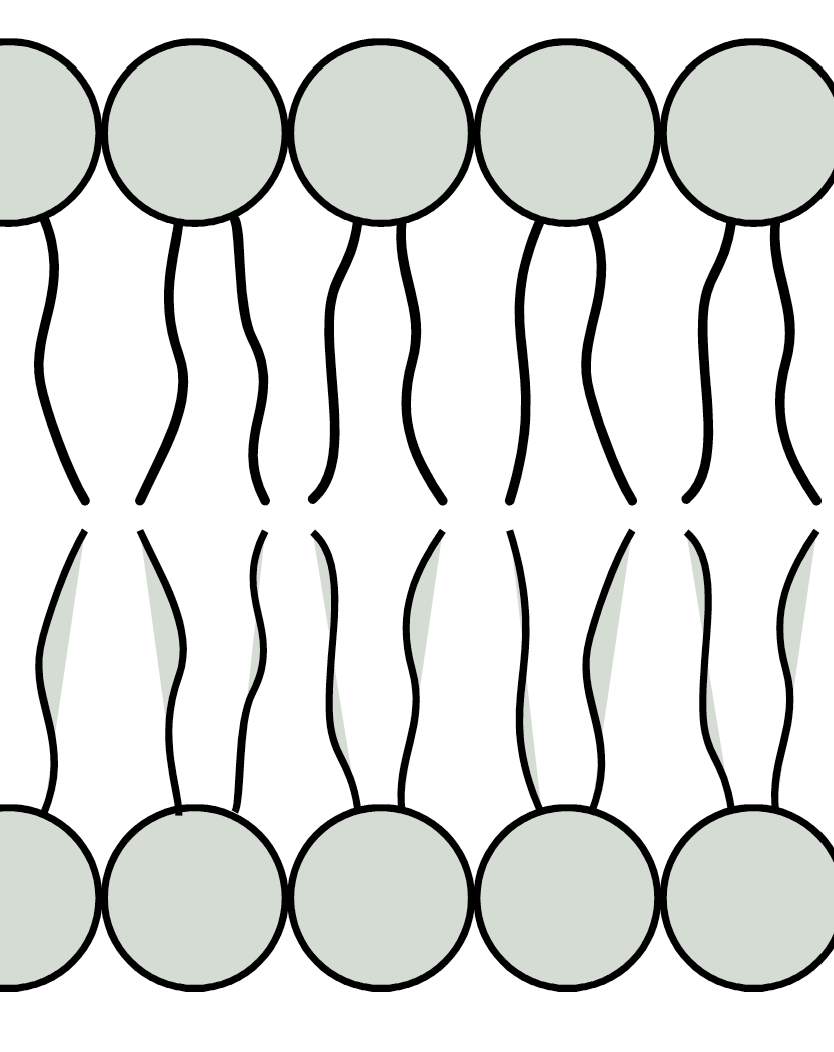
thanks but it doesn't work like I would like:
What would be a good way to have in this case?
@vectoradmin Would it be possible to add this option to repeat the pattern for this type of brushes?
-
@PatrickM said in I would like to make a brush... a simple brush:
Would it be possible to add this option to repeat the pattern for this type of brushes?
The pattern is repeated along the path. If I understand correctly the problem is that the shapes get stretched.
On the other hand, if we do not stretch the shapes (rigid shapes), then they get overlapped.If we would keep the whole pattern content rigid (not possible at this time), then the overlapping would get worse.
I think the best option is that I will try to figure out the difference between what VS does and what is in the example form that AI file. For that it would be great if you could send me the AI file, and would also help in finding the reason for the crash

-
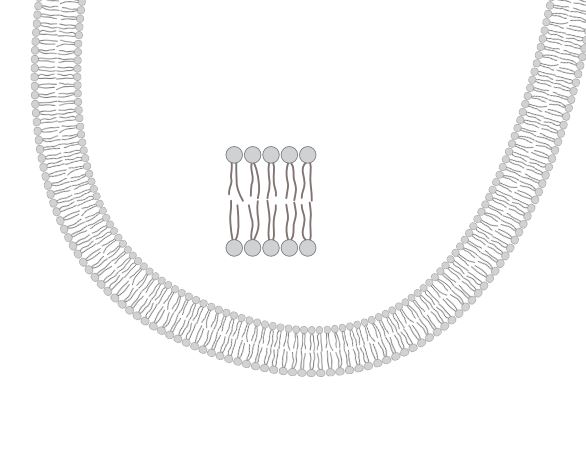
@vectoradmin I did test the same simple drawing in VS and AD.
Although not vector, the brush is fine in AD in a sense I get what I wish:
This is wrong in VS:
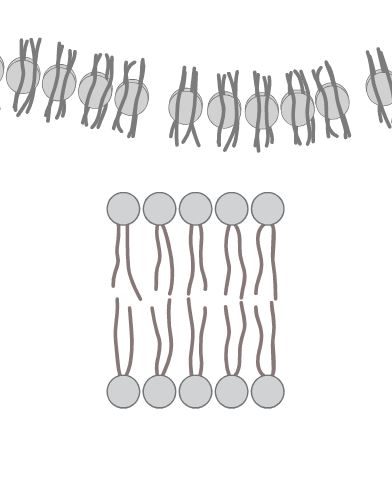
and I don't know how to get itI don't have time to go further but every one can try this.
P. -
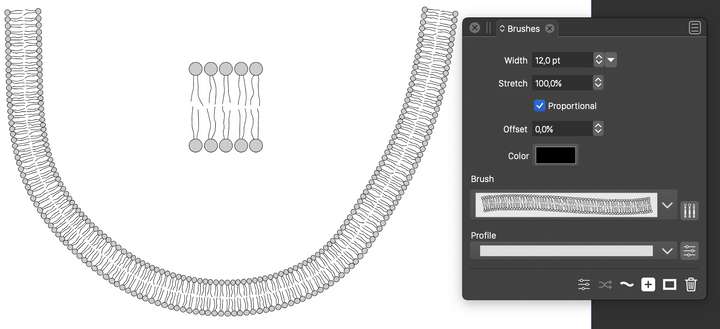
@PatrickM Attached the file with the vector pattern brush example: 0_1648459966486_patternbrush3.vstyler
-
@vectoradmin Great and perfect and all vectors !!
Could you do a quick (but detailed) video to see where I miss the point doing this ?
Thanks in advance.
P. -
@PatrickM https://recordit.co/uPU6wgT2Q8
-
@vectoradmin said in I would like to make a brush... a simple brush:
@PatrickM https://recordit.co/uPU6wgT2Q8
@vectoradmin Thank you very much for your help and presence on this forum

-
@VectorStyler Thanks for this. I've had Vectorstyler for years and I just give up trying to use it as it seems to do so much but looks SO COMPLICATED. Are there any tutorial sites that guide you through the basics? I've tried Youtube, but not found any that help.
-
@FanVidder What task(s) are you trying to complete?
-
@Boldline actually, I've just found a site containing enough tutorials to get me started. I find the workspace really daunting (I use Illustrator at college and I also have Affinity, but I can't afford Adobe at home). How do I set up my workspace so that all the panels are available? Thanks.
I managed to find the Tutorials page on here. -
I don't find the basic steps all that complicated. CorelDraw was my main
application before VS, i know a few other vector graphic apps too. It took
me a while to get used to the new terminology.It might look complicated, and some functions are harder to understand.
Just take your time and go step by step.Yes, there aren't many tutorials on YouTube, probably due to the still small
user base. I do post tutorials here in the forum from time to time, but I have
no interest in dealing with YouTube; it's just too much effort.The best thing to do is search the forum, check out the tutorial section, or simply ask.

