VectorStyler
    • Categories
    • Unread
    • Recent
    • Tags
    • Popular
    • Register
    • Login

    Why large triangles

    Scheduled Pinned Locked Moved Questions and Support
    3 Posts 2 Posters 3.5k Views 2 Watching
    Loading More Posts
    • Oldest to Newest
    • Newest to Oldest
    • Most Votes
    Reply
    • Reply as topic
    Log in to reply
    This topic has been deleted. Only users with topic management privileges can see it.
    • IngolfI Offline
      Ingolf
      last edited by Ingolf

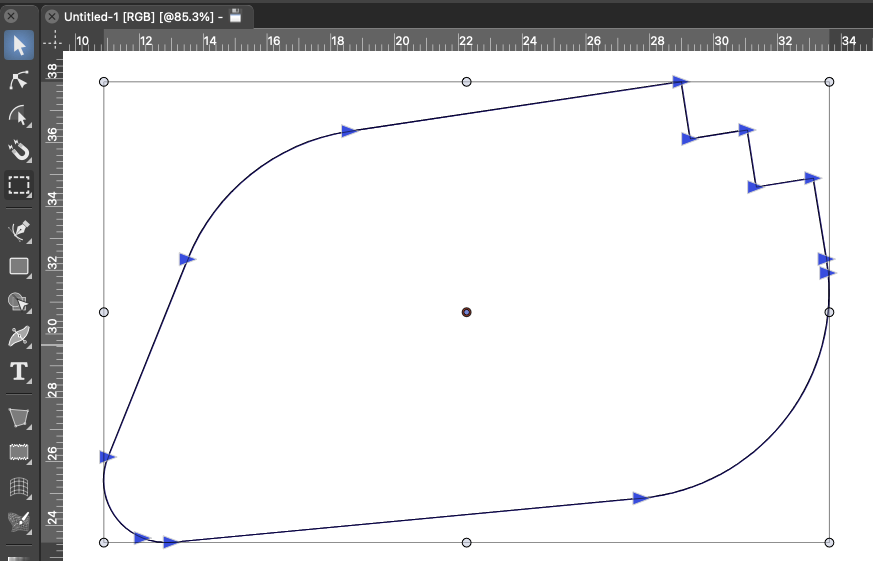
      When transform tool is selected nodes are represented by these symbols:
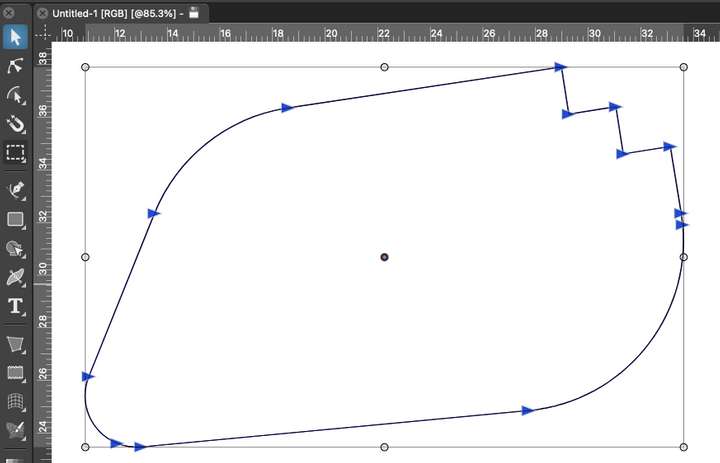
      0_1651616797245_9833dc18-0af9-481d-9463-b7c53945da39-image.png

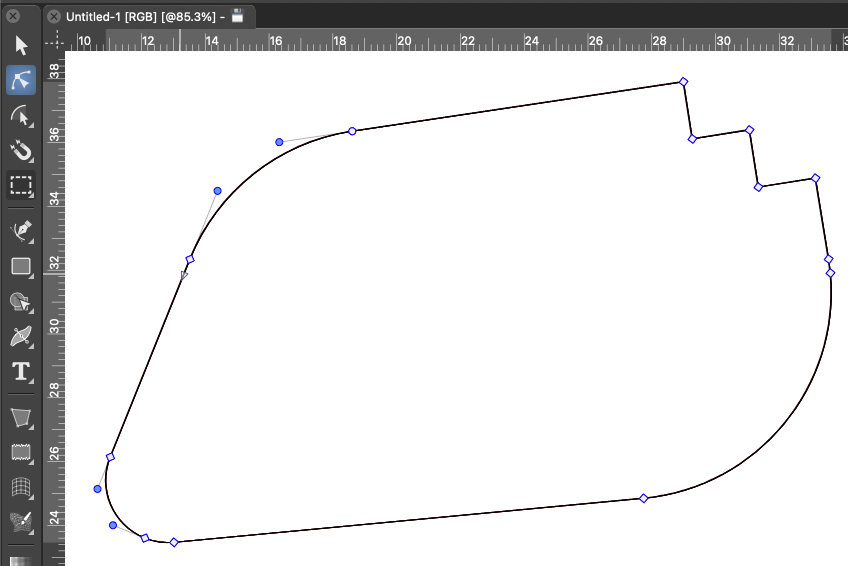
      When shape editor is selected it looks more familiar:
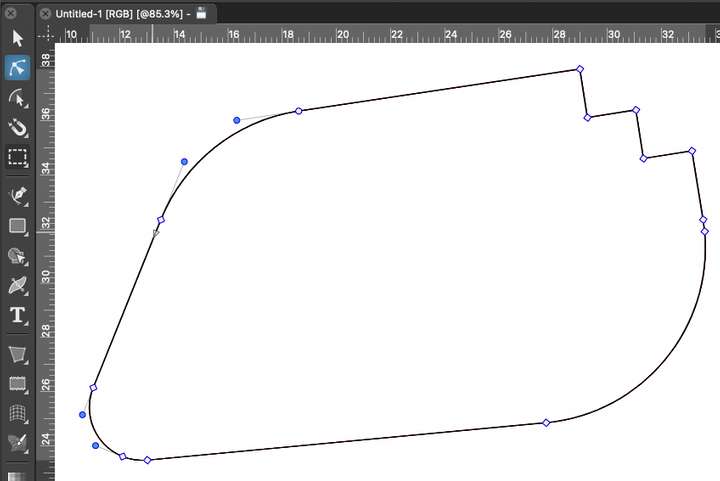
      0_1651616832070_50c6a710-f33f-44d5-8f73-4e07880d59bf-image.png

      🍏 macOS Sequoia Apple Silicon

      b77B 1 Reply Last reply Reply Quote 0
      • b77B Offline
        b77 @Ingolf
        last edited by b77

        @Ingolf It looks like 'Selection Outline Node' is set to 'Large Triangle' in Preferences > Indicator Shapes.

        The default is 'Small Rectangle'.

        If 'Show Nodes of Selected Shapes' is enabled in Prefs > Editing Options 2, these triangles are what the app displays over each node in Transform mode.

        MacBook Pro (Intel) running Monterey 12.6.4

        IngolfI 1 Reply Last reply Reply Quote 3
        • IngolfI Offline
          Ingolf @b77
          last edited by

          @b77 said in Why these arrows:

          @Ingolf It looks like 'Selection Outline Node' is set to 'Large Triangle' in Preferences > Indicator Shapes.
          The default is 'Small Rectangle'.

          You are right, thanks!

          🍏 macOS Sequoia Apple Silicon

          1 Reply Last reply Reply Quote 1
          • First post
            Last post