How to modify a mask
-
Hello,
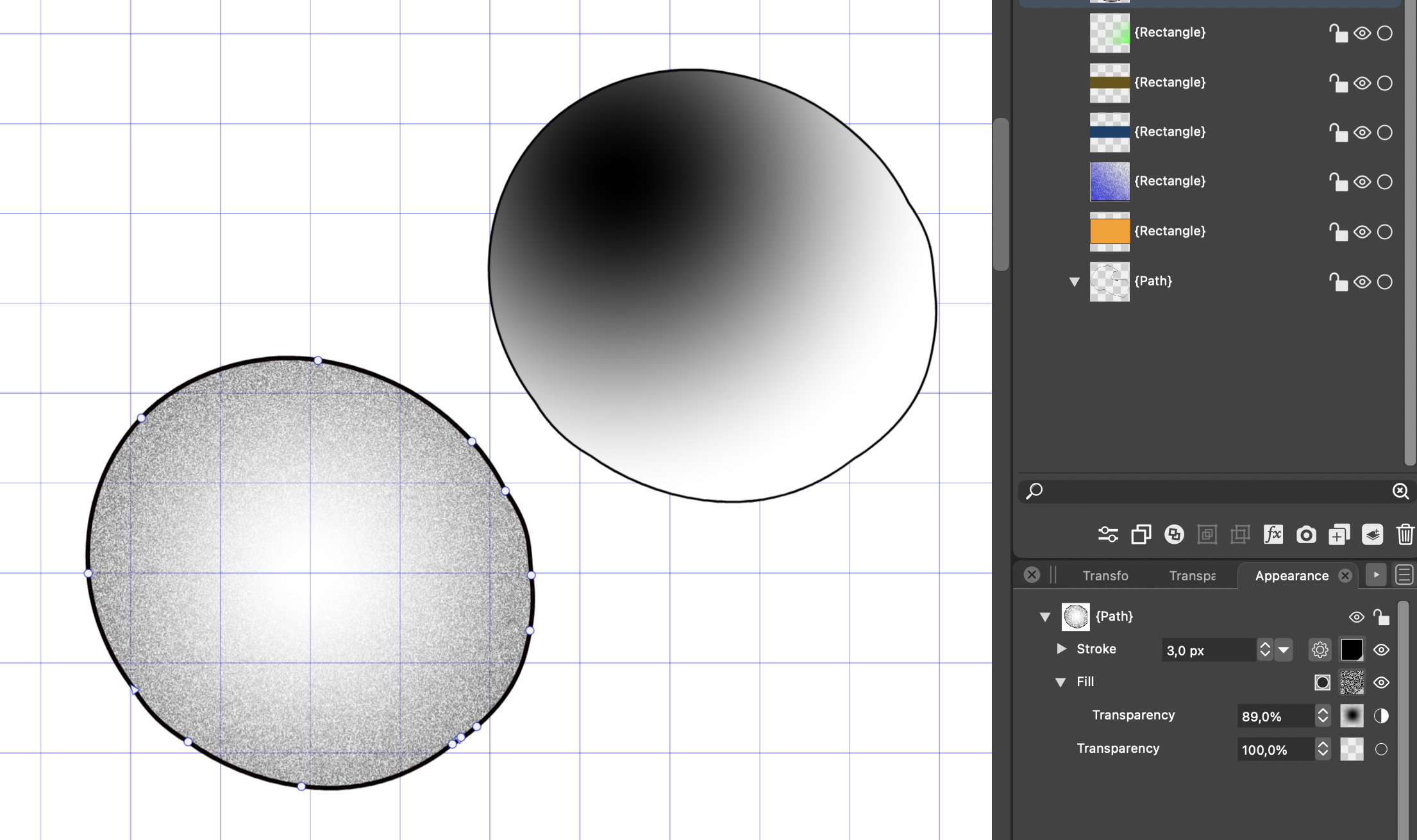
I do have the circle on the lower left side.
I gave it a fill with a white noise and assigned a mask with a gradient. If I click on the mask icon, I can change the radius and the intensity and so on. So far so good.
But how can I change the center point of the mask e.g. like the upper right circle. Can I assign this as a mask, or how can I change the center interactively to another position in the circle.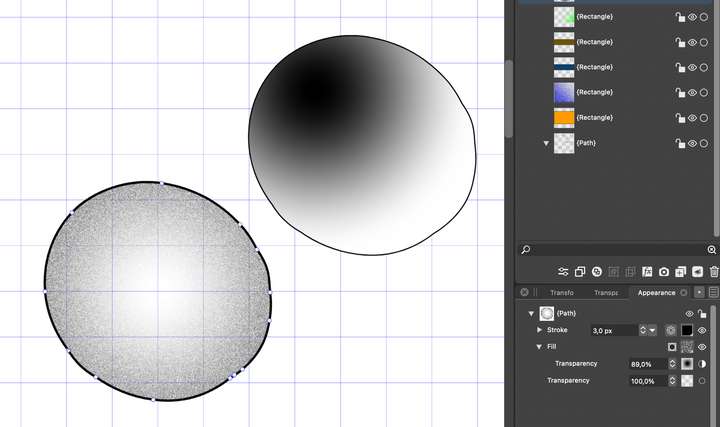
Thanks a lot.
MT -
@MajorTom I assume that the transparency mask type is a concentric gradient in this case.
The gradient mask tool can be used to interactively edit the position and other attributes of the gradient mask:
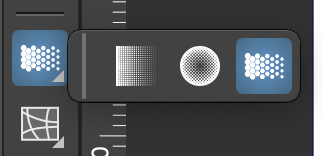
It can be found in the toolbox, grouped under the gradient tool icon.
When activated, a circle indicator with some nodes are shown to edit the concentric gradient for the mask.
Also: when editing the transparency mask gradient, it is recommended that in the Gradient panel the Mode is set to Transparency. -
@VectorStyler sorry for that stupid question, but how to select the mask for the fill.
if i highlight in the appearance panel the transparency line for the fill and use the gradient mask tool, always the mask for the complete object (fill and stroke) is edited. in my screenshot the second line with word transparency.
thanks. -
@MajorTom This is missing. The interactive editor works on the object only.
I add this to the backlog, to make it work on a highlighted appearance panel item. -
@VectorStyler: great, thanks

