VectorStyler
    • Categories
    • Unread
    • Recent
    • Tags
    • Popular
    • Register
    • Login

    slide path width adjustment along selected path

    Scheduled Pinned Locked Moved Questions and Support
    4 Posts 2 Posters 4.0k Views 1 Watching
    Loading More Posts
    • Oldest to Newest
    • Newest to Oldest
    • Most Votes
    Reply
    • Reply as topic
    Log in to reply
    This topic has been deleted. Only users with topic management privileges can see it.
    • BoldlineB Offline
      Boldline
      last edited by

      Is it possible to slide a path adjustment along a selected path?
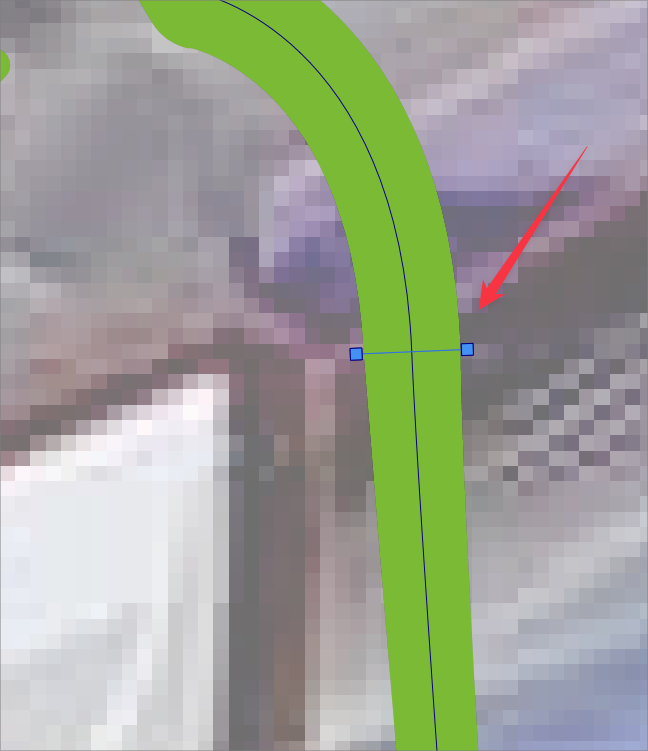
      0_1652984578276_5b1fb997-f0b1-403f-a0e9-6def626601fe-BLD 2022-05-19 at 14.21.02.png

      🍎 macOS Tahoe 26.2, Mac mini (M1, 2020), Chip Apple M1, Memory 16 GB
      Cintiq 27QHD Display and LG Ultra HD Display

      VectorStylerV 1 Reply Last reply Reply Quote 0
      • VectorStylerV Offline
        VectorStyler @Boldline
        last edited by

        @Boldline Select the width node and drag from the middle node: https://recordit.co/r5AbgfnzY4

        BoldlineB 1 Reply Last reply Reply Quote 1
        • BoldlineB Offline
          Boldline @VectorStyler
          last edited by

          @VectorStyler

          ok I had remmebered doing it before so I knew it was in there somewhere!
          question though - is there supposed to be a difference between adjusting the path width with a middle node or not?

          When it looks like this, (see pic below) it's obvious to me to use the node in the middle to slide it..
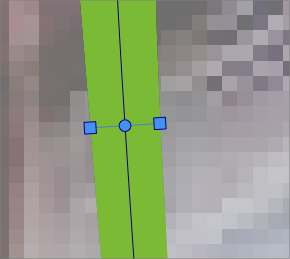
          0_1652985140430_5cc869c6-0983-48aa-92a2-d6573fd2d7ad-BLD 2022-05-19 at 14.31.04.png

          Somehow, like in the situation that prompted me to ask how to move the width option down the path, I get a path width option like this (see pic below) that has no center node... is this a bug? or just an option that allows for width adjustment without placing a node there?
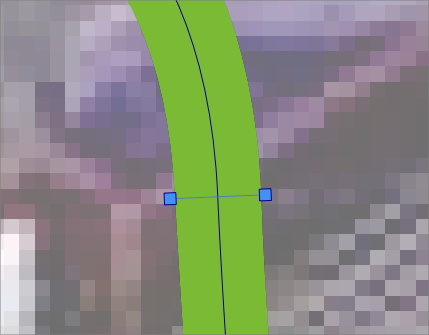
          0_1652985298652_56cb51fa-aa2b-452c-8b1a-485926dcdfeb-BLD 2022-05-19 at 14.33.30.png

          🍎 macOS Tahoe 26.2, Mac mini (M1, 2020), Chip Apple M1, Memory 16 GB
          Cintiq 27QHD Display and LG Ultra HD Display

          VectorStylerV 1 Reply Last reply Reply Quote 0
          • VectorStylerV Offline
            VectorStyler @Boldline
            last edited by

            @Boldline I think there always should be a center node. Try dragging the handle from the center, even if the node is not showing.

            If you have a file where the center node is not showing, send it to me I will try to figure out what is going on.


            1 Reply Last reply Reply Quote 0
            • First post
              Last post