VectorStyler
    • Categories
    • Unread
    • Recent
    • Tags
    • Popular
    • Register
    • Login

    Artboard appears locked
    Scheduled Pinned Locked Moved Questions and Support
    10 Posts 5 Posters 7.4k Views 4 Watching
    Loading More Posts
    • Oldest to Newest
    • Newest to Oldest
    • Most Votes
    Reply
    • Reply as topic
    Log in to reply
    This topic has been deleted. Only users with topic management privileges can see it.
    • BoldlineB Online
      Boldline
      last edited by

      I made a new file from the command, "new from clipboard" and I went to resize the artboard in the new file and I can't get it to change... is there an easy thing I am missing?

      0_1659572021694_locked artboard.vstyler
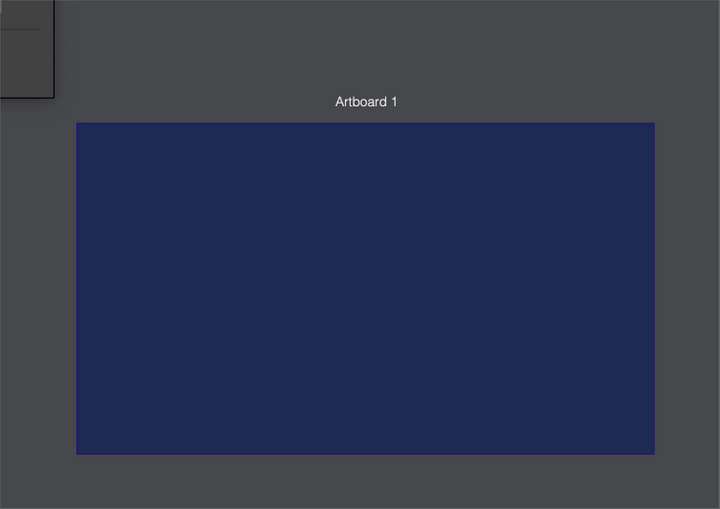
      0_1659572003733_430c1a9c-f594-4b43-a1d2-8bbf01968a90-BLD 2022-08-03 at 20.13.11.png

      🍎 macOS Tahoe 26.2, Mac mini (M1, 2020), Chip Apple M1, Memory 16 GB
      Cintiq 27QHD Display and LG Ultra HD Display

      VectorStylerV S 2 Replies Last reply Reply Quote 0
      • Devil DinosaurD Offline
        Devil Dinosaur
        last edited by

        I went to Canvas->artboard options and I changed it. I just needed to toggle on/off the lock because even off, it changed my measurements keeping the proportions.

        Fred.
        MacBook Pro (M1) - MacOs Sonoma 14

        BoldlineB 1 Reply Last reply Reply Quote 1
        • BoldlineB Online
          Boldline @Devil Dinosaur
          last edited by

          @Devil-Dinosaur sorry, I should have clarified, I was trying to adjust the size of it with the artboard tool in the vertical tool bar with no success

          🍎 macOS Tahoe 26.2, Mac mini (M1, 2020), Chip Apple M1, Memory 16 GB
          Cintiq 27QHD Display and LG Ultra HD Display

          1 Reply Last reply Reply Quote 2
          • VectorStylerV Offline
            VectorStyler @Boldline
            last edited by

            @Boldline I tested with the attached file and it seems to be working here.

            BoldlineB 1 Reply Last reply Reply Quote 0
            • S Offline
              Subpath @Boldline
              last edited by

              @Boldline

              is working here with your File
              and as it should also with New from Clipboard

              Video here

              Btw a great Feature of VS, did not really regonized
              it before your Post

              And it seems it solve your Problem to scale
              a Artboard to the Size of a Object Selections

              Win 11
              CPU: AMD Ryzen 5 9600X, 6-core.
              GPU: Nvidia Geforce RTX 5070.

              BoldlineB 1 Reply Last reply Reply Quote 1
              • BoldlineB Online
                Boldline @VectorStyler
                last edited by

                @VectorStyler said in Artboard appears locked:

                @Boldline I tested with the attached file and it seems to be working here.

                Restearted VS fresh today and tried again and it works now as it should... I don't know. Even restarting yesterday did not fix it for me but maybe it's something else causing it since it was not an issue for anyone else.

                🍎 macOS Tahoe 26.2, Mac mini (M1, 2020), Chip Apple M1, Memory 16 GB
                Cintiq 27QHD Display and LG Ultra HD Display

                1 Reply Last reply Reply Quote 0
                • BoldlineB Online
                  Boldline @Subpath
                  last edited by

                  @Subpath said in Artboard appears locked:

                  Btw a great Feature of VS, did not really recognized it before your Post
                  And it seems it solve your Problem to scale a Artboard to the Size of a Object Selections

                  Awesome! I'm glad you were able to discover something new from my question. That happens often to me where someone mentions a feature and it helps me learn new things in VS all the time.

                  I do make use of the awesome tool, "New from Clipboard" already - often I need to export transparent pngs of the design so it can be placed on top of a photo of a shirt to send to clients for review. I still have to scale the art on one end of the process or the other and the eventual addition of the "scale artboard to selection" will cover both sides of the use.

                  🍎 macOS Tahoe 26.2, Mac mini (M1, 2020), Chip Apple M1, Memory 16 GB
                  Cintiq 27QHD Display and LG Ultra HD Display

                  S 1 Reply Last reply Reply Quote 1
                  • S Offline
                    Subpath @Boldline
                    last edited by Subpath

                    @Boldline

                    ...Awesome! I'm glad you were able to discover something new from my question....

                    Well, I am shure this will not be the last time 🙂

                    I like to read the posts of others and try the techniques/ideas that they describe.

                    And one point I love about VS is that there is always something new to discover.

                    Win 11
                    CPU: AMD Ryzen 5 9600X, 6-core.
                    GPU: Nvidia Geforce RTX 5070.

                    DazmondoD 1 Reply Last reply Reply Quote 2
                    • DazmondoD Offline
                      Dazmondo @Subpath
                      last edited by

                      @Subpath said in Artboard appears locked:

                      And one point I love about VS is that there is always something new to discover.

                      Yes indeeeeeeeedeeee!

                      S 1 Reply Last reply Reply Quote 2
                      • S Offline
                        Subpath @Dazmondo
                        last edited by

                        @Dazmondo

                        🙂

                        Win 11
                        CPU: AMD Ryzen 5 9600X, 6-core.
                        GPU: Nvidia Geforce RTX 5070.

                        1 Reply Last reply Reply Quote 0
                        • First post
                          Last post
