VectorStyler
    • Categories
    • Unread
    • Recent
    • Tags
    • Popular
    • Register
    • Login

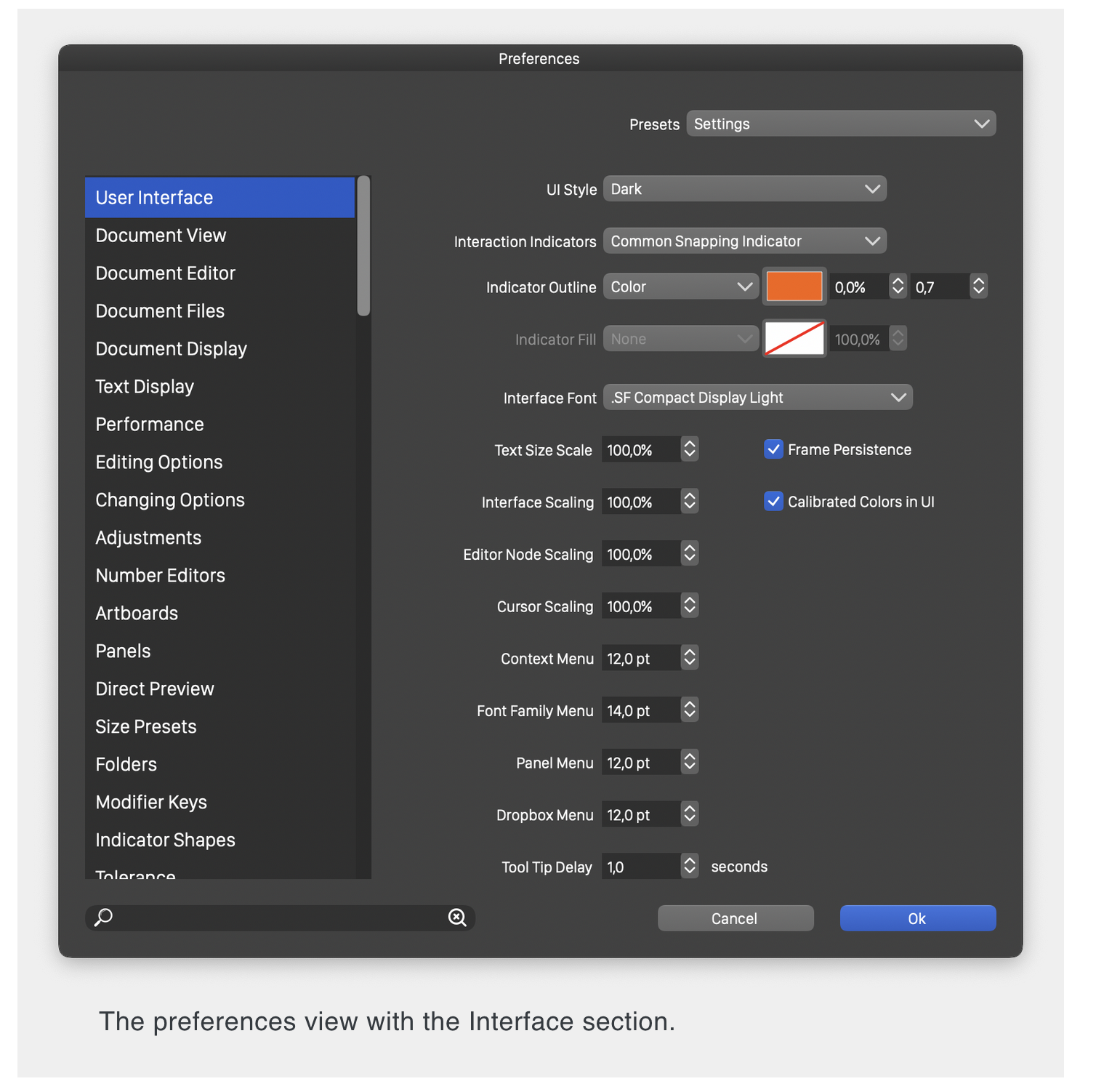
    Preferences > User Interface > Missing Selection menu ?
    Scheduled Pinned Locked Moved Questions and Support
    4 Posts 3 Posters 3.7k Views 2 Watching
    Loading More Posts
    • Oldest to Newest
    • Newest to Oldest
    • Most Votes
    Reply
    • Reply as topic
    Log in to reply
    This topic has been deleted. Only users with topic management privileges can see it.
    • B Offline
      Buntstift
      last edited by

      macOS Big Sur
      iMac (Retina 5k, 27-inch, 2017)
      Prozessor 4,2 GHz Quad-Core Intel Core i7
      Speicher 40 GB 2400 MHz DDR4
      Grafikkarte Radeon Pro 580 8 GB

      Why has my Panel: Preferences > User Interface, missing menu items?!
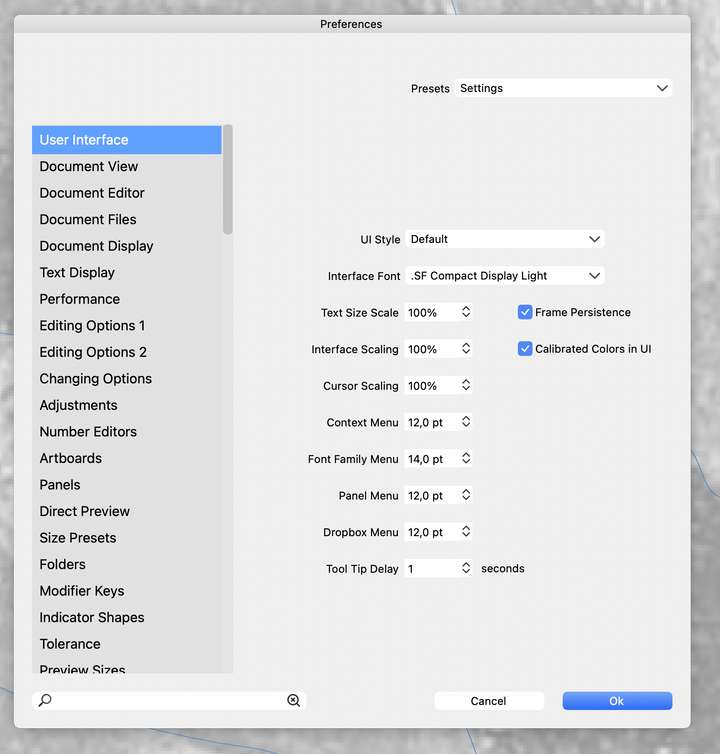
      0_1662031264744_Bildschirmfoto 2022-09-01 um 13.04.12.png

      The vectorstyler-screenshot looks different:
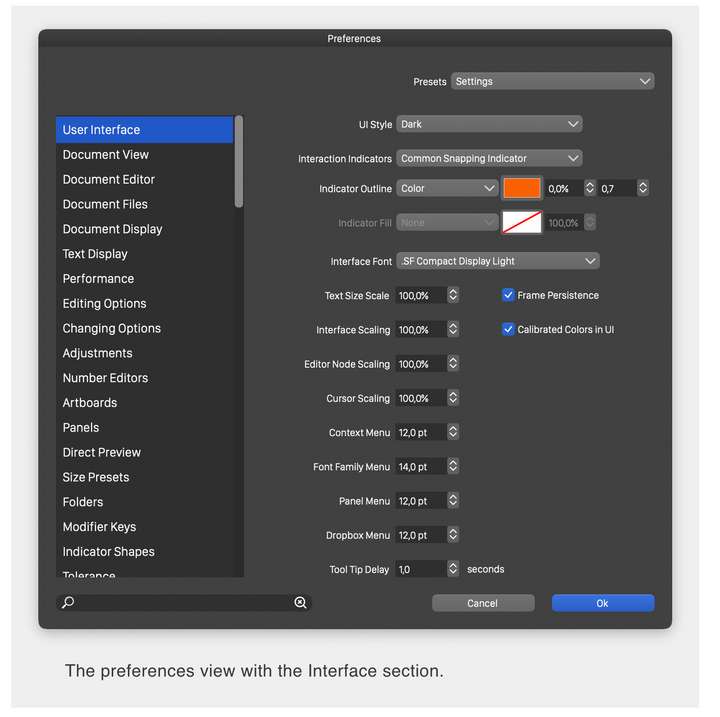
      0_1662031383400_Bildschirmfoto 2022-09-01 um 13.04.57.png

      VectorStylerV 1 Reply Last reply Reply Quote 1
      • VectorStylerV Offline
        VectorStyler @Buntstift
        last edited by

        @Buntstift the documentation is not up to date.
        Some of the options have been moved to different sections.

        1 Reply Last reply Reply Quote 0
        • BoldlineB Offline
          Boldline
          last edited by

          Look how far VS has come! When the current preferences page looks completely different from an early version, you know a lot of work has been done in a short time period

          🍎 macOS Tahoe 26.2, Mac mini (M1, 2020), Chip Apple M1, Memory 16 GB
          Cintiq 27QHD Display and LG Ultra HD Display

          1 Reply Last reply Reply Quote 1
          • B Offline
            Buntstift
            last edited by

            Yesss, found it! Keep your eyes open in road traffic!

            1 Reply Last reply Reply Quote 1
            • First post
              Last post