VectorStyler
    • Categories
    • Unread
    • Recent
    • Tags
    • Popular
    • Register
    • Login

    What option turns off grid by default on new documents?
    Scheduled Pinned Locked Moved Questions and Support
    2 Posts 2 Posters 2.7k Views 1 Watching
    Loading More Posts
    • Oldest to Newest
    • Newest to Oldest
    • Most Votes
    Reply
    • Reply as topic
    Log in to reply
    This topic has been deleted. Only users with topic management privileges can see it.
    • BoldlineB Offline
      Boldline
      last edited by

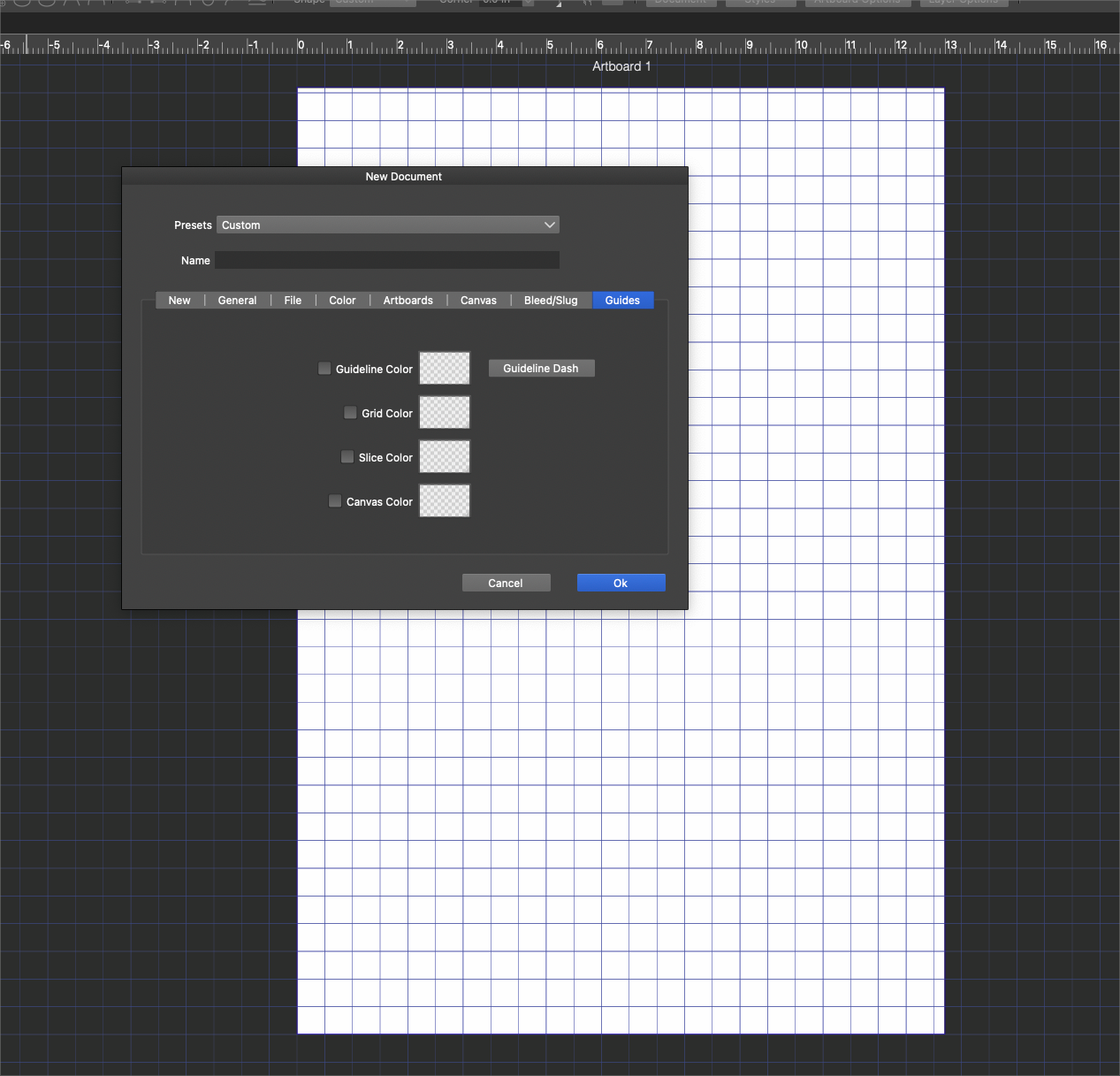
      For some reason, when I make a new document after updating to the newest build, it wants to show the default grid, even though I do not have it visible in the settings (that I know of) I have to go into the View>Guide Turn off Grids
      Once I turn it off there, it's off again for all new documents afterward until a new build
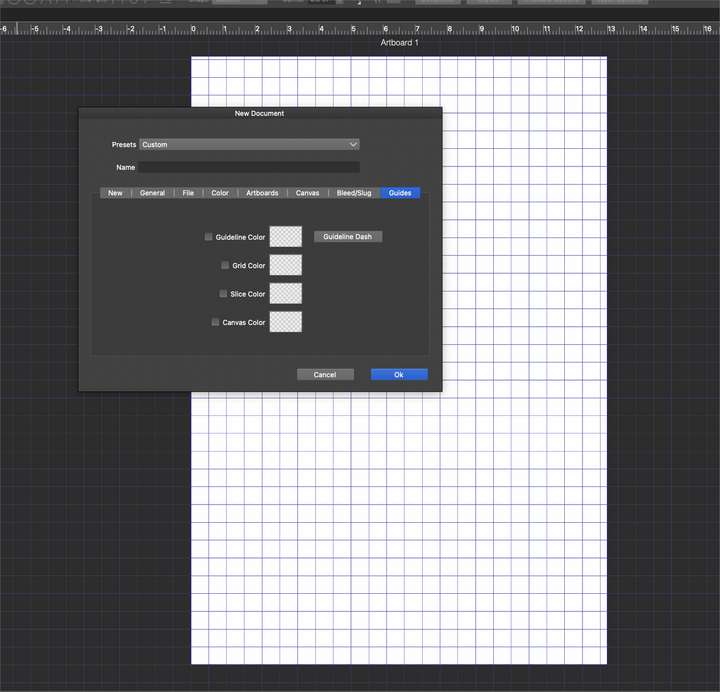
      0_1662157094425_4cae8289-e450-4c16-9c1d-f70a90b80fb6-BLD 2022-09-02 at 18.16.01.png

      🍎 macOS Tahoe 26.2, Mac mini (M1, 2020), Chip Apple M1, Memory 16 GB
      Cintiq 27QHD Display and LG Ultra HD Display

      VectorStylerV 1 Reply Last reply Reply Quote 0
      • VectorStylerV Offline
        VectorStyler @Boldline
        last edited by VectorStyler

        @Boldline The only option to have it off by default is to turn it off.

        What probably happened here is that a document where the gird was on was opened and that turned on the grid for default mode.


        1 Reply Last reply Reply Quote 0
        • First post
          Last post