Could VS check color information to see if the color already exists in the main palette before adding it?
-
Currently I have the same color swatch set installed as my main color palette and as the always-present secondary color palette. It makes it easy to just grab a color quickly.
I'm trying to figure out what my settings in the main color palette should be - because if I open a third color palette, or change the always-present secondary palette to another swatch set and then sample colors from that set, I would want them to be added to the main color palette for the file. What I don't want is for the same exact color to be added twice because it's listed and pulled from another palette. I was assuming in this case, that because the always present secondary color palette was displaying the exact same color swatch file , that the main file color palette would not create new versions since they already exist...
Is there a way VS can "know" the colors are the same and therefore not add it to the main file color palette if that is the case?
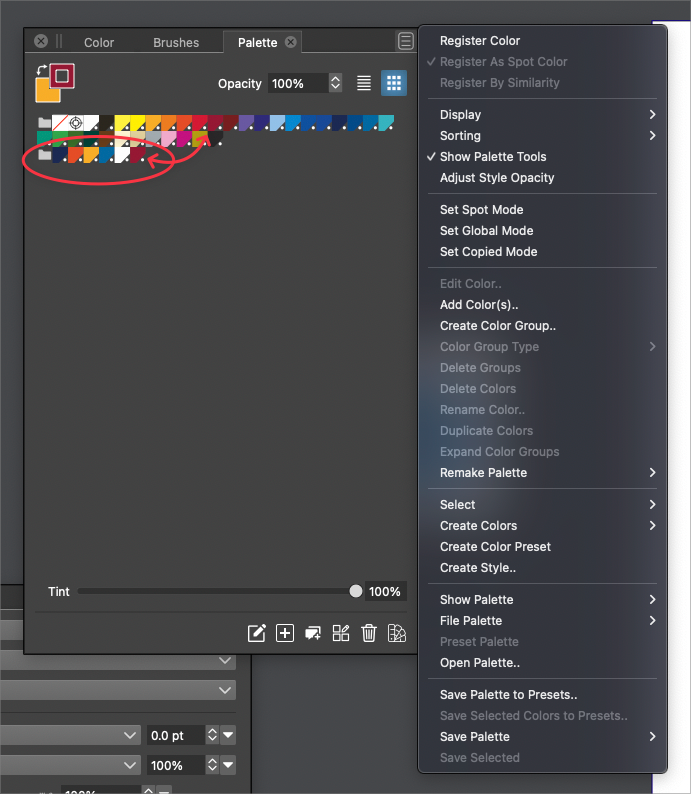
-
@VectorStyler I sent you an email just now with these files because it was causing color shift issues like we've discussed before - this time when I tried to change the artboard background color
-
@Boldline I have to look into this, but if the colors are of the same mode (RGB/CMYK) then in should find similar colors.
-
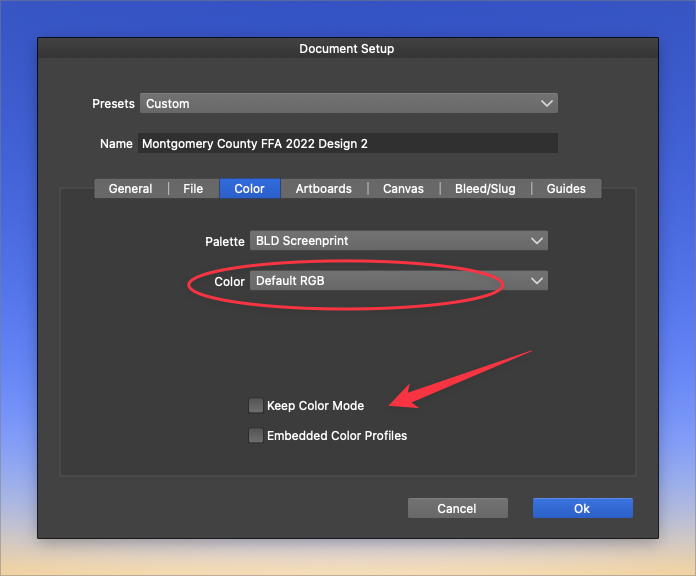
@VectorStyler Would these settings play a role in the issue in this case? Prior to doing the project I had switched an earlier project over to RGB mode. When I went to make the next new file it retained the RGB setting instead of the CMYK I typically use
-
@Boldline Not these should not affect the palette color addition.
I think it might be impacted by the color name. In some cases the name is also compared, and if not matching a new color is added. -
@VectorStyler ok maybe I have the wrong palette installed and I was assuming they were the same? I think I saw where you had added the ability to quickly check the name of the palette installed as the file default in the latest build - If so, can you tell me how to access that? I know with the color palette bar I hover over the top section and the tooltip tells me.
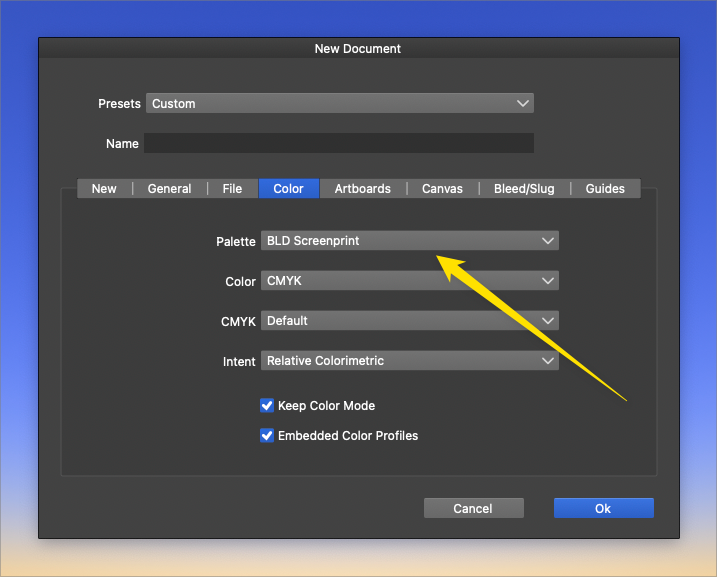
In the meantime, I went in and made a new file entirely and checked the settings for a "new document setup" and my color profile there is named "BLD Screenprint" as it should be.... then when I commit to that setting and the new file opens, I check the color palette bar to see what color palette name it has - it's the same one- "BLD Screenprint"
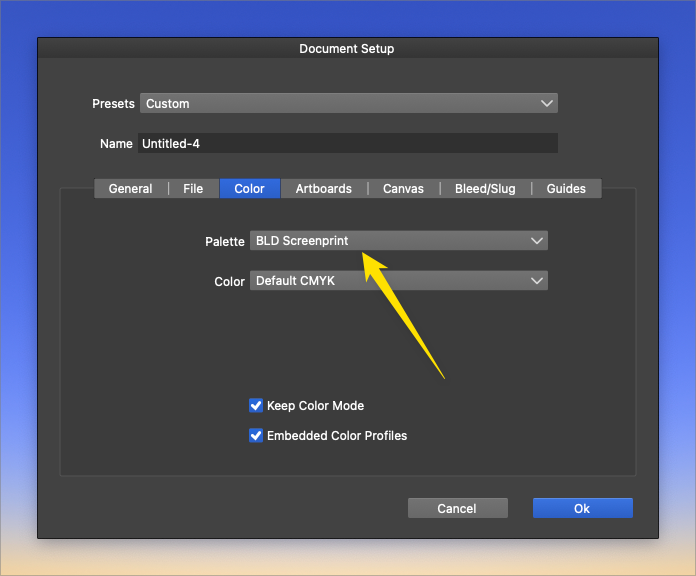
I also checked the "document setup" after creating the file to see if anything changed in the color palette name installed there - but it all looked correct.
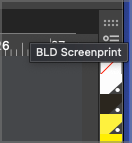
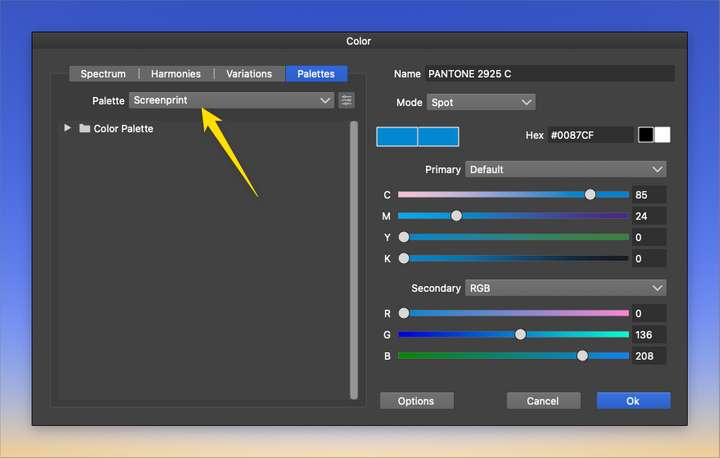
If I click on a color from the vertical toolbar and use it in the design, it adds it to the main palette as a new color. If I then double click on the color palette bar color, it displays the color panel and the palette name is called "screenprint", which is a different color palette.... but when I hover over the color palette bar, it tells me the name is "BLD Screenprint", which is what I want it to be. (cursor is not showing in the image below but is there in real life)
To my untrained eye, it appears the vertical tool palette bar is telling me it's the right palette installed when I hover over it to get the name, but when I double-click on a color in that palette bar, it tells me another and I am guessing the hover tooltip name is not accurate?
-
@Boldline said in Could VS check color information to see if the color already exists in the main palette before adding it?:
I think I saw where you had added the ability to quickly check the name of the palette installed as the file default in the latest build - If so, can you tell me how to access that?
Enable "Register by Similarity" in the palette panel menu, to compare the color (not the name) when adding to the palette.
-
@VectorStyler ok thanks - that helped a lot actually. Now when I click on a color in the color palette bar, it corresponds with the same color being selected in the main color palette I installed as the file default!
-
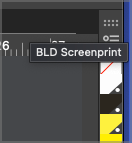
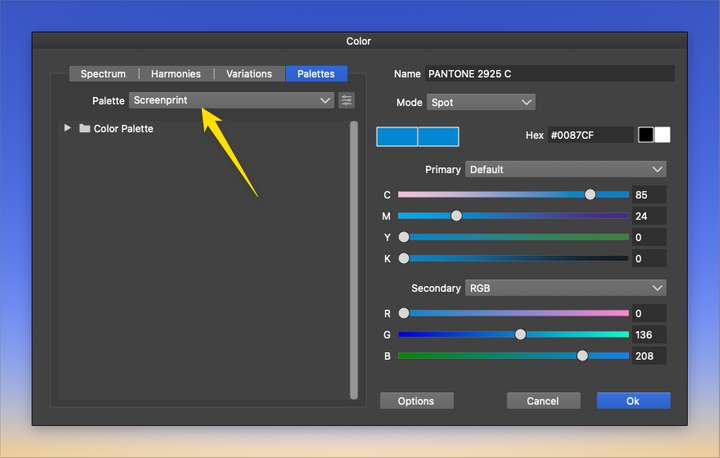
@VectorStyler Is there still a discrepancy issue with the name of the color palette file installed in the color palette bar? Why would it say the name of a different color palette file when I double-click and open a color compared to hovering over the top of the same color palette bar and getting a different name there in the tool-tip popup? Should this concern me?
-
@Boldline said in Could VS check color information to see if the color already exists in the main palette before adding it?:
Should this concern me?
They are just labels, so no concern.
I think this is just the name of the palette, and in the first case it uses the file name, the second the palette name stored inside the palette.
I have to look into this to have them the same.

