How to open multi page PDF on one canvas?
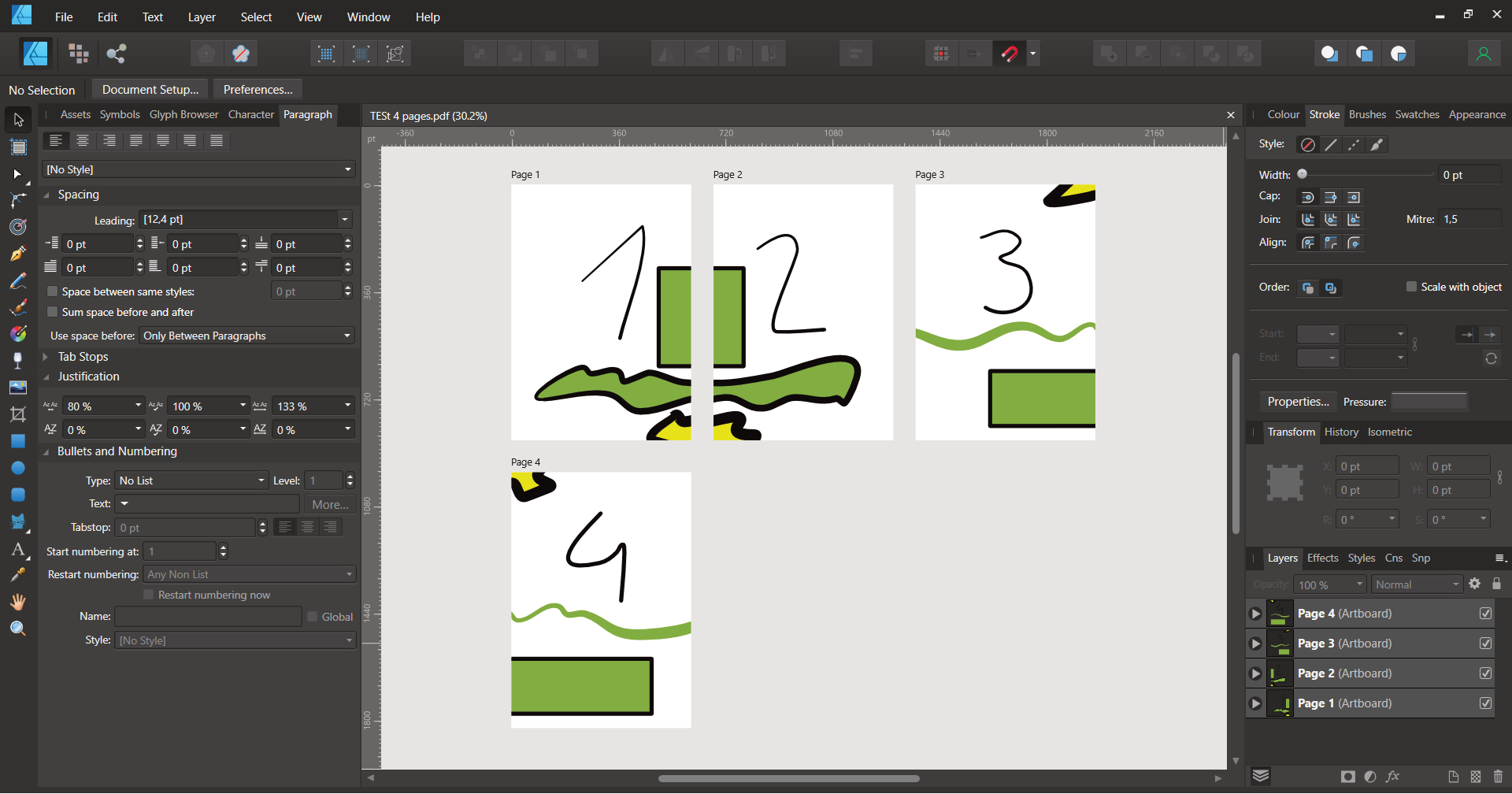
-
Hello Everyone!
This is my first post. I've found VectorStyler on Affinity forum and I'm testing trial version hard.
I use Affinity Designer and Inkscape for vectors and I'm amazed how feature packed VectorStyler is. Will buy VS for sure.
I'm working on two-page spreads for children's books. I've made some test and VS performed best for creating it and exporting to PDF. This is VS file:
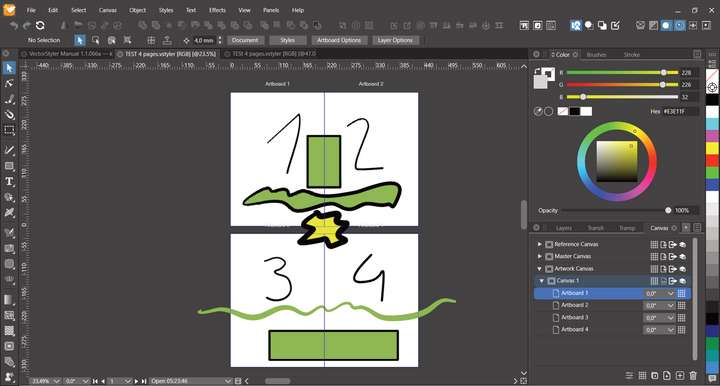
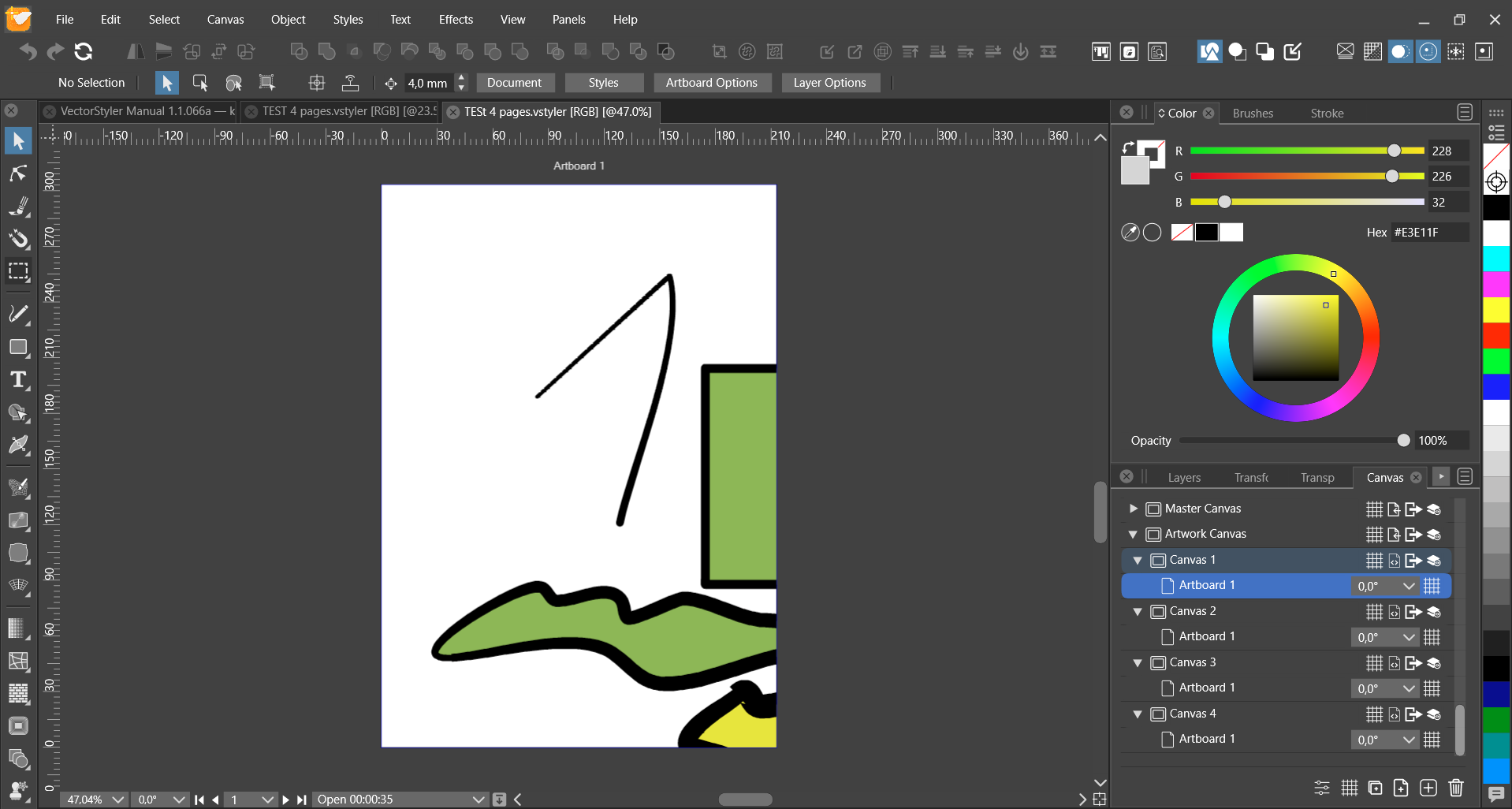
But after exporting it to PDF, VS opens it on 4 separate canvases:
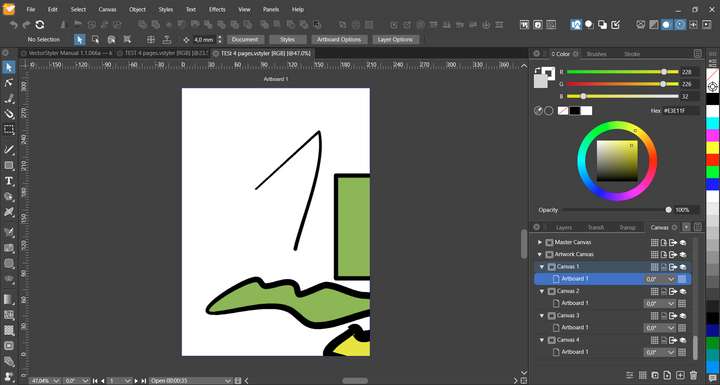
And yes - VS Manual has 1339 separate canvases

My question is: how to open multi page PDF in VS on one canvas like on Affinity Designer:
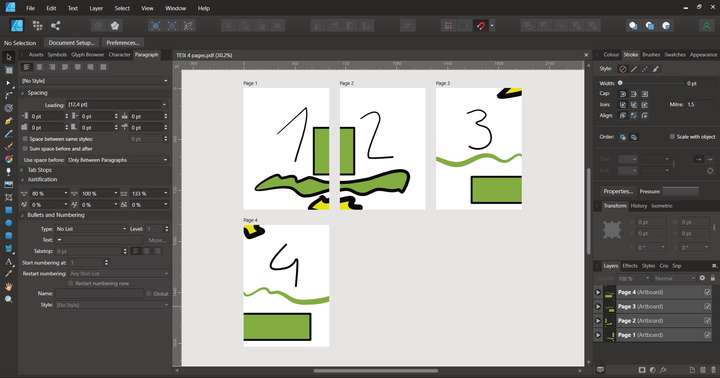
P.S. Drag and drop Artboards (like in Affinity Designer) would be a life saver!
Win 11, XP Pen Deco 01 V2 graphic tablet
-
@Blunieb Curently, multipage PDFs are opened on different canvases (not artboards).
A VS document can have multiple canvases, that are accessed from the Canvas&Artboard panels.
Only one canvas is visible at a time, containing (possibly) multiple artboard.In case of PDF opening, you can find the other pages, on subsequent canvases (pagedown should also get there).
Opening multipage PDFs on a single canvas with multiple artboards is planned for version 1.2
-
@Blunieb Added the artboard drag&drop to the backlog!
-
@VectorStyler said in How to open multi page PDF on one canvas?:
Opening multipage PDFs on a single canvas with multiple artboards is planned for version 1.2
@VectorStyler said in How to open multi page PDF on one canvas?:
@Blunieb Added the artboard drag&drop to the backlog!
I'm really happy to hear that! As a Affinity Designer user I could only dream about such a support!
-
Thank you for adding opening PDFs on one canvas in release 1.1.067 !
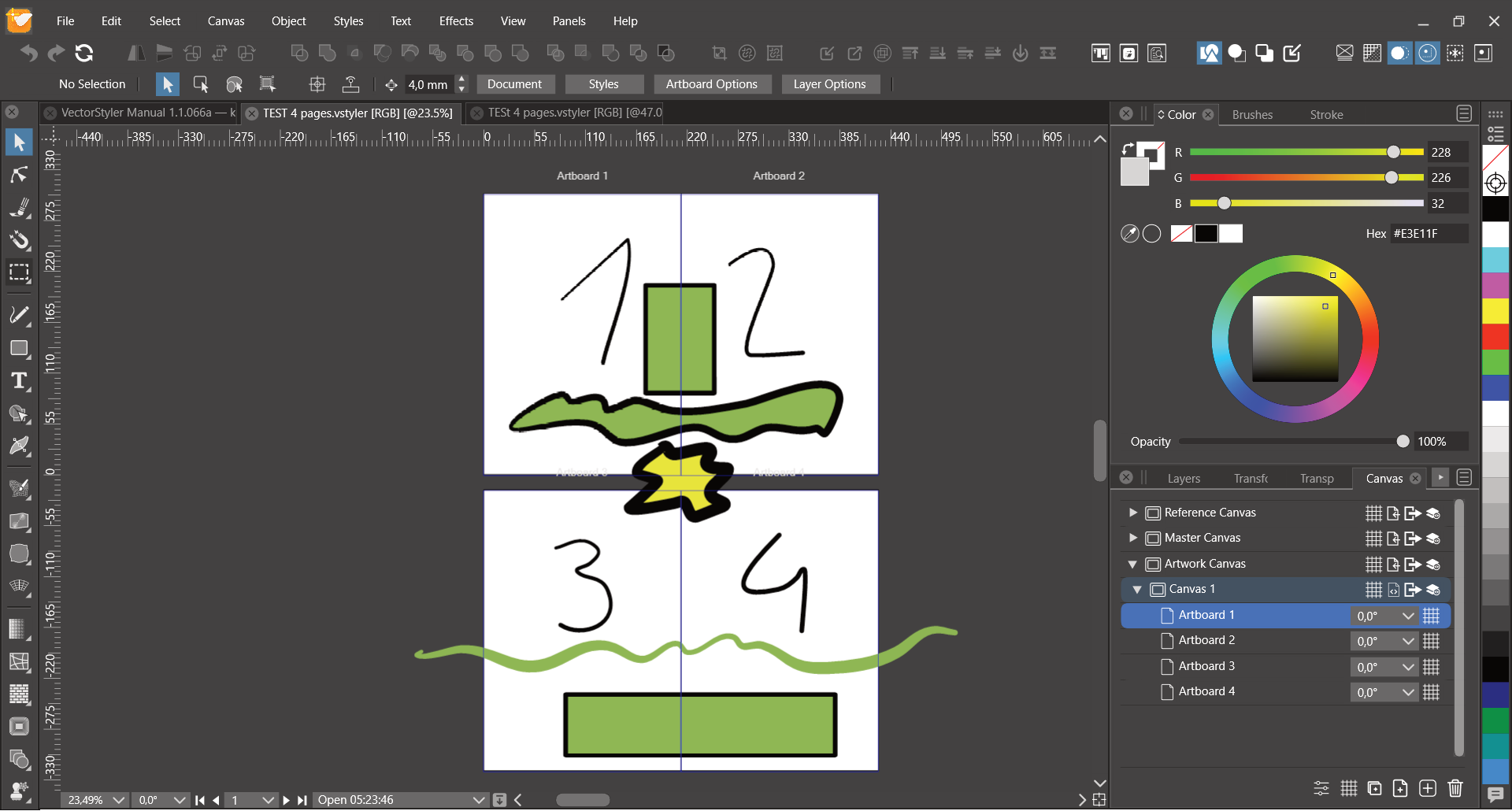
But after opening my test pages, I got artboards overlapping:
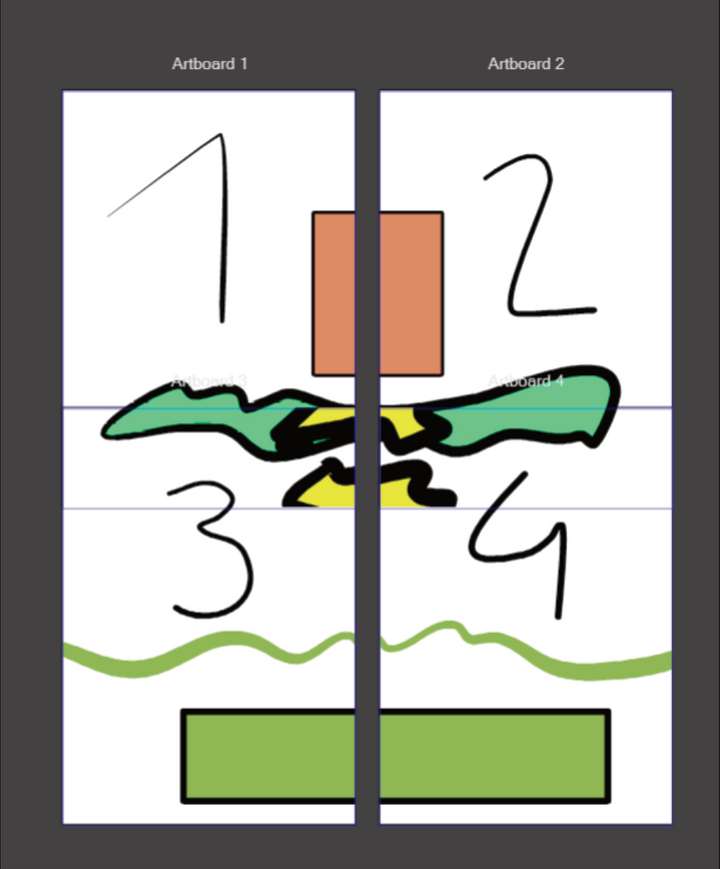
Also - after trying to open VS Manual (1339 PDF pages) - VS crashes. Build 066 was faster than Affinity Designer and didn't crash.
-
@Blunieb For that many pages, placing on one canvas might not be a good idea, there is the Preferences -> Document Files -> Open PDF on Canvases option to enable to return to the previous mode.
When on separate canvases, only one page content is "resolved" at a time, so it is fast.
When on one canvas, all pages will be "resolved". I will try to improve the speed of this one.As for the page overlaps, this could be a bug in the new part, and it might be that the page sizes are not fetched correctly from the PDF.
I would need an example PDF to replicate this issue (send it to support at vectorstyler.com).
-
PDF sent
-
@Harry Yes, pages are overlapped in this one.
I will try to fix this as soon as possible.
