How do I create text on a circular path above and below and avoid an unwanted shape effect?
-
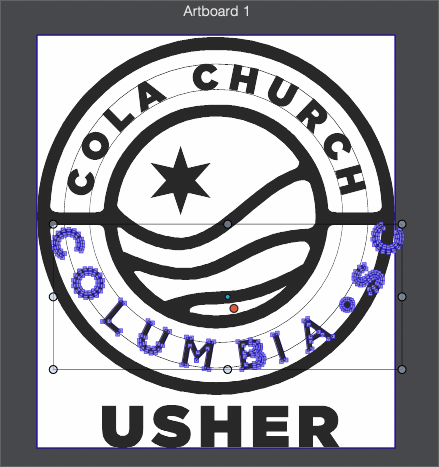
I'm running into a consistent problem when I am setting type on a path when a shape effect inadvertently gets added to my text in the process of sizing the font and arranging it into position on the path. When I go to expand the live text into a shape, it throws the entire wording off track and out of position - like in this attached video.
I was wondering if the new option added in build 67 dealt with this issue. "Menu command to clear content transform from selected objects." I'm guessing that is related to something else entirely.
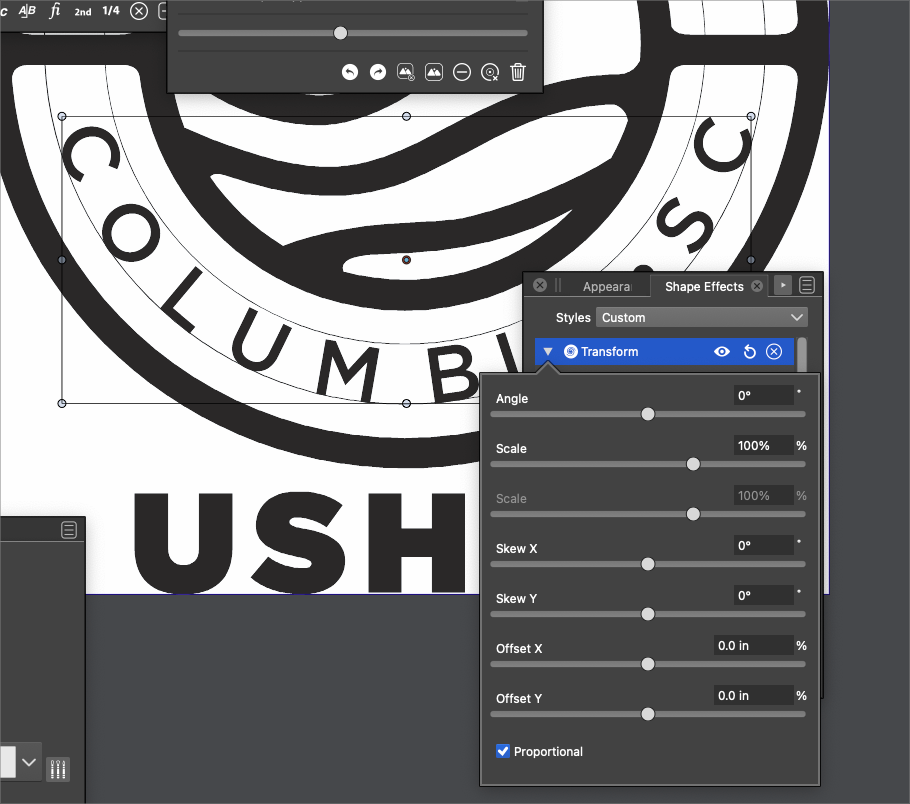
I remembered from an old conversation on this topic that I needed to go look in the shape effects panel and in doing so, I saw a "transform" shape effect added to that live text. When I opened the "transform" option, none of the settings seemed altered from normal settings... and when I did adjust them, it altered the selection box around the text, not the text itself. I was able to delete this shape effect from the shape effect panel and then expanded the text without issue at all - but where I am confused is why it was added to begin with, what I might have done to do so and what purpose it serves? I may have scaled up or down the font size. I do know I copied the first circle path used for the top wording and then added new text on a path to that for the bottom words. I did scale the circle path so when I flipped the wording inside, it was following the same overall path of the upper circle again.
Perhaps there is a better way to create text on a circular path both above and below and have it all face the right direction?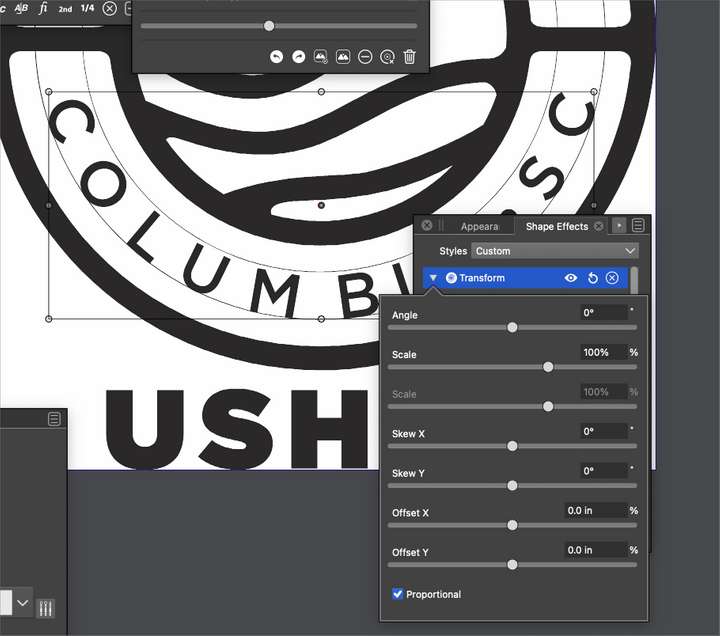
🍎 macOS Tahoe 26.2, Mac mini (M1, 2020), Chip Apple M1, Memory 16 GB
Cintiq 27QHD Display and LG Ultra HD Display -
@Boldline I have no idea what the reason is. Try copying the content of this artboard to a new document and expand there. It sometimes works for me when a file gets hiccups.
-
@encart Thanks for your good idea. I did try exporting it to a different file and the issue carried over. I think it had to do with scaling the copy of the initial circle path, because it did not negatively affect the first circle and text - just the second one I had modified.
I was able to solve it for today's project - more thinking long term now -
@Boldline Probably this problem existed before.
The "Transform" is added to the text if it is scaled.But when converting to curves, it should keep the positions.
Can this be replicated with the example sent by email?


