Adding new brush/stroke sizes not intuitive
-
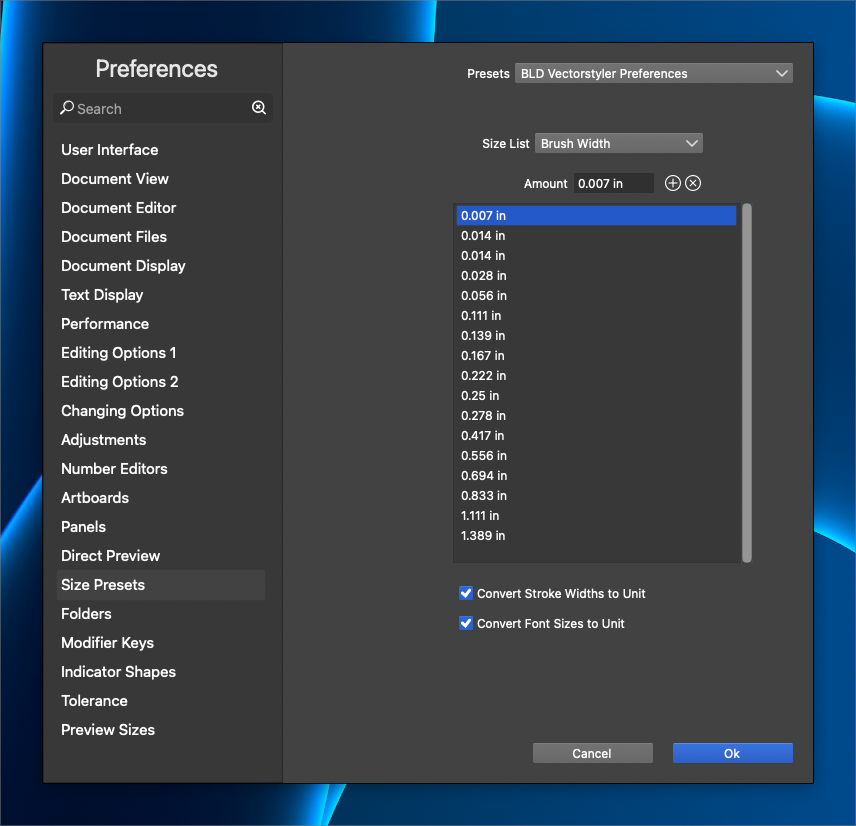
I was trying to add new sizes to the brush width settings in the "size presets" section of the preferences and nothing about it felt intuitive. https://recordit.co/vi5uAy3BGk
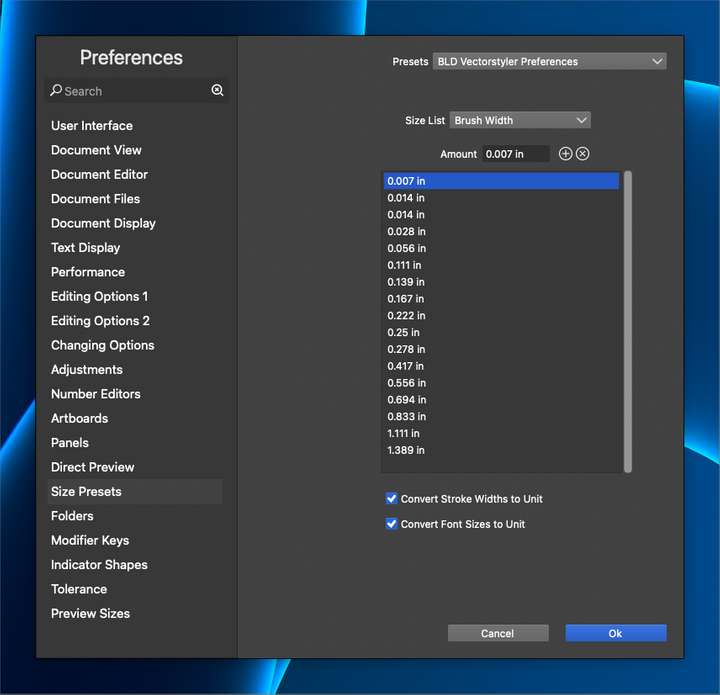
I wasn't sure if I was supposed to click the plus symbol first to create a new sizing, or add the new sizing in the text box and then press the plus sign, but either way, it did not add the size to the list below. I pressed "ok" and the panel and preferences went away entirely. I and to reopen the panel to see if the new size was added - and it was.In my opinion, I would have the number be added manually or by clicking on an existing size in the list below to auto-fill the numbers and then allow for editing that number and then press the plus sign to see it added right away and not require reoening preferences to see the result.
-
@Boldline Added this to the backlog, will try to improve.
-
@VectorStyler thanks. I think the biggest fix personally would be to add a confirm button of some kind so the user can see the new number added to the list without having to close it out and reopen the entire panel. Currently, I wanted to add multiple new widths, I'd be closing and opening the panel frequently.
-
@Boldline said in Adding new brush/stroke sizes not intuitive:
Currently, I wanted to add multiple new widths, I'd be closing and opening the panel frequently.
But the (+) button next to the editor should add the number.
-
@VectorStyler Stroke width seems to be working correctly. However, with font size and brush width, it adds a new size to the list, but it's not the right number. You have to close out the panel entirely and reopen to see the updates.
So really, if the font size and brush width options worked like the stroke width does now, the panel would feel better and more intuitive

