Using gradient in stroke does not allow for copy and paste or other adjustments
-
My son was vectoring a helmet and had made the outline stroke a gradient. He was then unable to copy and paste a copy of that stroke and at first also unable to flip it from a stroke to a fill. when he made the stroke a solid color, everything worked again normally.
When I went to record a screen video, the shift-x flip from stroke to fill worked properly again, but still unable to copy and paste the stroke. each time i try a new video, something else about the stroke seems to work and other parts do not.
Here is a video
Here is a video where I can get it to flip from stroke to fill, but I cannot cut and paste - only cut
Here is a third video where I was able to capture it unable to switch between a stroke and fillThe screenshot below shows where the stroke is located in the design. I also attached the file itself to this post.
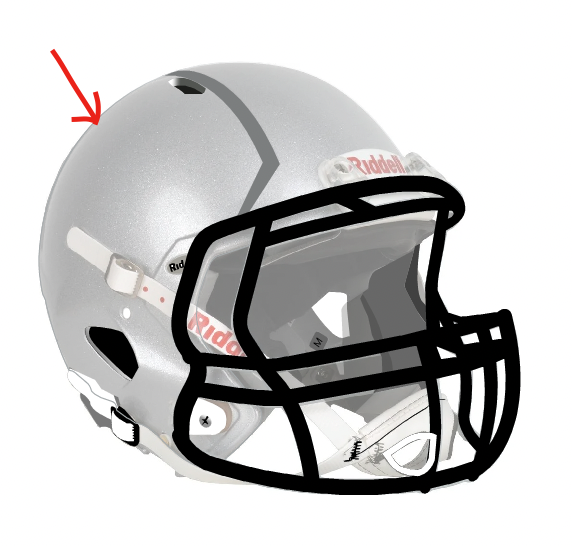
Here is the working file:
0_1675009316043_fantasy team.vstyler -
@Boldline Tried to replicate this, but here it seems to be working.
I think in this case it is important to know what panels are open (not visible from the recording).
This could be an environment issue (settings / workspace).
-
@VectorStyler Similar issues were happening in another newly created file. I tried resetting the workspace and that did not fix the issue. Removing the customized preferences file did solve the issue. Unfortunately, I did not save the old pref file to send in. I apologize. If anything happens again I will send it in
-
@Boldline said in Using gradient in stroke does not allow for copy and paste or other adjustments:
Removing the customized preferences file did solve the issue
Send me the custom pref file if this issue occurs again.
It might be some settings that causes this.

