Weird behavior when repeating duplicate with a rotated object.
-
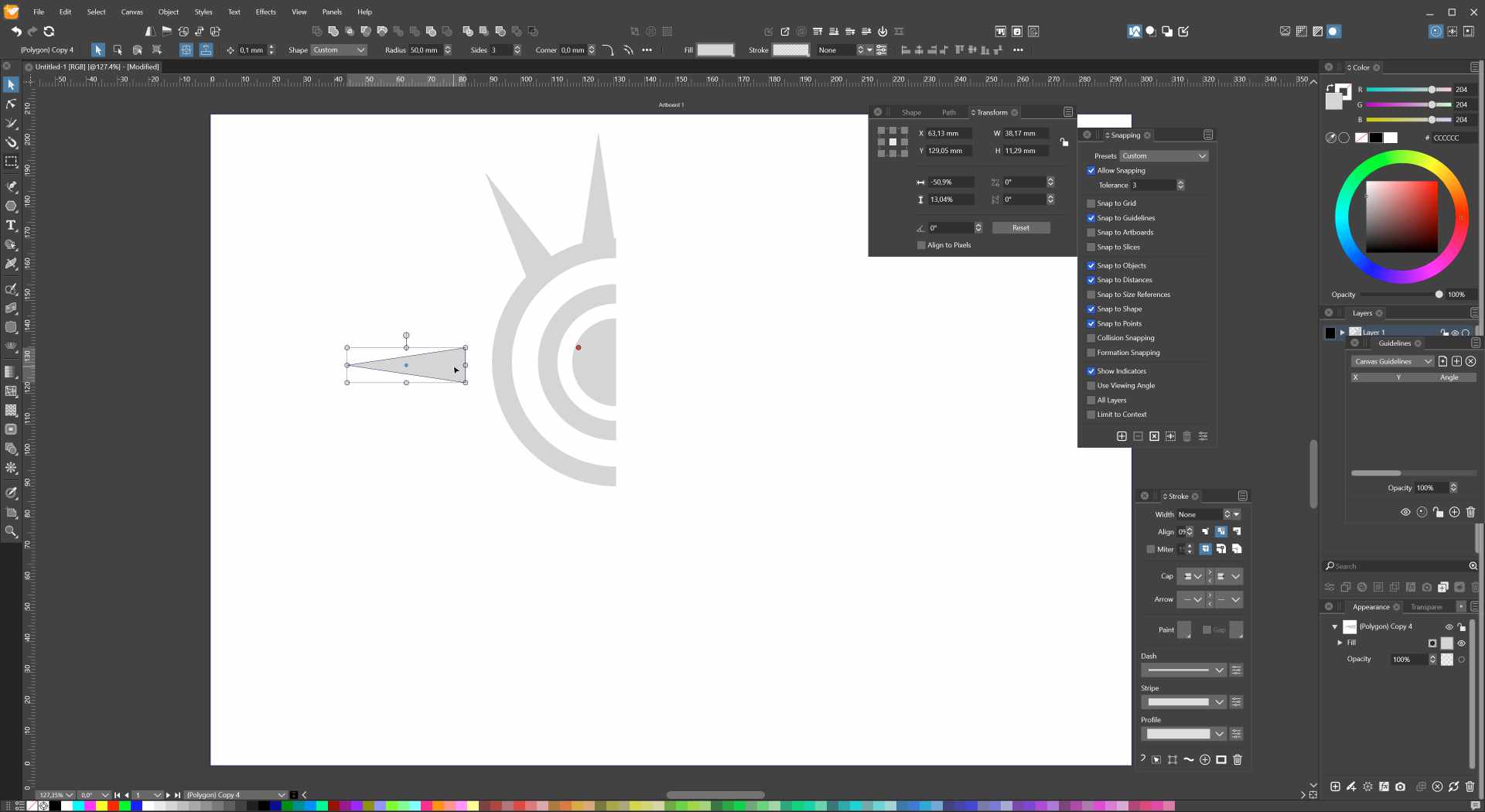
I have this object I wanted to duplicate and rotate around a moved center point:
I select the triangle, ctrl+d to duplicate, and then I rotate the triangle by 30 degrees:
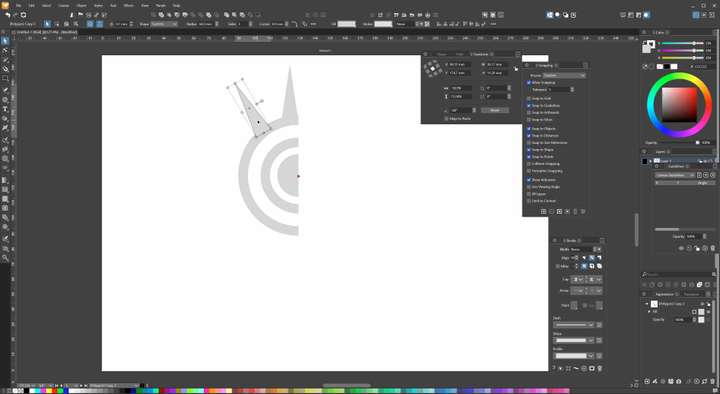
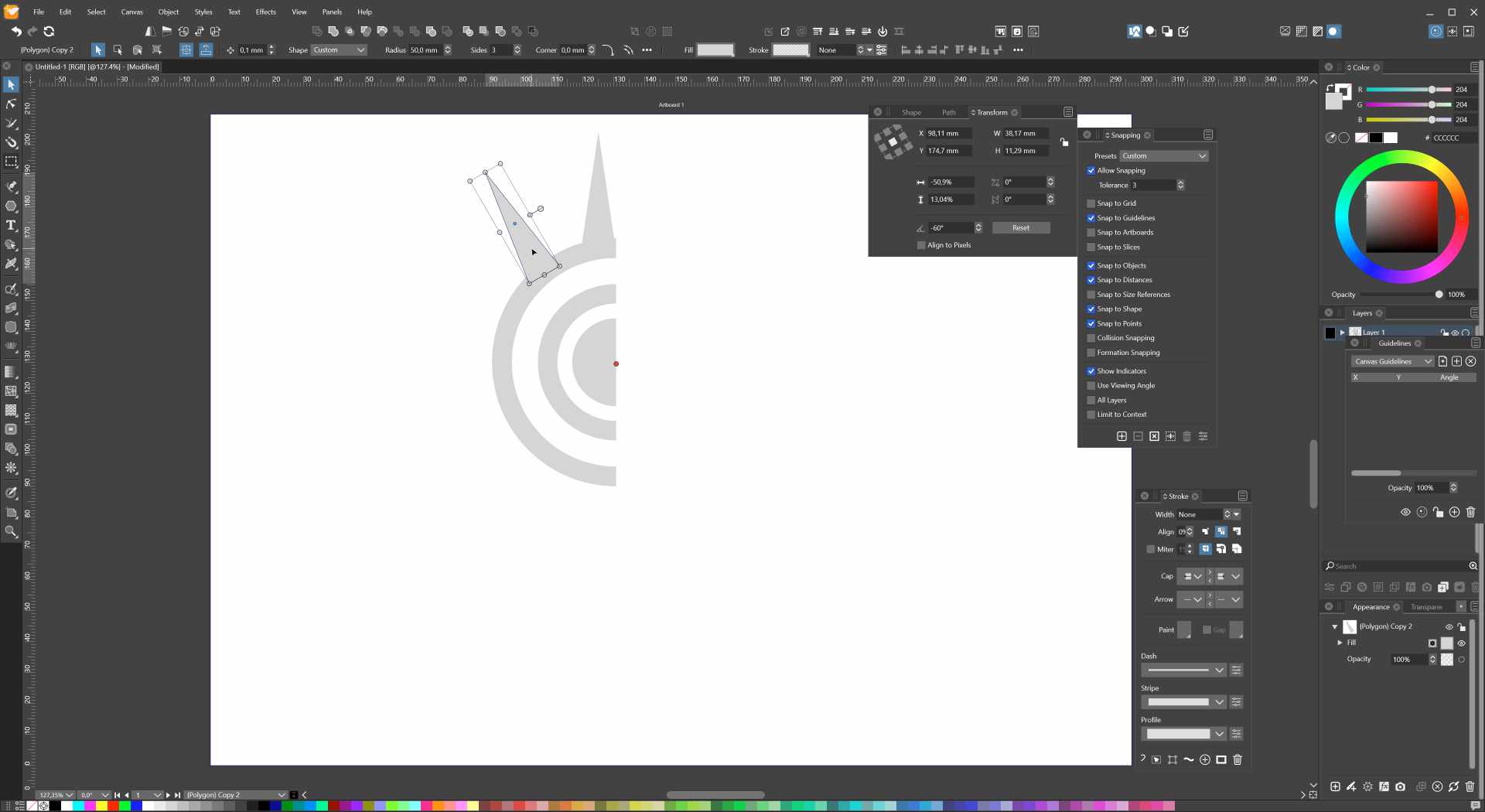
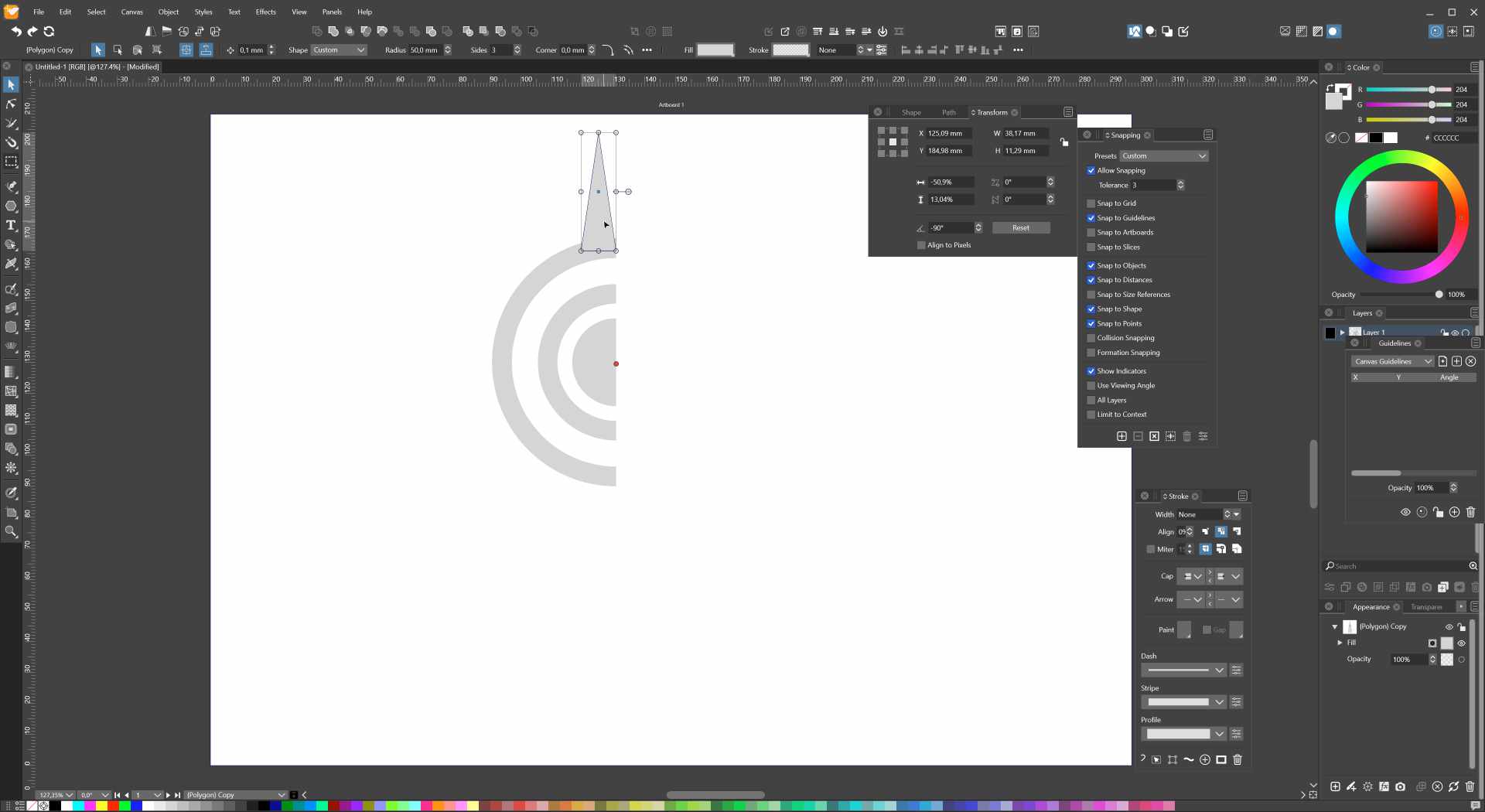
Then I use ctrl+shit+r to repeat, and that 'sometimes' works. Then I repeat again, and the triangle ends up somewhere else:
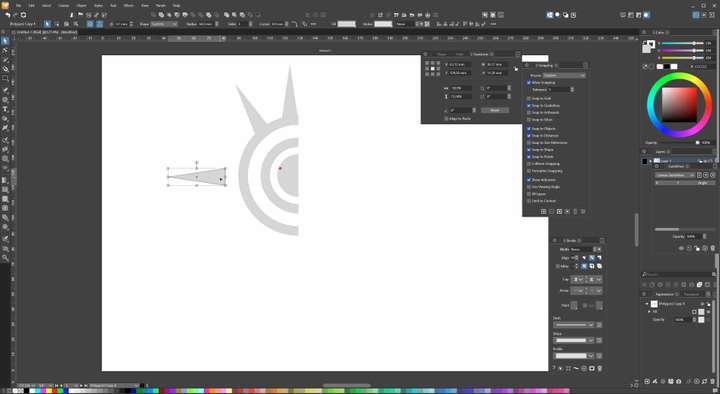
If I use repeat again. the triangle rotates by 30 degrees, but it's position changes as well.
I thought that if I duplicate and rotate after the initial operation, the object would duplicate and rotate around the center point.
What is supposed to happen in the scenario? (surely not the jumping around the artboard?)
This also happens when I duplicate a previous duplicated and rotated object as well. But when I deselect, and then select it again, the duplicated object ends up on top (as expected, I have duplicate offset set to 0,0). Manually rotating while holding shift gives the expected result.
WIndows 11
-
could be happen while VS keep the transformation steps
if there was some Object movement before the rotation
this could influcence the rotation stepsyou can watch this in the "Shape Effects" Panel
Panels > Effects > Shape Effects
looks like this: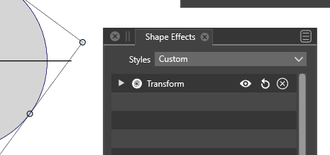
.
.
Select your Object and watch that Panel
i use convert Object to curve to get rid of them
.
.
btw for this kind of rotation you can also
use transform rotate
Object > Transform > Rotate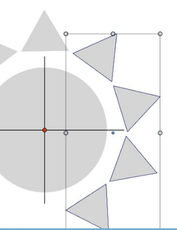
-
@Gremriel I will try to improve the Duplicate command.
-
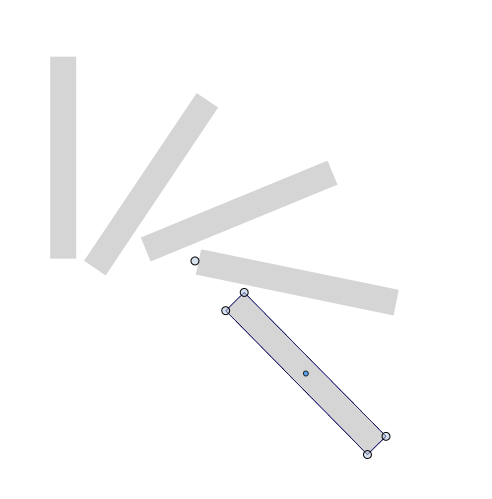
@VectorStyler Hi - I hope all is well! I just ran into this one too, as I did not understand the behaviour. What I did:
- Create rectangle
- Shift-R, move pivot point
- Deselect
- Reselect
- Manual rotate with duplicate using ALT
- Ctrl-D * 3
I changed all my preferences to not move during duplication, but the outcome was as above and unexpected.
Windows 10
VS 1.1.079 -
seems to be another transformation
in your process of rotationTo check this, open the "Shape Effects Panel"
"Panels > Effects > Shape Effects."
Where you can see if your shape already
has a transformation effect
Create a shape and rotate it to see whats happen then.If this is the case, convert your shape into a curve
before you start to rotating it
(move the pivot point ect.)
do this also if your object is already converted into curves.
Because this will delete all unwanted transformations
and then set your pivot point and create your rotationIn general I would recommend to use the Transform Panel
"Object > Transform > Transform" for such actionsin my post above is a video how to use
the transform rotation paneli tried a bit the way you descriped
@VectorStyler this looks like a Duplicate transformation bug to methe Transform Panel works as expected
-
There is only one transformation applied, the rotate.
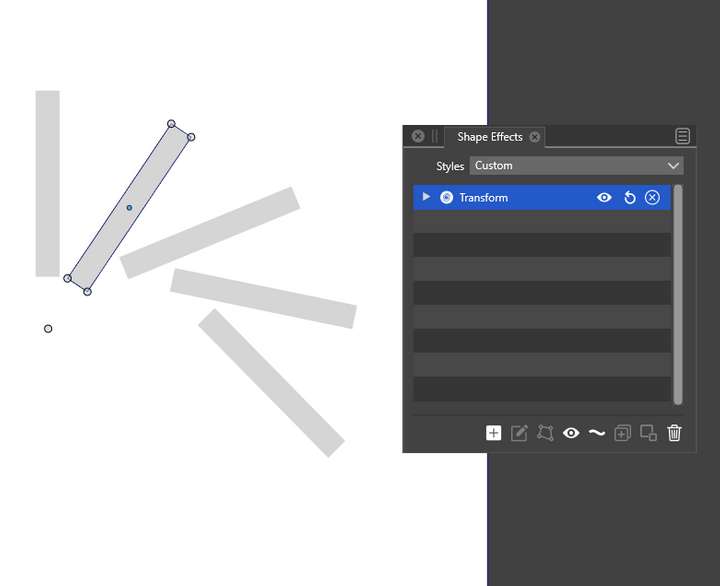
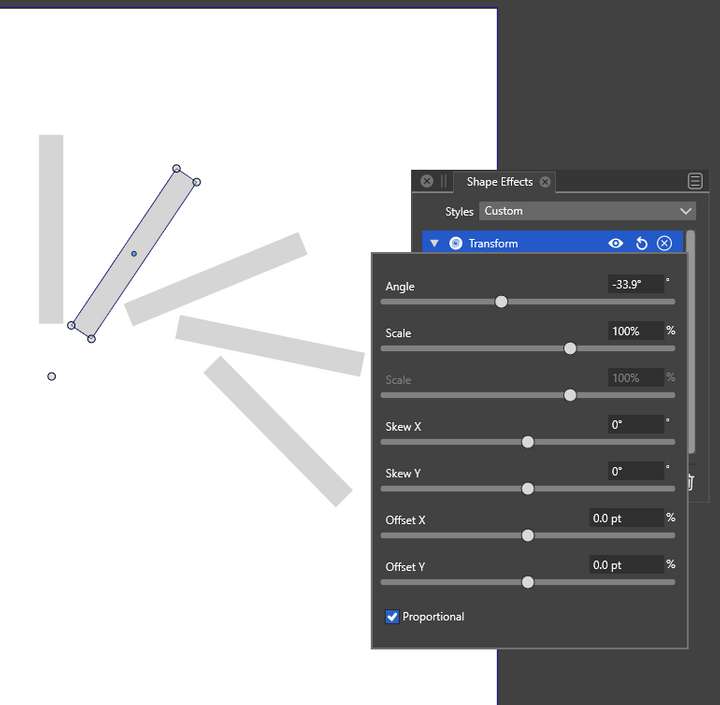
I do understand how to work around this. But I believe the behaviour is not correct.
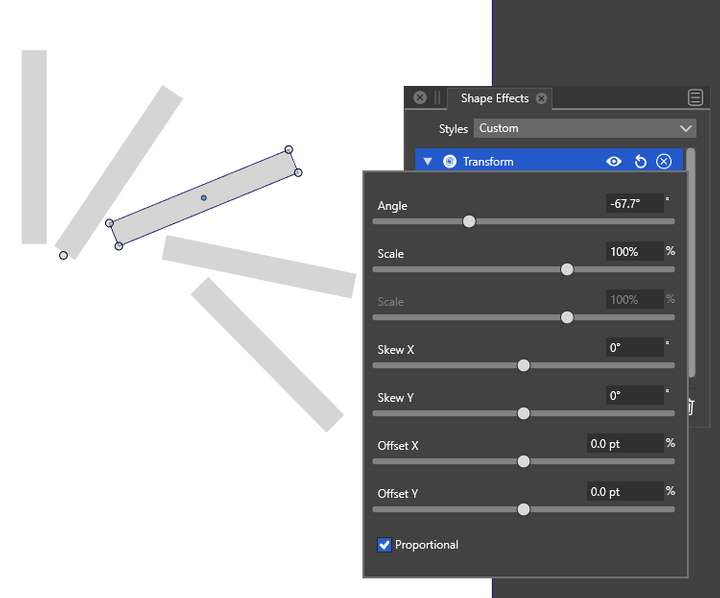
Actually, it is a bit more curious, as if I inspect the 3 item (which was made with CTRL+D), it seems to think that it had ONLY rotation applied, where there is obviously an offset too.
-
@syllie said in Weird behavior when repeating duplicate with a rotated object.:
But I believe the behaviour is not correct.
I agree, this looks like a bug, added it to the backlog.

