VectorStyler
    • Categories
    • Unread
    • Recent
    • Tags
    • Popular
    • Register
    • Login

    Brush style

    Scheduled Pinned Locked Moved Questions and Support
    4 Posts 2 Posters 4.1k Views 2 Watching
    Loading More Posts
    • Oldest to Newest
    • Newest to Oldest
    • Most Votes
    Reply
    • Reply as topic
    Log in to reply
    This topic has been deleted. Only users with topic management privileges can see it.
    • K Offline
      Kumr
      last edited by

      Trying to create a brush. Noticed the following.

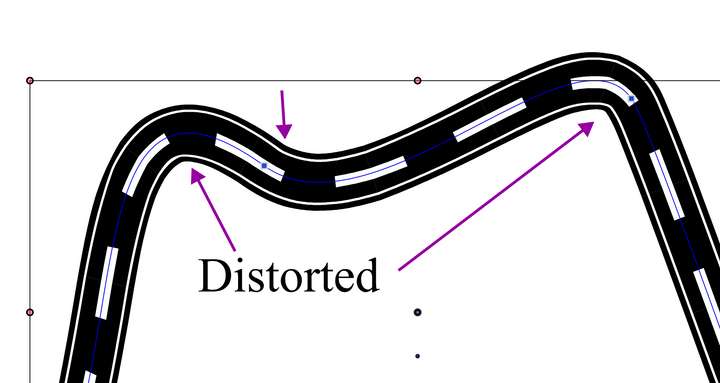
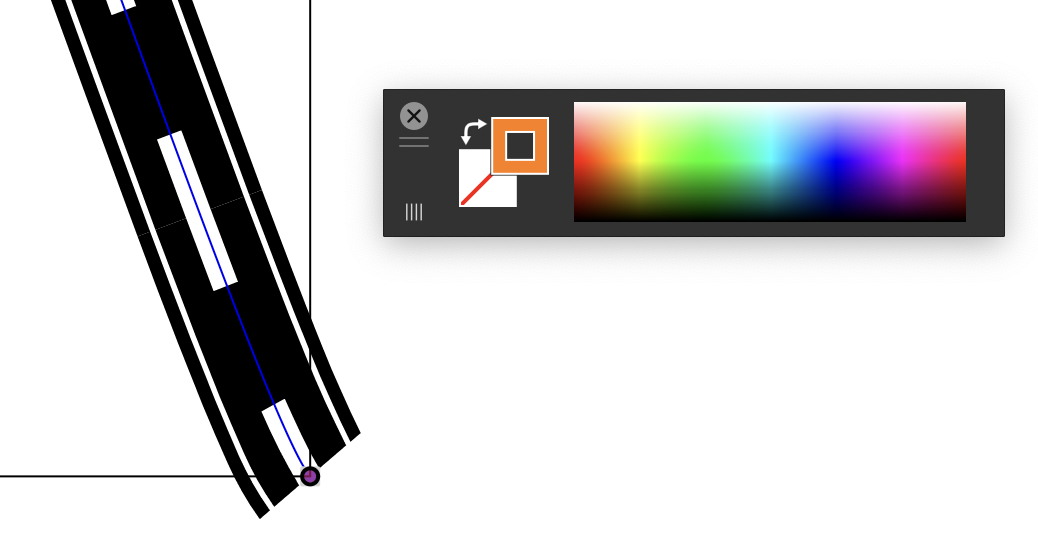
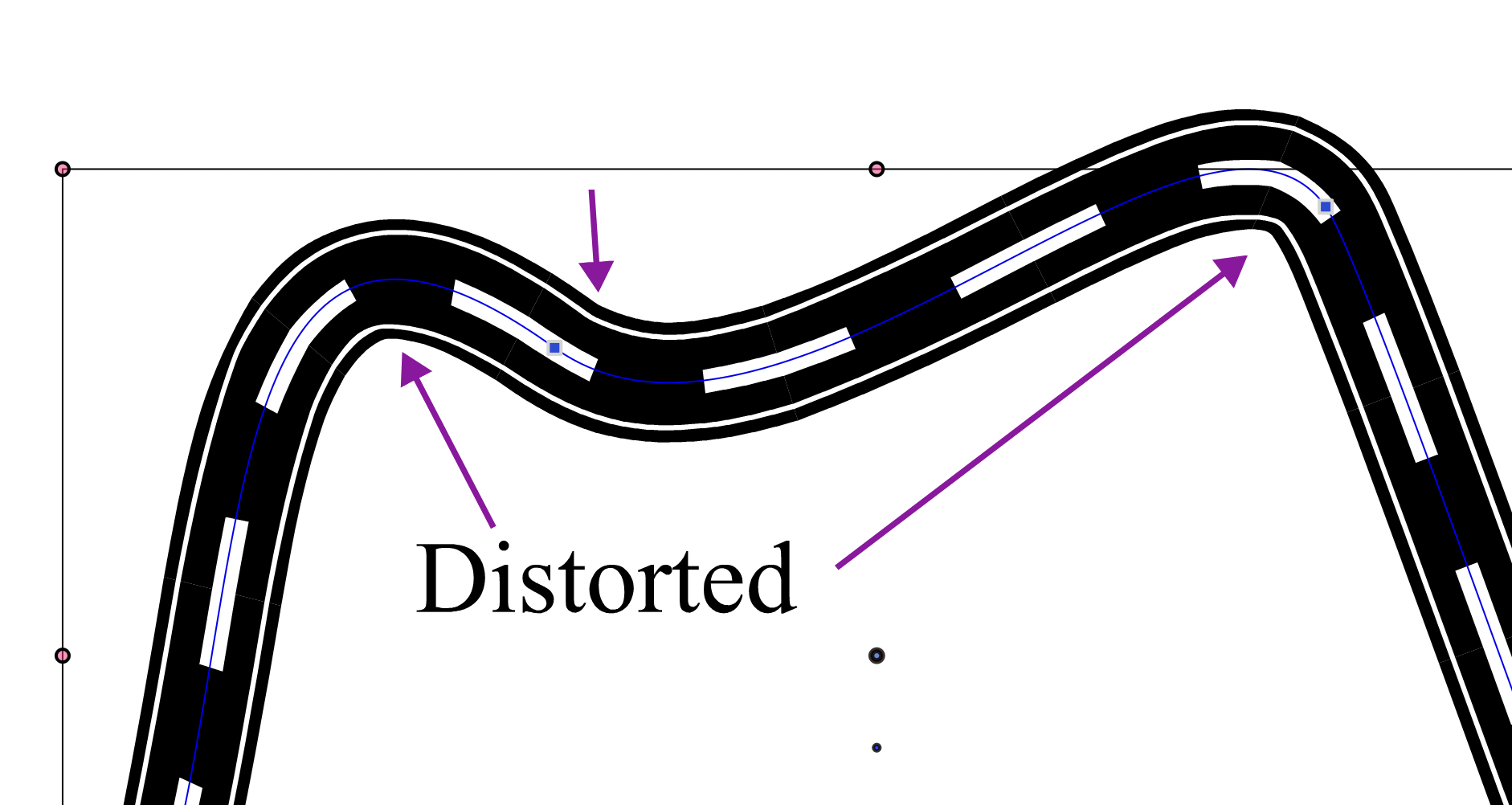
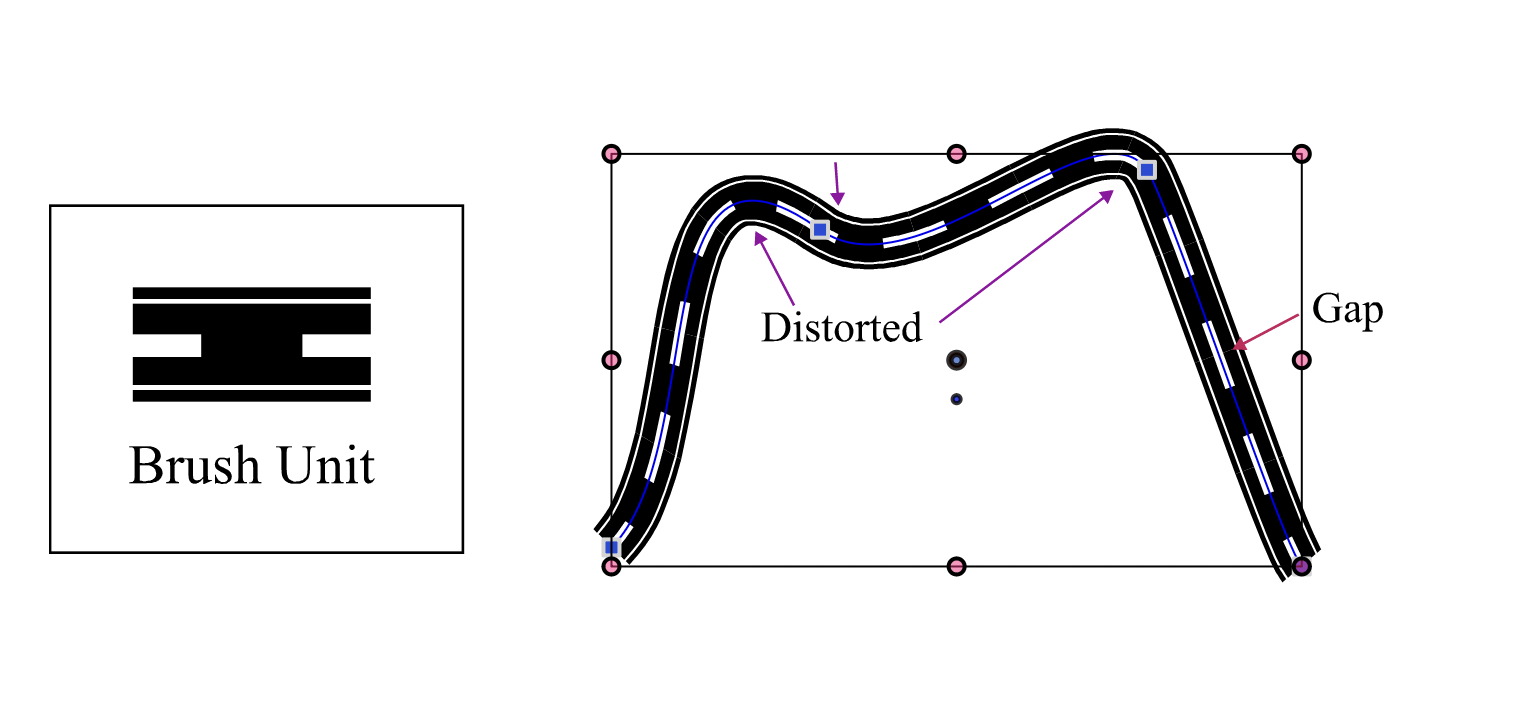
      1. At the curves the brush is distorted. Tried all options in the brush panel.
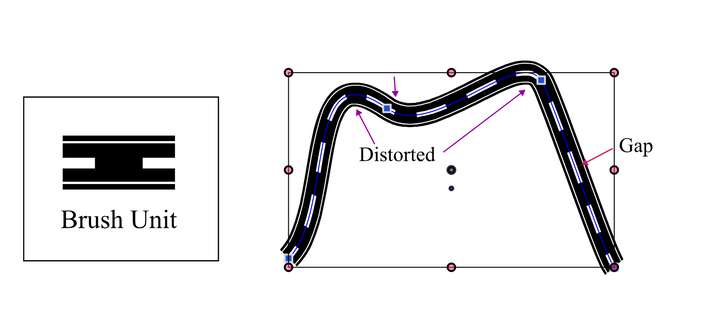
      0_1698475735269_Screenshot 2023-10-28 at 12.18.11 PM.png

      0_1698475770124_Screenshot 2023-10-28 at 12.18.33 PM.png

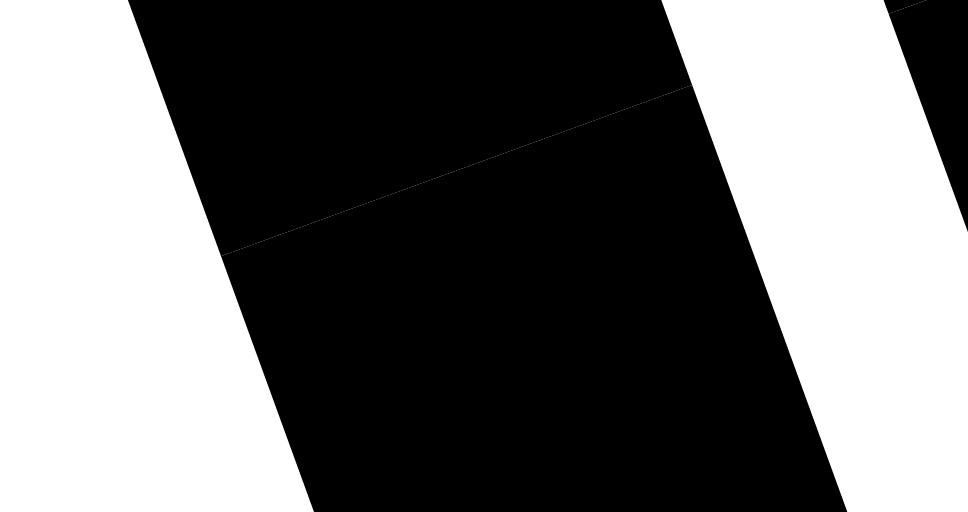
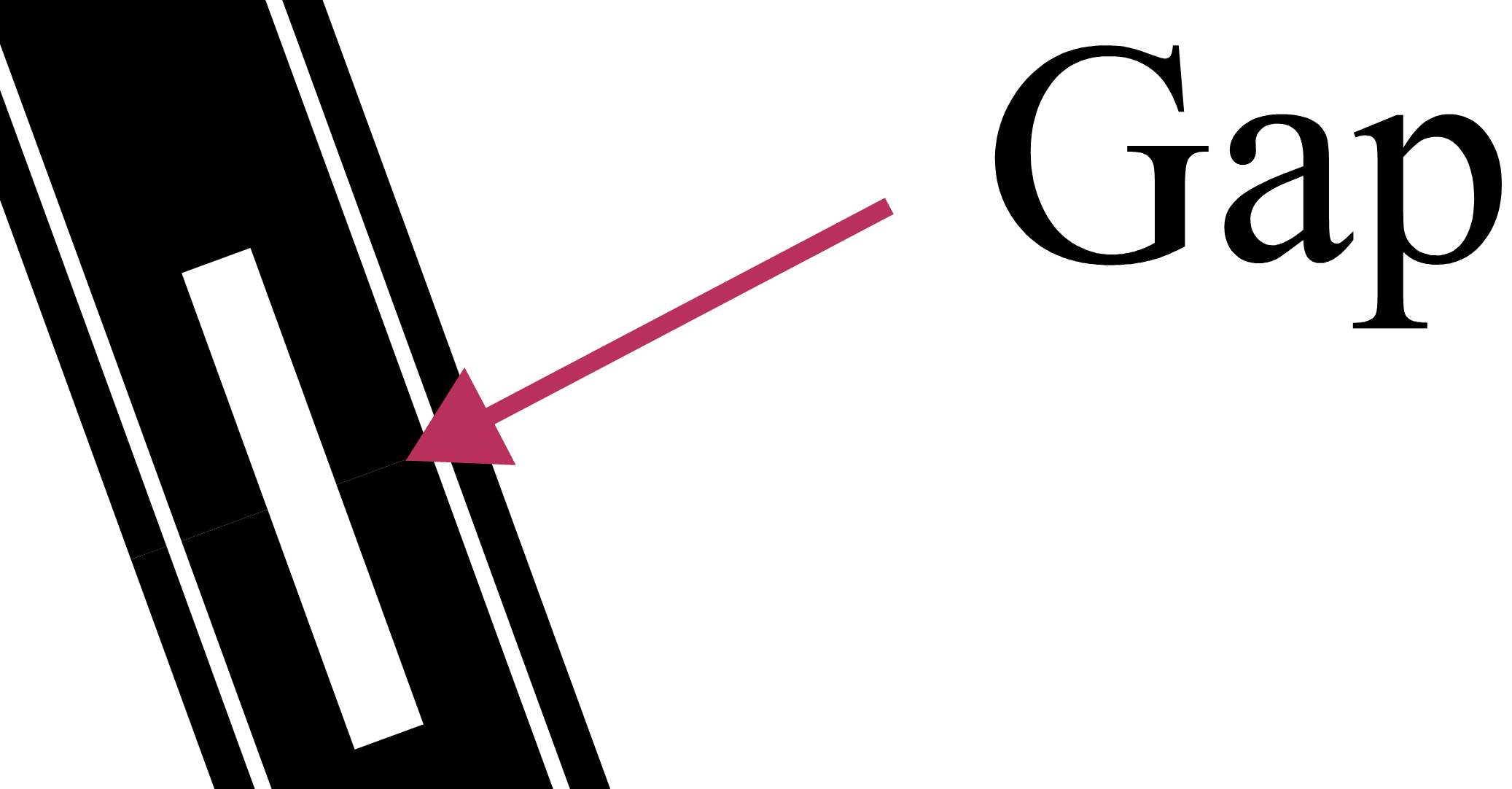
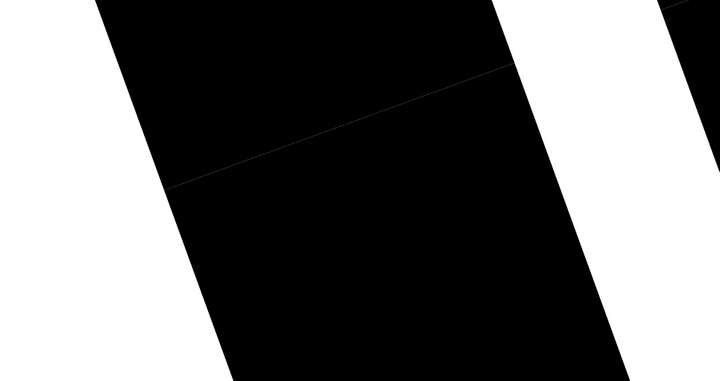
      1. There is small gap between the brush units. Somehow in the uploaded image the gap is not clearly visible. Attaching the VS of the same.
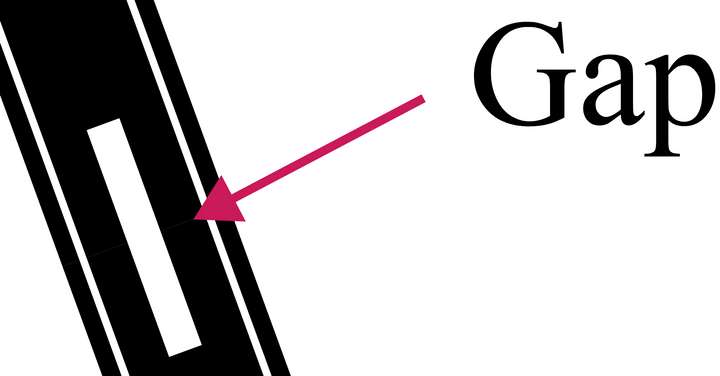
      0_1698475241205_Screenshot 2023-10-28 at 11.59.32 AM.png

      0_1698475253344_Screenshot 2023-10-28 at 12.10.05 PM.png

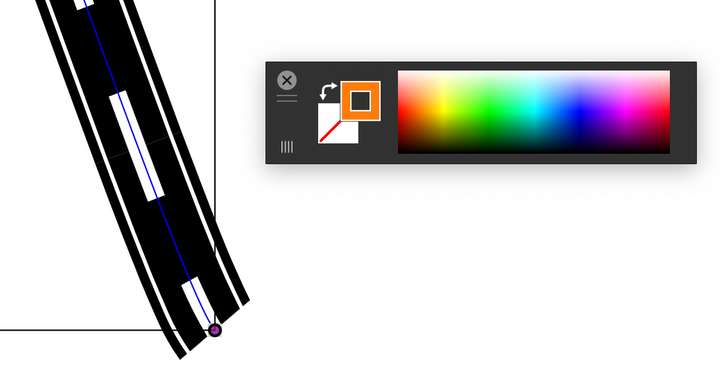
      1. Unable to change the color of the stroke.
      0_1698475432716_Screenshot 2023-10-28 at 12.13.27 PM.png

      VS file

      0_1698475448278_Road-brush.vstyler

      Thanks

      M1 MacBook Air, 16GB, macOS Sonoma 14.4.1

      VectorStylerV 1 Reply Last reply Reply Quote 0
      • VectorStylerV Offline
        VectorStyler @Kumr
        last edited by

        @Kumr The distortion occurs because of a brush stretching artifact. I will improve this but it may result in more nodes when expanded.

        The overlap is an anti-aliasing artifact, in general this cannot be fixed, but it is possible to set a small negative space in the brush options to have a small overlap (I will think of an automated what for this).

        For the stroke color, open the Brush Options (button in the brush panel), and select Solid in the Tint field.

        K 1 Reply Last reply Reply Quote 0
        • K Offline
          Kumr @VectorStyler
          last edited by

          @VectorStyler Thanks.

          I was able to change the color but not color gradients gradients.

          M1 MacBook Air, 16GB, macOS Sonoma 14.4.1

          VectorStylerV 1 Reply Last reply Reply Quote 0
          • VectorStylerV Offline
            VectorStyler @Kumr
            last edited by

            @Kumr Gradient is not supported in vector brush.

            1 Reply Last reply Reply Quote 0
            • First post
              Last post