VectorStyler
    • Categories
    • Unread
    • Recent
    • Tags
    • Popular
    • Register
    • Login

    Should a "reset" option be added to panels like the width brush and stroke width tools?
    Scheduled Pinned Locked Moved Features and Ideas
    4 Posts 2 Posters 4.5k Views 1 Watching
    Loading More Posts
    • Oldest to Newest
    • Newest to Oldest
    • Most Votes
    Reply
    • Reply as topic
    Log in to reply
    This topic has been deleted. Only users with topic management privileges can see it.
    • BoldlineB Offline
      Boldline
      last edited by

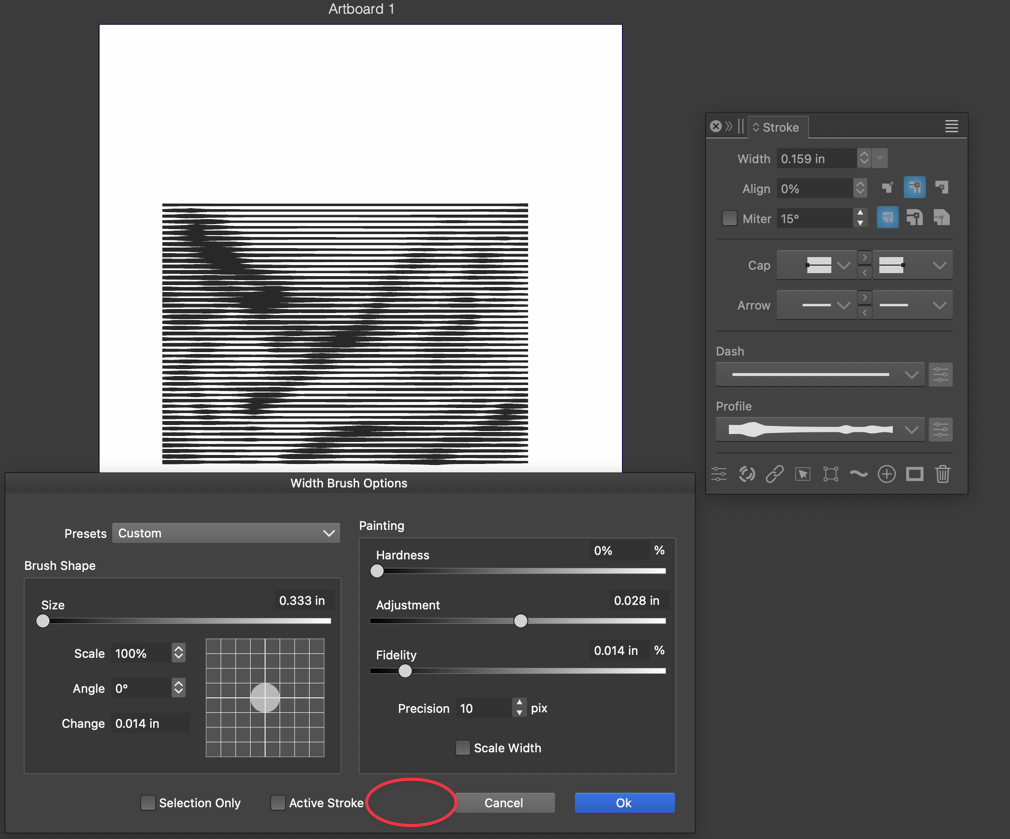
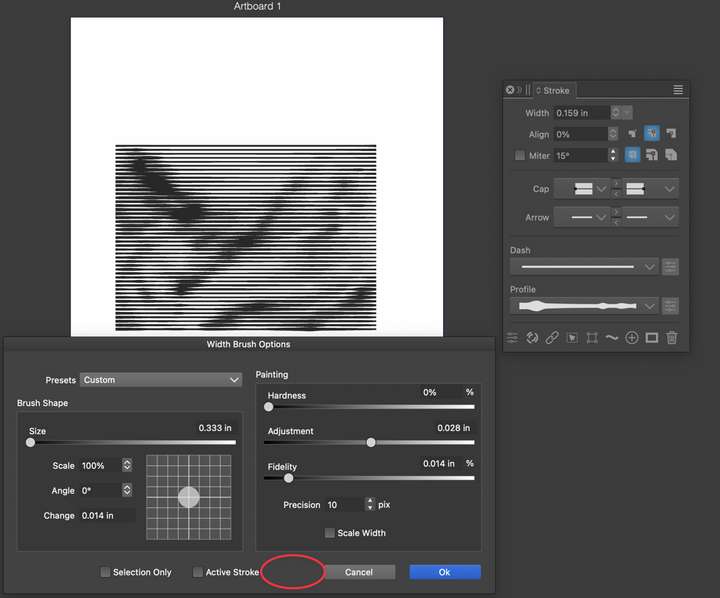
      When we use tools like the width brush or stroke width tool, VS retains the edits we make to the stroke and automatically applies it to future uses. This is fine, but it would be helpful to have a "reset" button right in the tool panel itself instead of always having to go out to the stroke panel and resetting it there. I would like to see both options in VS.
      Maybe there is a better option? I just know for me after using either tool, I naturally look for a reset settings option right there in what I am doing. I have to remind myself to go edit it in the stroke panel
      0_1701881889557_3282ef07-88b9-4003-91b3-dc95b74592dd-CleanShot 2023-12-06 at 11.56.47.png

      0_1701882024650_266da7d3-a8a2-4688-b60a-11ab829c7a27-CleanShot 2023-12-06 at 12.00.06.png

      🍎 macOS Tahoe 26.2, Mac mini (M1, 2020), Chip Apple M1, Memory 16 GB
      Cintiq 27QHD Display and LG Ultra HD Display

      VectorStylerV 1 Reply Last reply Reply Quote 0
      • VectorStylerV Offline
        VectorStyler @Boldline
        last edited by

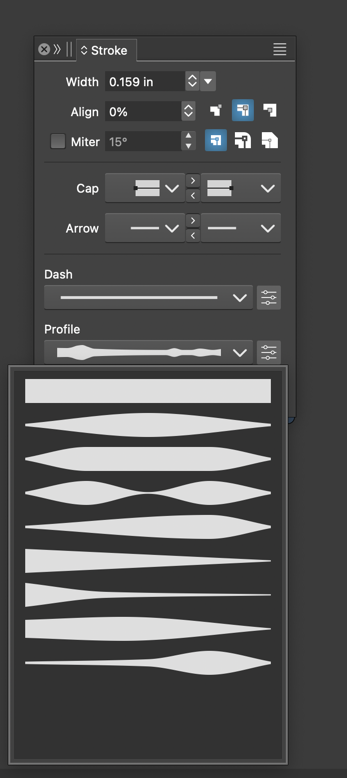
        @Boldline For the first case (Width Brush Options), yes a default preset could be available in the Presets list.

        For the second case (Stroke panel), the first item resets the width profile to flat.

        BoldlineB 1 Reply Last reply Reply Quote 0
        • BoldlineB Offline
          Boldline @VectorStyler
          last edited by

          @VectorStyler said in Should a "reset" option be added to panels like the width brush and stroke width tools?:

          For the second case (Stroke panel), the first item resets the width profile to flat.

          Just the clarify, I wasn't asking the stroke panel itself have any new options added, I had included it to show where currently the user needed to go to find the now-edited stroke width to reset.

          The second location i was asking for consideration of a reset button was the stroke width panel:
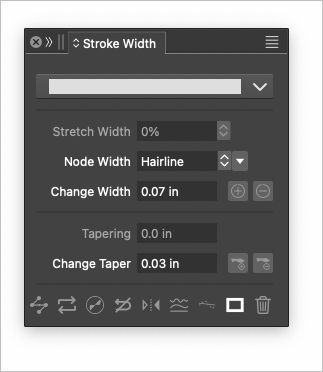
          0_1701886799808_a567841a-21e8-4c0b-a72d-167f06eed4d8-BLD 2023-12-06 at 13.19.52.png

          🍎 macOS Tahoe 26.2, Mac mini (M1, 2020), Chip Apple M1, Memory 16 GB
          Cintiq 27QHD Display and LG Ultra HD Display

          VectorStylerV 1 Reply Last reply Reply Quote 1
          • VectorStylerV Offline
            VectorStyler @Boldline
            last edited by

            @Boldline Got it!

            1 Reply Last reply Reply Quote 1
            • First post
              Last post
