Image Trace handle multiple raster images at Same Time?
-
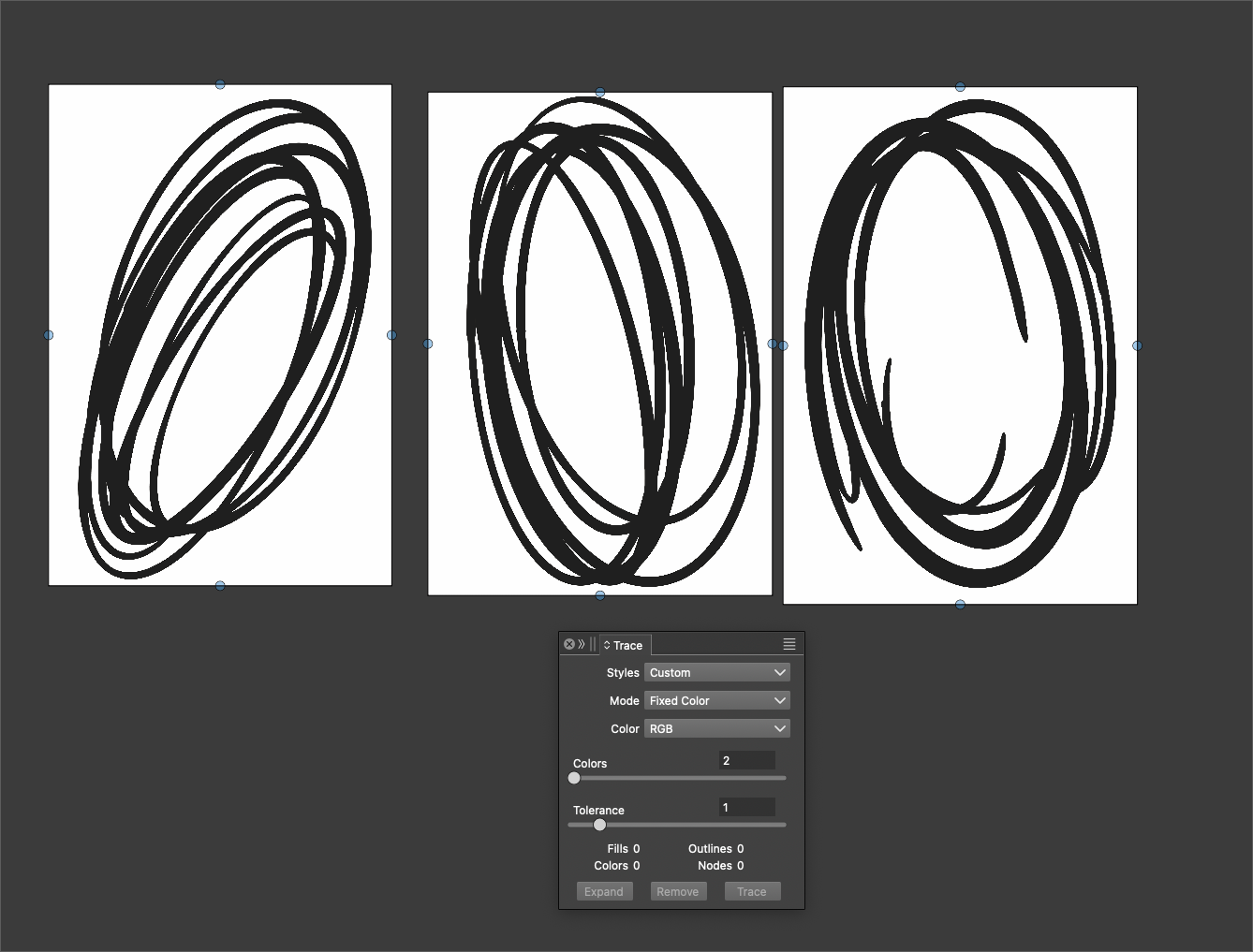
I wanted to vector trace these three shapes I made that I imported as png files inside VS. The image trace panel would not allow me to do so as the option for "trace" is grayed out if multiple raster images are selected. Could this be made an option for those times a user wants the same vector trace settings applied to multiple similar raster images?
🍎 macOS Tahoe 26.2, Mac mini (M1, 2020), Chip Apple M1, Memory 16 GB
Cintiq 27QHD Display and LG Ultra HD Display -
@Boldline An alternative would be to add the 'Trace' command to the 'Repeat' list,
so you just need to hit Ctrl-R on a new bitmap.MacBook Pro (Intel) running Monterey 12.6.4
-
@Boldline It cannot handle multiple images. I added this to the backlog.
-
@VectorStyler The idea from @b77 is a good alternative solution in my mind, if it's easier to implement and better use of VS resources.
The downside I see to my own suggestion to trace multiple raster images at one time is if the images are complex, that could really tax the processing power of VS.
@b77 said in Image Trace handle multiple raster images at Same Time?:
@Boldline An alternative would be to add the 'Trace' command to the 'Repeat' list,
so you just need to hit Ctrl-R on a new bitmap. -
@VectorStyler By the way, the image trace has improved vastly. I don't remember when you fixed it but it's a lot easier to use and the results are more predictable and useful. I've been using it more frequently than of the stand-alone specialized trace software I bought years ago.
Can't wait until the feature requests for image trace we've made over the last couple years get implemented - it will be hands-down the best


