Advanced Design Tools: Streamline, Optimize, and Create!
-
new 7 features tool
-
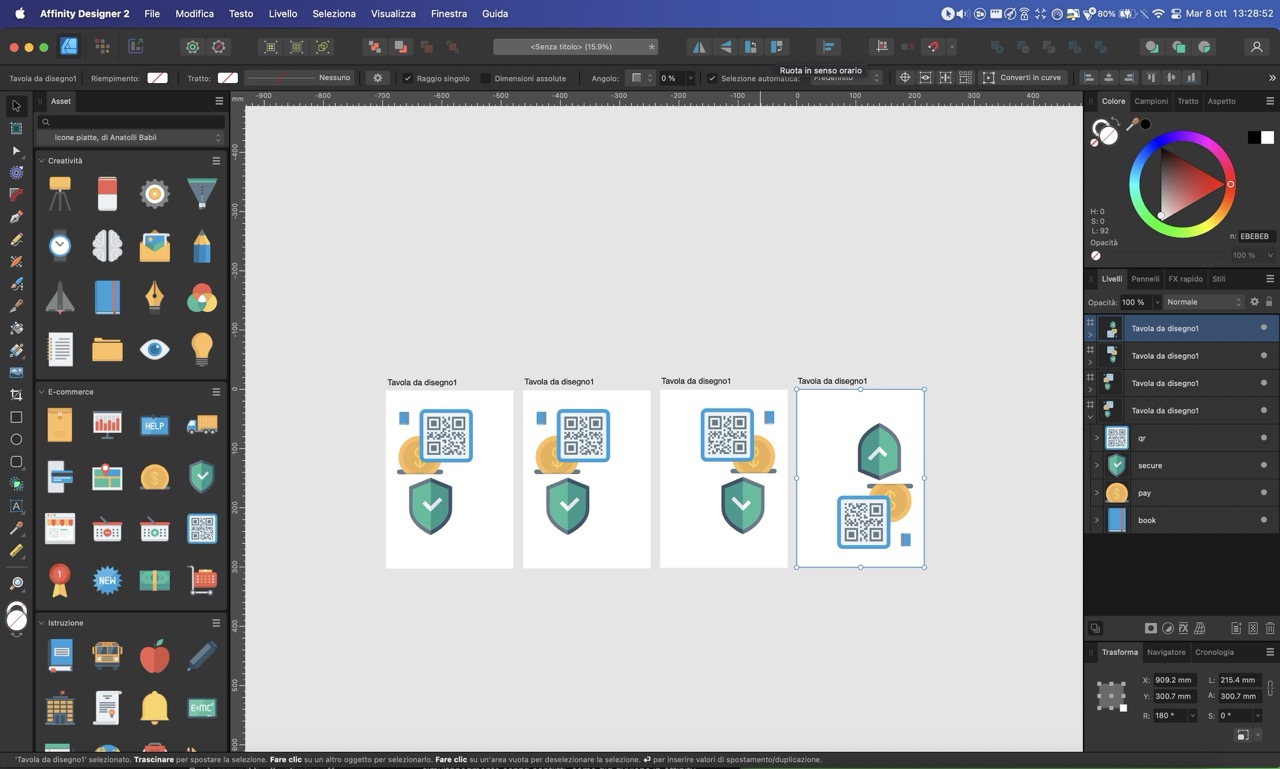
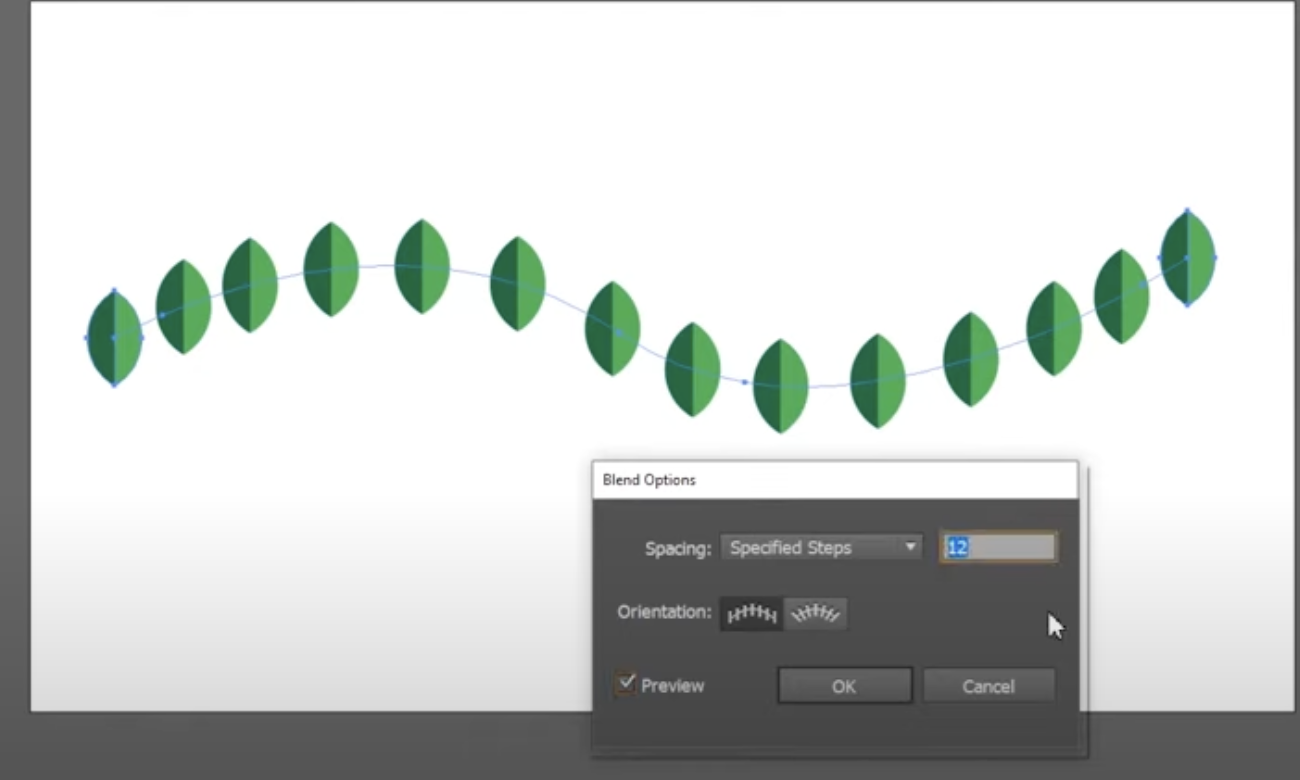
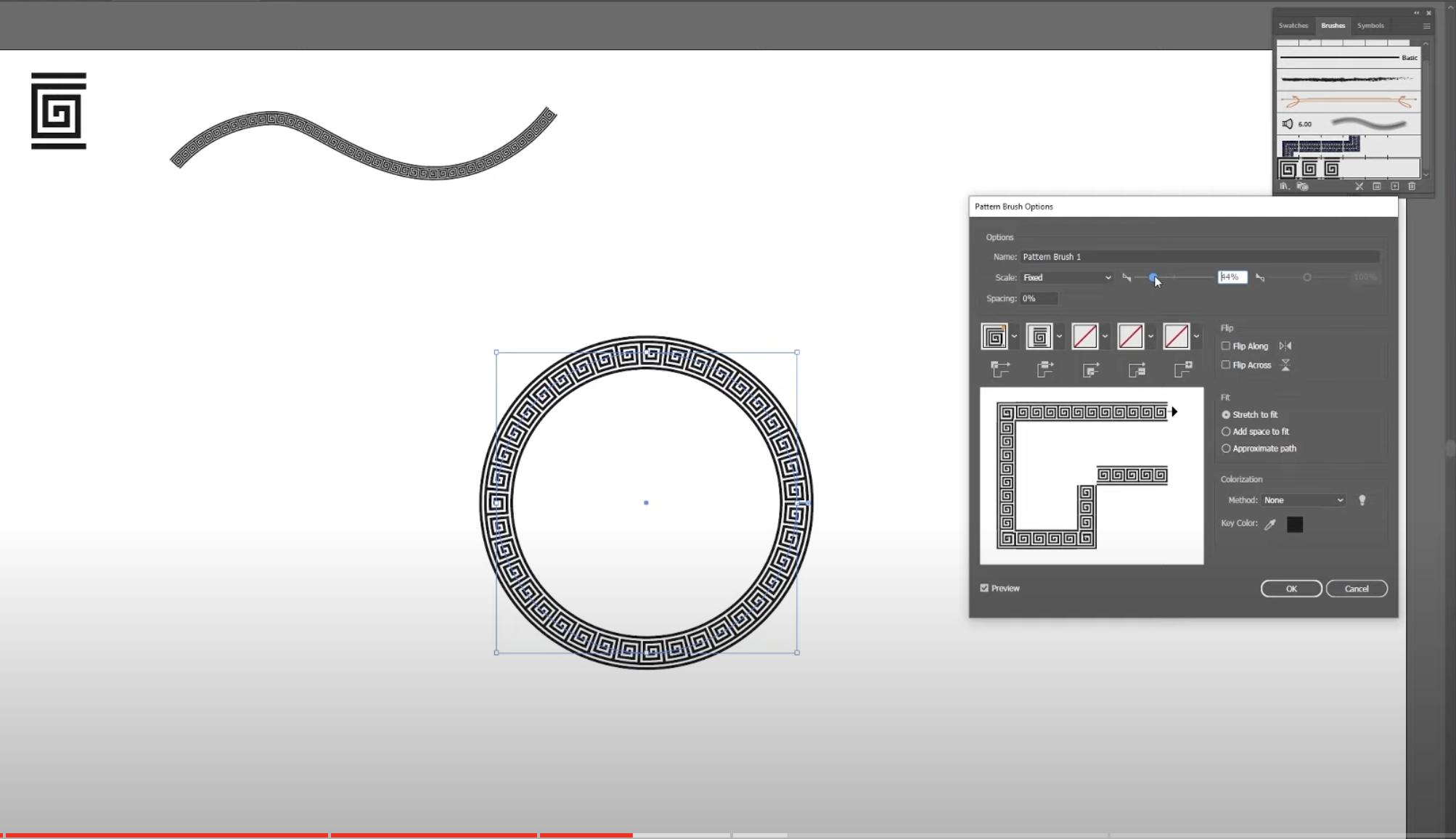
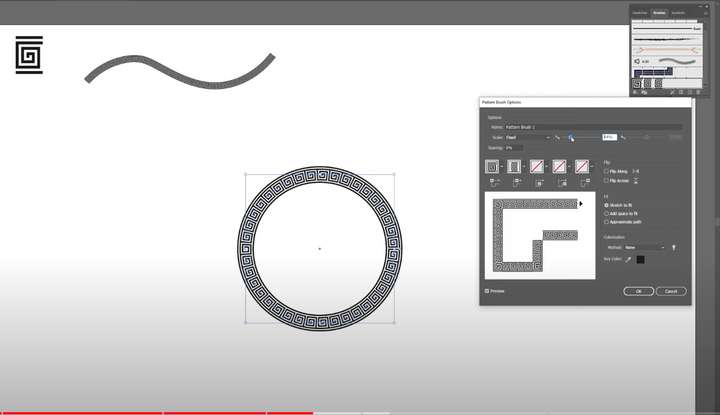
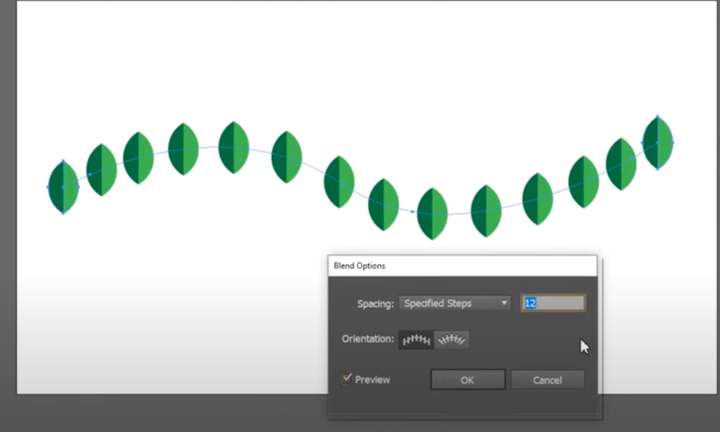
Repeat a Shape Along Any Path vector, image 3, 4 https://www.youtube.com/watch?v=C8SQkW_gWYE
-
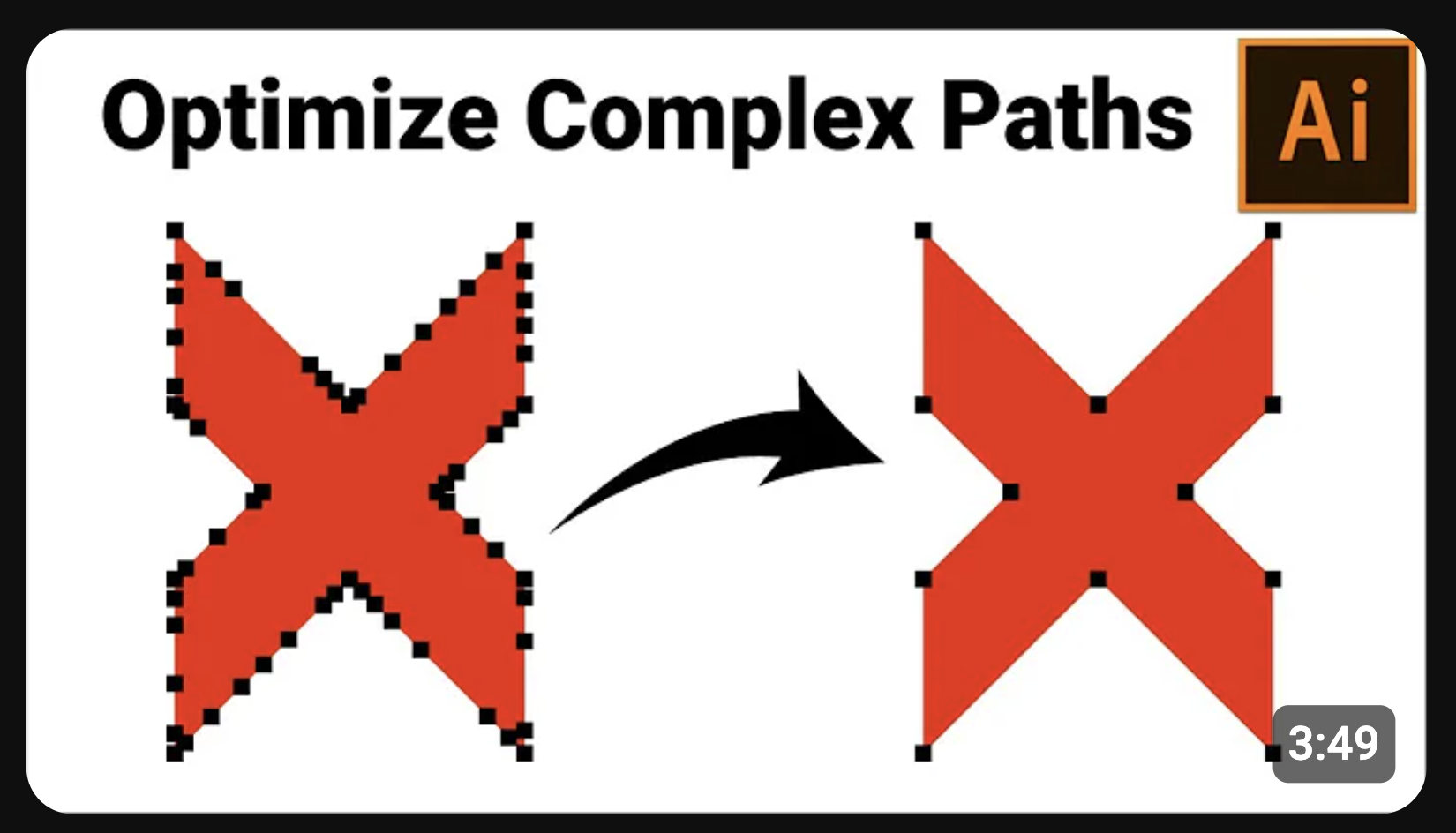
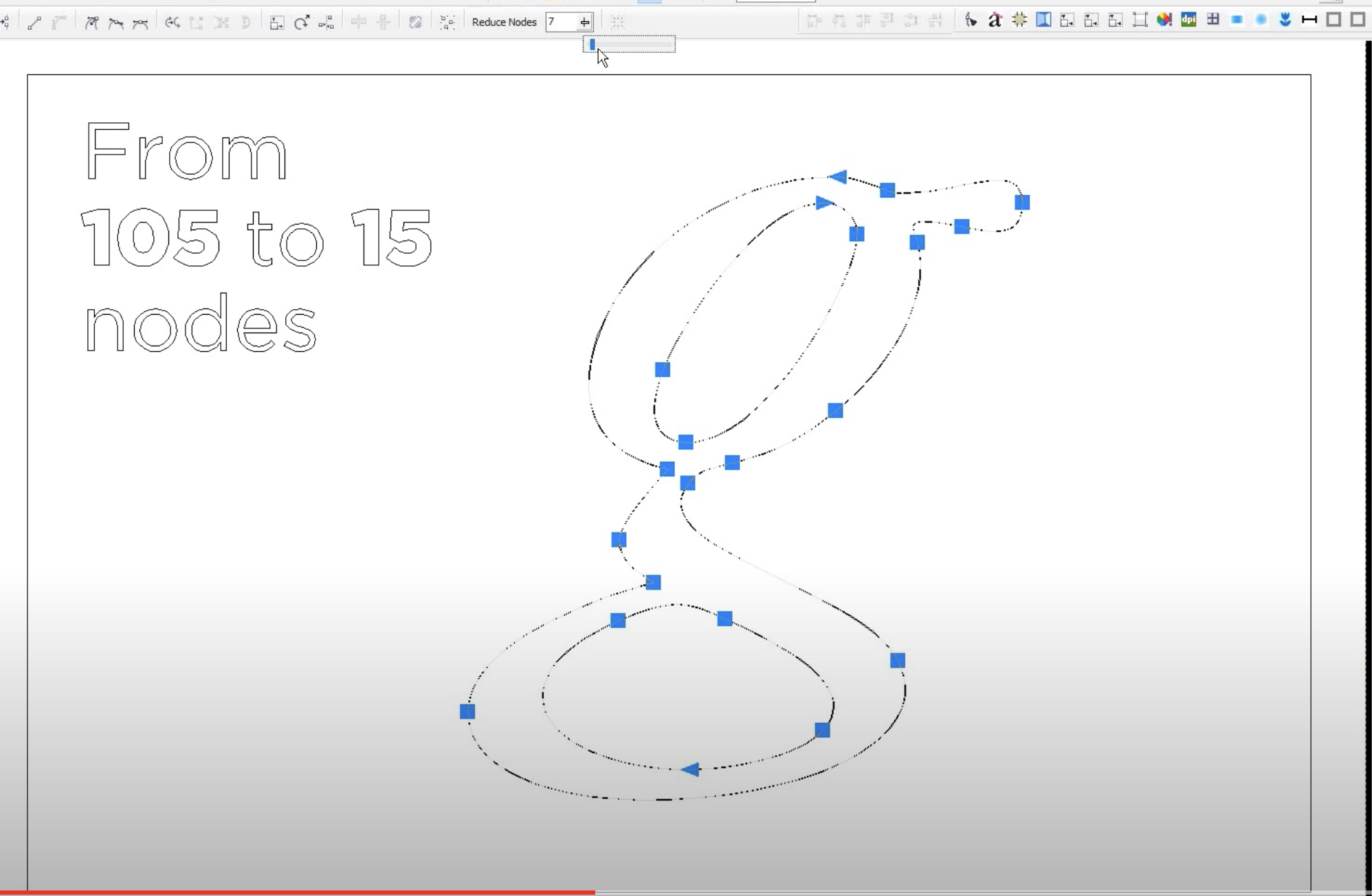
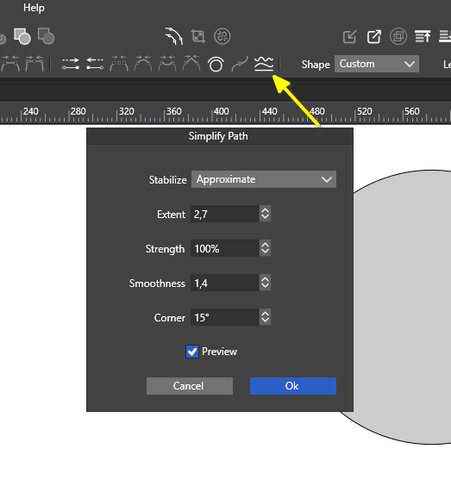
Optimize/Simplify Path, Image 7 https://www.youtube.com/watch?v=UMsFCZvv4Es
Reduce nodes in a vector image or logo without altering the original path. Image 8 https://www.youtube.com/watch?v=8Myp-vsIpAY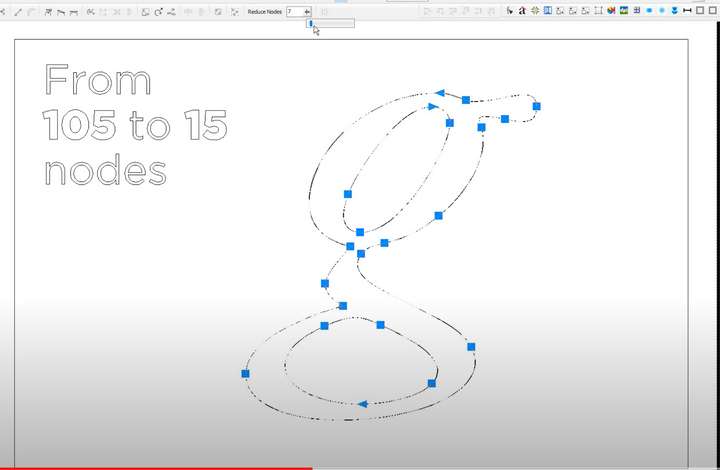 ![0_1728385380218_Optimize:Simplify Path image 7.png]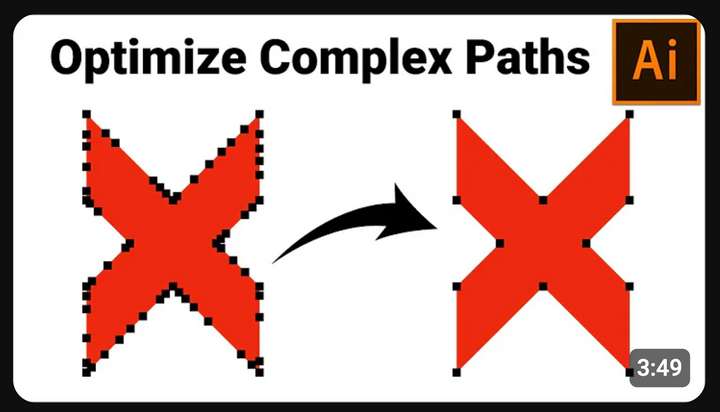
-
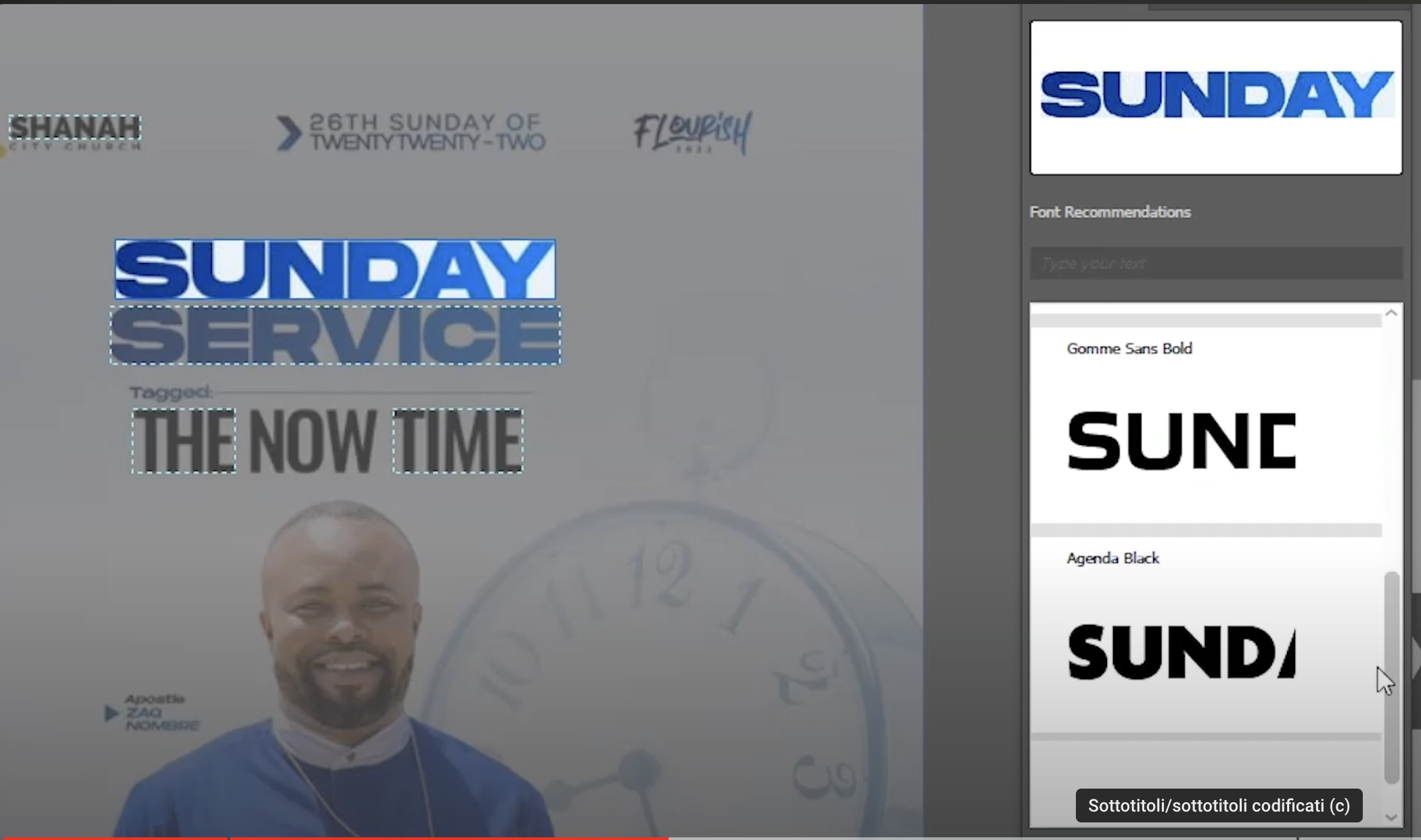
Font Identifier / Retype
A feature that identifies the font most similar to one selected from an image (as already available in Illustrator). Image 6 https://www.youtube.com/watch?v=6bwyO7eqhiI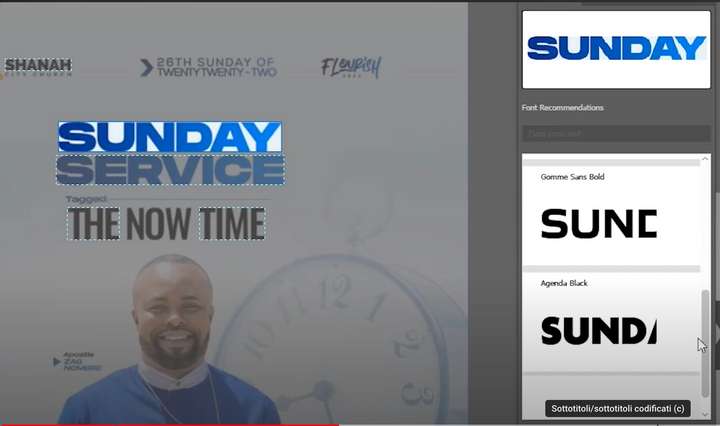
-
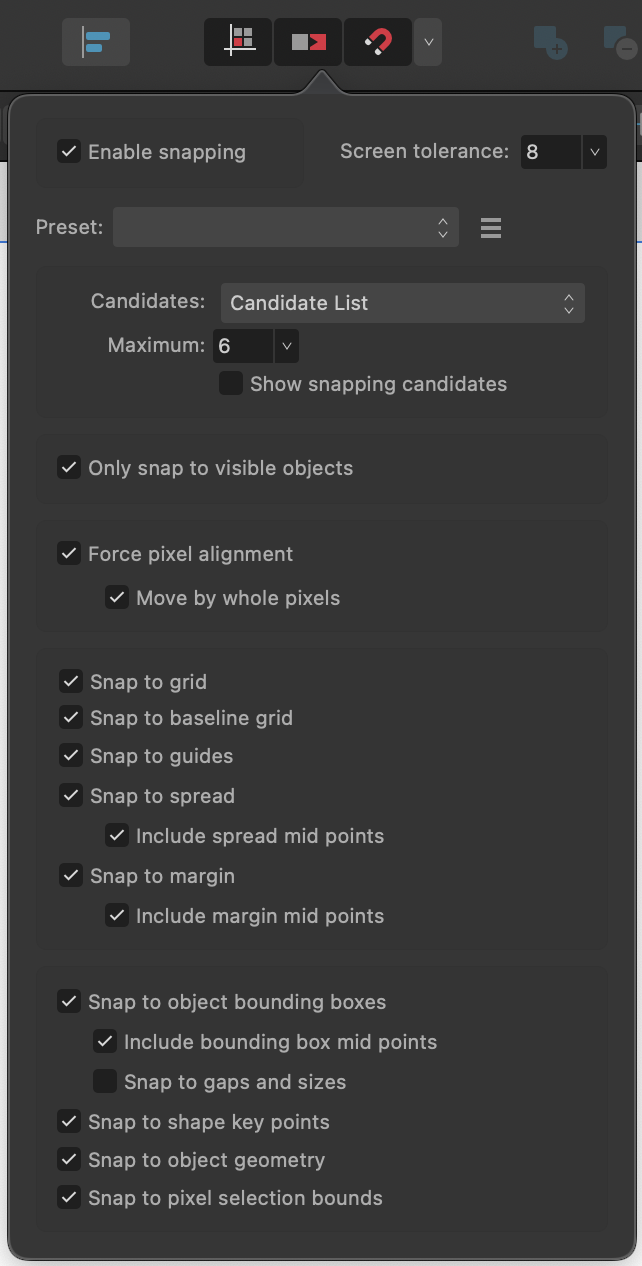
Advanced Snapping Options: Provide more options for snapping features, such as:
- Snapping to objects
- Snapping to the grid
- Snapping to guidelines
- Snapping to canvas edges
- Snapping to distances and size references
- Snapping to shapes and tangents
- Snapping to points
- Collision and formation snapping Ensure that these options can be used simultaneously without conflicts,
(I know that vectorstyler already has some magnet/calamite snap functions but not all of them in my opinion the one image that is there is that of affinity designer)
-
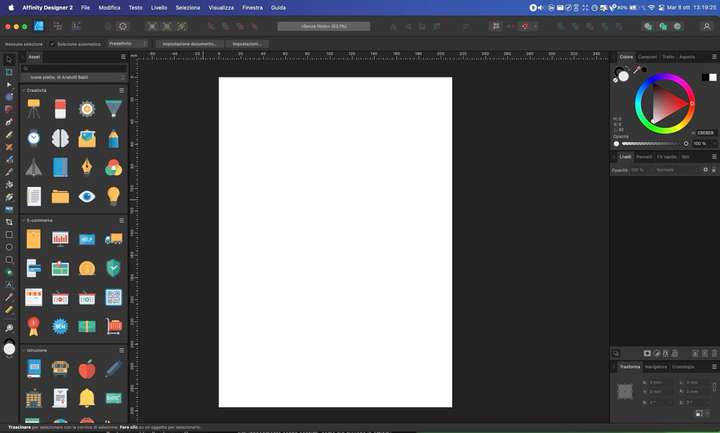
the possibility of putting the asset panel where all assets
-
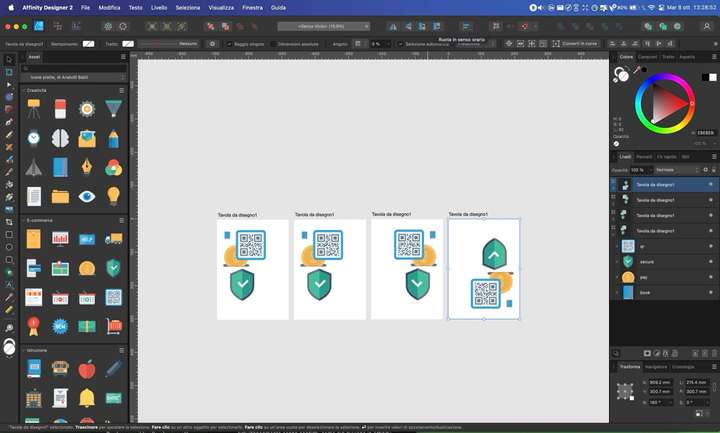
Duplicate/Copy an artboard in Affinity Designer https://www.youtube.com/watch?v=6oyJQzBILUo and not only that but also put the functionality of Flip Horizontal, Flip Vertical, Rotate Counterclockwise, Rotate Clockwise not slo for objects, but especially for canvas (as there already is in affinity designer) image canvas copy flip, rotate
-
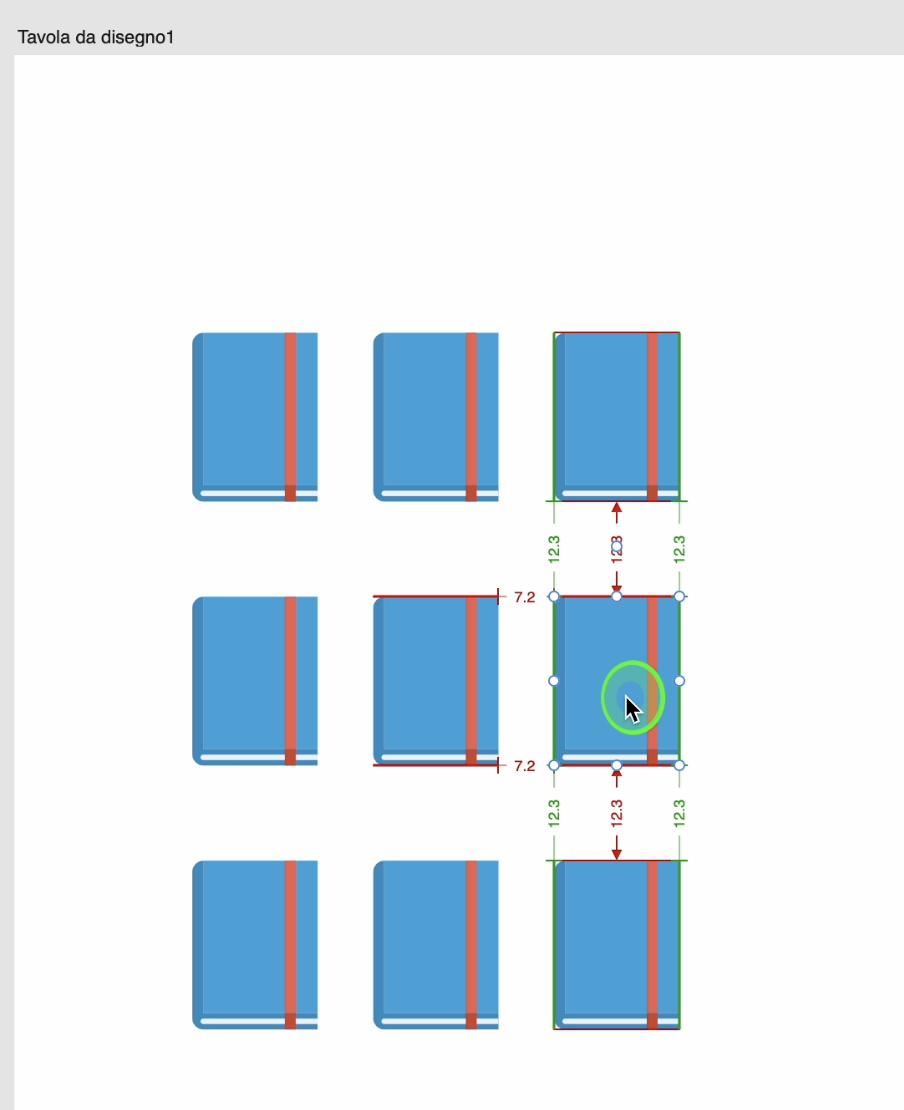
put function Align to object bounding box
- Include bounding box centre points
- Align to blanks and dimensions
(with colours to make the situation more obvious) this image l an example: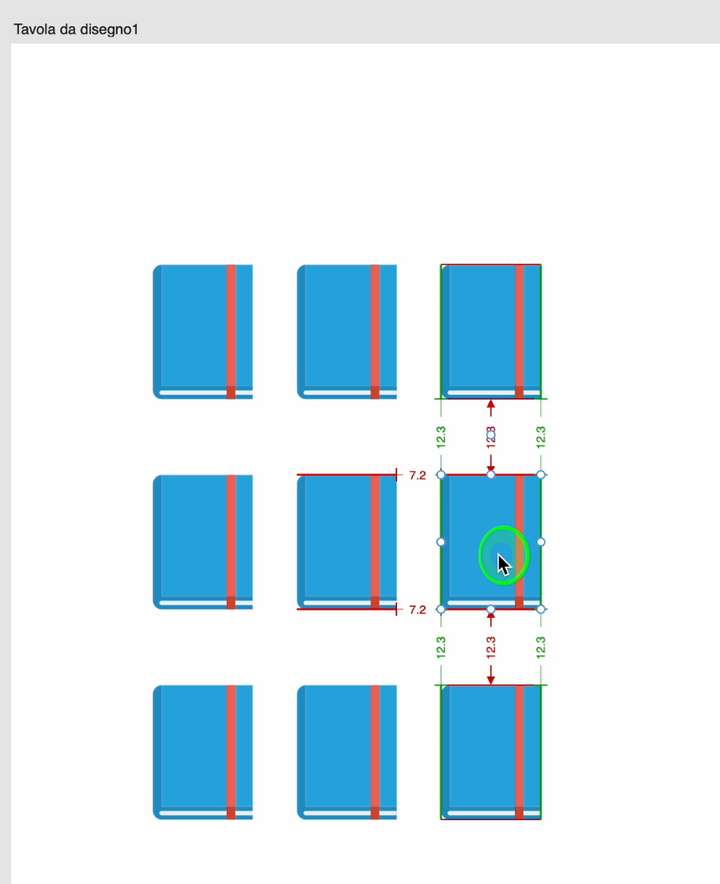
-
-
Did you try VectorStyler before your suggestions ?
.
.
Point 1 is already there.
You can also take a look at this Tutorial from me.
https://www.vectorstyler.com/forum/topic/2089/playing-with-blend-in-pattern-brush
.
.Point 2 is also already there
-
@vope said in Advanced Design Tools: Streamline, Optimize, and Create!:
I think that besides the "Font Identifier / Retype" (which needs AI) all others are present in VS.
