How to skip empty artboards while exporting?
-
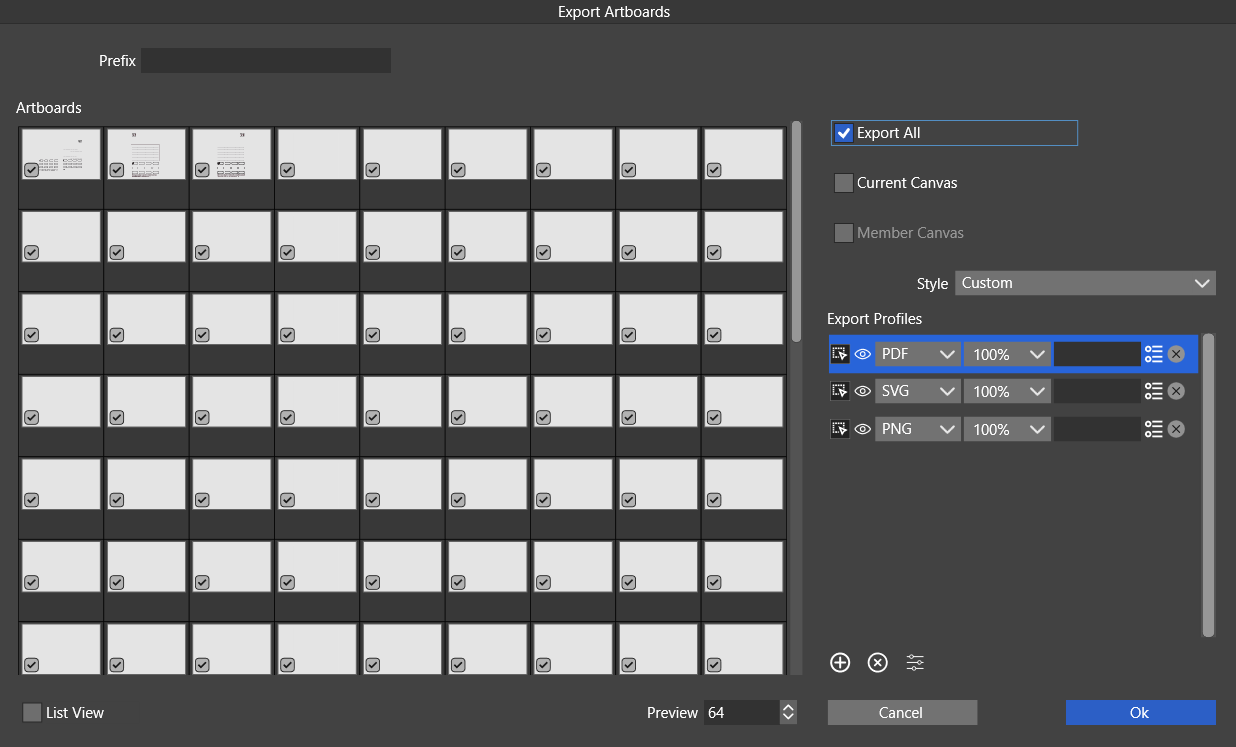
While working with dozens of artboards, I couldn't automatically skip empty (or with no visible objects) artboards. Could we add such a feature to the "Export Artboard" menu?
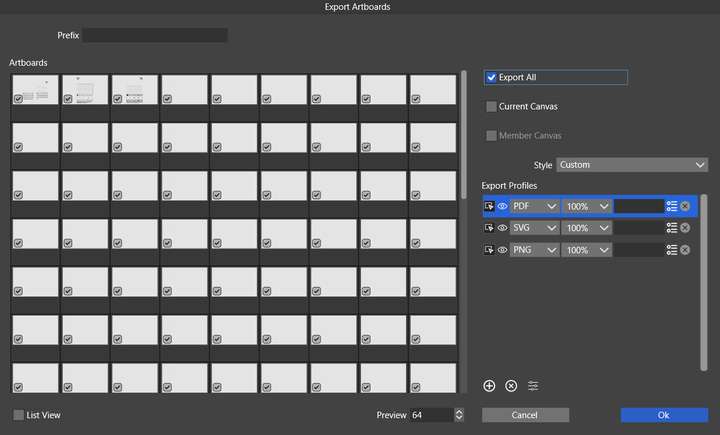
Illustrator has also some convenient options in the Export Artboard panel such as
- a range of artboards to choose from,
- export PDFs as: Single File or Multiple Files,
that would be nice to have in VS.
-
@Harry said in How to skip empty artboards while exporting?:
Could we add such a feature to the "Export Artboard" menu?
I will add this as soon as possible.
-
@VectorStyler said in How to skip empty artboards while exporting?:
I will add this as soon as possible.
I appreciate this new feature in the 1.2.042 version but have a problem using it. I'd like to do it fast - like checking "Export All" and then excluding empty artboards.
For example - I have 200 artboards to export including 50 empty ones I'd like to exclude.
How to do this fast with the "Export Empty Artboards" option?Maybe the logic behind the "Export Empty Artboards" option should be inverted to "Exclude Empty Artboards From Selection"?
-
@Harry If you check "Export All" and uncheck "Export Empty Artboards" then empty artboards should not be exported even if they are selected in the list.
-
@VectorStyler said in How to skip empty artboards while exporting?:
@Harry If you check "Export All" and uncheck "Export Empty Artboards" then empty artboards should not be exported even if they are selected in the list.
Ok, It works. I had some empty texts on those artboards.
@VectorStyler said in How to skip empty artboards while exporting?:
should not be exported even if they are selected in the list.
It's a bit confusing now. I think it would be clearer if the "Export Artboard" panel didn't show excluded (empty) artboards.
-
@Harry said in How to skip empty artboards while exporting?:
It's a bit confusing now. I think it would be clearer if the "Export Artboard" panel didn't show excluded (empty) artboards.
The way it works now: the artboard export settings can be saved and recalled as presets and also using the Export Again.
If the the content of the artboards is changed, the "Export Again" will also adapt to the new empty/used artboards, if they were selected.
