Moving object or center, delay as progress
-
Is it an idea to build in a delay in picking up the "center of transformation"?
This is why.
To move an object, I pick up an object in the center of the object. That is a natural and logical place to pick up an object (target). Certainly if you are somewhat accurate by nature. Then, what happens to me very often is that I move the "center of transformation". As a result, I then have to reset it and pick it up repeatedly, but then consciously in the periphery.By holding the mouse button/pointer for a second or so on the center of the object, you could solve this annoyance.
– less than a second = move
– greater than or equal to a second = move center.
Moving objects is done more often than moving the center of transformation. That is more of a kind of special operation. In my case at least. -
@Ayo I added this to the backlog of features. I have to think of this a bit and maybe more feedback is needed.
It would slow down the center point moving.BTW: the center point can be hidden using the context panel transform options.
-
@VectorStyler
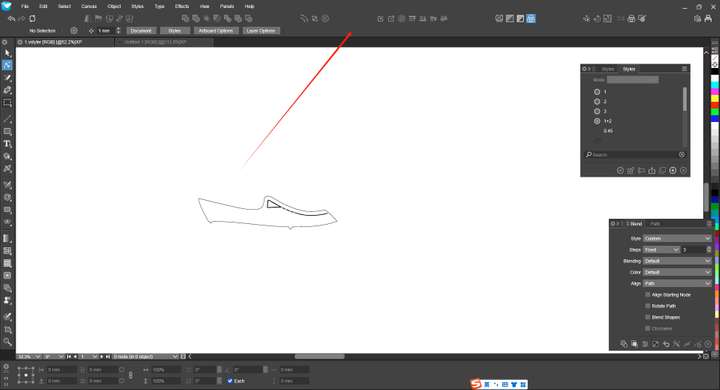
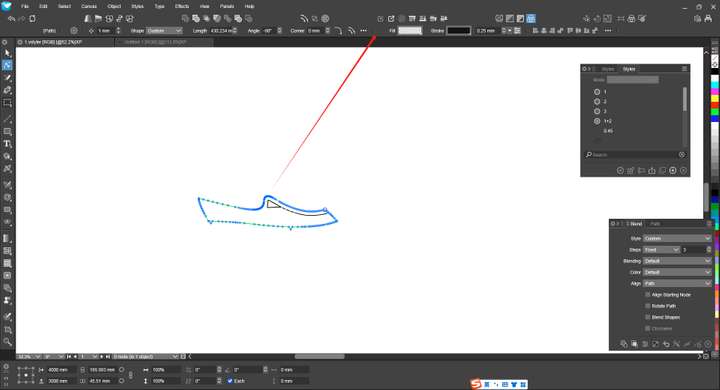
By the way, during the time from not selecting an object to selecting an object, the display speed of the toolbar here will also be a bit slower. There will be a delay. I hope this can also have its speed improved. -
@monsterfox said in Moving object or center, delay as progress:
during the time from not selecting an object to selecting an object, the display speed of the toolbar here will also be a bit slower
It is not slower, but updated with a small delay. This is to avoid updates if different objects are quickly selected.
-
@VectorStyler The display speed of Illustrator is faster. Can it be made the same? In this way, it is possible to avoid having to wait for its display process after selecting an object.
-
@monsterfox said in Moving object or center, delay as progress:
The display speed of Illustrator is faster. Can it be made the same?
I will try to improve this.

