Auto-trigger Path/Node Options
-
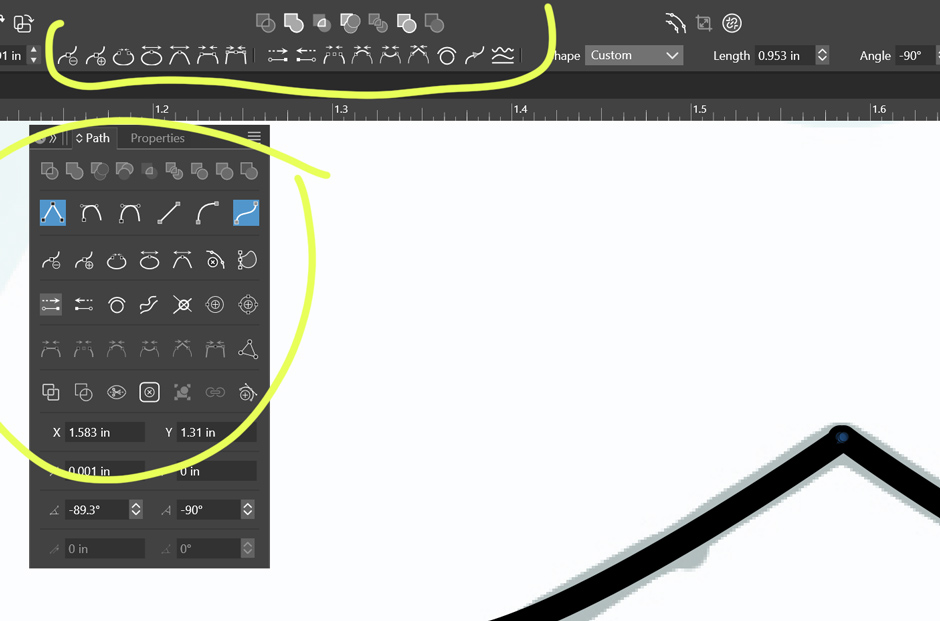
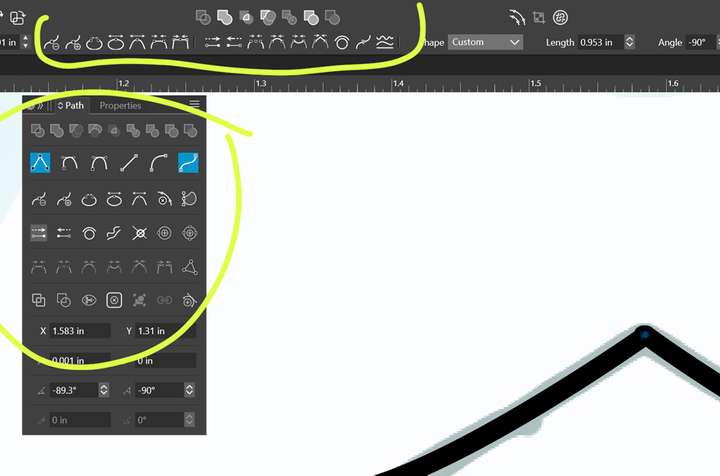
Is this normal? When I hover over these options for a second or so, they auto-trigger? I can't check tooltips this way, so I've found that it makes it difficult for me to sift through the options.
-
@debraspicher said in Auto-trigger Path/Node Options:
Is this normal? When I hover over these options for a second or so, they auto-trigger? I can't check tooltips this way, so I've found that it makes it difficult for me to sift through the options.
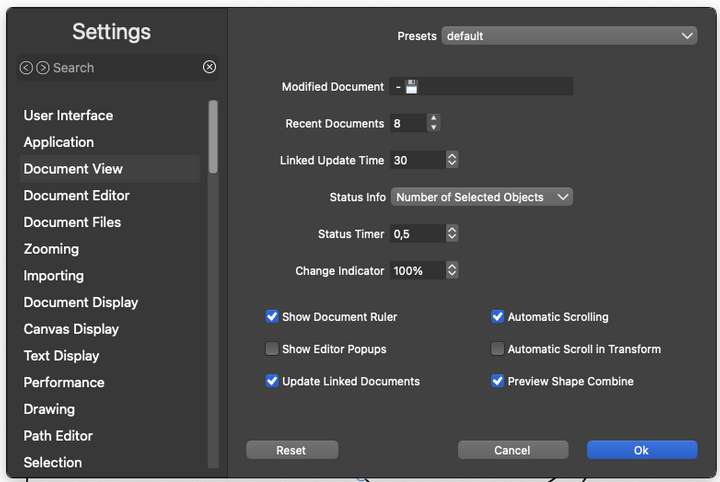
It is a preview of the node type in action. Disable preview here (Preview Shape Combine):
-
@Ingolf Ok. I kept hitting Undo instinctively because of the delay. The highlight remains on the Preview highlights after unhovering over those options (reverting back to the old option), so it is confusing because it can seem to be acting permanent. Preview is useful, so I'll keep it for now.
Windows 11 Build 26200.7171 (25H2)
AMD Ryzen 7 9700X with Gigabyte X870E Aorus Pro Ice
32GB RAM @ 6000MHz
PNY NVIDIA RTX 5070 Ti 16GB; Display 1: 4K @150%; Display 2: 4K @150%
Wacom Intuos Pro L (2025); Wacom Intuos Pro M; Epson ET-8550; Siser Romeo -
@debraspicher said in Auto-trigger Path/Node Options:
@Ingolf Ok. I kept hitting Undo instinctively because of the delay. The highlight remains on the Preview highlights after unhovering over those options (reverting back to the old option), so it is confusing because it can seem to be acting permanent. Preview is useful, so I'll keep it for now.
The idea probably comes from Word, for example, with format preview. I'm not too fond of previewing node types when I already know the consequence of changing the type. However, preview is absolutely wonderful when working with boolean operations, where it is very difficult to predict the result.
-
@debraspicher Should the preview for these node commands be a separate option ?


