node editing tool
-
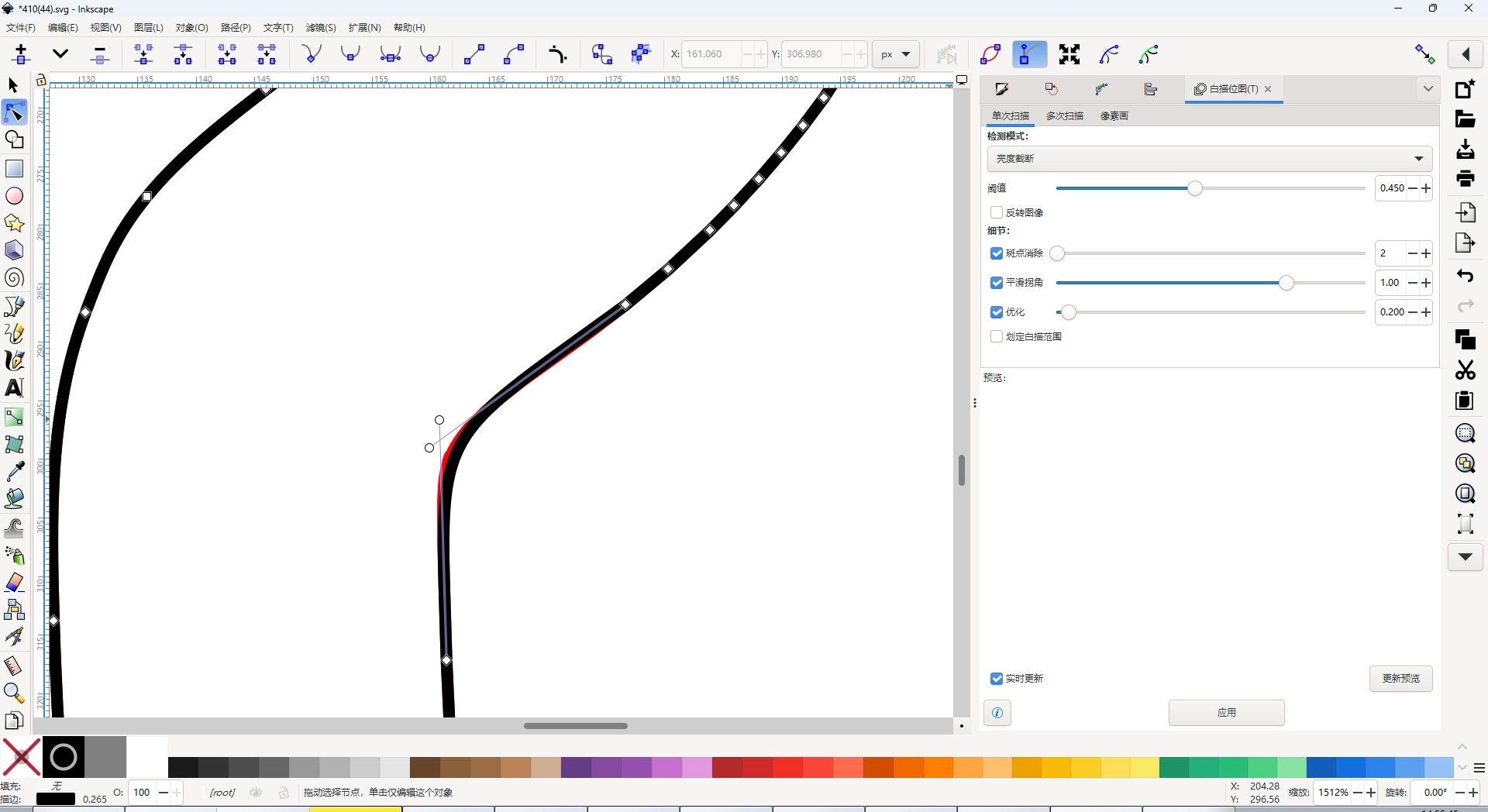
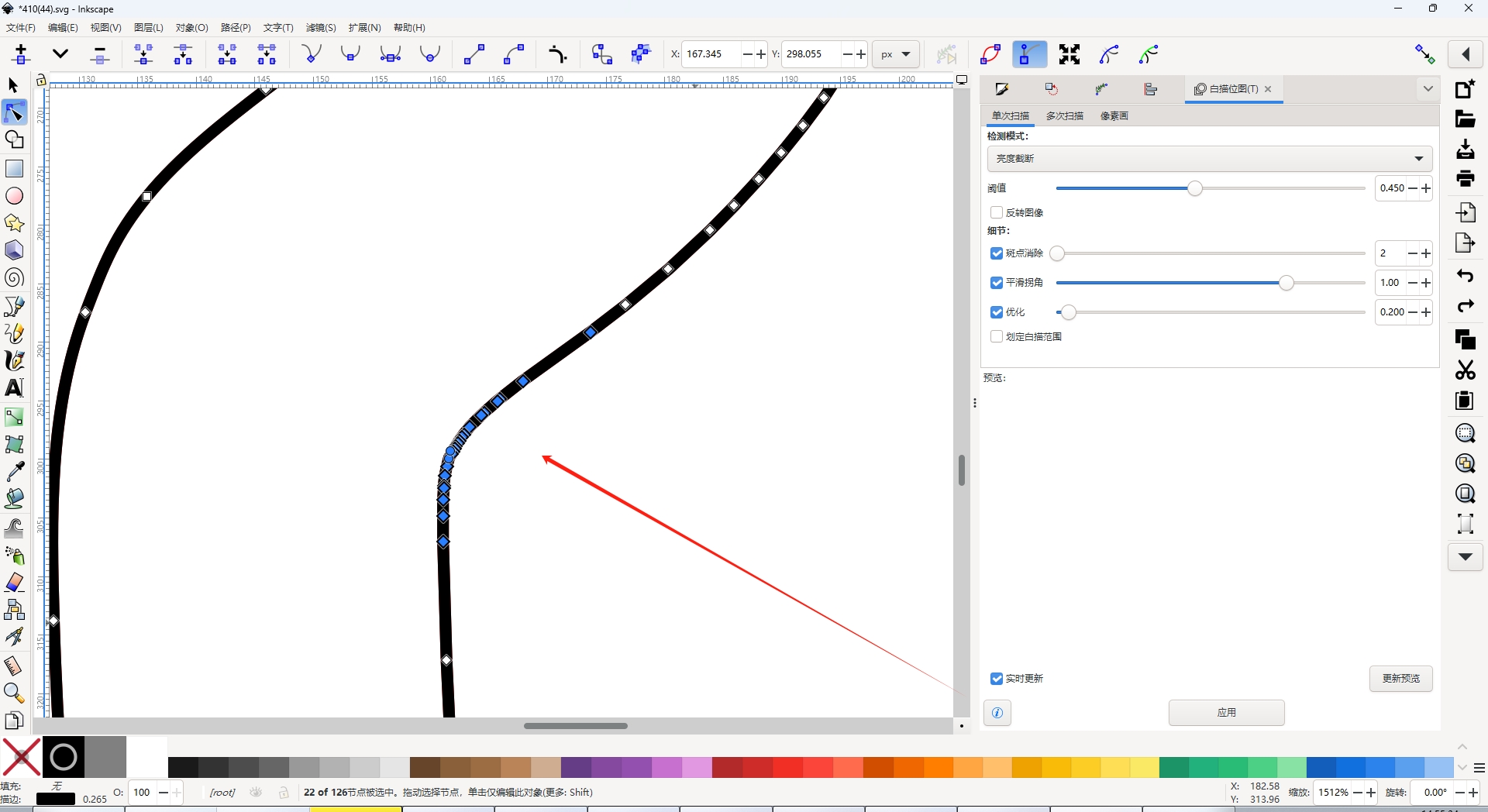
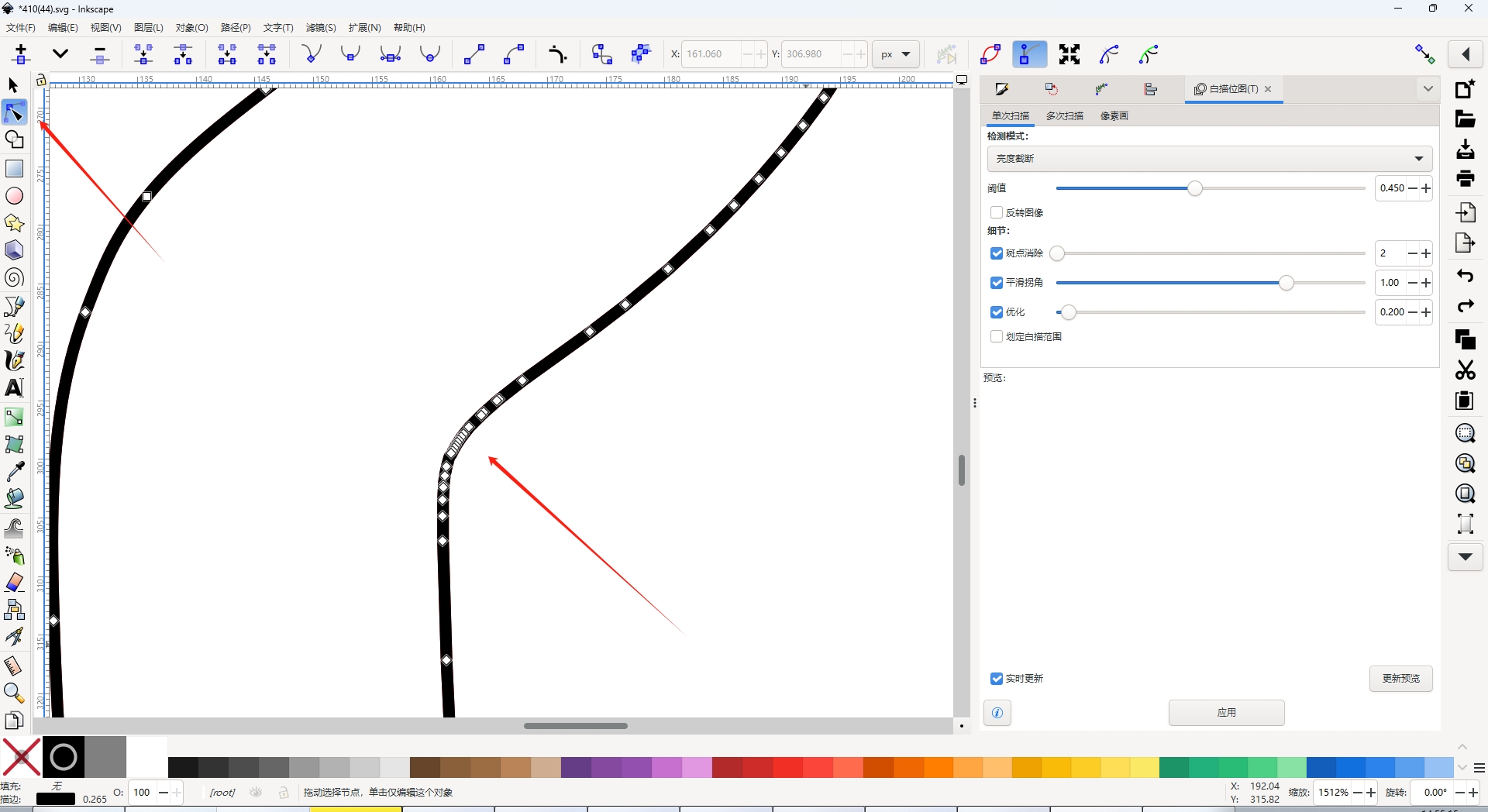
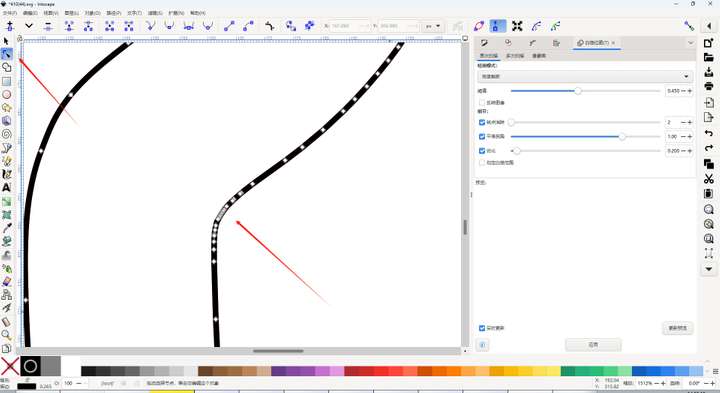
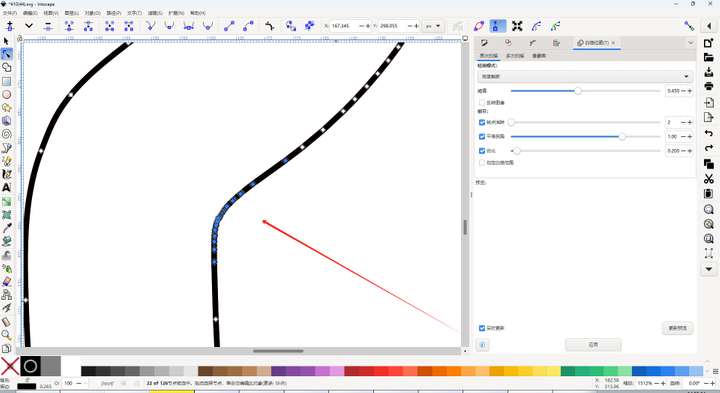
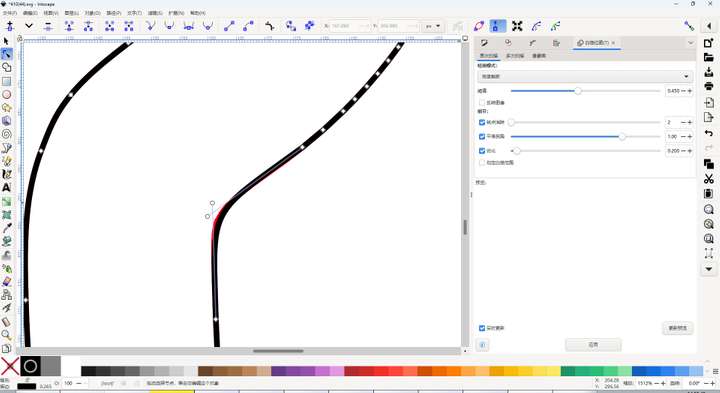
Here are two overlapping paths. When using the node editing tool in Inkscape and Designer to frame - select nodes, only the nodes of one path can be selected for editing, while in VS, the nodes of both paths can be selected. Can the same effect as them be achieved in this regard?
-
@monsterfox This is a bit of a problem.
Currently in VS, if no object is selected, the frame select tool will select nodes from multiple objects.
This is by design and it is a feature: to allow operating on nodes from different objects at the same time.But if you already have one node selected, or the object is selected, then frame select should select only from that path.
So in VS: you have to first select the path, or one node of it and then frame select.
-
@VectorStyler I tested those two software. In the node editing tool, when no object is selected, no node or path can be selected by frame selection. Only when clicking can a path be selected. To select multiple paths, you need to press Shift. However, in VS, nodes in a path can be directly selected by frame selection. So in the above example, the nodes of two superimposed paths will be selected simultaneously. For example, for two superimposed paths. I need to adjust the smoothness of the upper path, and keep the lower path to observe the integrity of the path after modification. This operation is very difficult to achieve in VS.
-
@monsterfox In the other apps: can you select nodes without selecting the object first?
-
@VectorStyler I just tested CorelDRAW again, and the result was the same as that of Inkscape and Designer.
