Bug and improvement?
-
As promising as Vectorstyler is, unfortunately I still don't dare to use the program for the real work. I keep running tests and keep running into problems.
BUG?
Test x:
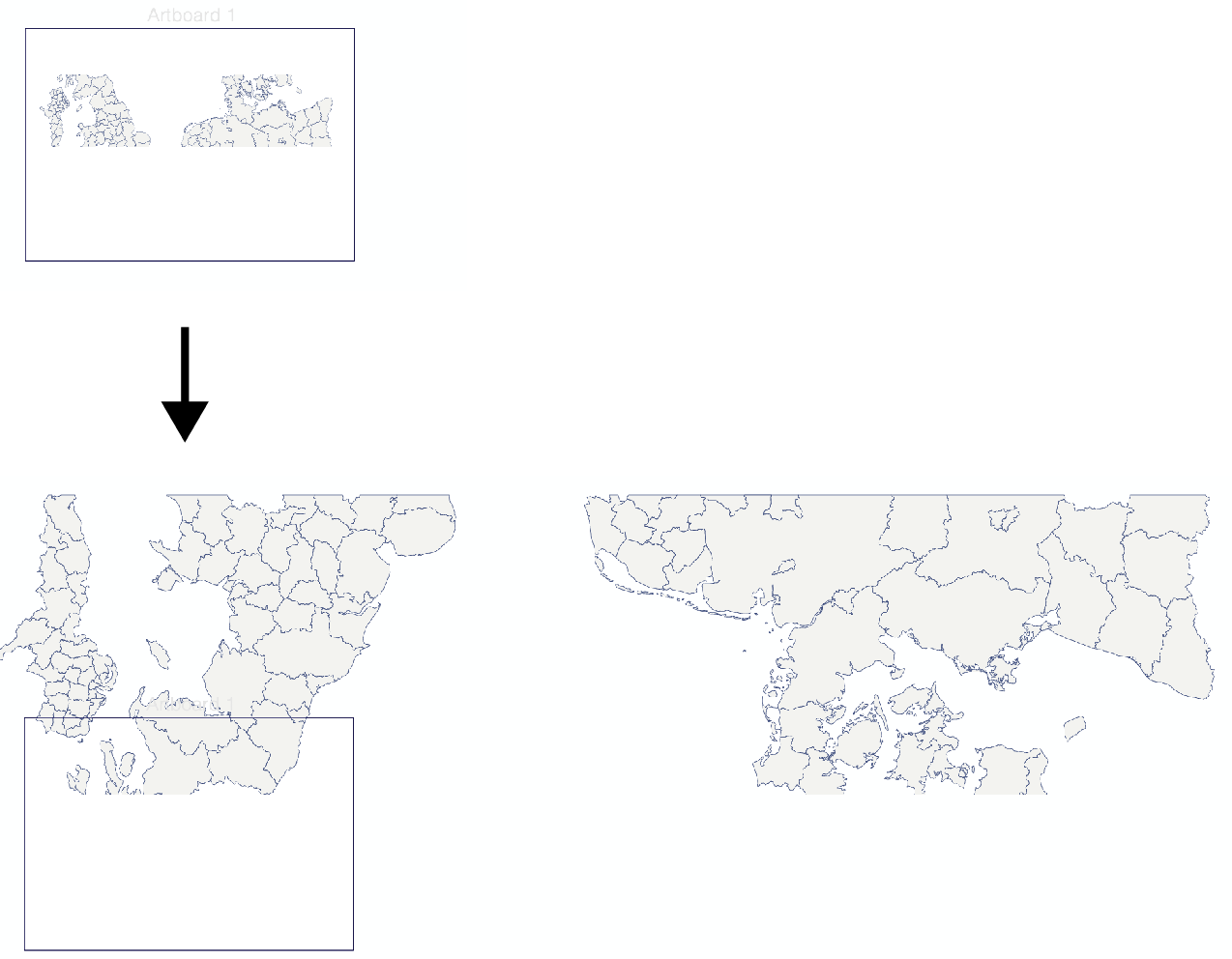
I open an svg map generation from Qgis and create layers from the groups.I make the landform layer visible and select the layer (which is still a group, which is good) and just try to change the overall line weight.
This is what happens... Bug?
(problem does not occur when I ungroup the form first but that is not a solution)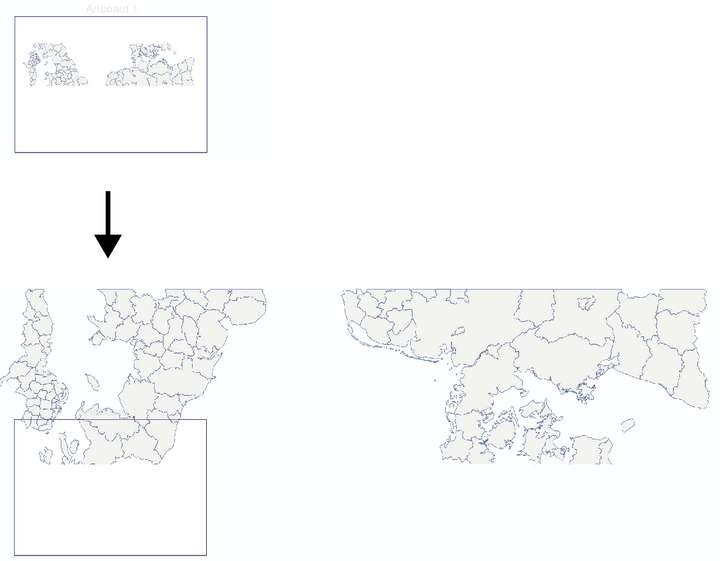
.IMPROVEMENT?
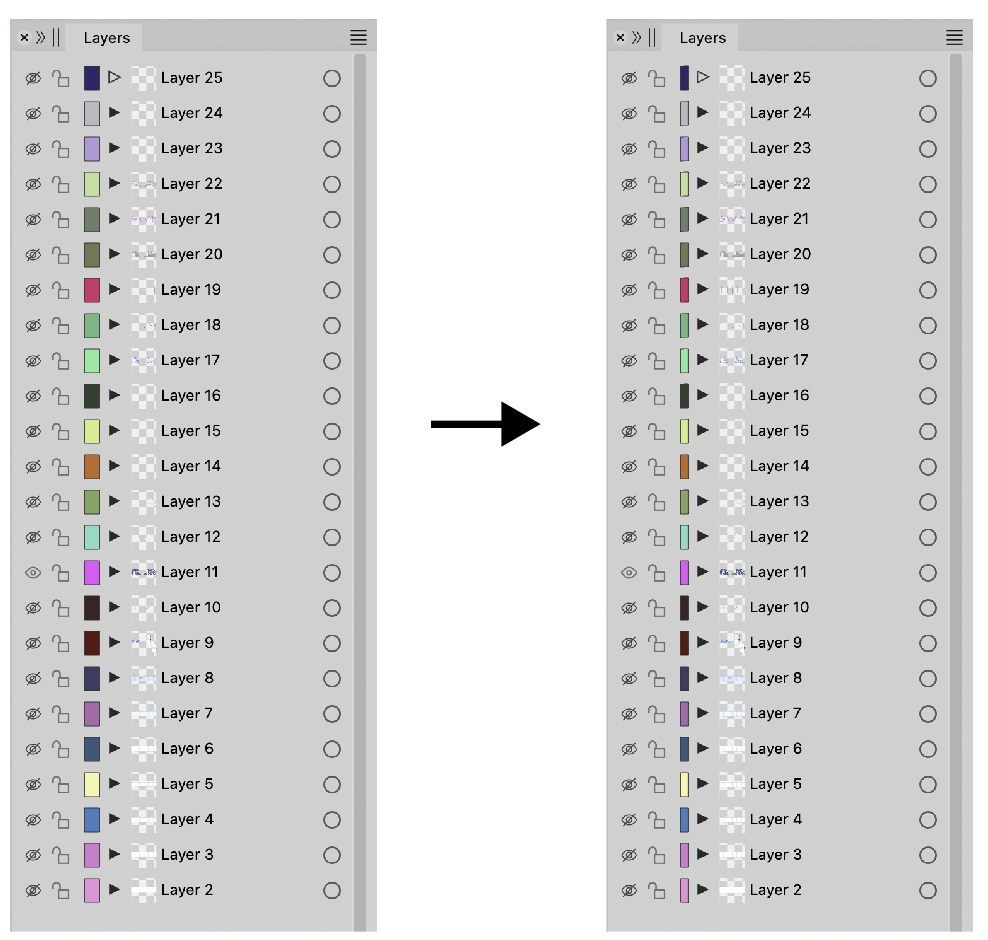
Furthermore, I am increasingly irritated by the dominance of the color indicator/selector layers. These are so large that they often attract more attention than the artwork preview while they are of relative importance. Could these be a bit narrower?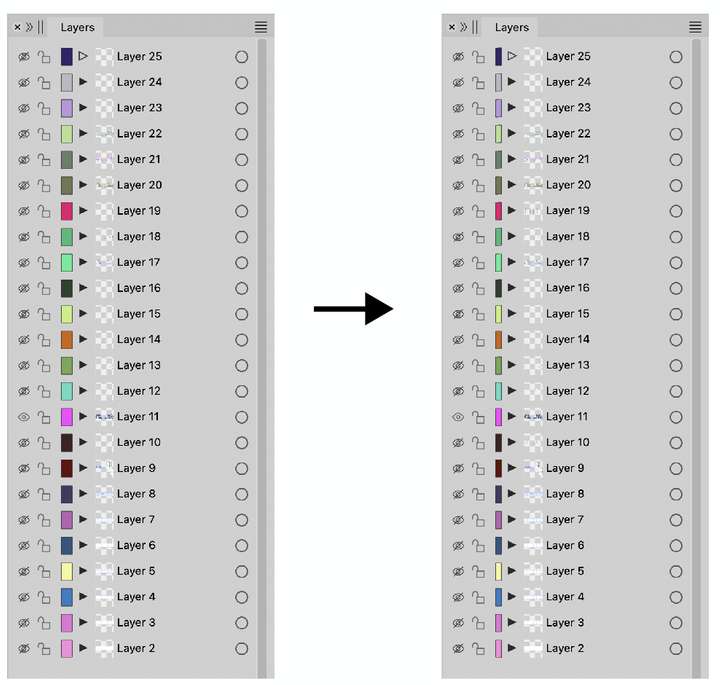
-
@Ayo said in Bug and improvement?:
I make the landform layer visible and select the layer (which is still a group, which is good) and just try to change the overall line weight.
Is that group clipped into a rectangle?
If it is, all style changes will be applied at group level to the clipping shape, this is by design.The clipping shape can be removed from a group with Object -> Shape -> Clear Object Shape, after which the style changes will apply to the content of the group.
I will see what can be done with the layer color (but it canno0t be removed).
-
@Ayo If you want to change styles inside a clipping group, double click the group (to isolate), Select All and then change the styles of the selected objects.
-
@VectorStyler said in Bug and improvement?:
Is that group clipped into a rectangle?
No just a group {Group}
Running 'Clear Object Shape' makes no difference.the layer color (but it cannot be removed)
No! for god's sake... of course not. That's not my point, it's the size.
-
@Ayo Can you send me the file.
-
@Ayo About changing the style: there seems to be a "refresh" bug here. Press Command+R to reset after applying the style to fix the display.
I will solve this issue ASAP.
-
@Ayo This is a regression in the past 2 versions

