VectorStyler
    • Categories
    • Unread
    • Recent
    • Tags
    • Popular
    • Register
    • Login

    Offset Path Issues

    Scheduled Pinned Locked Moved Questions and Support
    3 Posts 2 Posters 2.6k Views 2 Watching
    Loading More Posts
    • Oldest to Newest
    • Newest to Oldest
    • Most Votes
    Reply
    • Reply as topic
    Log in to reply
    This topic has been deleted. Only users with topic management privileges can see it.
    • TeddyT Offline
      Teddy
      last edited by

      I've been fighting with creating offset paths, and hoping someone can help.

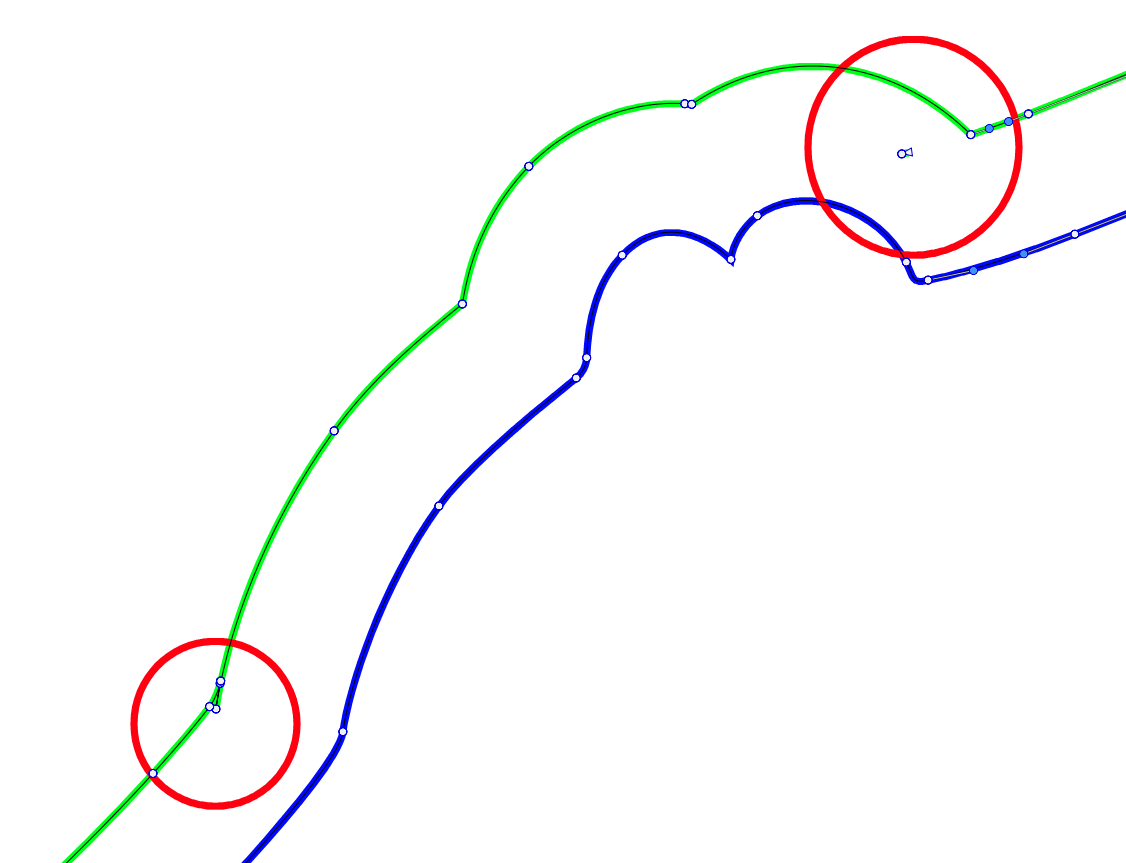
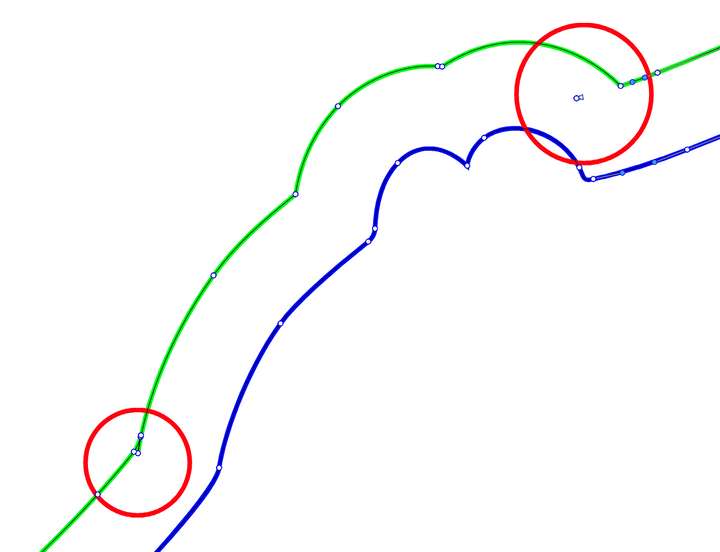
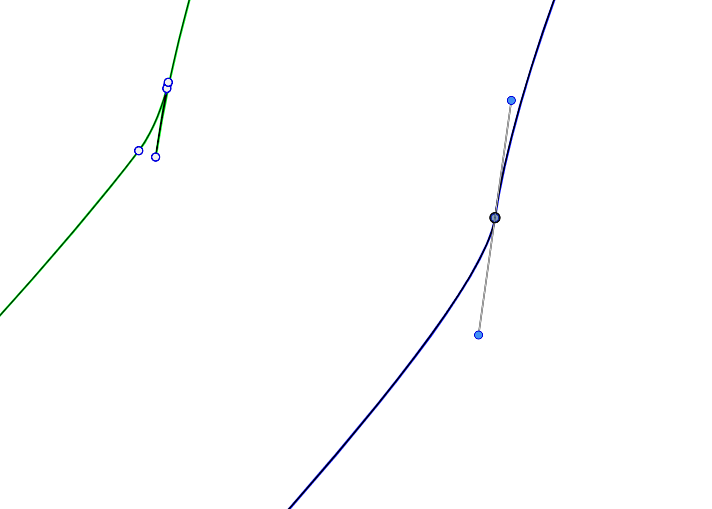
      When I go to apply an offset path to a complex curve, it creates broken geometry with extra paths, and I'm not sure why.
      0_1731272978283_9dd924a5-3898-4517-b496-1373147426ba-image.png

      0_1731273221593_1cc9295f-2b78-4f8b-b4f3-82868296750b-image.png

      Blue path being the original, and green being the offset path.

      I've been having to Break Apart to remove the new extraneous paths, and remove extra nodes by hand.

      I've attached the file in question hoping someone can offer some insight.

      0_1731273055545_offset.vstyler

      Thank you very much!

      MacOS Sonoma, MBP M3 Pro, 36GB RAM

      VectorStylerV 1 Reply Last reply Reply Quote 1
      • VectorStylerV Offline
        VectorStyler @Teddy
        last edited by

        @Teddy These look like bugs in the offset path.

        I will open a bug on this and try to find a solution.

        TeddyT 1 Reply Last reply Reply Quote 1
        • TeddyT Offline
          Teddy @VectorStyler
          last edited by

          @VectorStyler Thank you!

          MacOS Sonoma, MBP M3 Pro, 36GB RAM

          1 Reply Last reply Reply Quote 0
          • First post
            Last post