Problem with Unsolicited Save popups
-
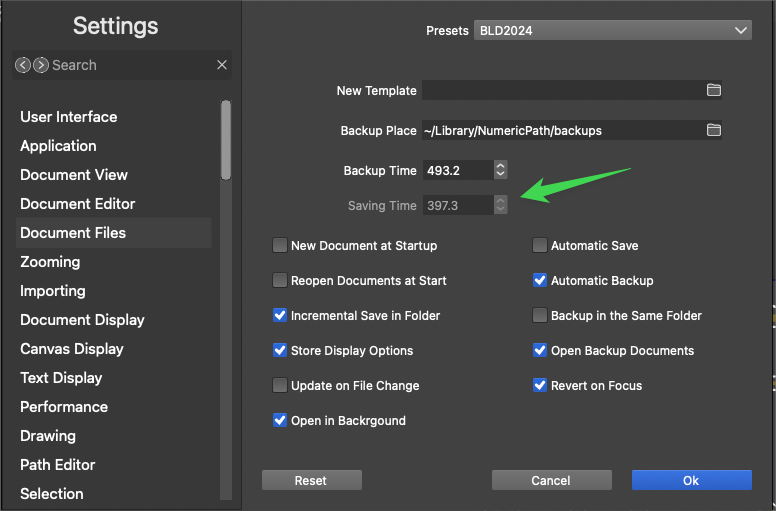
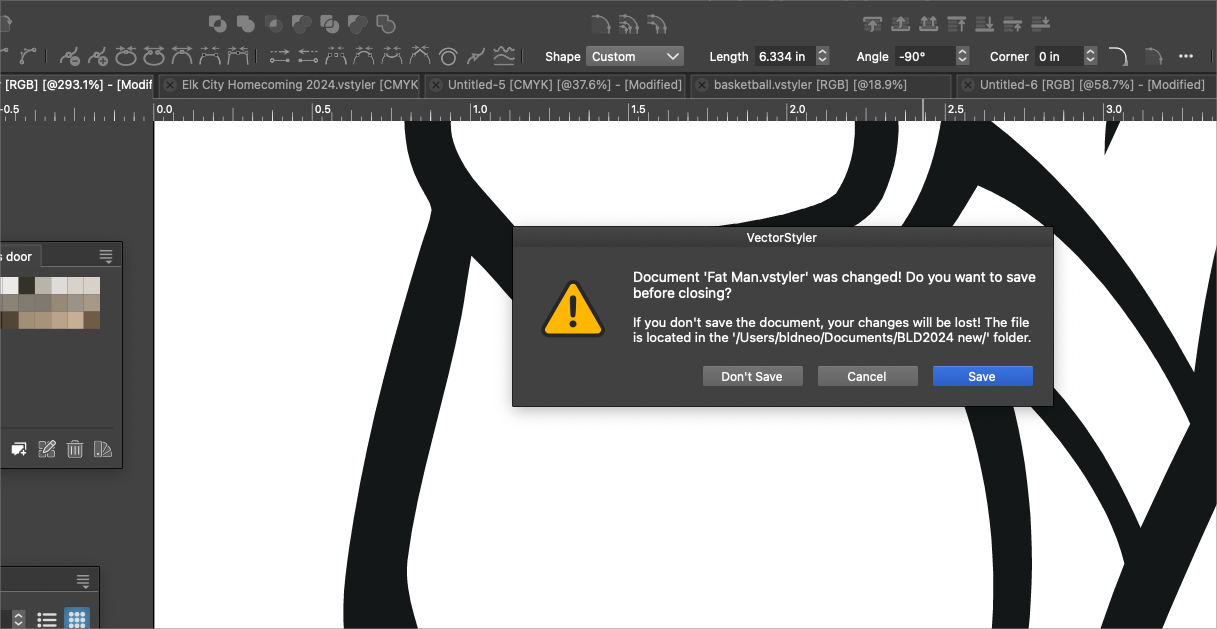
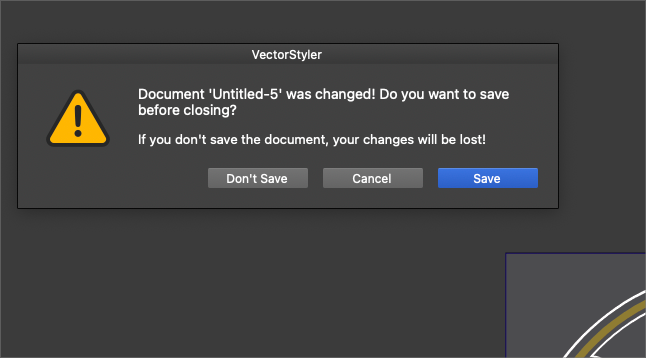
Since yesterday, I've been getting these pop ups in VS asking me if I want to save my work - the implication being VS is trying to shut down or check for new versions or something... The first example happened a few times while I was actively working on a project. The second example is when I woke my computer from sleep mode this morning and it was already on the screen when I switched to VS. (VS was open on the computer overnight, but machine was sleeping)
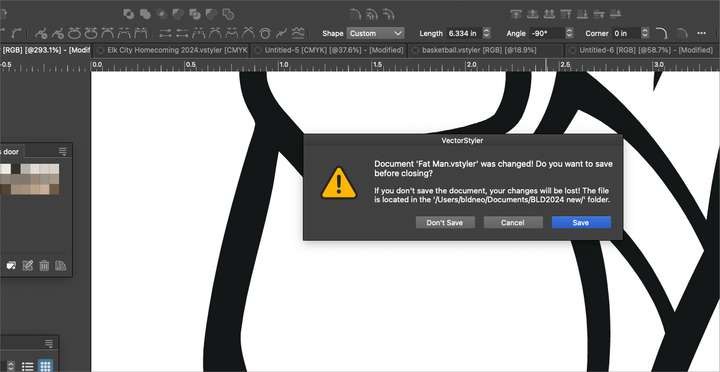
These requests by VS to save have only started happening since I was experimenting with the save timer in the settings. When I look at my current settings, despite it having a number in the box, it seems grayed out and I assumed it was not relevant unless the "Automatic Save" option was checkmarked below it. (see screenshot below)
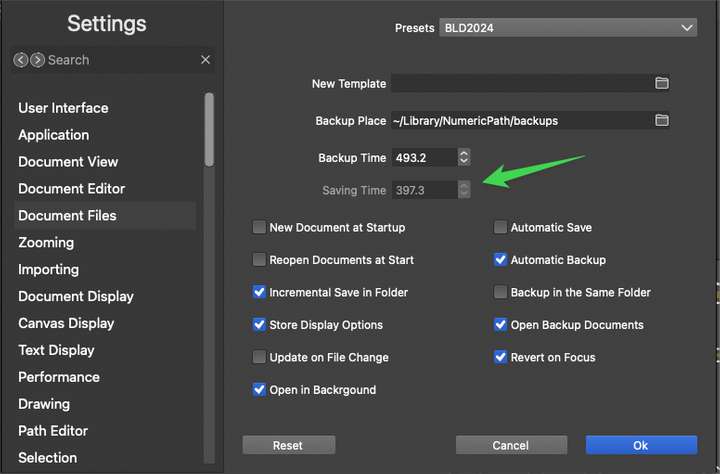
I like the idea of an automatic reminder to save like that, but why then would it also tell me in that warning, "do you want to save before closing"?Would you be able to help me understand the "Automatic Save" and how it relates to the "saving time"?
-
@Boldline Could be a bug. It looks like this affects documents that have not yet been saved, is that so?
I will try to replicate it.
Yes the save timer should not be used if the Automatic Save is unchecked.
-
@VectorStyler said in Problem with Unsolicited Save popups:
@Boldline Could be a bug. It looks like this affects documents that have not yet been saved, is that so?
For me it was affecting both documents completely unsaved and those that had been saved earlier on and additional edits were made. In the first screenshot I had already saved and named the file "fat man" and after working further on the project, it gave me the unsolicited request to save before closing
Yes the save timer should not be used if the Automatic Save is unchecked.
Does the "automatic save" save in the background or does it give you a pop up asking you if you want to save your work? If I set the timer to zero, does that remove the auto-save?
-
@Boldline said in Problem with Unsolicited Save popups:
"automatic save" save in the background
Yes, it saves in the background.
Please send me (by email) the workspace / settings files of VS, I will try to replicate this error

