VectorStyler
    • Categories
    • Unread
    • Recent
    • Tags
    • Popular
    • Register
    • Login

    Node snapping

    Scheduled Pinned Locked Moved Questions and Support
    9 Posts 4 Posters 6.1k Views 4 Watching
    Loading More Posts
    • Oldest to Newest
    • Newest to Oldest
    • Most Votes
    Reply
    • Reply as topic
    Log in to reply
    This topic has been deleted. Only users with topic management privileges can see it.
    • Z Offline
      Zero
      last edited by

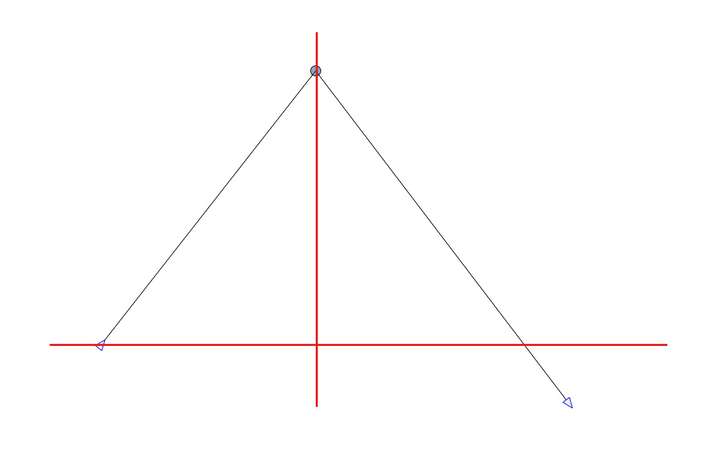
      When using the pen or the node tool, is there a way to snap to nodes (in the current shape)? Eg. trying to draw a triangle: the third node should be able to snap to the other 2 nodes, see image below)
      0_1731571169653_b062b7f8-6399-48fd-930a-15a2b72af3d6-image.png

      VectorStylerV AyoA 2 Replies Last reply Reply Quote 1
      • VectorStylerV Offline
        VectorStyler @Zero
        last edited by

        @Zero Not like that, only directly on the point.

        This kind of snapping can be added easily, the problem is that it will snap to the nodes of other paths also.
        Would that be ok?

        1 Reply Last reply Reply Quote 0
        • Z Offline
          Zero
          last edited by

          That would be great! Actually snapping to nodes on other paths is a very welcome addition.

          1 Reply Last reply Reply Quote 2
          • AyoA Offline
            Ayo @Zero
            last edited by

            @Zero said in Node snapping:

            is there a way to snap to nodes (in the current shape)?

            I don't quite get the drawing and question but;
            maybe author Zero is looking for 'Snapping Options' > 'Snap to Original' ?
            (or more explanatory: 'Snap to Itself")
            That's provided.

            VectorStylerV encartE 2 Replies Last reply Reply Quote 1
            • VectorStylerV Offline
              VectorStyler @Ayo
              last edited by

              @Ayo I think this was about independent x/y coordinate snapping for nodes. Currently the "Snap to Points" mode only snaps to the point both xy at the same time.

              1 Reply Last reply Reply Quote 1
              • encartE Offline
                encart @Ayo
                last edited by

                I also have trouble understanding the problem.
                But maybe this will help with something - if I want to stick to a point on the current path, I make a point somewhere next to it and without releasing the mouse I drag it over a point on the path When it is in the right place I let go of the mouse.
                Of course, I have 'Snap to Points' enabled

                https://somup.com/cZX2IdJrPd

                MacBook Air M4 24Gb, Tahoe 26.2

                1 Reply Last reply Reply Quote 2
                • Z Offline
                  Zero
                  last edited by

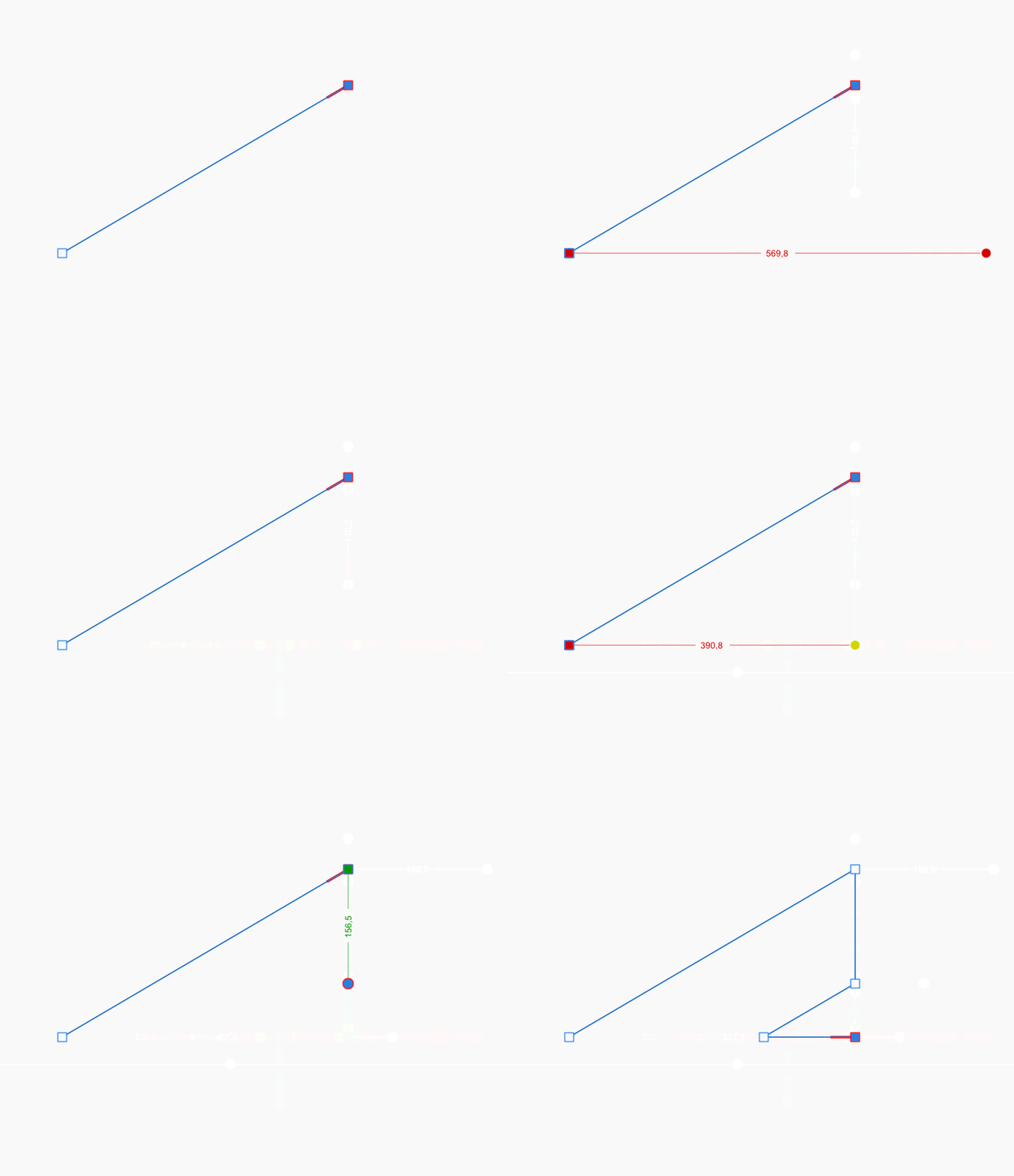
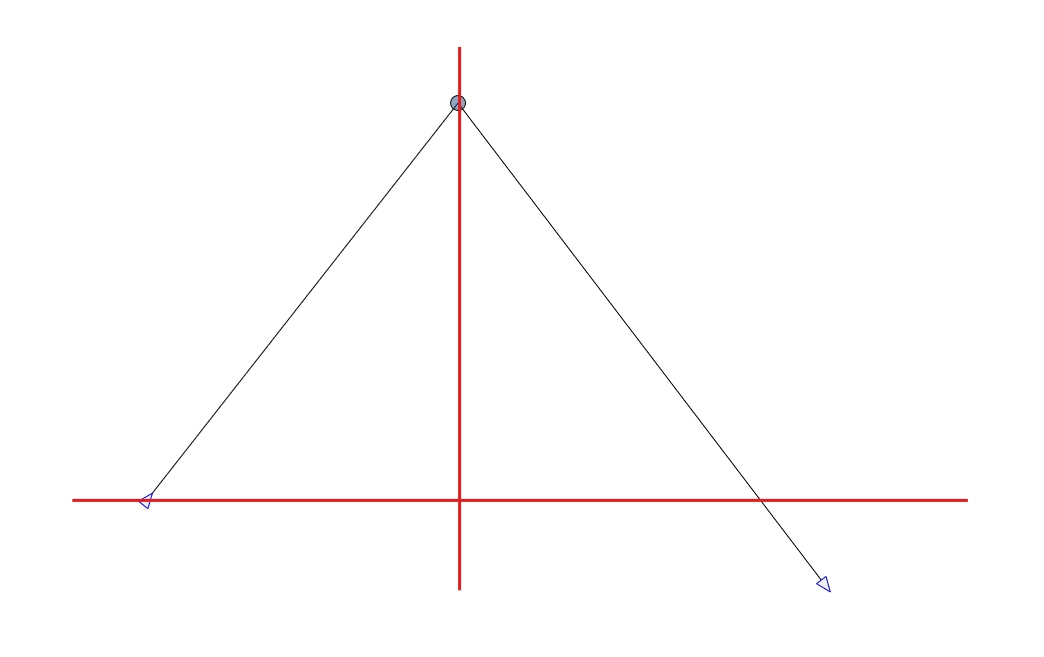
                  Here is what i mean (from Affinity)

                  GIF-snap.gif

                  Hope this clarifies a bit.

                  VectorStylerV 1 Reply Last reply Reply Quote 2
                  • VectorStylerV Offline
                    VectorStyler @Zero
                    last edited by

                    @Zero This will be in the next build.

                    Z 1 Reply Last reply Reply Quote 2
                    • Z Offline
                      Zero @VectorStyler
                      last edited by

                      @VectorStyler said in Node snapping:

                      @Zero This will be in the next build.

                      Awesome! Thank you.

                      1 Reply Last reply Reply Quote 0
                      • First post
                        Last post