VectorStyler
    • Categories
    • Unread
    • Recent
    • Tags
    • Popular
    • Register
    • Login

    Group Selection Tool?
    Scheduled Pinned Locked Moved Questions and Support
    11 Posts 2 Posters 7.5k Views 2 Watching
    Loading More Posts
    • Oldest to Newest
    • Newest to Oldest
    • Most Votes
    Reply
    • Reply as topic
    Log in to reply
    This topic has been deleted. Only users with topic management privileges can see it.
    • VectorStylerV Offline
      VectorStyler @oleGraf
      last edited by

      @oleGraf With composite shapes you can use the composite shape selector tool (highlighted), available in the tool group of the first tool in the toolbox:

      0_1738828472242_composite.png

      1 Reply Last reply Reply Quote 0
      • O Offline
        oleGraf
        last edited by

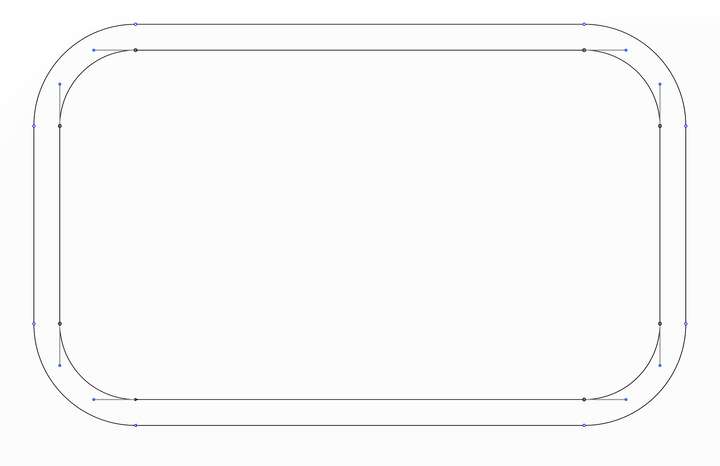
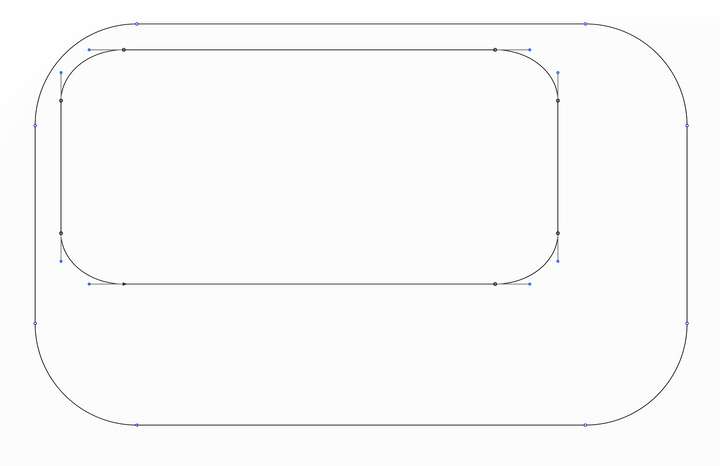
        I tried the composite shape selector tool. It works after each node/point is selected one at a time with the node tool. Not a group selection with an arrow+(not available) simply selecting the interior. After selecting each interior node of the composite shape's interior, then selecting the composite shape selector tool, I could skew, change height and/or width separately from the exterior. I could not use the distortion tool without the selection reverting to the entire shape.0_1738845133729_interior path:nodes1.png 0_1738845137451_interior path:nodes2.png

        Mac Mini M2 Pro 2023, Samsung 32" Display, OS Sequoia 15.7.3

        VectorStylerV 1 Reply Last reply Reply Quote 1
        • VectorStylerV Offline
          VectorStyler @oleGraf
          last edited by

          @oleGraf There is also an alternative way (similar to how Illustrator works).
          To create composite shapes, first group the objects and then select a Object -> Composite Shape mode (similar to Pathfinder in AI).

          In this way you can double click to isolate and select shapes.

          1 Reply Last reply Reply Quote 0
          • O Offline
            oleGraf
            last edited by

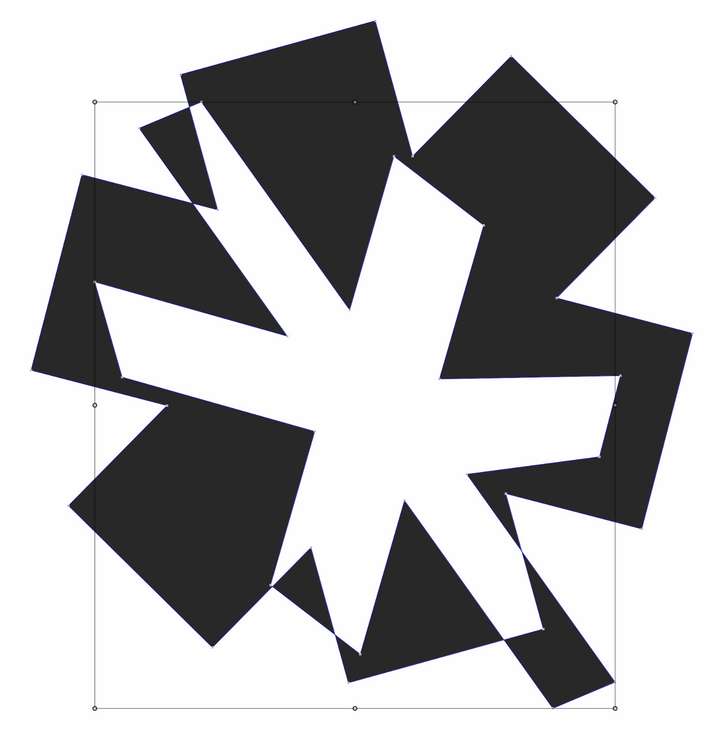
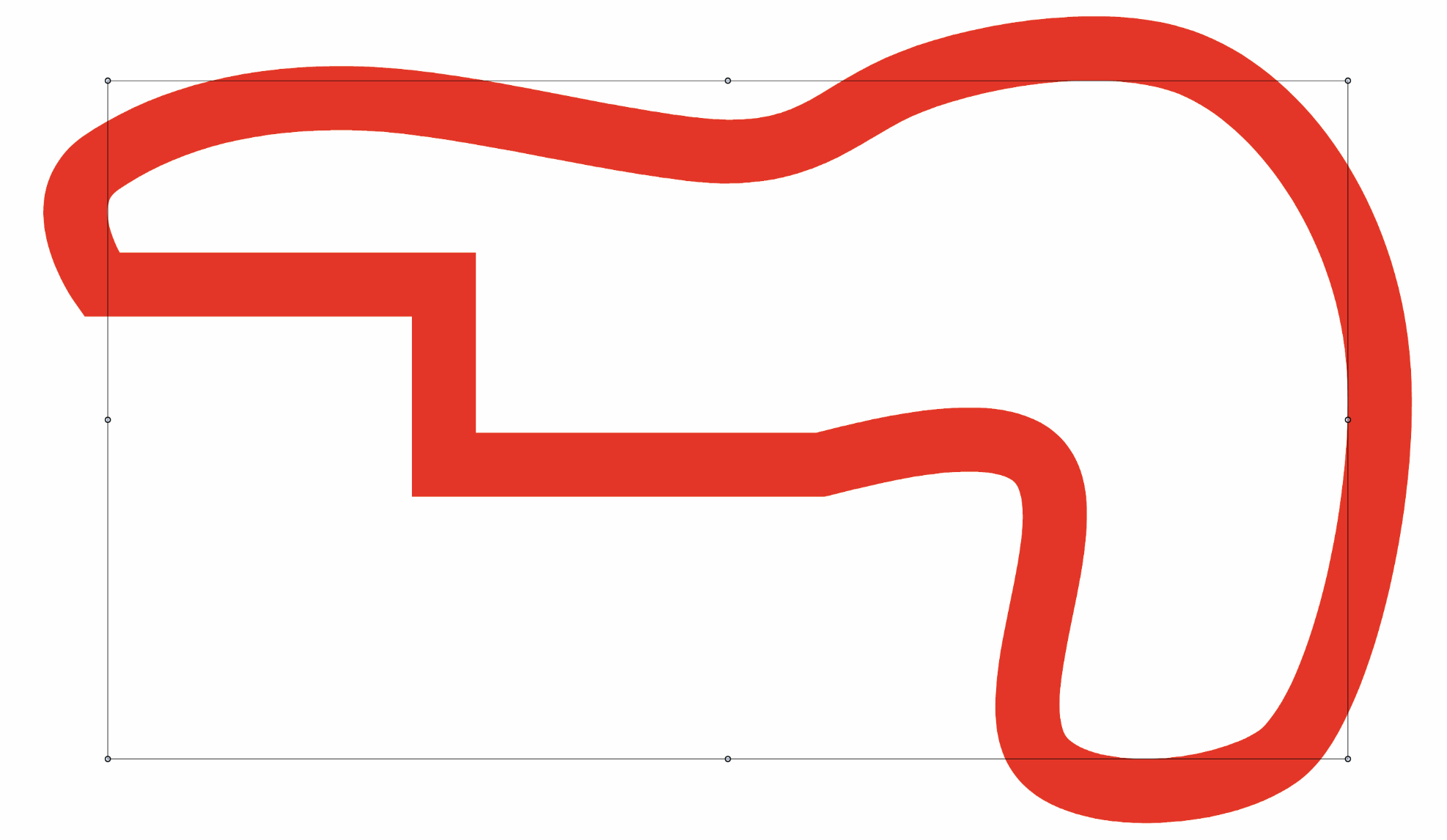
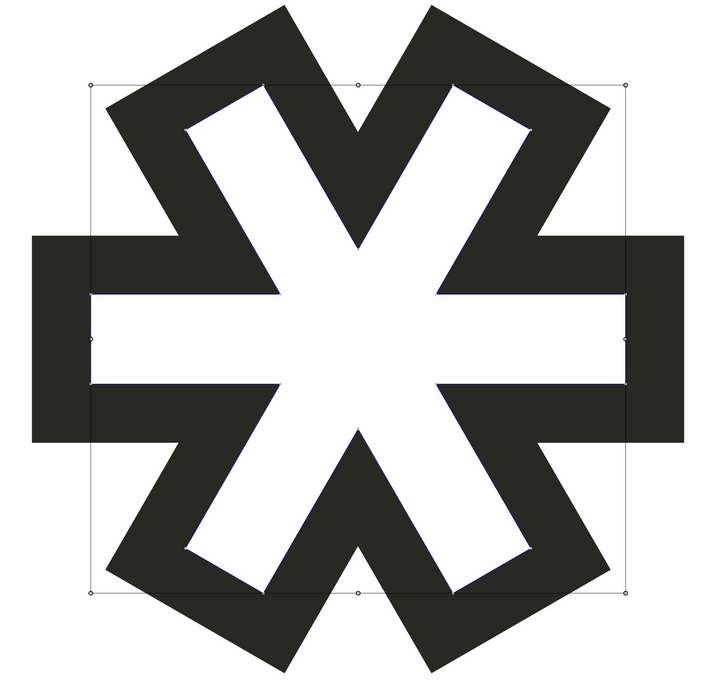
            I did try follow your example, but did not achieve my desired result. I have worked with Illustrator. The graduated levels of selection tools in Illustrator offered tiered levels of selection for working on a single object that has a negative interior path or paths. I have developed a work around with Vector Styler. It involves a more complicated approach, not as intuitive as I hoped for. Vector Styler has many strengths so I thought I would ask. Thank you.

            Simple example;
            .0_1738906225581_CogOutline.png 0_1738906230938_CogNegdistort.png
            Mac Mini M2 Pro 2023, Samsung 32" Display, OS Sequoia 15.7.3

            VectorStylerV 1 Reply Last reply Reply Quote 1
            • VectorStylerV Offline
              VectorStyler @oleGraf
              last edited by

              @oleGraf All the selection tools of Illustrator should also be available in VectorStyler, maybe with different names or places.
              What are the selection tools in Illustrator that you used?
              Or if you can make a quick recording of what you do in Illustrator, I can replicate that in VectorStyler.

              1 Reply Last reply Reply Quote 0
              • O Offline
                oleGraf
                last edited by

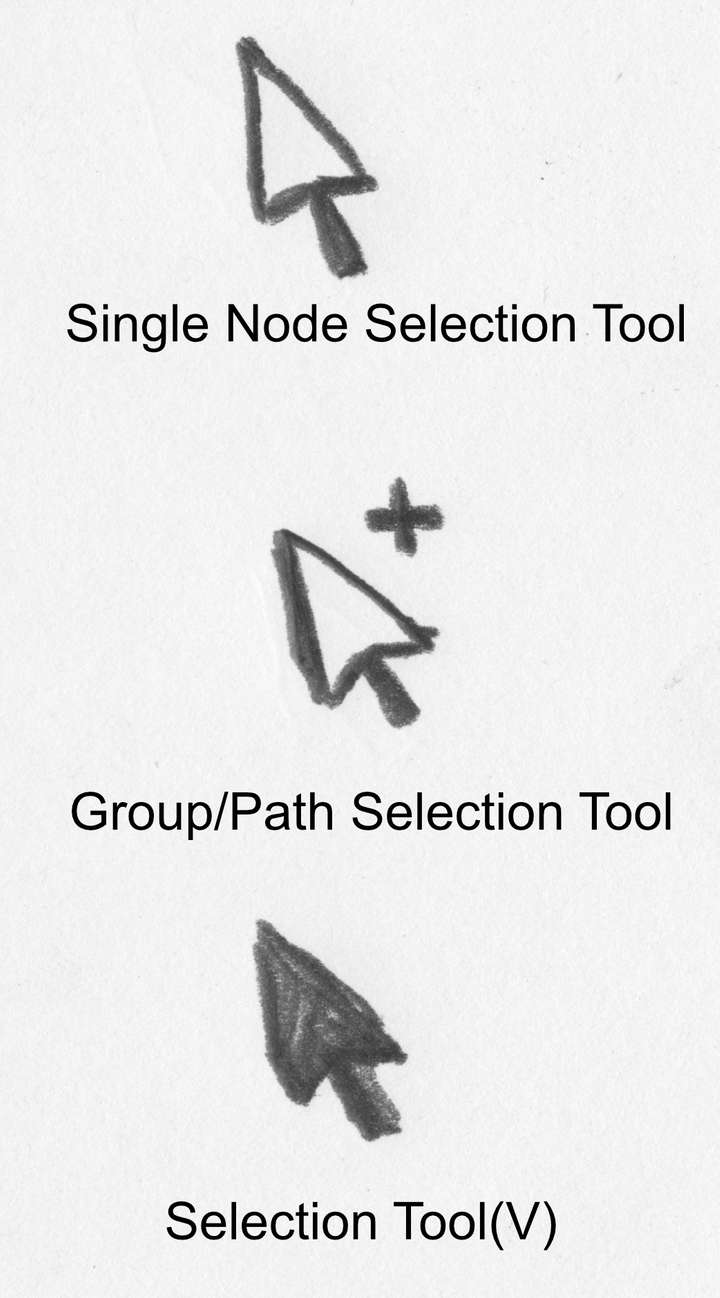
                Quick pencil sketch;
                0_1738907244762_Screenshot 2025-02-06 at 9.46.29 PM.png

                Mac Mini M2 Pro 2023, Samsung 32" Display, OS Sequoia 15.7.3

                VectorStylerV 1 Reply Last reply Reply Quote 0
                • O Offline
                  oleGraf
                  last edited by

                  It's the middle Group/Path Selection tool that affords quick selection of a sub-path that is a void or negative interior path. The selection can be distorted or transformed without effecting the other paths in the object.

                  Mac Mini M2 Pro 2023, Samsung 32" Display, OS Sequoia 15.7.3

                  1 Reply Last reply Reply Quote 0
                  • VectorStylerV Offline
                    VectorStyler @oleGraf
                    last edited by

                    @oleGraf In the same order:

                    0_1738908075154_tool2.png Single Node Selection Tool

                    0_1738908126297_tool1_2.png Direct selection inside groups (but this does not select groups, only objects).

                    0_1738908155132_tool1_1.png The regular Selection Tool.

                    For selecting groups (not objects) inside groups you can use double click to isolate.

                    1 Reply Last reply Reply Quote 0
                    • O Offline
                      oleGraf
                      last edited by

                      Yes it's that second middle tool that selects "only objects" that challenges me to find an alternate approach. I do thank you again for your attention. Vector Styler 👍

                      Mac Mini M2 Pro 2023, Samsung 32" Display, OS Sequoia 15.7.3

                      VectorStylerV 1 Reply Last reply Reply Quote 1
                      • VectorStylerV Offline
                        VectorStyler @oleGraf
                        last edited by

                        @oleGraf In the new build, clicking on selected objects with the "direct" select tool will select the parent (similar as in AI).

                        1 Reply Last reply Reply Quote 0
                        • First post
                          Last post