VectorStyler
    • Categories
    • Unread
    • Recent
    • Tags
    • Popular
    • Register
    • Login

    separate paths

    Scheduled Pinned Locked Moved Questions and Support
    13 Posts 2 Posters 10.2k Views 2 Watching
    Loading More Posts
    • Oldest to Newest
    • Newest to Oldest
    • Most Votes
    Reply
    • Reply as topic
    Log in to reply
    This topic has been deleted. Only users with topic management privileges can see it.
    • M Offline
      monsterfox
      last edited by

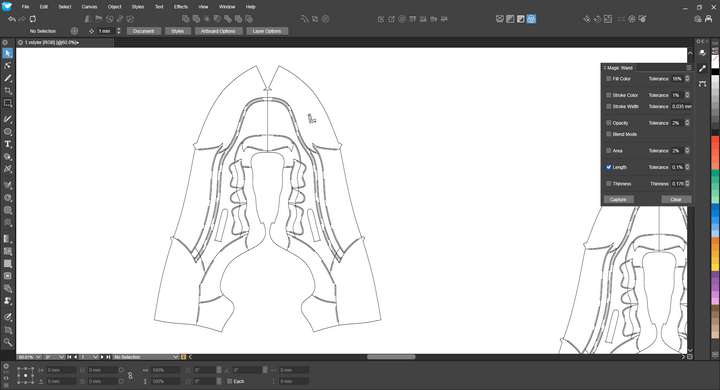
      What is the method to quickly separate closed and unclosed paths?0_1742309481192_mmexport1742309104528.png

      VectorStylerV 1 Reply Last reply Reply Quote 0
      • VectorStylerV Offline
        VectorStyler @monsterfox
        last edited by

        @monsterfox Are these separate objects? If so you can use Select -> Shape Type -> Closed Curves / Opened Curves to select them

        M 2 Replies Last reply Reply Quote 0
        • M Offline
          monsterfox @VectorStyler
          last edited by

          @VectorStyler Alright, I'll give it a try tomorrow.Thank you.

          1 Reply Last reply Reply Quote 0
          • M Offline
            monsterfox @VectorStyler
            last edited by

            @VectorStyler Two issues have been identified:

            1. The built-in standard shapes (not converted to paths) cannot be recognized as closed paths.
            2. Many paths that are closed in AI become unclosed when pasted into VS.
              Please address these two issues.
            VectorStylerV 2 Replies Last reply Reply Quote 1
            • VectorStylerV Offline
              VectorStyler @monsterfox
              last edited by

              @monsterfox said in separate paths:

              Many paths that are closed in AI become unclosed when pasted into VS

              I need an example AI file for this.

              M 1 Reply Last reply Reply Quote 0
              • M Offline
                monsterfox @VectorStyler
                last edited by

                @VectorStyler 0_1742374159151_1.ai

                1 Reply Last reply Reply Quote 0
                • VectorStylerV Offline
                  VectorStyler @monsterfox
                  last edited by

                  @monsterfox said in separate paths:

                  Many paths that are closed in AI become unclosed when pasted into VS

                  I tested with the AI file and could not replicate this issue.
                  In the file there are two open shapes (horizontal lines).
                  All other shapes remained closed after pasting or importing into VS.

                  M 3 Replies Last reply Reply Quote 0
                  • M Offline
                    monsterfox @VectorStyler
                    last edited by

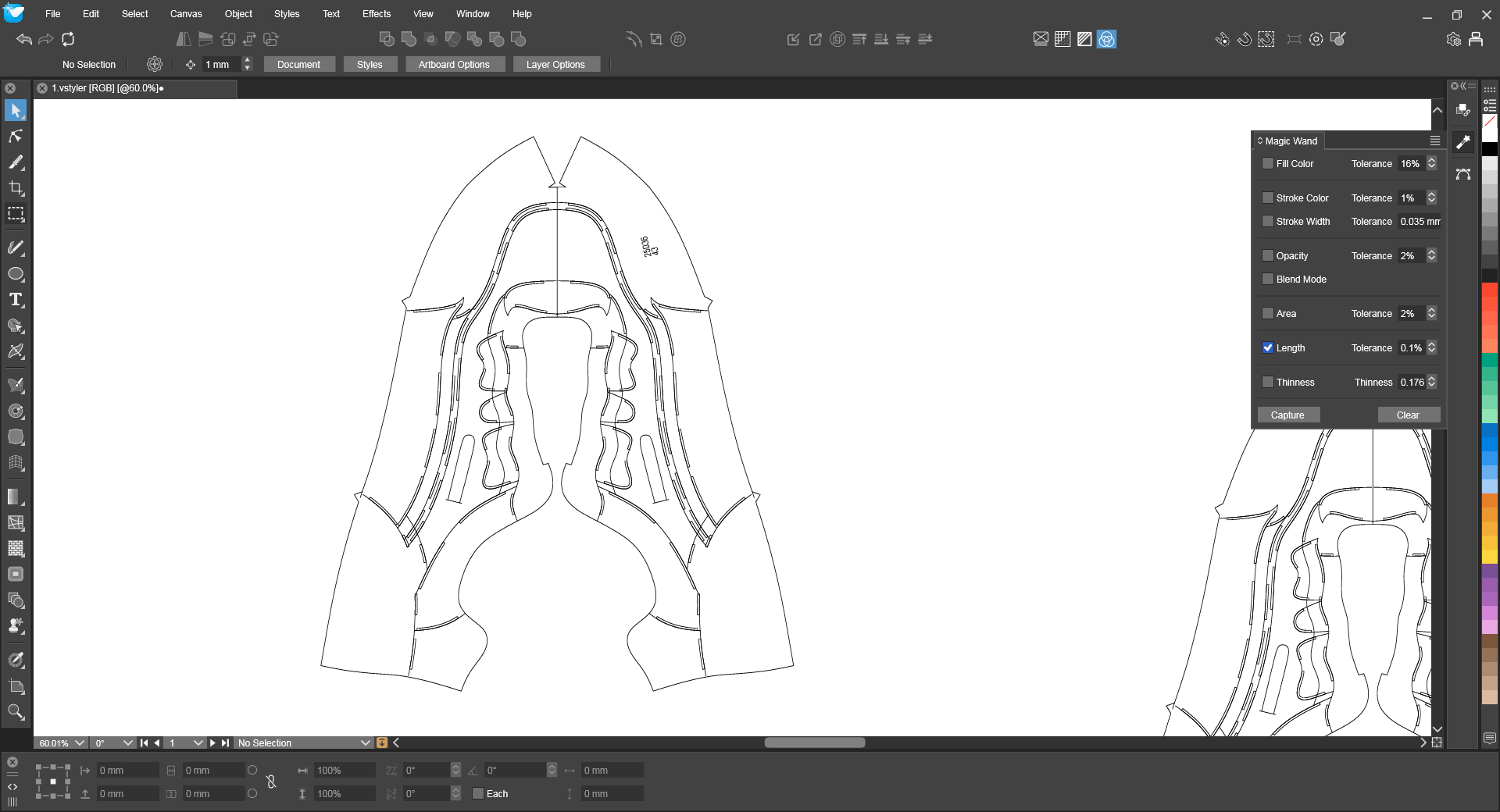
                    @VectorStyler My mistake, I have been working within the same document, which is problematic. (If possible, could you also check why text cannot be entered in this document?) Newly created documents do not have this issue. I will send you a new problematic AI document later.0_1742466169422_1.vstyler

                    1 Reply Last reply Reply Quote 1
                    • M Offline
                      monsterfox @VectorStyler
                      last edited by

                      This post is deleted!
                      1 Reply Last reply Reply Quote 0
                      • M Offline
                        monsterfox @VectorStyler
                        last edited by monsterfox

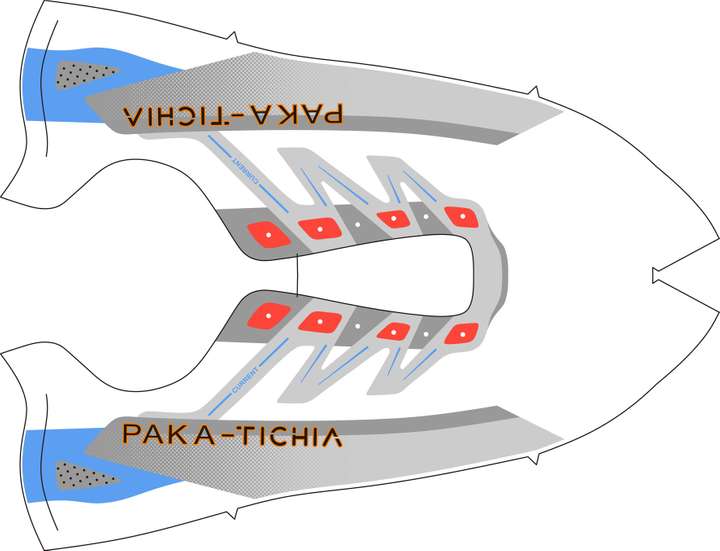
                        @VectorStyler The closed paths of red and white will break when copied to VS.![0_1742739759150_2.jpg](正在上传 100%) 0_1742739785462_2.zip

                        VectorStylerV 2 Replies Last reply Reply Quote 1
                        • VectorStylerV Offline
                          VectorStyler @monsterfox
                          last edited by

                          @monsterfox said in separate paths:

                          The closed paths of red and white will break when copied to VS.

                          I will try with this file.

                          1 Reply Last reply Reply Quote 0
                          • VectorStylerV Offline
                            VectorStyler @monsterfox
                            last edited by

                            @monsterfox said in separate paths:

                            0_1742739759150_2.jpg

                            This JPEG was not uploaded.
                            I cannot find in the AI file the part that is not pasted correctly.

                            M 1 Reply Last reply Reply Quote 0
                            • M Offline
                              monsterfox @VectorStyler
                              last edited by

                              @VectorStyler ![0_1743155557078_2.jpg](正在上传 100%) 0_1743155631337_2.jpg The entire file is ready—you can directly copy everything to VS. However, the red and white (paths/elements) will break/disconnect.

                              1 Reply Last reply Reply Quote 1
                              • First post
                                Last post