Same width, visual difference
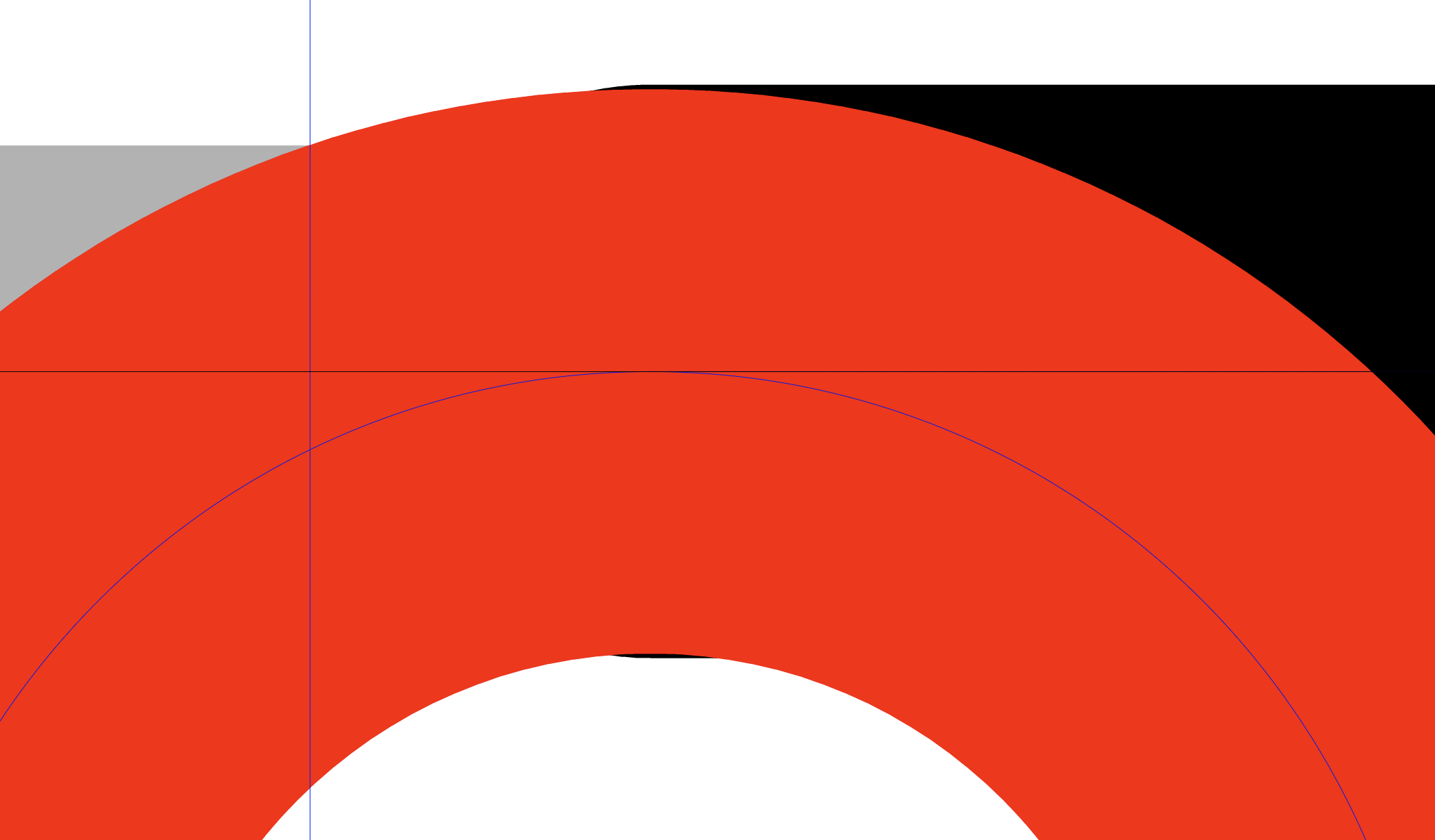
-
@fdarnel said in Same width, visual difference:
You can check it in the file I already sent, group "seau".
The red circle has a small transform on it left from a previous convert to curve. This can be removed with the Style -> Clear Style Transform command.
When converting transformed objects to curves, the transformations are kept as "style transforms".
-
@VectorStyler
OK.
Is there a mode or a preference to disable any virtual transformation of objects or curves, to get only definitive ones, and keeping things as minimalistic as possible?
I only need very basic geometric constructions but with perfect precision and magnetism. -
@fdarnel said in Same width, visual difference:
I only need very basic geometric constructions but with perfect precision and magnetism.
In this case what happened was that the stroke transform was enabled and therefore the stroke was transformed.
There is no other way around this then to disable stroke transformation (Stroke panel menu for selected objects, or Document Setup for all). But then the stroke width will not be scaled / transformed with the object.
-
What setting to disable stroke transformation in Document Setup ?
The transformations are systematically stored by default virtually, as styles effects, with no other option?
If this is the case, is it possible to definitively apply a transformation, and make it disappear, in "Shape Effects", as "reset" in "Transform"? -
@fdarnel said in Same width, visual difference:
What setting to disable stroke transformation in Document Setup ?
Document Setup -> General -> Transformed Stroke checkbox, it is off by default.
The transformations are systematically stored by default virtually, as styles effects, with no other option?
Yes, in general things are non-destructive in VS.
If this is the case, is it possible to definitively apply a transformation, and make it disappear, in "Shape Effects", as "reset" in "Transform"?
Convert to Curves does this, but only partially. Because transformation may affect not just shape but also the calligraphy of the stroke or direction of gradient, the transform will be kept for these. This extra transform can be removed with Styles -> Clear Style Transform.
But: if the "transformed stroke" was not enabled, none of the above should happen.
-
@VectorStyler said in Same width, visual difference:
@fdarnel said in Same width, visual difference:
Document Setup -> General -> Transformed Stroke checkbox, it is off by default.
Ok, it was on for me. I had also to restart VS to get the expected result. Now the stroke thickness remain the same whatever the geometric transformation, and nothing is added in "Shape Effects". Great (for me).
Now I have to remove all the effects on existing groups, without changing their appearance. For example, I have a group of 2 objects here, each has effects, the group too. When I select the group or one of the objects, "Clear Style Transform" no longer deletes anything.
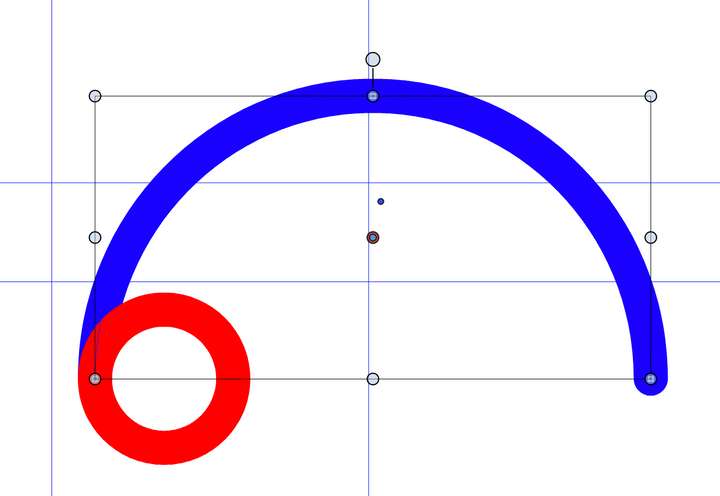
-
@fdarnel said in Same width, visual difference:
For example, I have a group of 2 objects here, each has effects, the group too. When I select the group or one of the objects, "Clear Style Transform" no longer deletes anything.
If the group has effects, then clearing style transform does not make the different (as there is more than just a style transform).
Firs convert to curve (this flattens the effects), and the clear style transform.I have to check the Clear Style Transform if it goes into the group (it should). I opened a bug on this.
-
However, the effects are not deleted either for each object selected individually inside the group.
They are already curves, they must be converted a second time?
In this case I get 2 objects of visually different thickness, but both indicated at 10pt. And I don't see how to know which one is good, and modify the other.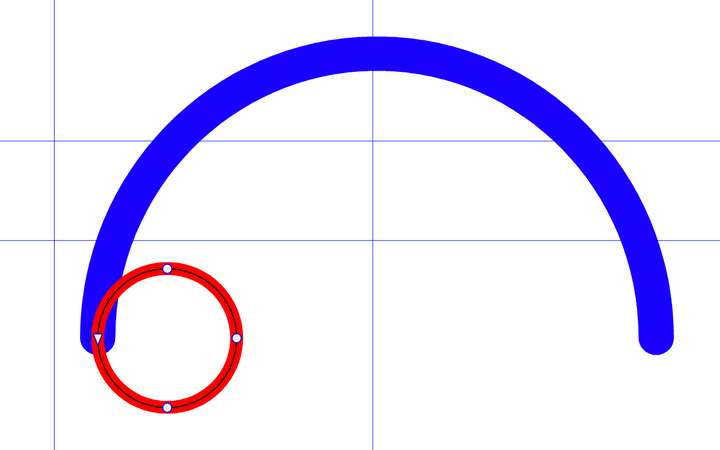
-
@fdarnel said in Same width, visual difference:
They are already curves, they must be converted a second time?
No need to convert the second time, they are curves if the group was convered.
In this case I get 2 objects of visually different thickness, but both indicated at 10pt. And I don't see how to know which one is good, and modify the other.
This is a bug I mentioned in a different post: the stroke widths may be shown wrong in the UI, if the objects still have style transforms. This I will fix soon.
-
Yes, but in this case, I can't suppress the effects. So I need to wait.
-
@fdarnel said in Same width, visual difference:
In this case I get 2 objects of visually different thickness, but both indicated at 10pt. And I don't see how to know which one is good, and modify the other.
Send me the file on this list example with the different looking stroke widths
-
@fdarnel I got the file, this is the same bug as I mentioned earlier with the UI display of stroke width.
The fix will be in the next build
