VectorStyler
    • Categories
    • Unread
    • Recent
    • Tags
    • Popular
    • Register
    • Login

    Selected Color Palette Prompt
    Scheduled Pinned Locked Moved Features and Ideas
    7 Posts 4 Posters 5.3k Views 4 Watching
    Loading More Posts
    • Oldest to Newest
    • Newest to Oldest
    • Most Votes
    Reply
    • Reply as topic
    Log in to reply
    This topic has been deleted. Only users with topic management privileges can see it.
    • M Offline
      monsterfox
      last edited by

      0_1743570756873_1.png 0_1743570761801_2.png 0_1743570768305_3.png
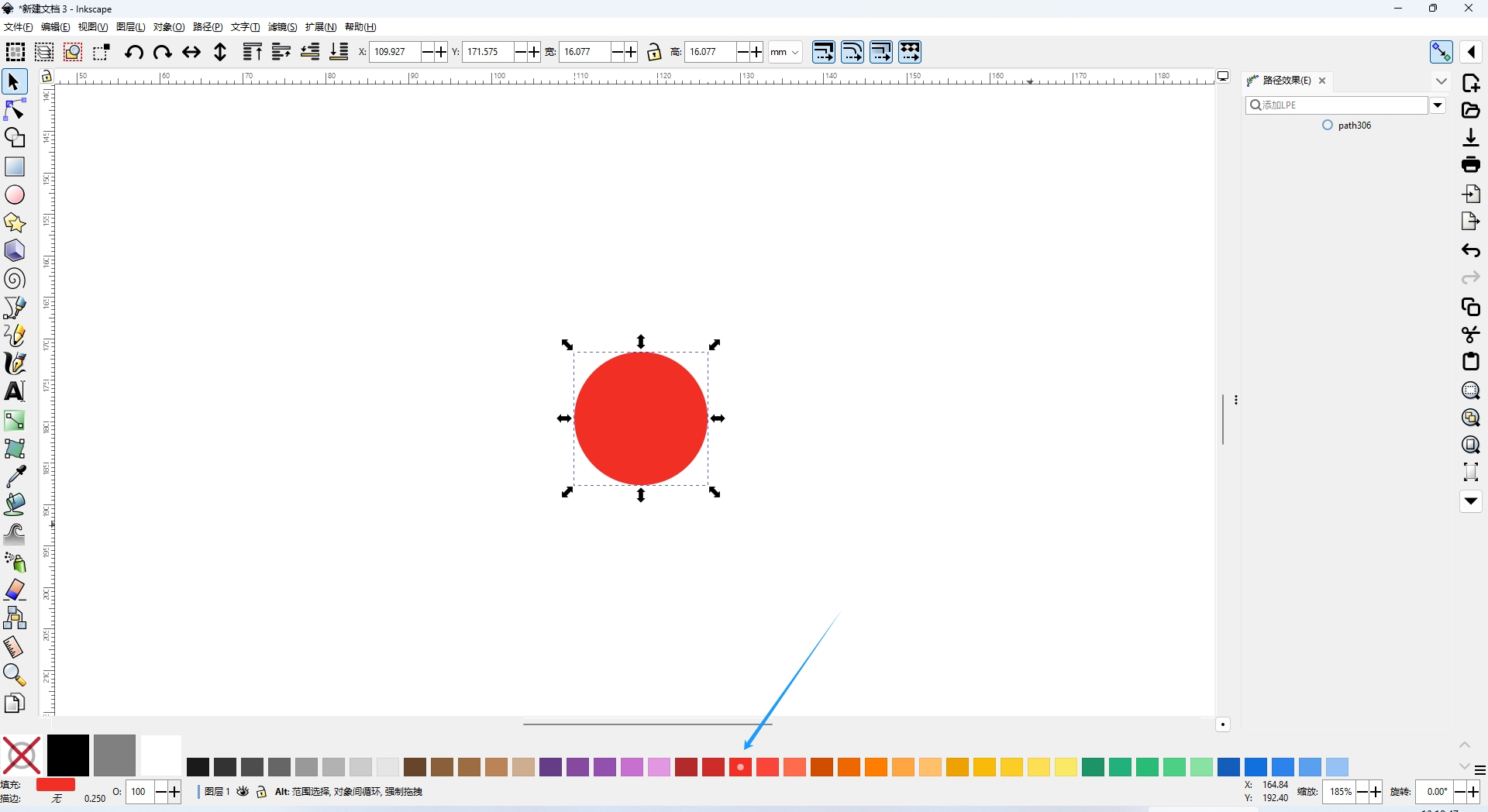
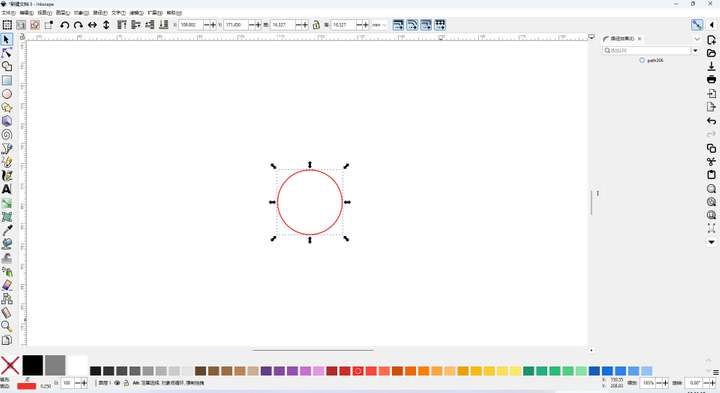
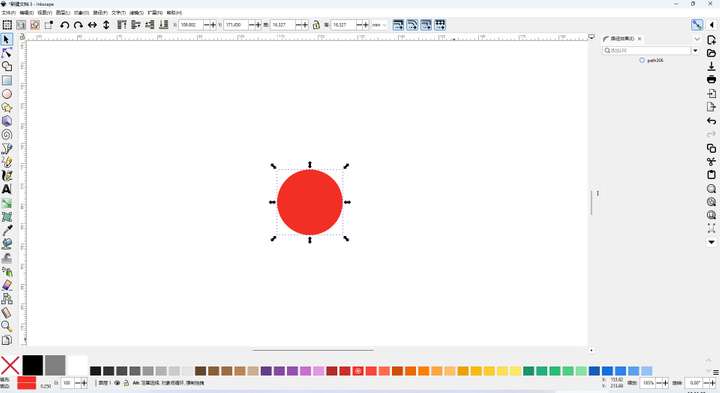
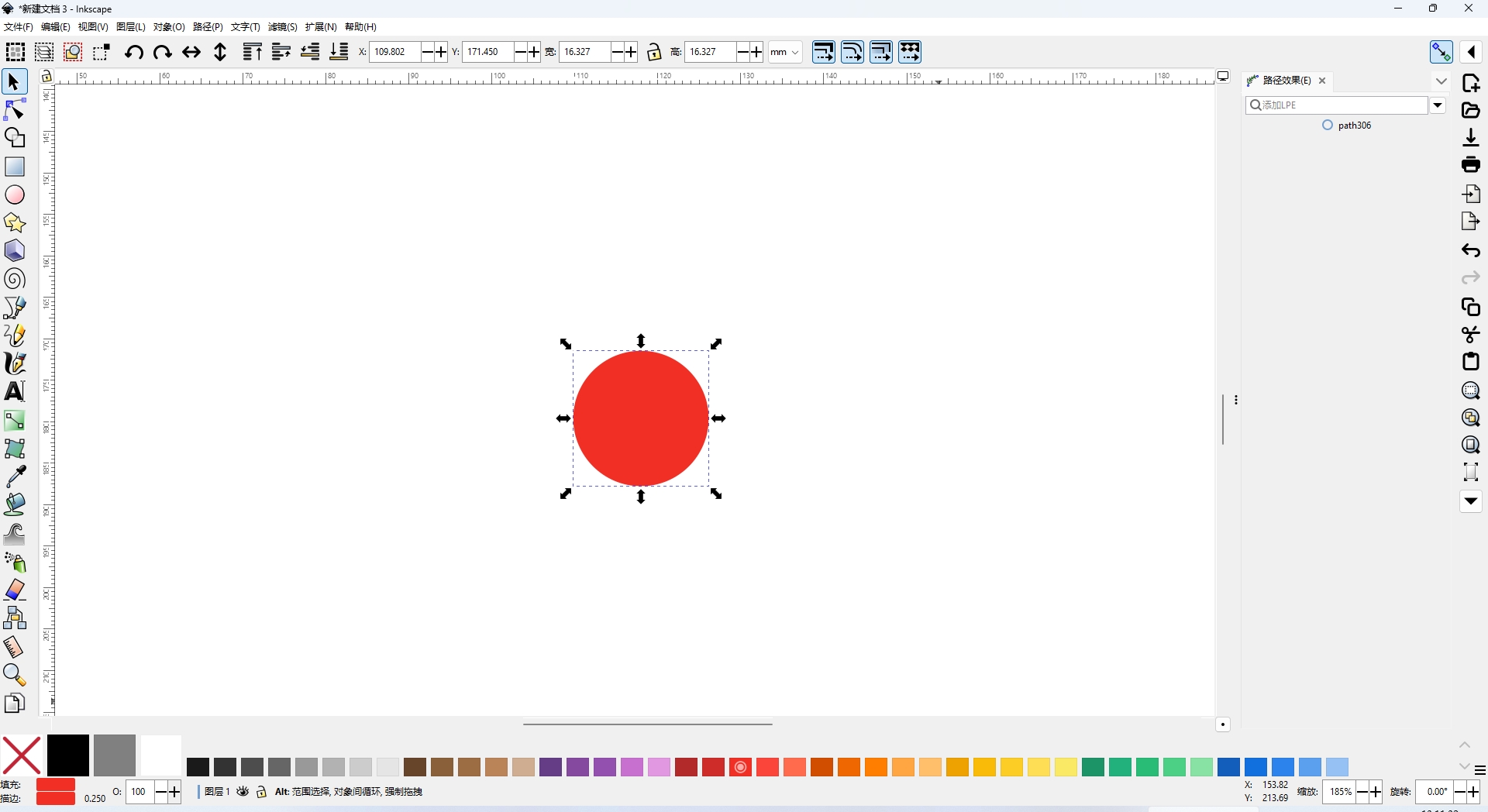
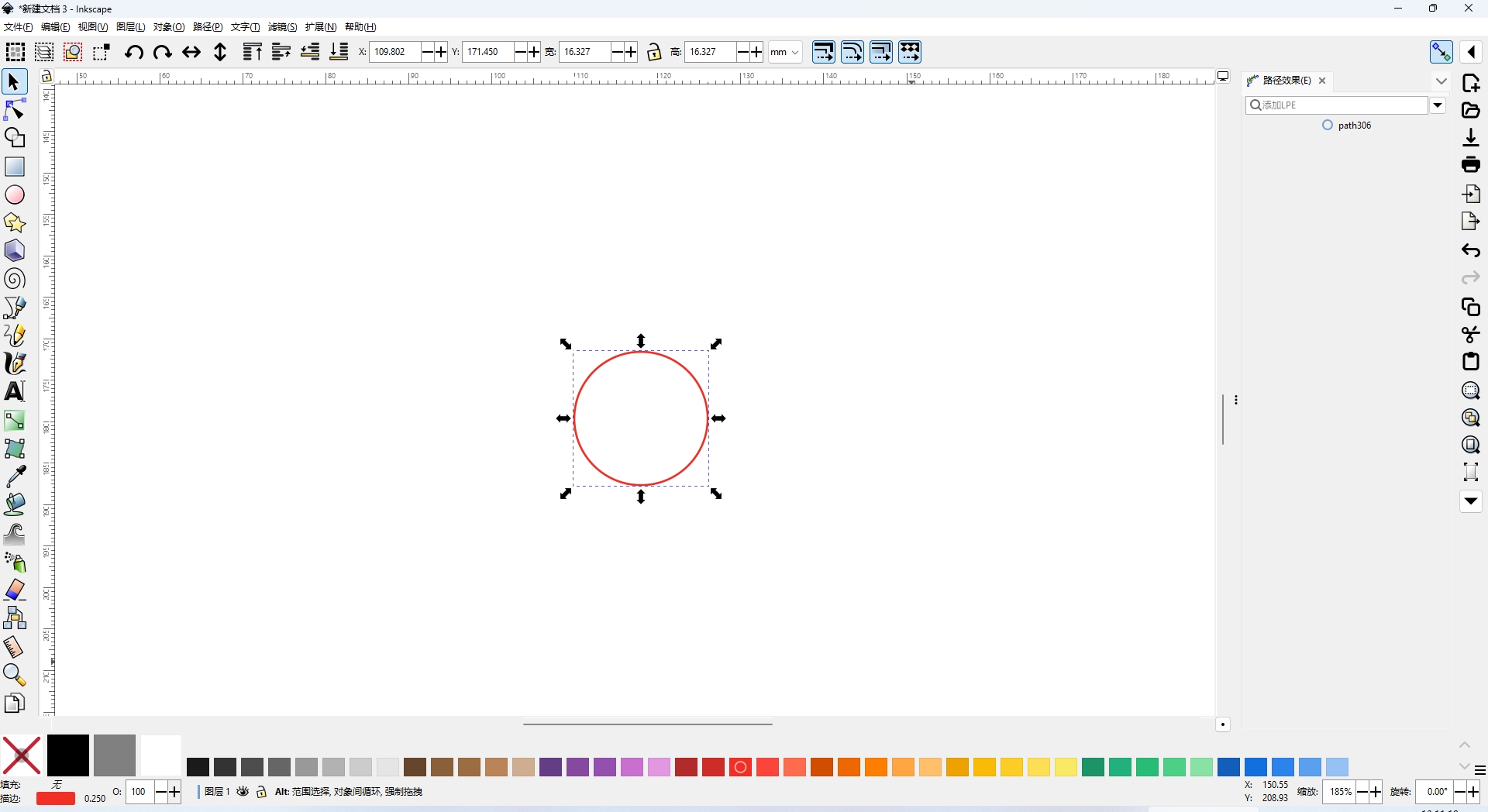
      In VectorStyler (VS), the filled colors do not visibly display the selected color swatches. It would be great to add this feature.
      Figure 1: Fill color
      Figure 2: Stroke
      Figure 3: Fill and stroke

      VectorStylerV 1 Reply Last reply Reply Quote 1
      • VectorStylerV Offline
        VectorStyler @monsterfox
        last edited by

        @monsterfox I added this to the backlog for the future. For now it can only highlight the color of the selected target (fill or stroke, set in top-left of color panel).

        1 Reply Last reply Reply Quote 0
        • DanielD Offline
          Daniel
          last edited by

          +1 to this. Not only this, it's also important to have contextual changes to the swatches for gradients, too. The start colour and end colour can be represented with up and down arrows over the swatch. Like so.

          0_1743591576544_5b4321e9-8703-43da-a6f7-074fa4e2760b-image.png

          Work: Windows 11 | Intel i9 14900HS (24 Cores/32 Threads) | GeForce RTX 4070 | 64 GB RAM
          Personal: Windows 11 | Amd Ryzen 9 7950X (16 Core, 32 Threads) | GeForce RTX 3060 | 32 GB RAM

          M DanielD 2 Replies Last reply Reply Quote 1
          • M Offline
            monsterfox @Daniel
            last edited by

            @Daniel What program is this?

            S 1 Reply Last reply Reply Quote 0
            • S Offline
              Subpath @monsterfox
              last edited by

              @monsterfox

              in the pic above, it looks like Inkscape

              Win 11
              CPU: AMD Ryzen 5 9600X, 6-core.
              GPU: Nvidia Geforce RTX 5070.

              1 Reply Last reply Reply Quote 0
              • DanielD Offline
                Daniel @Daniel
                last edited by

                @Daniel: Always my Rock of Gibraltar. Xara Designer Pro.

                Work: Windows 11 | Intel i9 14900HS (24 Cores/32 Threads) | GeForce RTX 4070 | 64 GB RAM
                Personal: Windows 11 | Amd Ryzen 9 7950X (16 Core, 32 Threads) | GeForce RTX 3060 | 32 GB RAM

                DanielD 1 Reply Last reply Reply Quote 0
                • DanielD Offline
                  Daniel @Daniel
                  last edited by

                  @Daniel: Inkscape nicked a lot of ideas from Xara and Corel. Corel nicked ideas from Xara. Xara is the original gangster in the gang.

                  Work: Windows 11 | Intel i9 14900HS (24 Cores/32 Threads) | GeForce RTX 4070 | 64 GB RAM
                  Personal: Windows 11 | Amd Ryzen 9 7950X (16 Core, 32 Threads) | GeForce RTX 3060 | 32 GB RAM

                  1 Reply Last reply Reply Quote 1
                  • First post
                    Last post