VectorStyler
    • Categories
    • Unread
    • Recent
    • Tags
    • Popular
    • Register
    • Login

    Blended Shapes : how does it work ?
    Scheduled Pinned Locked Moved Questions and Support
    6 Posts 2 Posters 3.9k Views 2 Watching
    Loading More Posts
    • Oldest to Newest
    • Newest to Oldest
    • Most Votes
    Reply
    • Reply as topic
    Log in to reply
    This topic has been deleted. Only users with topic management privileges can see it.
    • E Offline
      EricP
      last edited by

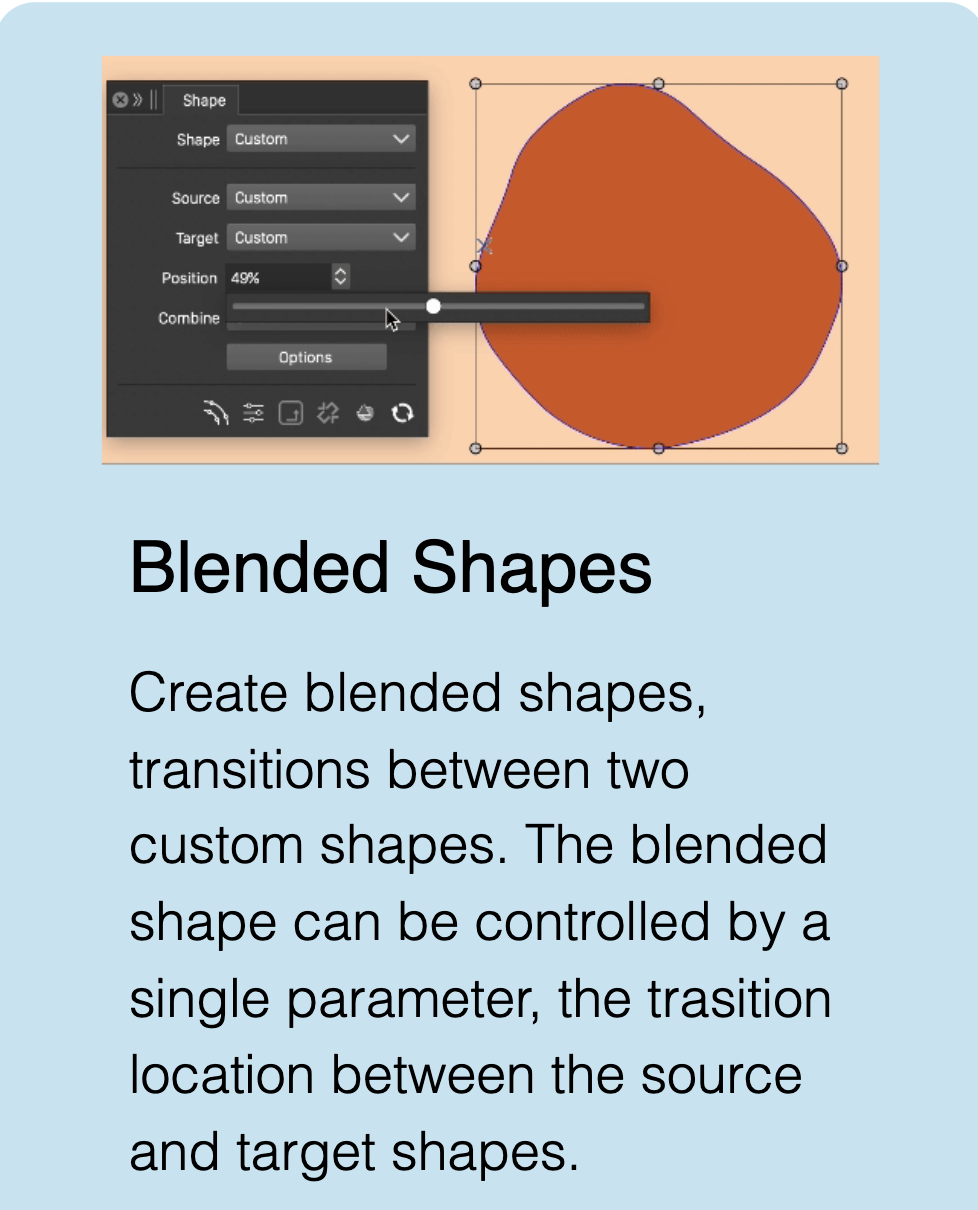
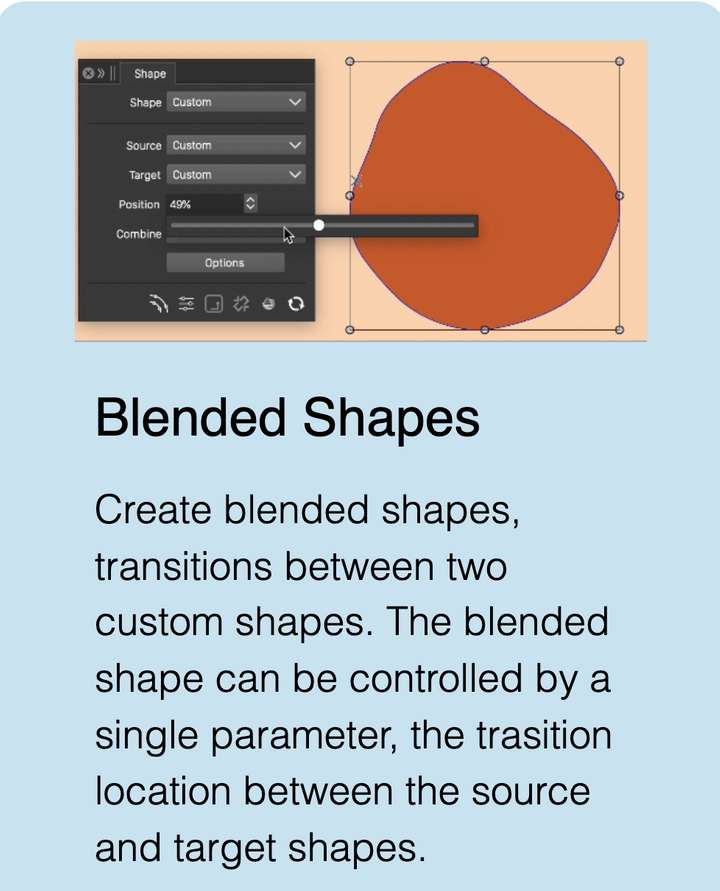
      I'm trying to replicate the example on Vector Styler home page but can't find how it should work. Any advice on this ?
      0_1750173442277_SCR-20250617-pedr-2.png

      VectorStylerV 1 Reply Last reply Reply Quote 1
      • VectorStylerV Offline
        VectorStyler @EricP
        last edited by

        @EricP Follow these steps:

        • select 2 shapes to create a new blended shape from.
        • in the Shape panel: click on the Shape dropdown and select "Blended Shape Preset" (there are other also, more on these later).
        • give a name to the shape and confirm.
        • this creates a new shape preset that is a "blended shape".
        • now draw a new shape (anything).
        • and with the new shape selected, choose the previously saved "blended" shape in the Shape drop down of the Shape panel.
        • now the Position slider should be able to adjust the blending position.
        • the "Blended Shape Style" creates a shape style (remember styles vs presets differences)
        • the "Blended Shape Style" also creates a shape style, but it will link to the original shapes.
        1 Reply Last reply Reply Quote 0
        • E Offline
          EricP
          last edited by

          @VectorStyler thank you. That's a bit complicated, I wouldn't have discovered by myself.

          Now I tried it twice and it crashed the app when choosing the previously blended shape. I sent the 2 crash reports

          VectorStylerV 1 Reply Last reply Reply Quote 1
          • VectorStylerV Offline
            VectorStyler @EricP
            last edited by

            @EricP Was the blended shape selected on any of the 2 source shapes?

            1 Reply Last reply Reply Quote 0
            • E Offline
              EricP
              last edited by

              no it wasn't

              just drew a square and a circle
              select both
              shape > blended shape preset choose name : blend1
              add rectangle
              shape > select blend1
              crash

              VectorStylerV 1 Reply Last reply Reply Quote 1
              • VectorStylerV Offline
                VectorStyler @EricP
                last edited by

                @EricP I opened a bug on this and will try to replicate it.

                1 Reply Last reply Reply Quote 1
                • First post
                  Last post