How to align multiple items perfectly following a circular path?
-
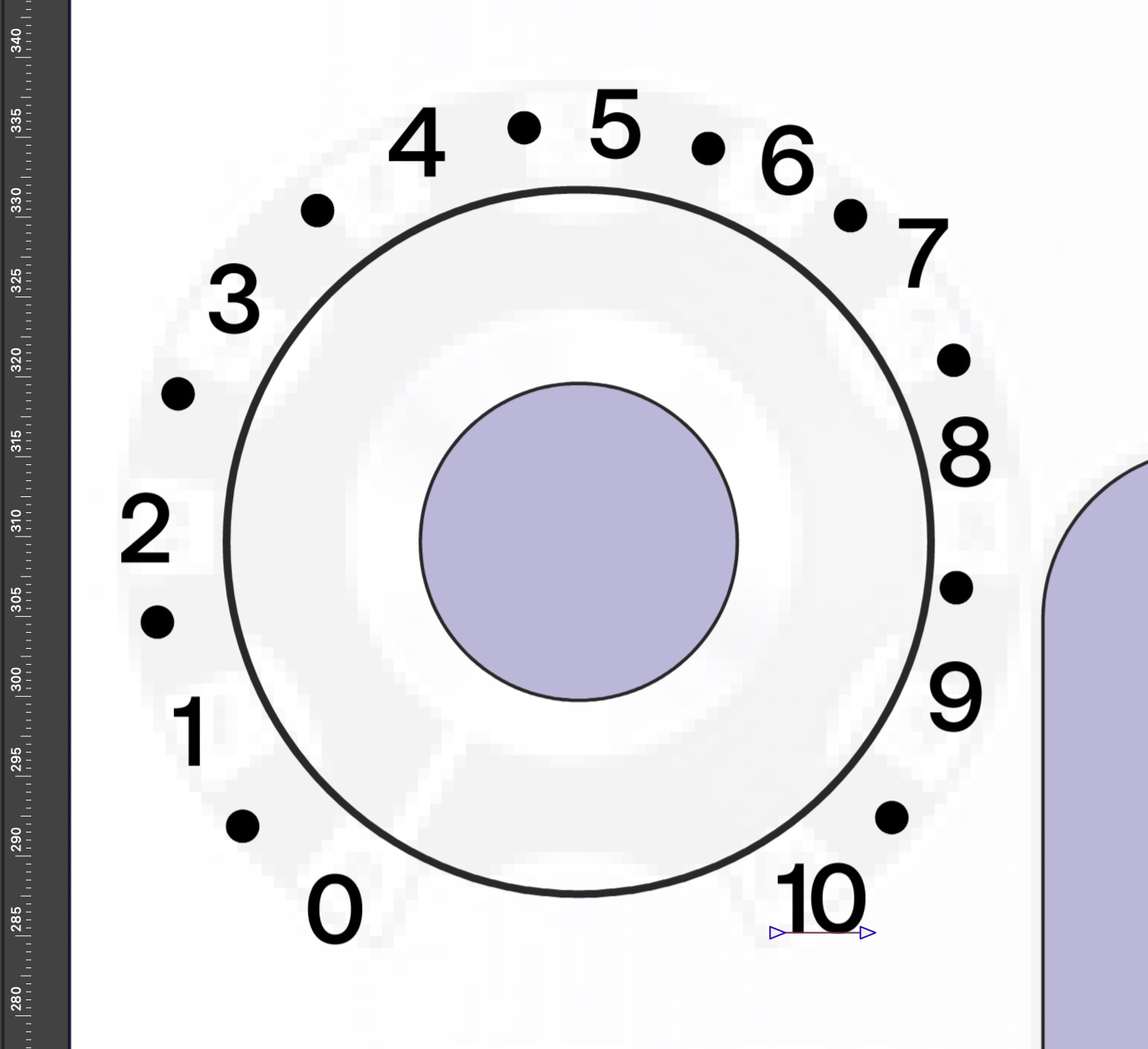
I'm trying to design a dial and what would be the best way to align these numbers and dots in such manner that they'd be perfectly distributed and have the same distance between the inner circle? Like a clock basically but I'd like to set the starting point and end point of the path.
(bonus: if could set the start and end points with a percentage pie value)
-
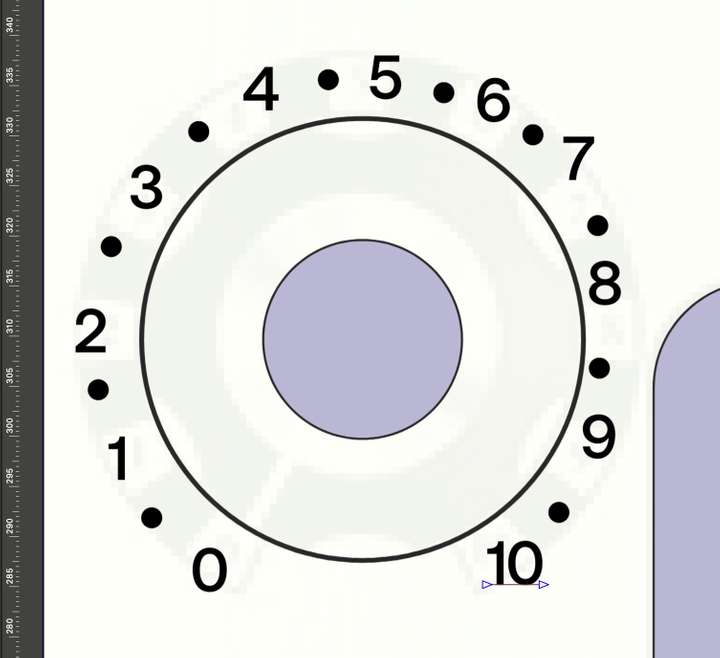
@pilkafa There is text on path, but does not result in this precise image.
You can do an Align Object to Path with the Alignment panel.
- use Split Text to separate the characters, then group the 10
- make sure you uncheck the Rotate Objects
- and you can adjust the position along the path using the last icon in the row
https://share.cleanshot.com/Dy1pfhcV
BTW: the Alignment panel functions can be revealed with the up/down knob in the panel title
