VectorStyler
    • Categories
    • Unread
    • Recent
    • Tags
    • Popular
    • Register
    • Login

    Keep Original for Offset Path Tool
    Scheduled Pinned Locked Moved Features and Ideas
    6 Posts 3 Posters 1.3k Views 3 Watching
    Loading More Posts
    • Oldest to Newest
    • Newest to Oldest
    • Most Votes
    Reply
    • Reply as topic
    Log in to reply
    This topic has been deleted. Only users with topic management privileges can see it.
    • E Offline
      EricP
      last edited by

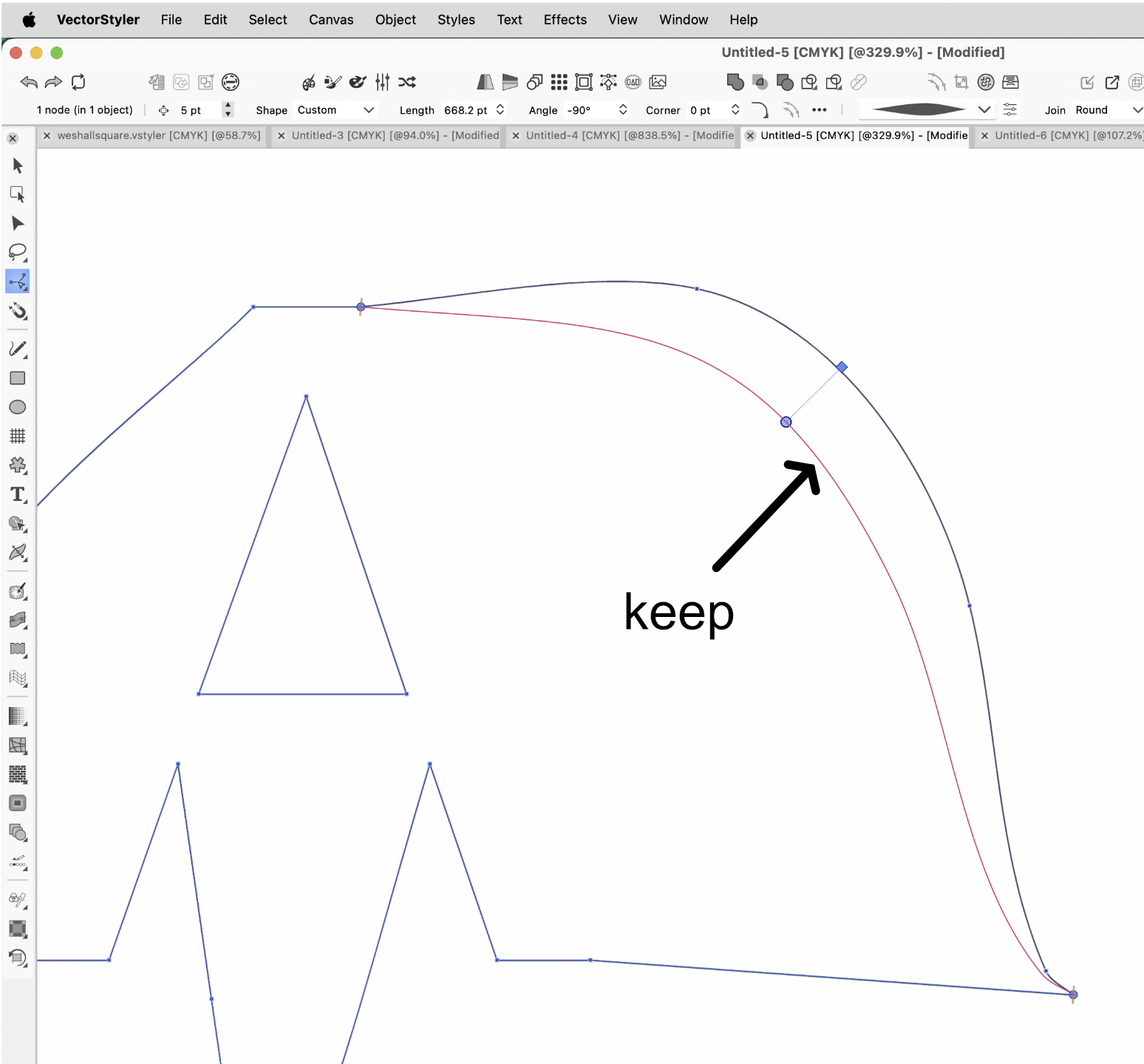
      I'd like to be able to add an offseted path locally using the Offset Path Tool.
      The tool currently deforms the existing path and removes the original path. I'd like the ability to add a path with locally defined offsets, while keeping original path intact. I did not find how to do it.
      0_1763284847908_c06d2c89-6ac9-4436-9359-096335785869-image.png

      I guess there could be some usability challenges, like for instance adding another offset on top of existing one (desirable). I think we could convert to curves before adding a new offset on top of first one. Only the newly created path would remain editable with offset control points

      VectorStylerV 1 Reply Last reply Reply Quote 1
      • VectorStylerV Offline
        VectorStyler @EricP
        last edited by

        @EricP Would this separate offset be only the section that is offset, or the whole path duplicated?

        1 Reply Last reply Reply Quote 0
        • E Offline
          EricP
          last edited by

          I was thinking the whole path, to replicate what's on the offset path shape effect (adding "steps" would be a bonus).

          But I think I found a very acceptable workaround by duplicating the shape before applying the offset tool. So that may not be a priority to spend time on this, although it would be cool

          Also, adding multiple stepped offsets could be achieved with blend tool, but with more clicks and selections

          S 1 Reply Last reply Reply Quote 0
          • S Offline
            Subpath @EricP
            last edited by Subpath

            @EricP

            If i remember right you could copy a part of a Path via "Transform". Select a few Nodes go
            to Menu > Transform, choose copy and how many copies you like.
            I am on my new pc where VS isnt yet installed, so i could not show more.

            Win 11
            CPU: AMD Ryzen 5 9600X, 6-core.
            GPU: Nvidia Geforce RTX 5070.

            1 Reply Last reply Reply Quote 0
            • S Offline
              Subpath
              last edited by Subpath

              got VectorStyler now on new pc
              and could test it

              Copy a Part of a Path works only with open Paths.
              Here a Pic

              Select the all Nodes of that Part then you could use
              Menu > Object > Transform > Move (Mode copy)
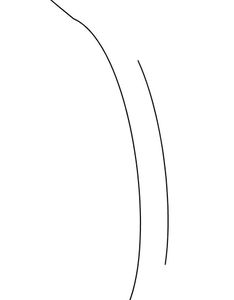
              0_1763364524693_copy part of Path.jpg

              Win 11
              CPU: AMD Ryzen 5 9600X, 6-core.
              GPU: Nvidia Geforce RTX 5070.

              1 Reply Last reply Reply Quote 2
              • E Offline
                EricP
                last edited by

                @Subpath thank you, I will try that

                1 Reply Last reply Reply Quote 1
                • First post
                  Last post
