Drop Shadow Improvements
-
I've been enjoying testing out all of the new features and tools in version 1.3. It's a fun challenge because it's all based on trial and error and intuition since I'm assuming the documentation is getting worked on to update to 1.3
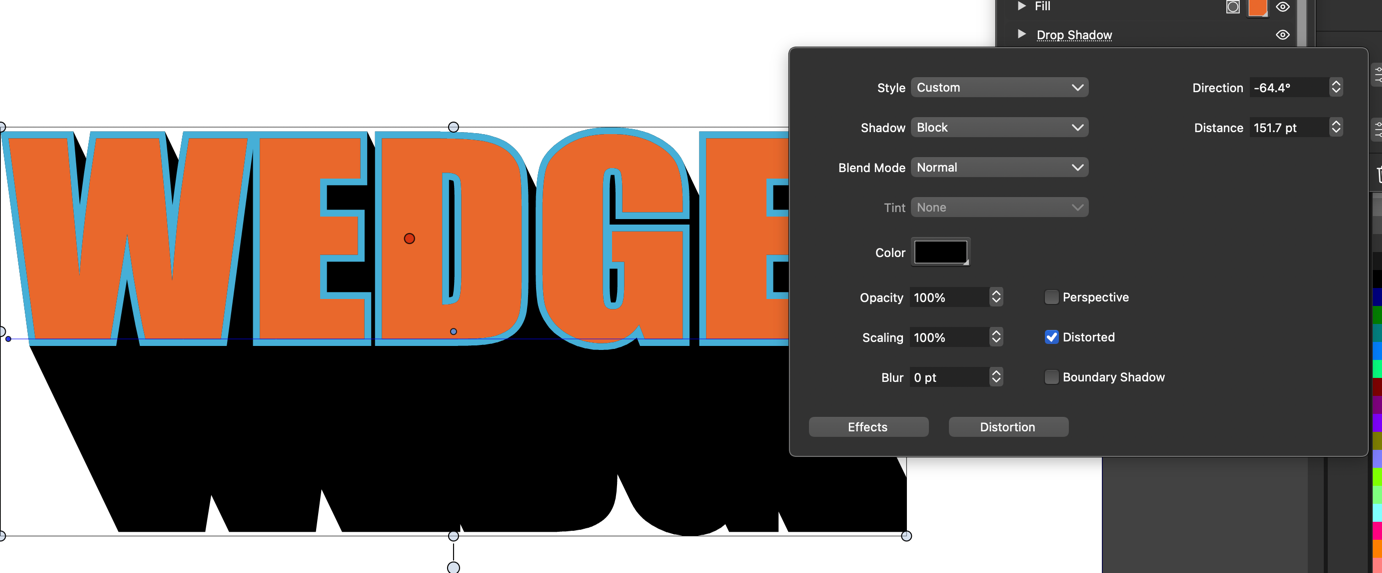
Love the ingenuity with the blur and opacity sliders along the line of the drop shadow path. I also love how quick and easy it is to add that drop shadow to anything. Really well done @VectorStyler! What you have added is better than the ideas we suggested and examples we gave when we requested it.I wanted to see if the drop shadow panel that can be accessed in the Appearance panel could also be pulled up by double clicking on the drop shadow tool on the toolbar. Really, I'd love to add that functionality to as many of the tools as possible like has already been done with some in version 1.2
I would love the option to use the shift key or another modifier to constrain direction of the drop shadow - so if I wanted to maintain a specific angle or even a straight up and down pull, it would stay locked in.
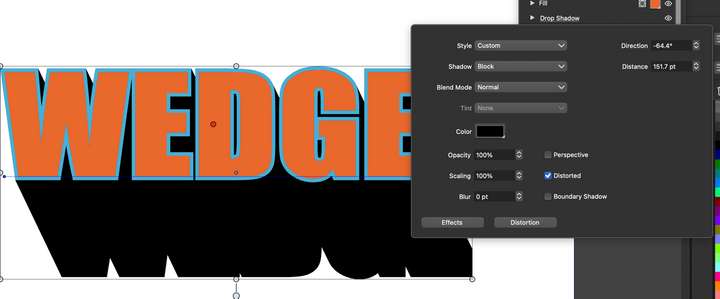
What is the best way to expand out the drop shadow if we are done modifying and want to make it a destructive final and no longer worry about line editing? I know that could get a bit tricky with a blur and/or lowered opacity. Would that convert to a png or bitmap? If the drop shadow was a pure solid color like in the sample image I attached, that can remian a true vector? Could this be done with an option like what is already available with the blend tool - a button you click to expand it and also with the merge boolean?
-
@Boldline I added this to the backlog
-
@Boldline said in Drop Shadow Improvements:
What is the best way to expand out the drop shadow if we are done modifying and want to make it a destructive final
you can expand appearance and solid shadow expands as a vector shape

