Group and Hide fonts in the new font panel
-
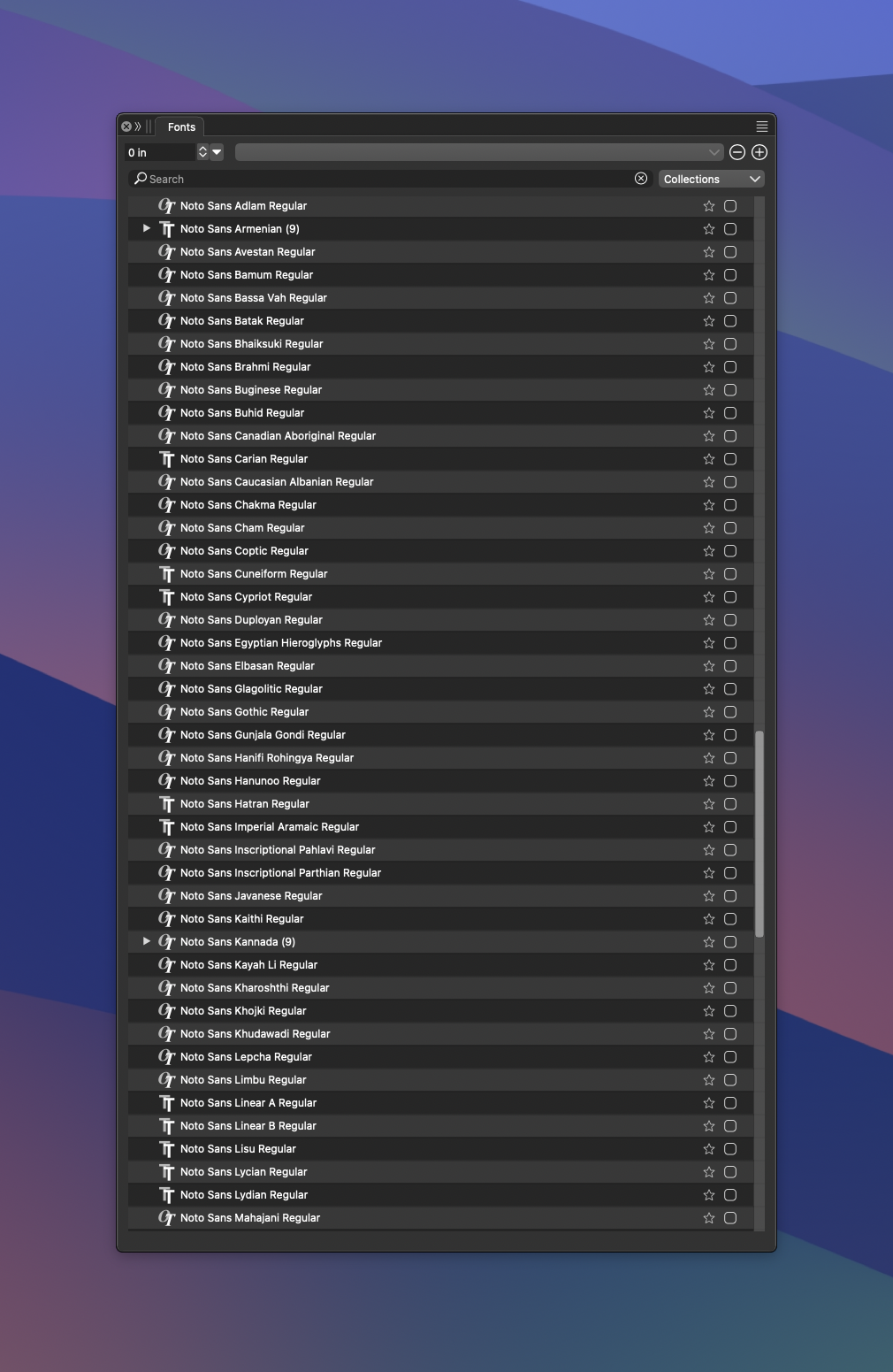
I like the new font panel option and I'm glad it was added. Could this panel allow a way to group and thereby hide annoying fonts like the whole series of "Noto" Fonts?
I know this was discuss several times in the forum over the years, but I figured now that we have the new thought panel. Maybe it would be easier to add some sort of user control to do this.
🍎 macOS Tahoe 26.2, Mac mini (M1, 2020), Chip Apple M1, Memory 16 GB
Cintiq 27QHD Display and LG Ultra HD Display -
@Boldline Im very new to VS, but i see a "Font Manager" option, maybe it can create personalized collections?
Another thing, maybe the "search" field has some kind of options to exclude something.Edit: I played a little with the font manager. Is great! You can make your own collection. By example, i made a collection called "Sketch", and put fonts that are sketchy there. The only issue is i need to restart VS to take effect, but it works nice.
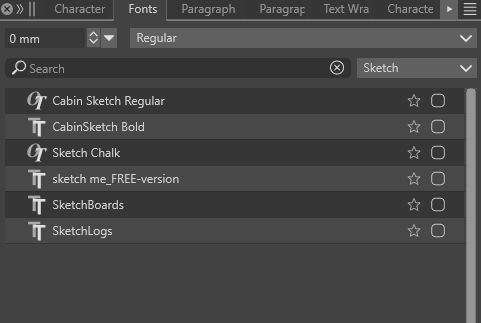
Edit2: Really, the font Manager is great, so simple, but allow you to classify fonts like a dedicated font manager, but inside of your prefered design program. Really i like this feature. To find and search fonts is usually a task that is so time consuming, and be able to classify them as you like, even without the need to install them, is so advanced feature. Great again. The only thing i miss in the font manager, when creating the groups, is the preview sample that is not displayed. That could help you classifiying and making groups.
-
@Boldline The font manager can be used to organize fonts into groups, but that will not help in the Installed Fonts group.
I will think about some new feature on how to organize dynamic font collections (like Installed Fonts) into some sort of folder structure.
But this is for later.

