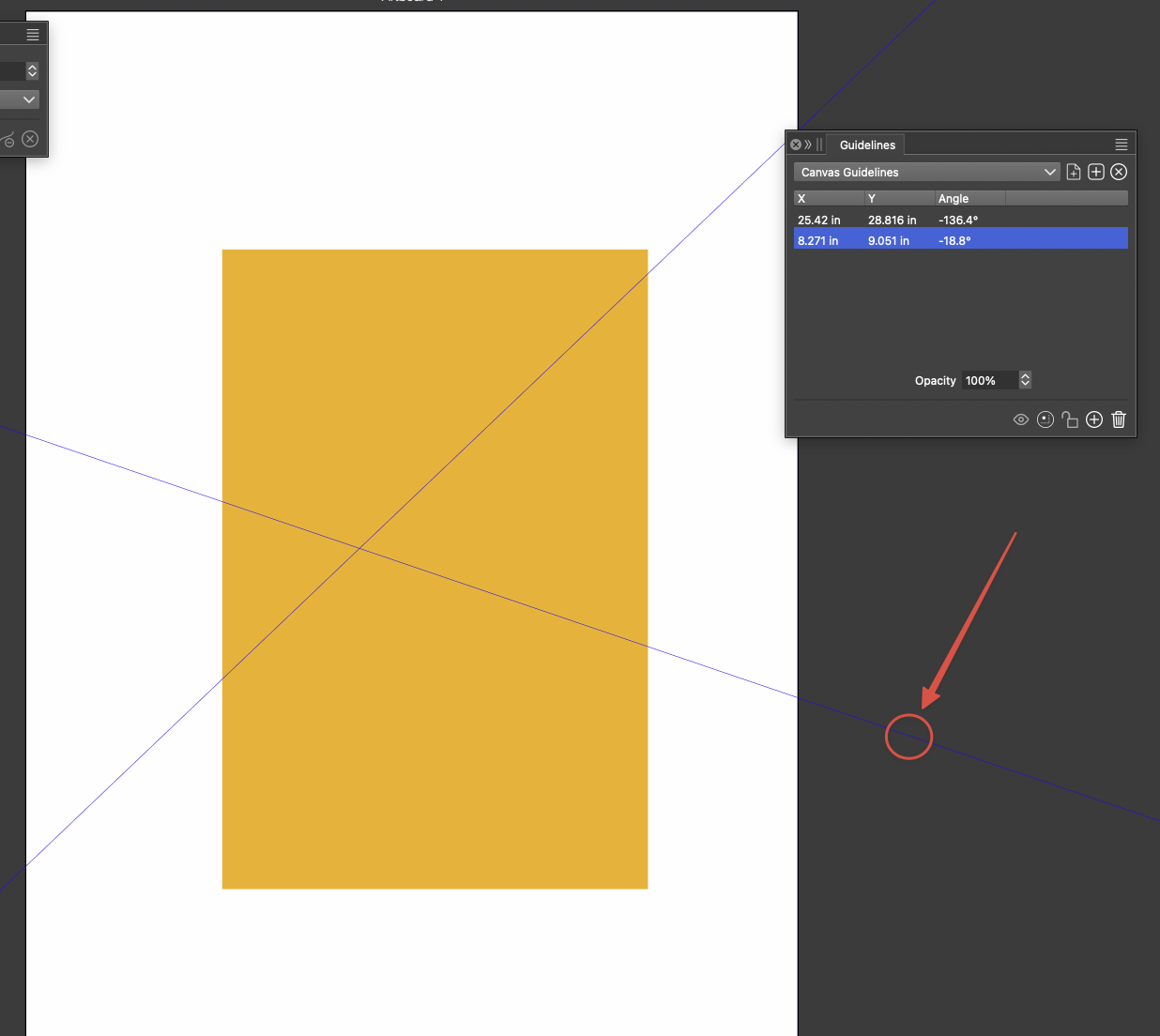
Access guideline rotate tool at any point on guideline with modifier key
-
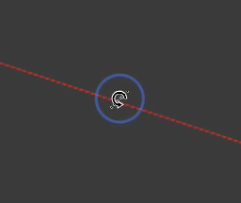
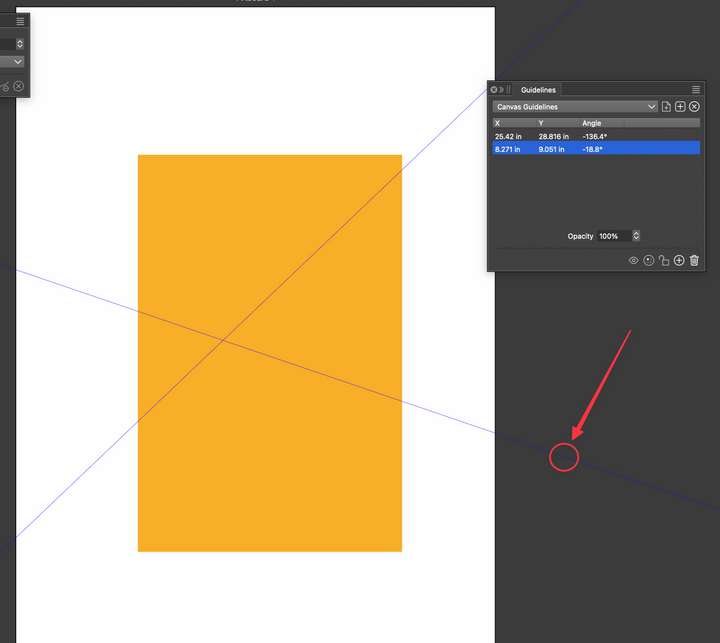
I love the ability to use the rotation tool icon that pops up when you hover over a guide at its extremity. Sometimes its not the easiest place to access the rotation tool when panels are open. Other times it's harder to make multiple adjustments to the line angle when not close to the canvas. I was wondering if we could add a keyboard modifier to allow the rotation to occur anywhere on the guide where the mouse cursor is located?
For example, using the option or control or command key while click-holding on an active guide would prompt the same rotation tool. As long as the modifier was held down and the guide was being dragged, the rotation tool would be active
-
Why don't give the user a pivot point on a guide line.
It would make aligning a guide line much easier, in my eyes.Here a Example from Corel Draw. One click select the guide line
another click activate the rotation mode and shows a freely moveable pivot point.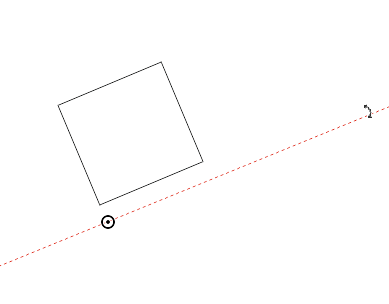
-
@Subpath @VectorStyler Or an option to drag out a guide and while hovering it over top a path, still holding down the cursor and pressing a modifier key, it will angle itself right to that path?
-

