Add a distance / measurement tool for arbitrary points and objects
-
@jpsimmons said in Add a distance / measurement tool for arbitrary points and objects:
I have two circles that are offset by some amount. I want to make a row of circles with that same offset. How do I do this?
I think you can use a repeater to achieve this, or a blend effect with 2 same circles. Other way is to use the transform dialog on your circle and choose number of copies and an offset
-
@EricP said in Add a distance / measurement tool for arbitrary points and objects:
and an offset
I have to manually put in the offset, if I know it. What I want is a way to automatically put the offset in from the GUI.
-
@jpsimmons said in Add a distance / measurement tool for arbitrary points and objects:
What I want is a way to automatically put the offset in from the GUI.
The only way to do this now is to use the width of an object to define a number variable and use that number variable as the offset.
Not sure if this covers it, but here is an example: offsetcase1.vstyler
-
@VectorStyler So, the feature request was to have a click two points and have that measurement auto load into the offset for translation. Nothing fancy-Illustrator has had it since Illustrator88.
It would just speed things up a lot to have this.
-
@jpsimmons said in Add a distance / measurement tool for arbitrary points and objects:
So, the feature request was to have a click two points and have that measurement auto load into the offset for translation.
The problem is that it is difficult to just link a value to two points clicked by the user. It has to be an attribute of an object, for example the length of a line.
-
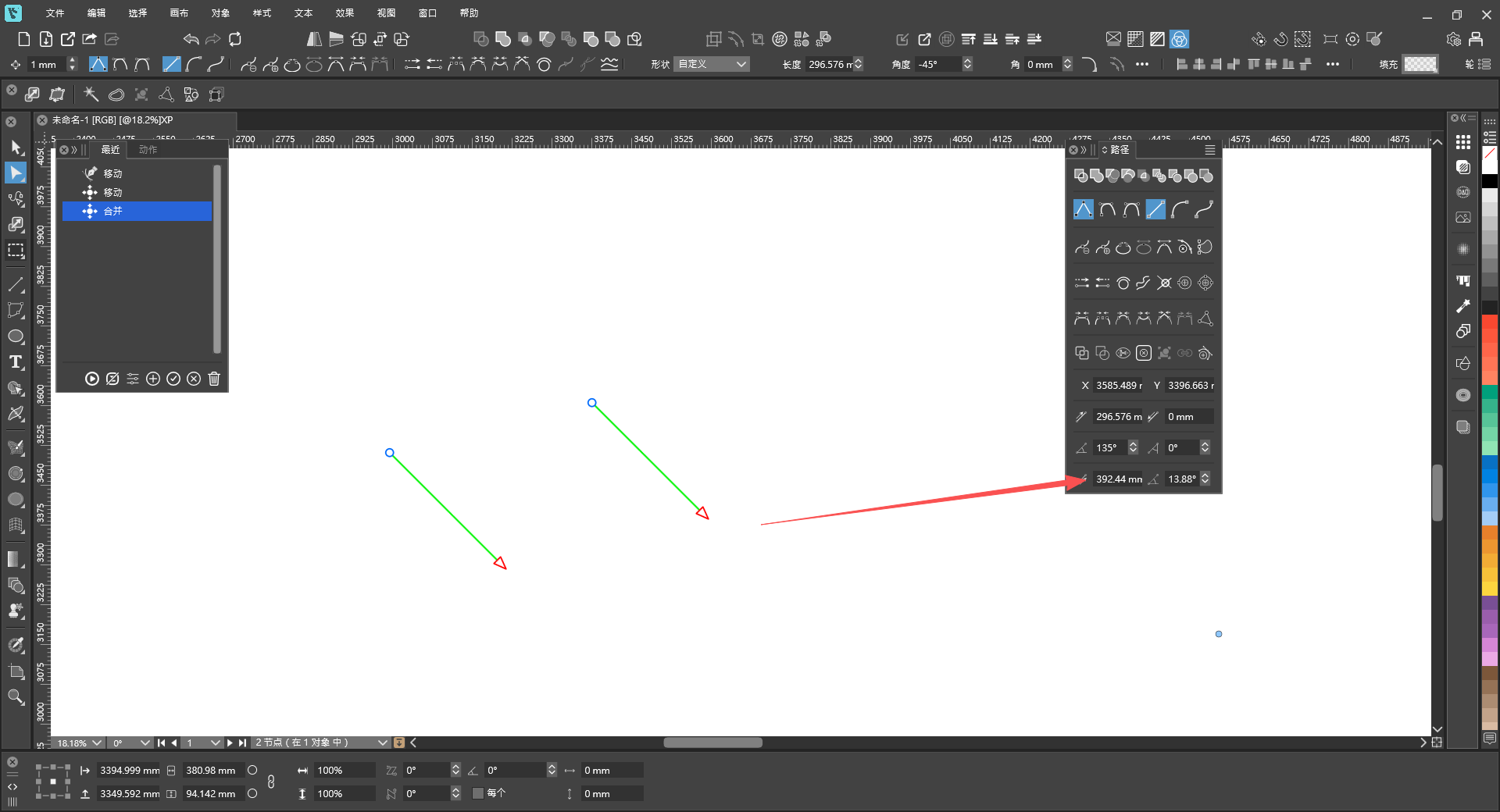
@jpsimmons Actually, it can be integrated with two paths. Then, by clicking any two nodes, the distance between the two points can be displayed in the Paths panel.
-
-
@monsterfox That's an awful lot of work for something Illustrator had in 1988. I think all they did was note the location clicked the first time and the location clicked the second time and sent both coordinates to a callback that did the computing and loading.
Are you saying that VS works at too high a level of abstraction to get that kind of information?
-
How about creating an abstract object called a "Measurement Line" that really doesn't get represented in the drawing, but has the locations of the end points. These can be used to compute the offset and to load the fields in the translate dialog box. Automate the process and free up the Measurement Line when done.
-
@jpsimmons said in Add a distance / measurement tool for arbitrary points and objects:
That's an awful lot of work for something Illustrator had in 1988. I
Can you show how this is done in illustrator?
-
@VectorStyler Select the 'measure' tool from the toolbox. Click on the first control point. Click on the second. Bring up the translate dialog-it'll have the measurement between these two points loaded and ready to go.
You can have another object selected and it'll translate that object when you hit 'ok'.