How to generate content halftone effect with selected symbols
-
I still couldn't figure out how to generate the halftone using selected objects converted to symbols. I could select only one of the symbols there (the popup menu is too dark to see what symbols are there with a dark theme and if some tick option is present). When I selected all three symbols outside the menu, VS crashed.
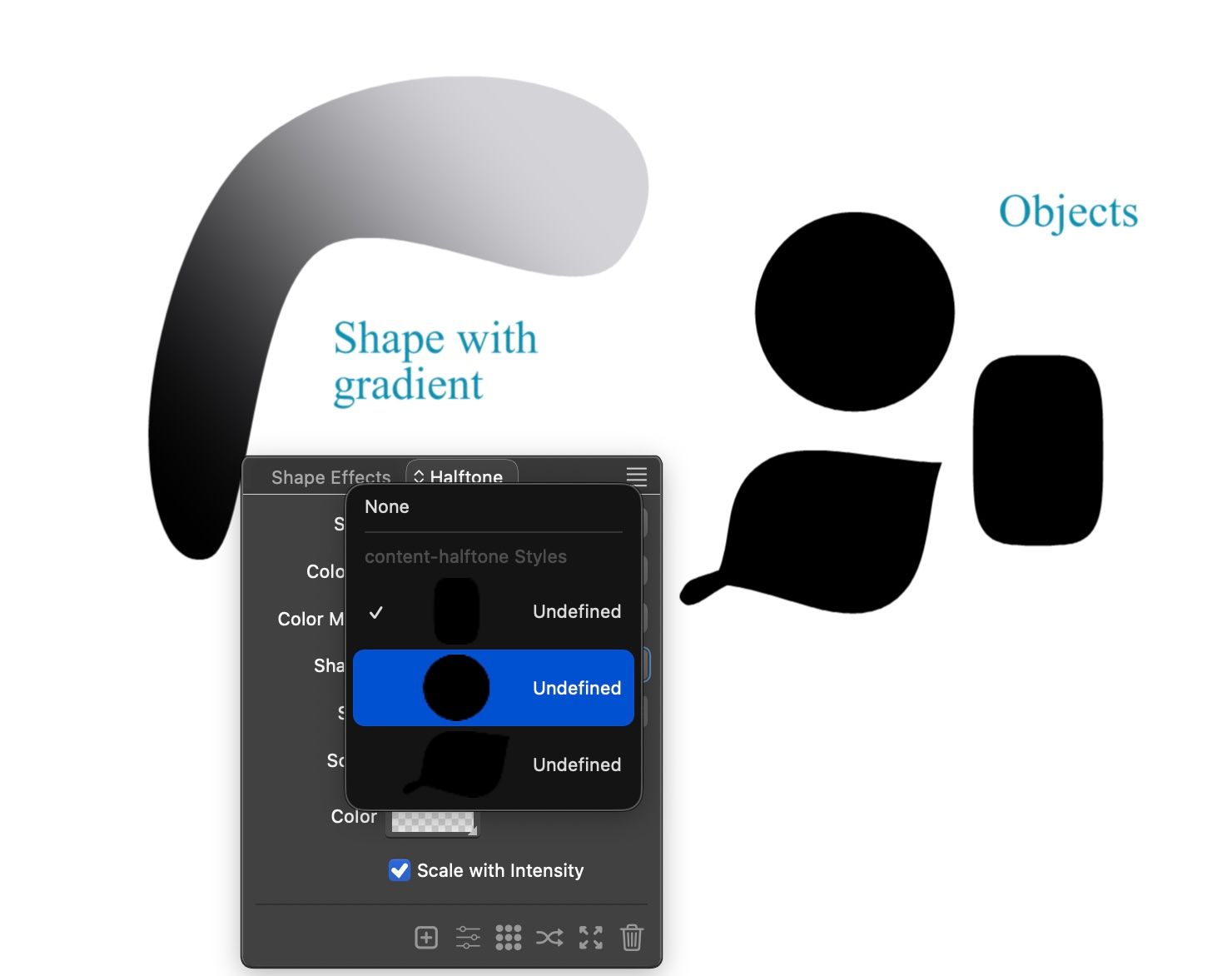
Attaching the file here.
content-halftone.vstyler -
@Kumr Create a halftone on the gradient object (default shape and options)
Select the halftone object and then Shift+ select the shapes on the right.
Select the "Pick Halftone Shape" from the Halftone panel menu -
@VectorStyler VS is crashing when I do that.
-
@Kumr Can you make a recording of this crash so I can see the exact steps?
-
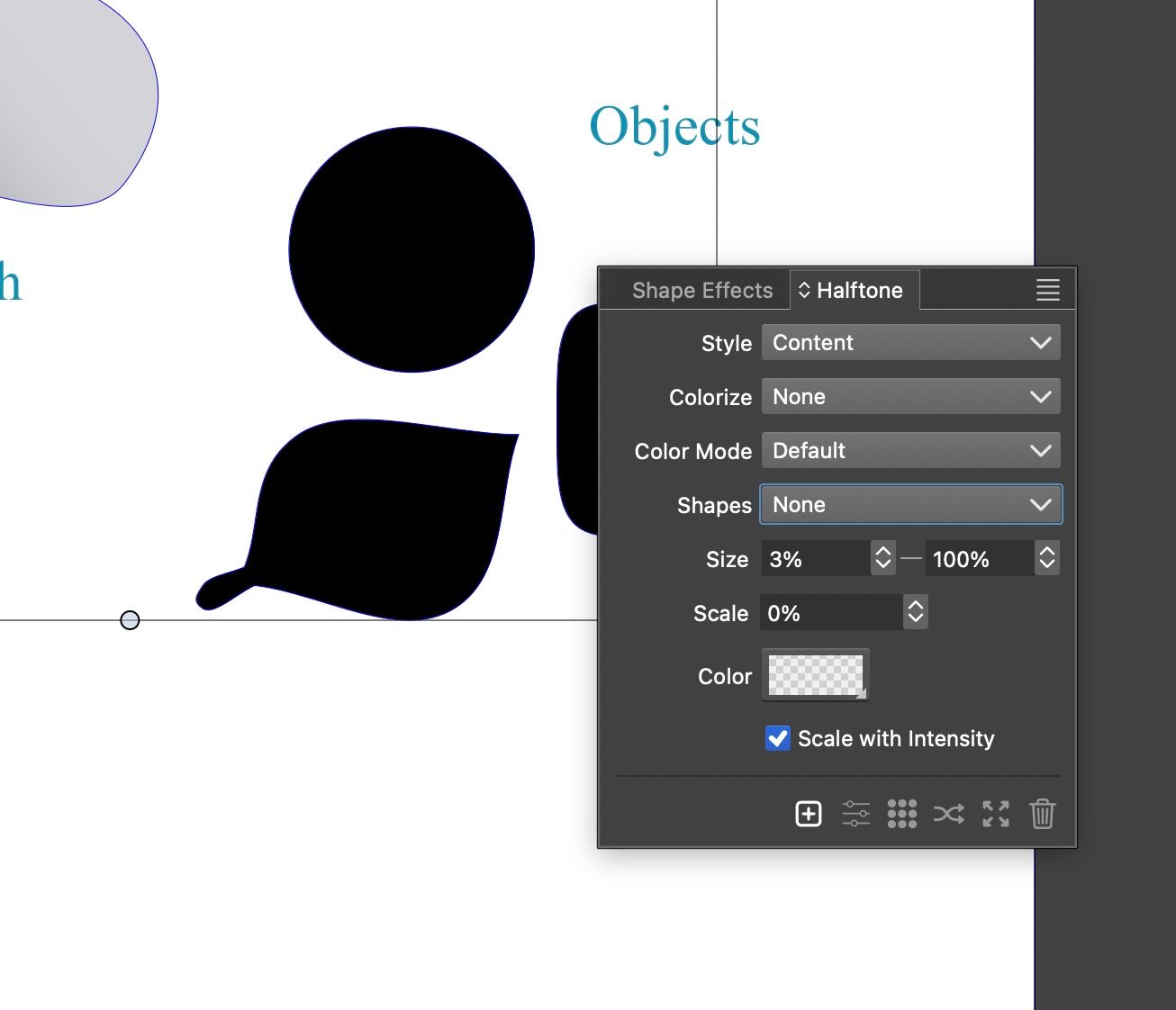
@VectorStyler where is this "Pick Halftone Shape" option? The moment I open shape option in the order above, VS crashes.
-
@Kumr It is in the panel menu (top-right knob).
But first you need to create a default halftone on left object -
@VectorStyler Great worked. Thanks.
