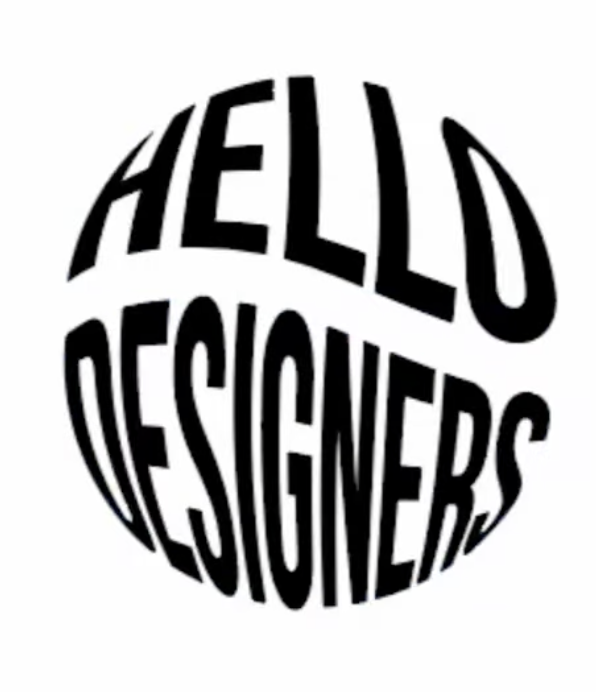
TEXT enveloppe deform
-
Hello
Is there a way on VectorStyler to deform a text according to a vector shape (see illustrator capture)?
-
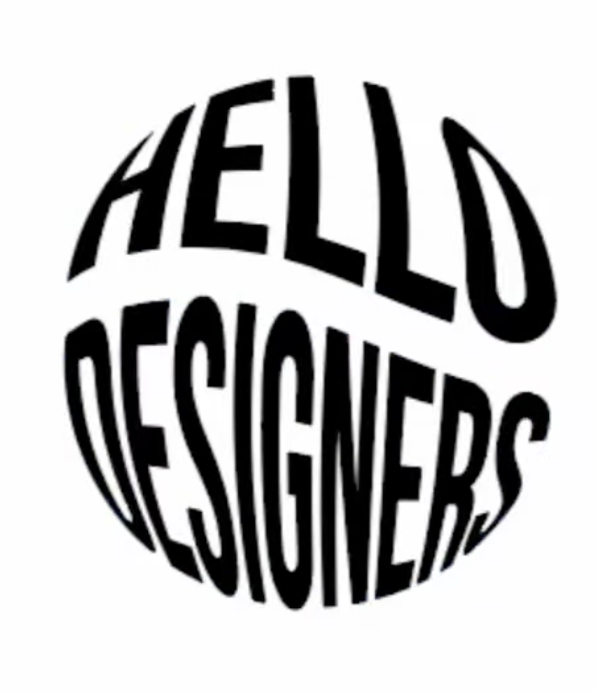
@ZATOPEK Yes:
- Create the text (the two words must be separated and resized to the same width)
- Add an Envelope effect from the Shape Effects panel
- Draw a circle and select both the text and circle
- In the Shape Effects panel menu select Pick Shape
- Open the Envelope options and uncheck Envelope (there might be a bug here and this is not applied, so you need to press Enter in the smoothness field for example)
- Activate the effect editor (panel bottom, second button)
- Insert new mesh point with double click
- Adjust the mesh shape to get the internal waving
-
Thanks it's work fine