Preserve rounded parametric rectangle ends when changing overall shape length
-
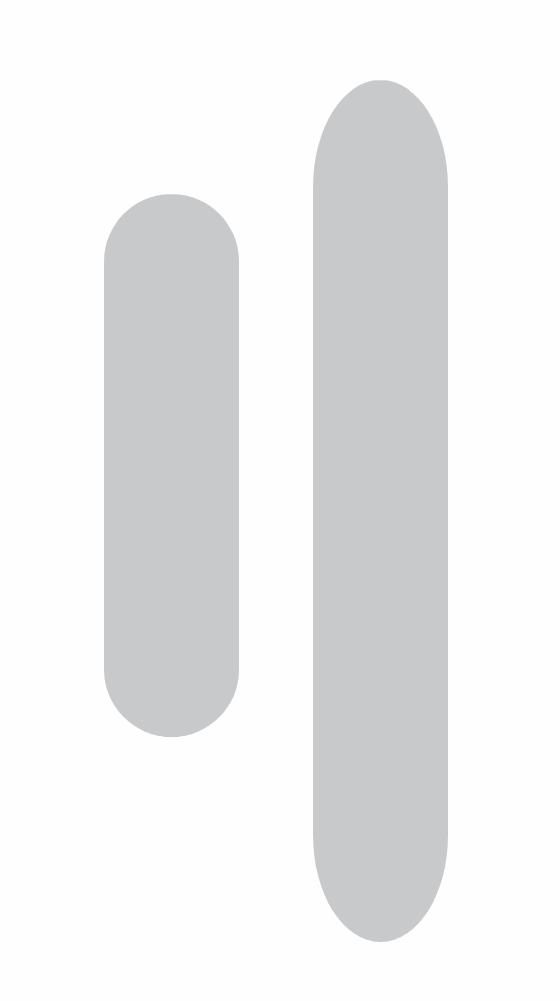
When I create a parametric rectangle, adjust the ends so they are perfectly rounded, and then click away from the object, I cannot find a way to change the rectangle’s overall length without distorting those rounded ends.
If I stretch the rectangle horizontally with the Transform tool, the rounded ends become more tapered or elliptical instead of remaining perfect semicircles.
Steps
- Create a parametric rectangle.
- Edit the ends so they are fully rounded.
- Click away from the object.
- Select it again and increase its width.
Current result
The entire shape is scaled, including the rounded ends. This changes their curvature and makes them look stretched or tapered.
Expected result
Because the object is still a parametric rectangle, I would expect to be able to change its length while keeping the rounded ends at their original radius. Only the straight center section should become longer or shorter.
Is there an existing rectangle parameter or editing method that allows this before converting the shape to curves?
If not, it would be useful to have separate controls for:
- Overall rectangle length
- End radius
- Whether the rounded ends scale with the object or remain fixed
-
@Boldline Is "Direct Shape Transformation" enabled in Settings->Editing ?
-
@VectorStyler said in Preserve rounded parametric rectangle ends when changing overall shape length:
@Boldline Is "Direct Shape Transformation" enabled in Settings->Editing ?
yes. I turned it off to test it and I'm not seeing a difference either way
🍎 macOS Tahoe 26.2, Mac mini (M1, 2020), Chip Apple M1, Memory 16 GB
Cintiq 27QHD Display and LG Ultra HD Display -
@VectorStyler I might need to clarify, I want to be able to adjust the length of the rectangle AFTER making the ends rounded without it resulting in the ends looking tapered.
I did a test with the "Direct Shape Transformation" enabled on and then off.
I can see how having the setting enabled allows me to alter the height of the rectangle in my example and then do the rounded cap at the ends without tapering whereas with the setting off, any editing of the rectangle length would cause the resulting round end to look wonky. -
@Boldline The setting should be on.
I tested this here and it seems to be working.
Send me a file with those rectangles, before/after changing the width
-
I've checked and can confirm it's working now, but I came across this thread because I was also having this problem. I'll let you know if the problem returns.


