Add option for negative contour amount / negative perimeter gradient fill option
-
Could VectorStyler add a gradient fill option that starts at a shape’s perimeter and fades inward by a consistent distance?
For example, I’d like to set the edge to dark blue, the interior to light blue, and the fade width to 10 pt. The transition would follow the outline all the way around, reaching light blue 10 pt in from any edge. Areas farther inside would stay light blue. On a compound shape, the edges of any cutouts would also start the fade.
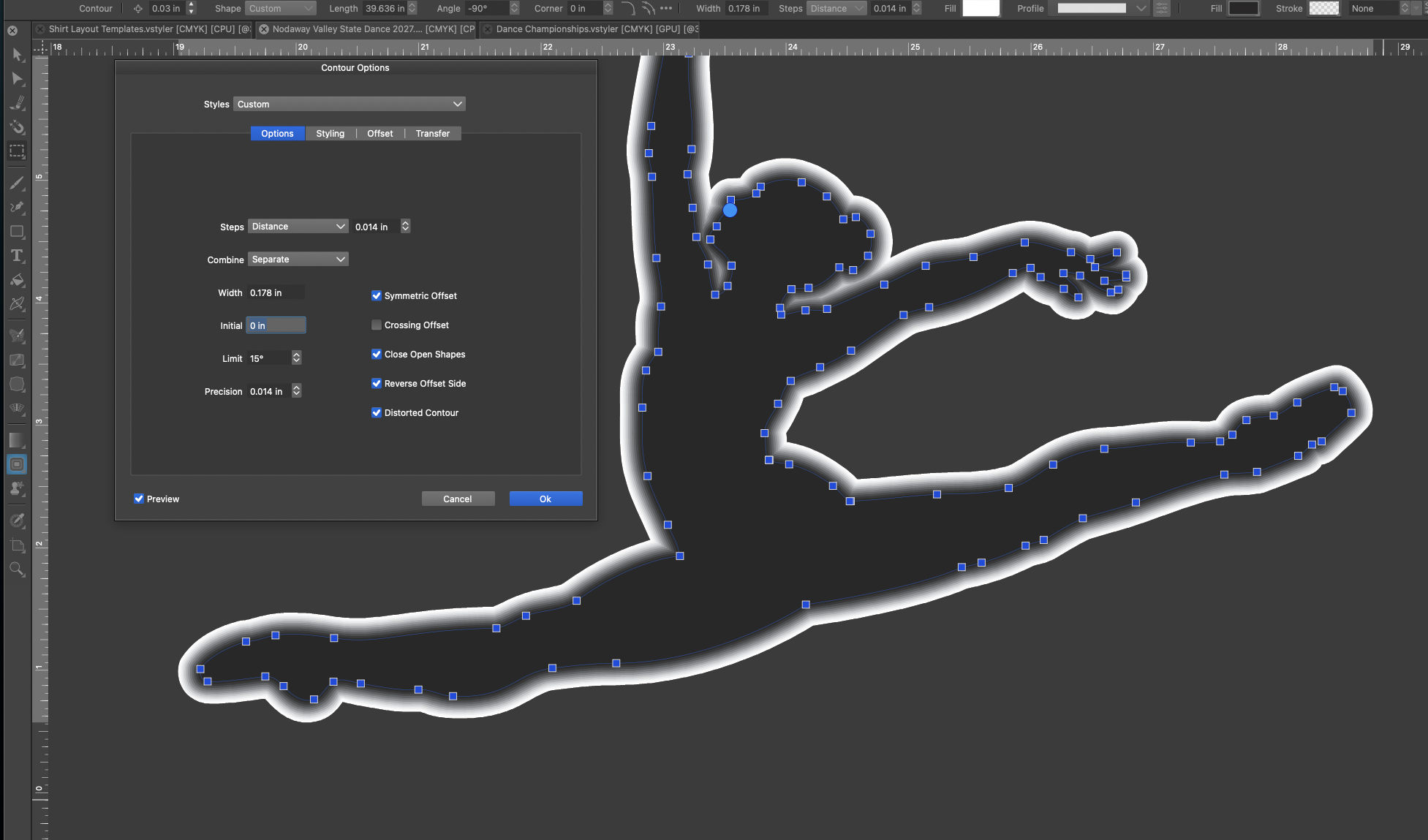
I tried a concentric gradient and an inward Contour. A concentric gradient scales from the center, so the fade can vary in width around an irregular shape. I haven’t found a way to get the result I’m after with Contour. It does not seem to allow a negative value like with offset path.
I’d like this as an editable fill with the usual gradient stops and a width field in document units. That would let me give an irregular mascot silhouette or a piece of lettering an even shaded edge and keep the fade in place when I edit the path.
If VectorStyler already has a way to do this, I’d like to know which settings to use.
Here is the example I was trying - I was only able to create the contour outward, even when I entered a negative value in the contour panel options.
I also noticed double-clicking the contour tool in the toolbar on the left side does not bring up the contour panel the way double clicking on other tool icons brings up their respective panels
🍎 macOS Tahoe 26.2, Mac mini (M1, 2020), Chip Apple M1, Memory 16 GB
Cintiq 27QHD Display and LG Ultra HD Display -
@Boldline
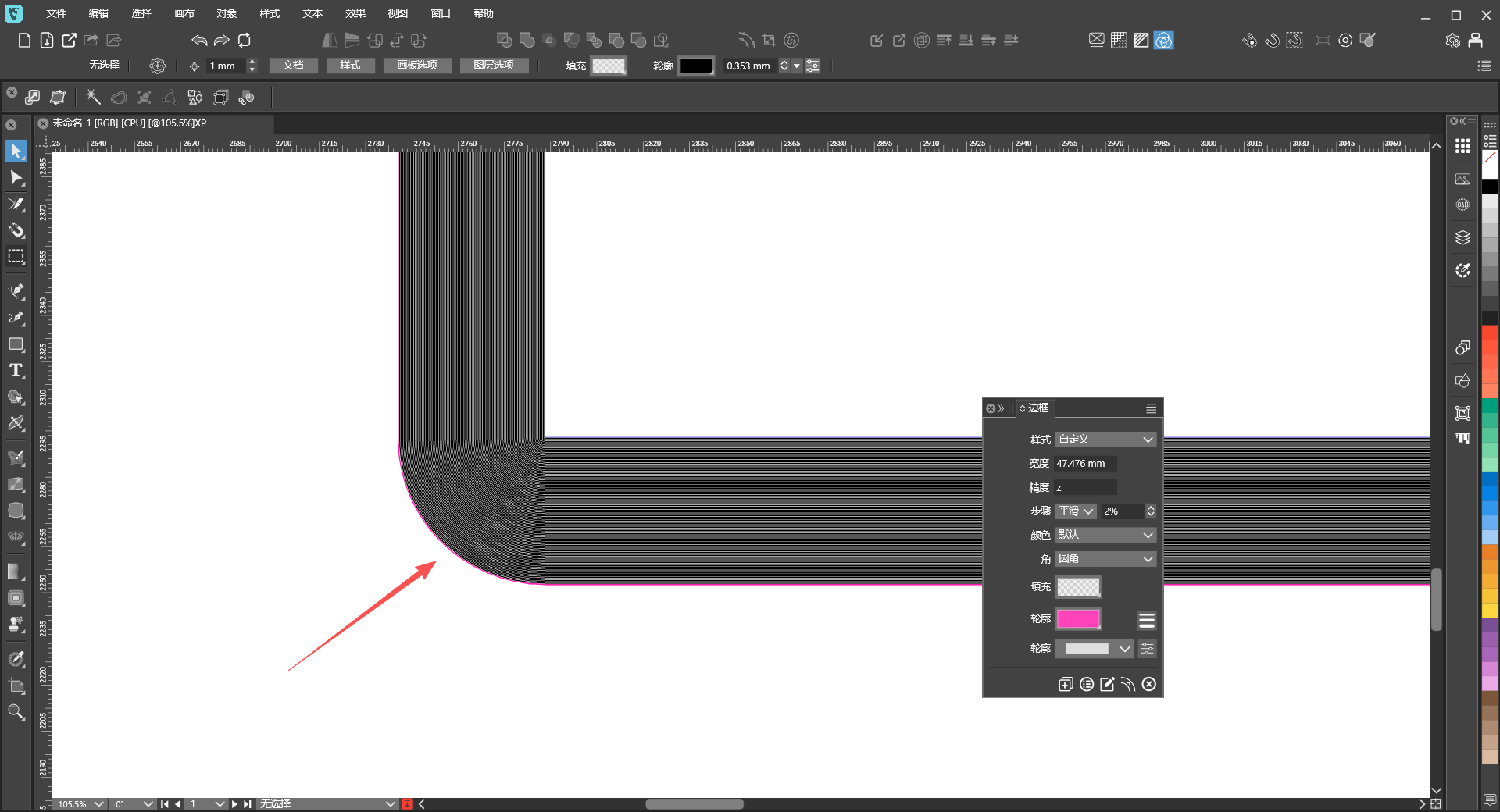
Could you share this file so I can run some tests too? Try other methods and see how they work.Also, the issue you mentioned where double‑clicking the Contour tool fails to open the Contour panel happens in two scenarios:- When the Contour tool is already active, double‑clicking the tool sometimes brings up the panel and sometimes does not (this appears to be a bug).
- If you are using the Pointer tool and double‑click the Contour tool, the panel always opens.
Additionally, I recall this tool used to support color gradient effects, but that is no longer available now. That also seems to be a bug.
-
@Boldline said in Add option for negative contour amount / negative perimeter gradient fill option:
Could VectorStyler add a gradient fill option that starts at a shape’s perimeter and fades inward by a consistent distance?
Send me that shape I would like to test it here.
I will add this to the backlog.