VectorStyler
    • Categories
    • Unread
    • Recent
    • Tags
    • Popular
    • Register
    • Login

    Alt/option key + click and drag creates new gradient color stop
    Scheduled Pinned Locked Moved Questions and Support
    2 Posts 2 Posters 3.2k Views
    Loading More Posts
    • Oldest to Newest
    • Newest to Oldest
    • Most Votes
    Reply
    • Reply as topic
    Log in to reply
    This topic has been deleted. Only users with topic management privileges can see it.
    • BoldlineB Offline
      Boldline
      last edited by

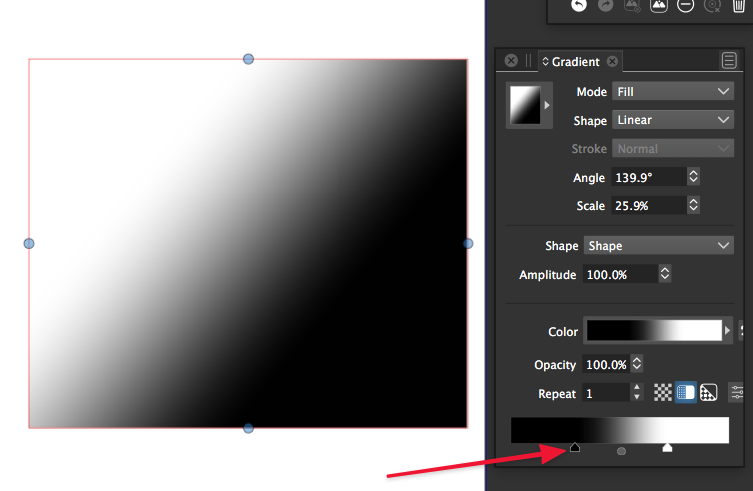
      Would it be possible to allow the gradient stops along the gradient slider to be copied by holding down the alt/option key and clicking and dragging it over in the slider? This way if I wanted to add more stops to the gradient slider, I could click on one, hold alt/option and drag a copy of that stop to a new position? I know we can already click on the gradient slider and one appears
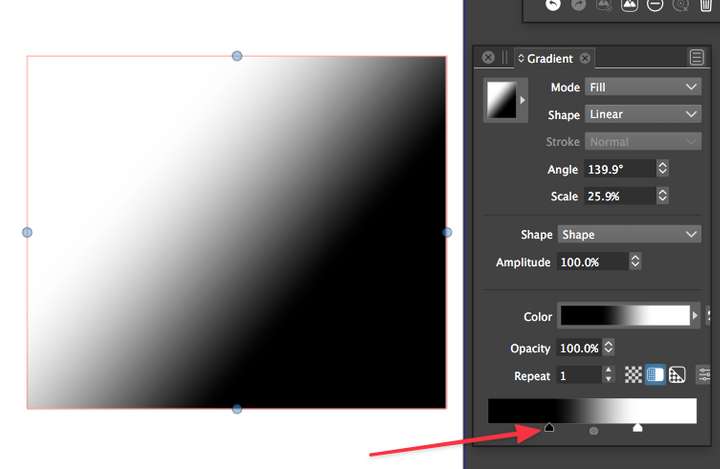
      0_1632603777423_b65b89ba-79b0-409f-8e28-fa42600e0c47-image.png

      🍎 macOS Tahoe 26.2, Mac mini (M1, 2020), Chip Apple M1, Memory 16 GB
      Cintiq 27QHD Display and LG Ultra HD Display

      VectorStylerV 1 Reply Last reply Reply Quote 1
      • VectorStylerV Offline
        VectorStyler @Boldline
        last edited by

        @Boldline Added this to the backlog.

        1 Reply Last reply Reply Quote 0
        • First post
          Last post
