VectorStyler
    • Categories
    • Unread
    • Recent
    • Tags
    • Popular
    • Register
    • Login

    Delete saved pattern from preset

    Scheduled Pinned Locked Moved Questions and Support
    5 Posts 2 Posters 5.5k Views
    Loading More Posts
    • Oldest to Newest
    • Newest to Oldest
    • Most Votes
    Reply
    • Reply as topic
    Log in to reply
    This topic has been deleted. Only users with topic management privileges can see it.
    • K Offline
      KF
      last edited by

      Hello,

      I can't find the button or menu to delete the saved pattern from preset. I am trying to delete it from the pattern panel but can't. Please help.

      VectorStylerV 1 Reply Last reply Reply Quote 0
      • VectorStylerV Offline
        VectorStyler @KF
        last edited by

        @KF I just checked this and could not replicate.
        What I do: select the pattern and click the (x) button at the panel bottom. Pressing the Delete key also works.

        Is the presets set to read only?
        Can you send a screenshot of the preset panel, with the pattern name and its group visible? What are its Display settings? this could help replicating:
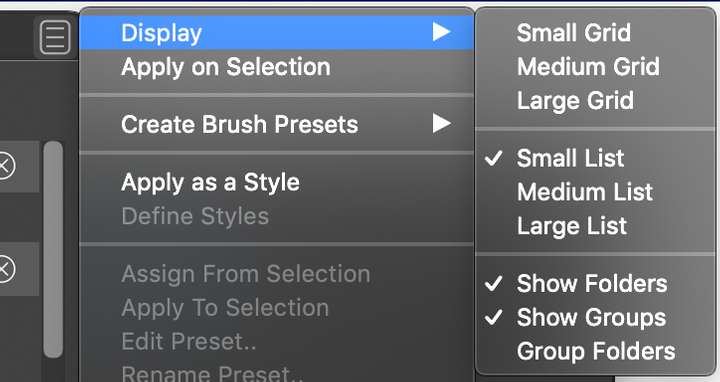
        0_1634446456202_pattern2.png

        1 Reply Last reply Reply Quote 0
        • K Offline
          KF
          last edited by

          @vectoradmin
          Hello, I can't locate the (x) button at the panel bottom. The following is the screenshot of the pattern panel.
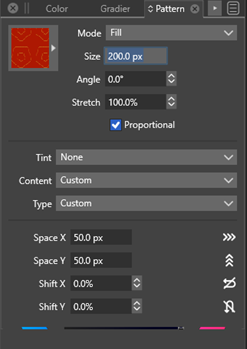
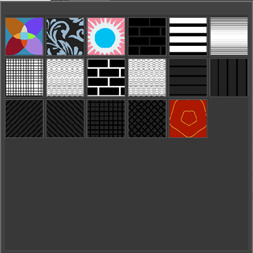
          0_1634467891359_Picture11.png

          0_1634467917946_Picture12.png

          The following is the screenshot of the preset panel:
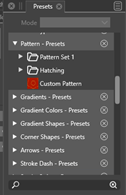
          0_1634468417922_Picture14.png

          The pattern name is Custom Pattern and I guess it is visible.

          The following is the screenshot of the display setting of the preset panel:
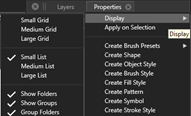
          0_1634468522901_Picture13.png

          Thank you.

          VectorStylerV 1 Reply Last reply Reply Quote 0
          • VectorStylerV Offline
            VectorStyler @KF
            last edited by

            @KF The Presets panel should look like below, with a set of buttons at the panel bottom area.
            Presets cannot be deleted in the Pattern panel, only in the Presets panel.

            The (x) button is the last one (disabled in this case as nothing is selected).
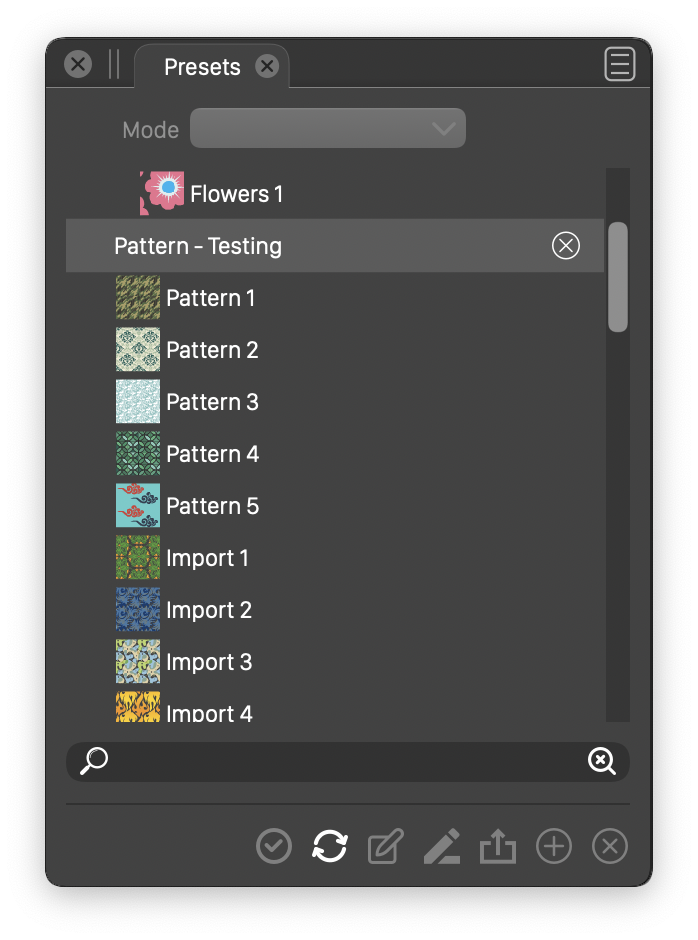
            0_1634470542435_presets.png

            1 Reply Last reply Reply Quote 0
            • K Offline
              KF
              last edited by

              @vectoradmin

              Hello,

              I have delete the pattern. Thank you for help.

              1 Reply Last reply Reply Quote 0
              • First post
                Last post