Selecting closed path inside the object.
-
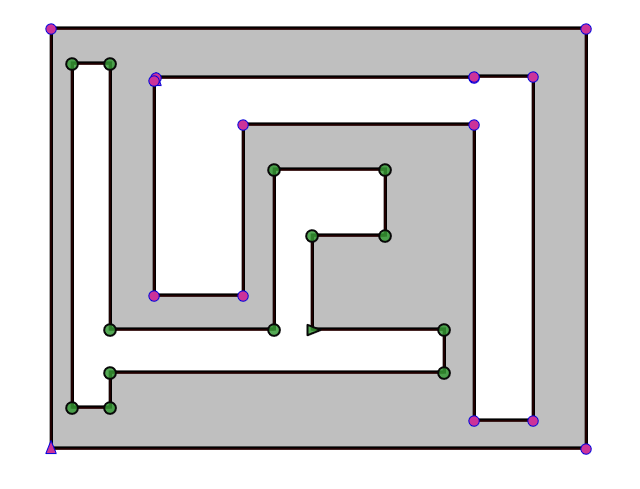
Is it possible to select the entire path inside an object? For example, I select one node of this path and use a keyboard shortcut to select all within it.
-
@encart When the Node tool is active, and a node is selected Command+A should select all nodes of that path.
-
@vectoradmin I've tried this before. All are marked then. I meant to mark the green nodes but without marking one by one or
using lasso tool. Just were curious if it is possible now.MacBook Air M4 24Gb, Tahoe 26.3.1
-
@encart If that is a single object, then the only way to select the green nodes is to use the lasso tool, or Shift+Click.
-
@encart said in Selecting closed path inside the object.:
@vectoradmin I've tried this before. All are marked then. I meant to mark the green nodes but without marking one by one or
using lasso tool. Just were curious if it is possible now.It is possible if you were to use the Shape Editor tool.
- Click on the Shape Editor tool
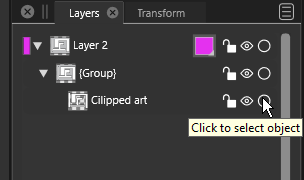
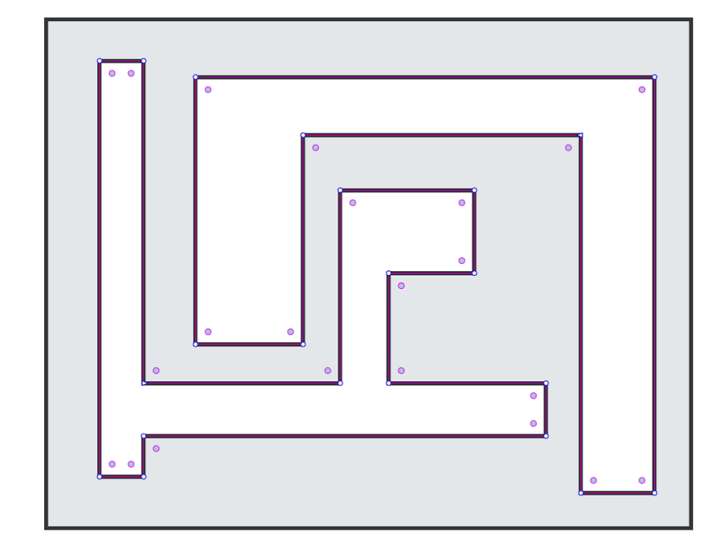
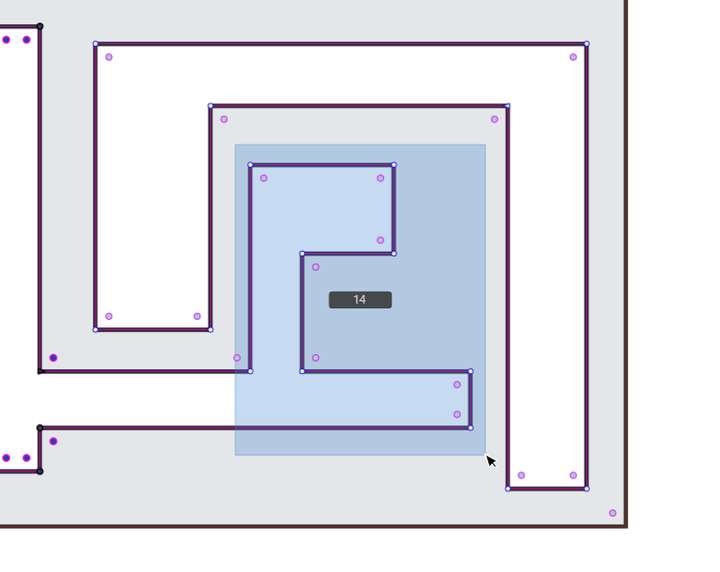
- Use the Layers panel to select (refer to attached image - Stage A _Layers panel.png) and you will get results as in attached Stage B image.png
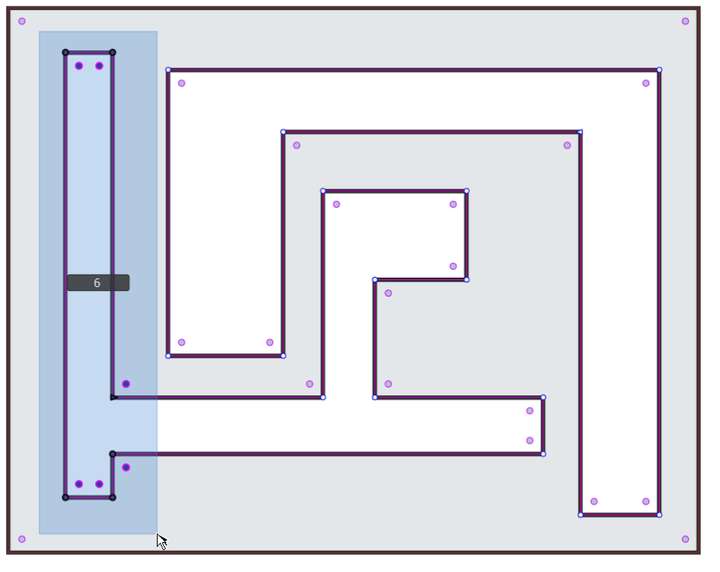
- Then select the first 6 nodes of the artwork (refer to attached image - Stage C.png)
- Finally you Shift + select the remaining 14 nodes of the artwork (refer to attached image - Stage D.png)
The clipped artwork is now all selected.
-
If I understand correctly, Encart asks for a quick and simple way to select all the nodes of the negative spaces — something that's faster than box-selecting nodes.
@encart Which way would you suggest — a keyboard modifier (it seems to me they're all used), or a special command (Select All Inner Nodes) for that?
-
@b77 said in Selecting closed path inside the object.:
If I understand correctly, Encart asks for a quick and simple way to select all the nodes of the negative spaces — something that's faster than box-selecting nodes.
Exactly. That's what I meant. Basically, I only asked if there was such a possibility and @vectoradmin denied it.
The illustration is for reference only. Sometimes the negative space shapes are complicated and in that case I think it would be nice.
It doesn't even have to be a keyboard shortcut. Such a possibility at all.Could you tell me please why we can't use numpad keys in custom shortcuts, as a one-key shortcut?
-
@encart said in Selecting closed path inside the object.:
Sometimes the negative space shapes are complicated and in that case I think it would be nice.
I will open a feature request on this one.
Could you tell me please why we can't use numpad keys in custom shortcuts, as a one-key shortcut?
This could be a bug.


