VectorStyler
    • Categories
    • Unread
    • Recent
    • Tags
    • Popular
    • Register
    • Login

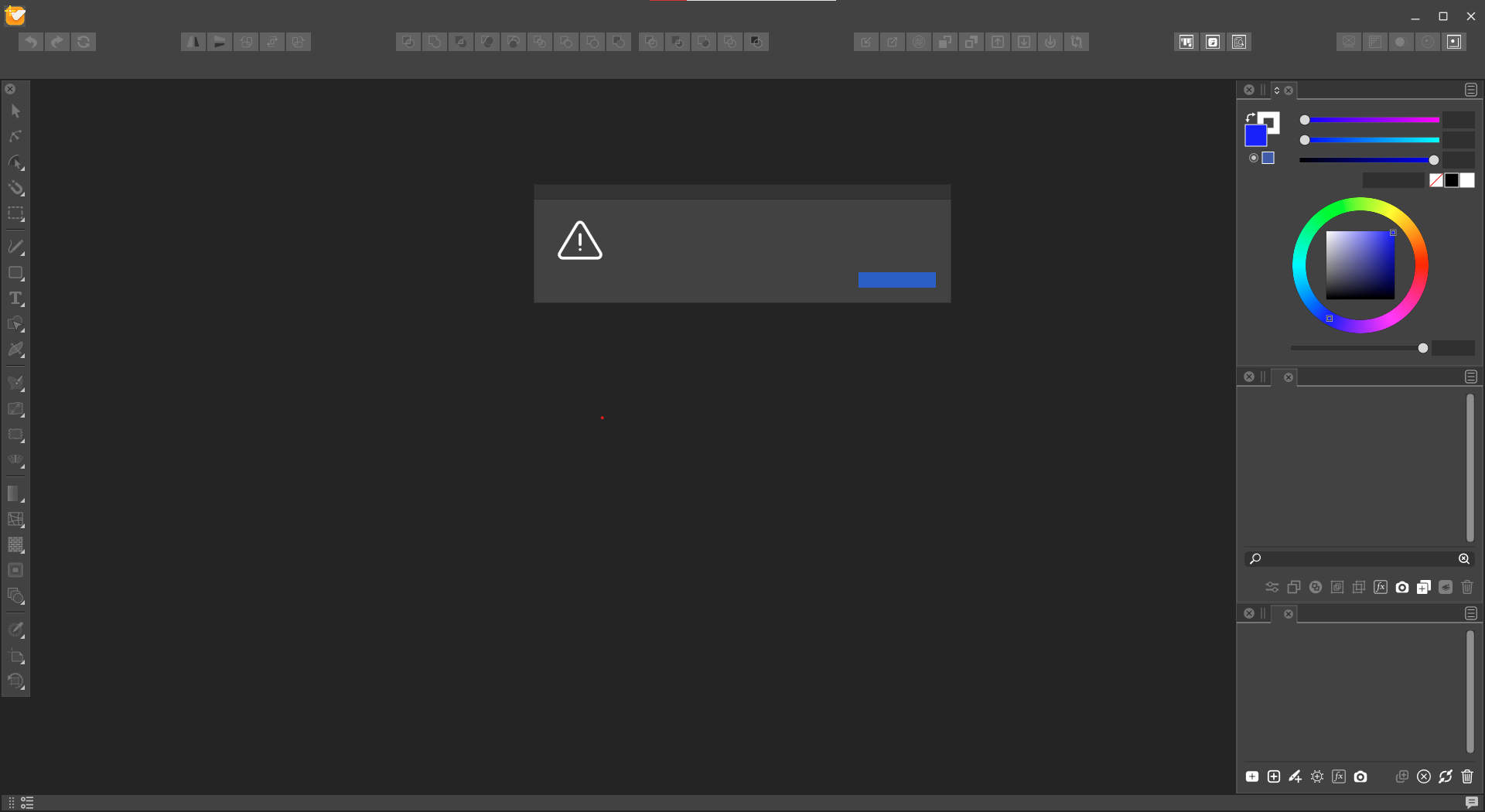
    VectorStyler GUI doesnt display any text.
    Scheduled Pinned Locked Moved Questions and Support
    7 Posts 2 Posters 7.3k Views
    Loading More Posts
    • Oldest to Newest
    • Newest to Oldest
    • Most Votes
    Reply
    • Reply as topic
    Log in to reply
    This topic has been deleted. Only users with topic management privileges can see it.
    • E Offline
      Elron
      last edited by

      Windows 10, Inel i7, VectorStyler 1.0.062
      Installed trial, VS starts, but no text at all, and this is what I get.
      Any idea what my problem might be?
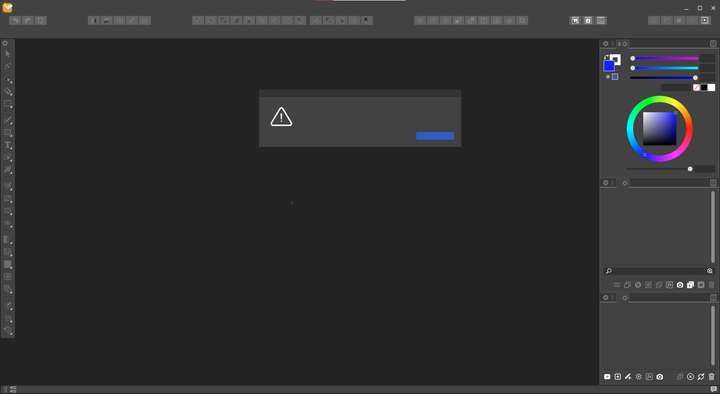
      0_1636401991436_Screenshot 2021-11-07 070242.png

      VectorStylerV 1 Reply Last reply Reply Quote 0
      • VectorStylerV Offline
        VectorStyler @Elron
        last edited by

        @Elron Is this a new install, or a first time opening?

        1 Reply Last reply Reply Quote 0
        • E Offline
          Elron
          last edited by

          New Install, first opening and any subsequent tries.
          Tried earlier versions, same result.
          Same screen displays when closing the program.
          Tool tips display text. ctrl O and Ctrl N open files and creates new artboard.
          Drop down menus all blank.
          All other programs work OK.

          VectorStylerV 1 Reply Last reply Reply Quote 0
          • VectorStylerV Offline
            VectorStyler @Elron
            last edited by

            @Elron Do you have the "Segoe UI" font installed the system?
            VS uses "Segoe UI" font for the UI

            1 Reply Last reply Reply Quote 1
            • E Offline
              Elron
              last edited by

              Funny you should mention that.
              I use a modified font as my system font.
              Will restore to the default font and see what happens.
              It will take me some time. Will report results later.
              Thank you for your response. I really would like to try this software out.

              VectorStylerV 1 Reply Last reply Reply Quote 0
              • VectorStylerV Offline
                VectorStyler @Elron
                last edited by

                @Elron If you manage to restore it, the UI font of VS can be changed in the Edit -> Preferences -> User Interface -> Interface Font to any font that is installed in Windows.

                1 Reply Last reply Reply Quote 0
                • E Offline
                  Elron
                  last edited by

                  Made the time, reset the default system font, VS now displays text.
                  Still have 40 days of trial to evaluate. Thanks for your assistance and solution.

                  1 Reply Last reply Reply Quote 3
                  • First post
                    Last post