Fonts available in other Vector Apps but not in VS
-
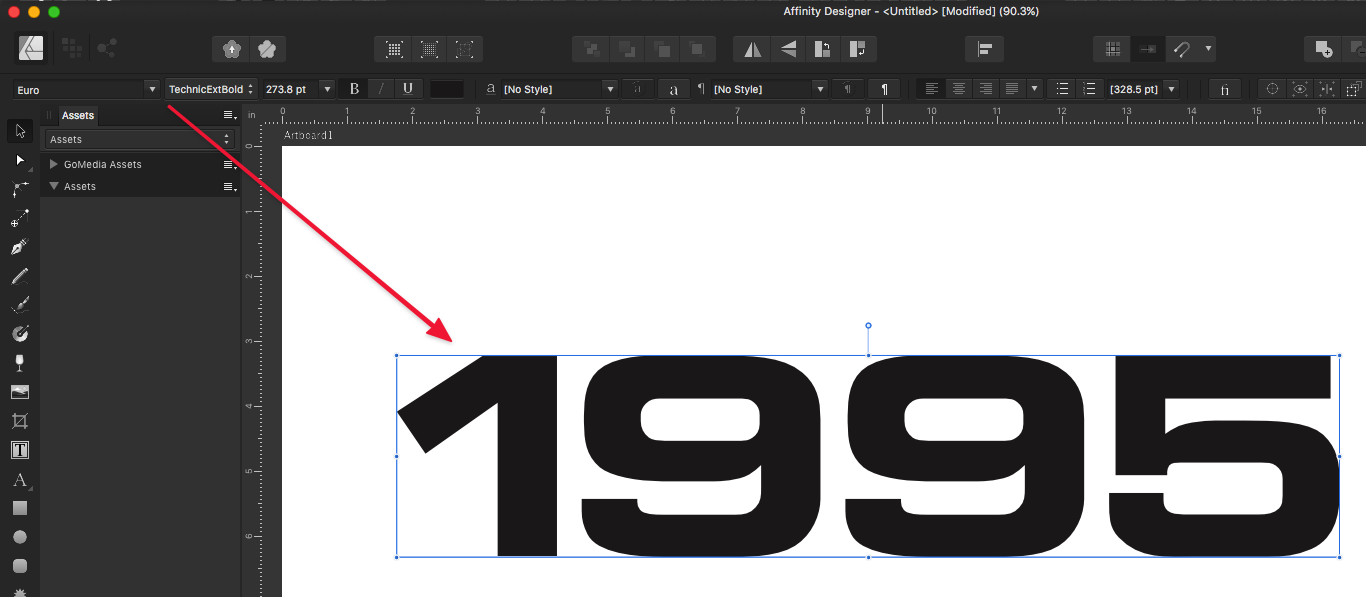
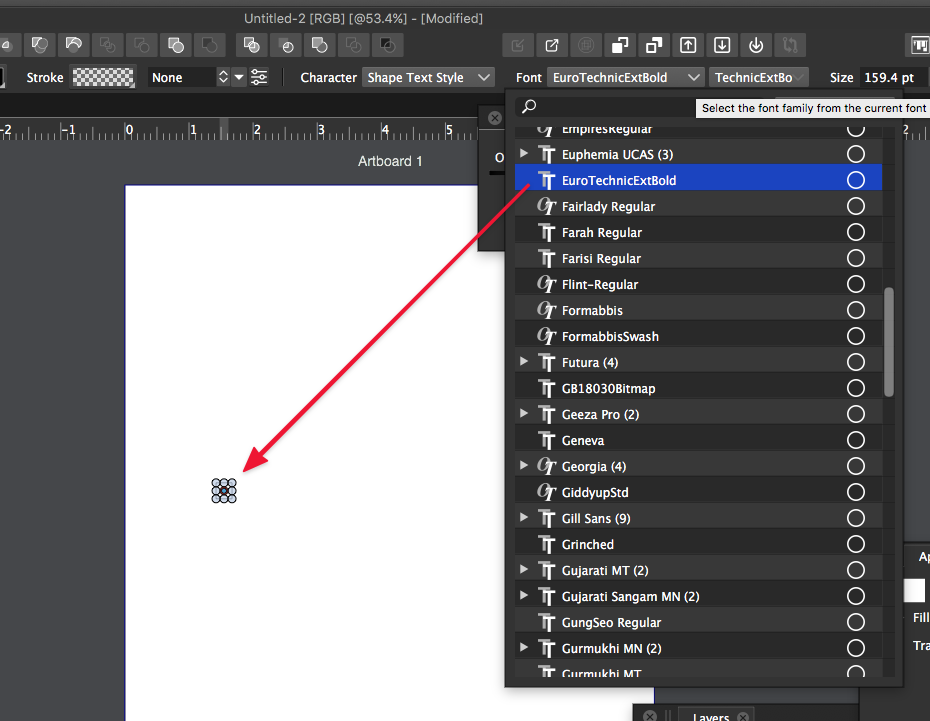
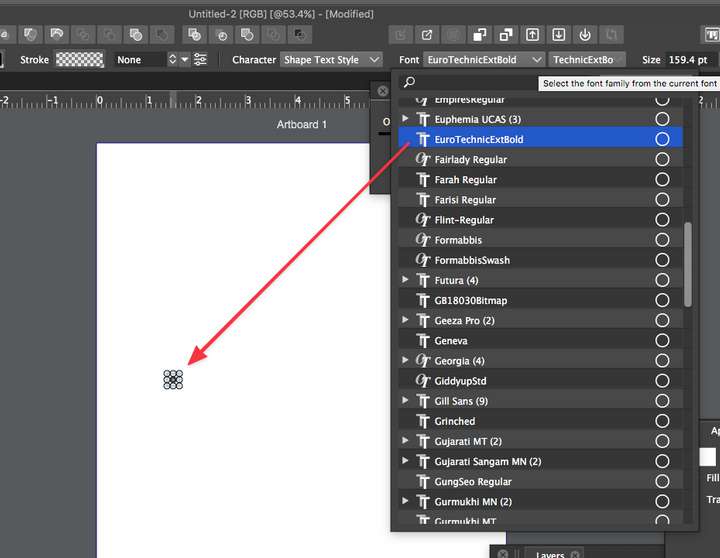
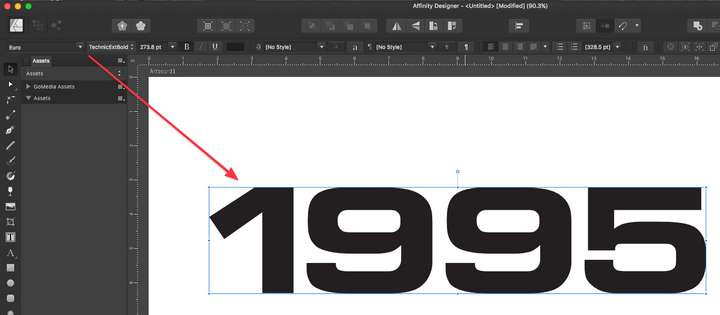
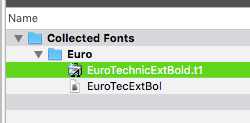
This topic has been discussed before in the past. I was dealing with it again today. I wanted to use a font called "Euro TechnicExtBold" in a design on VS. The font does not show up as available . But if I switch over to Affinity Designer or to Illustrator, it works just fine there. I know very little on the technical side about fonts. I do remember there are some issues with Type1 fonts. I confirmed this is a T1 font unfortunately. Does this mean any T1 fonts will always be unavailable in VS? In the plan to use VS full time, is there a planned workaround? Is there a simple answer as to why they would work in Affinity but not in VS?
-
@Boldline said in Fonts available in other Vector Apps but not in VS:
Euro TechnicExtBold
Installed this version: https://fontsgeek.com/fonts/Euro-Technic-Extended-Bold and it seems to be working.
Is that font installed with Extensis? -
@vectoradmin said in Fonts available in other Vector Apps but not in VS:
Is that font installed with Extensis?
Yes I am using Extensis Suitcase Fusion currently. When I switch over to an M1 Mac in the near future I will not be using it anymore.
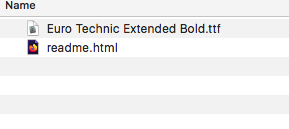
How does Extensis play into the T1 fonts? Do they allow the older more obsolete T1 where current font managers do not?I downloaded the same font you linked to and it's a TTF file, and it installed and worked properly. I try to use OTF files where possible and then TTF if no OTF is available. Perhaps I need to go through and find replacements for the other T1 fonts still in my font library?
-
@Boldline There are some type of T1 fonts specific to MacOS only (pre OSX) that are not supported anymore, only by some font managers (like Extensis).
Regular T1 fonts (PFB / AFM pairs) as used on Windows are supported (and will be supported) by VS, but these cannot be directly installed in MacOS (VS has its internal font manager). -
@vectoradmin Thank you for the explanation. That makes a lot more sense now. I knew VS has a built-in font manager. I have been planning to look further into it and see how I could best make use of it.

