VectorStyler
    • Categories
    • Unread
    • Recent
    • Tags
    • Popular
    • Register
    • Login

    IU size problem

    Scheduled Pinned Locked Moved Questions and Support
    5 Posts 2 Posters 5.0k Views 2 Watching
    Loading More Posts
    • Oldest to Newest
    • Newest to Oldest
    • Most Votes
    Reply
    • Reply as topic
    Log in to reply
    This topic has been deleted. Only users with topic management privileges can see it.
    • L Offline
      Longwy
      last edited by Longwy

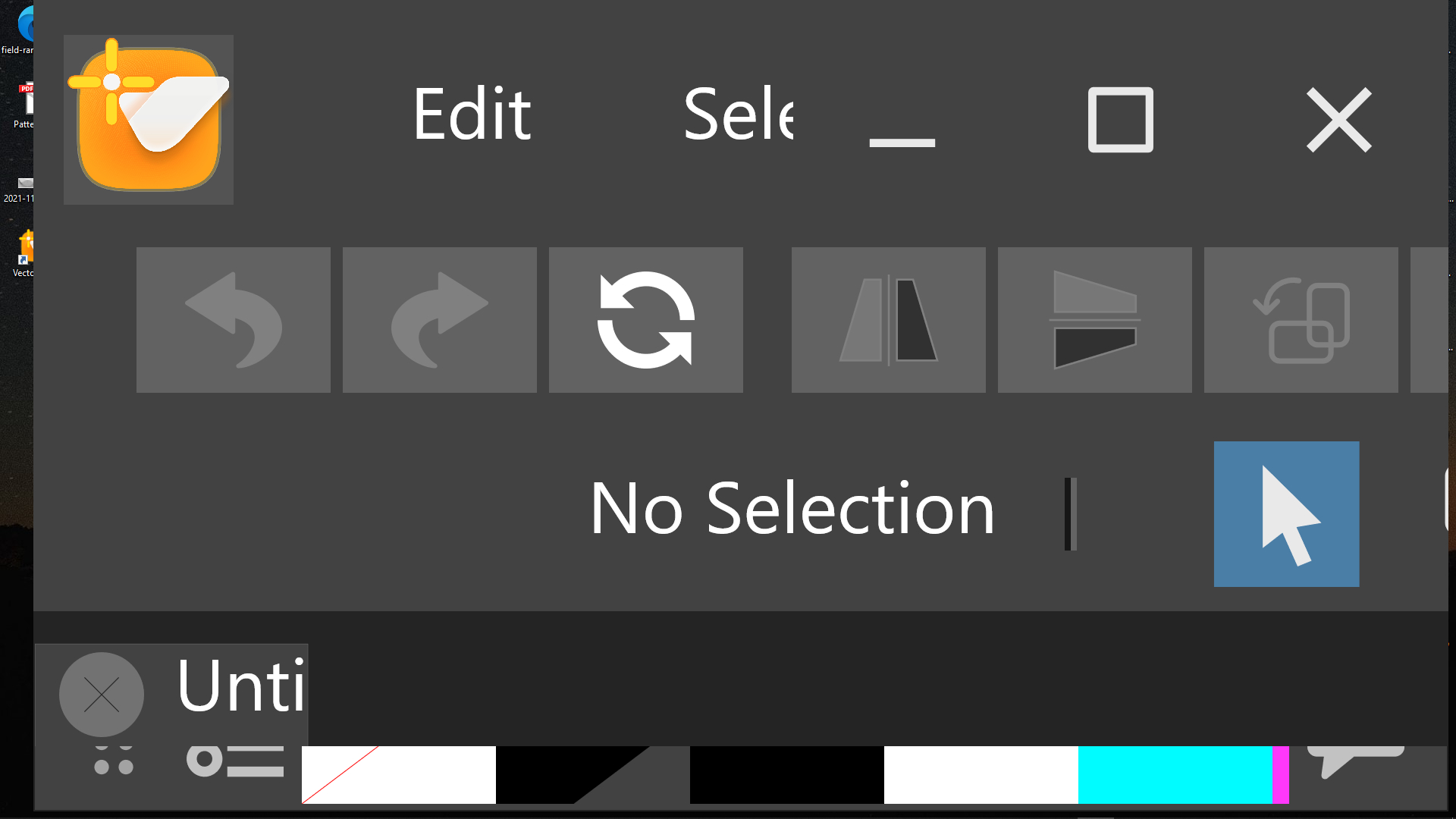
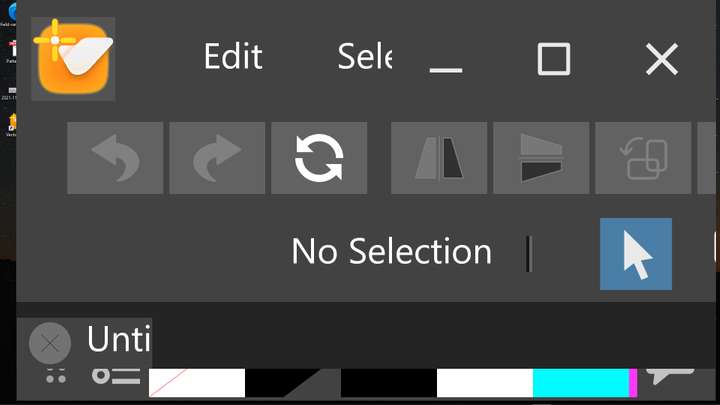
      If I select an object and press one of the keyboard arrows to move it slightly, it moves quite far from the artboard. I was trying to fix this in the preferences and I made a mistake, I ended up with tiny, unreadable menus. I tried to correct my mistake, a bit by guesswork and now I find myself with the opposite, everything is huge and I can't navigate at all in what I see. I uninstalled, restarted my machine, reinstalled VectorStyler but nothing has changed (see my screenshot). Installing in another folder didn't help either.
      I hope you can give me a solution, thanks in advance.0_1636904339858_2021-11-14_161519.jpg
      EDIT:
      I forgot to mention that I am on Windows 10

      Windows 10

      VectorStylerV 1 Reply Last reply Reply Quote 0
      • VectorStylerV Offline
        VectorStyler @Longwy
        last edited by

        @Longwy To reset all settings to default start the app by:
        on Windows: hold Control+Alt+Shift then start app
        on Mac: hold Command+Option+Shift then start app

        1 Reply Last reply Reply Quote 0
        • L Offline
          Longwy
          last edited by

          Thanks for the quick answer, unfortunately the result is always the same.

          Windows 10

          VectorStylerV 1 Reply Last reply Reply Quote 0
          • VectorStylerV Offline
            VectorStyler @Longwy
            last edited by VectorStyler

            @Longwy On Windows go to the C:\Users\<user name>\NumericPath\ folder and delete the VectorStyler1.0 folder (contains settings, workspace customization of VectorStyler).

            1 Reply Last reply Reply Quote 1
            • L Offline
              Longwy
              last edited by

              @vectoradmin Thank you very much, the problem is solved, and bravo for your reactivity, very much appreciated!

              Windows 10

              1 Reply Last reply Reply Quote 0
              • First post
                Last post