How to use the list of actions on right side of "Application Shortcuts"?
-
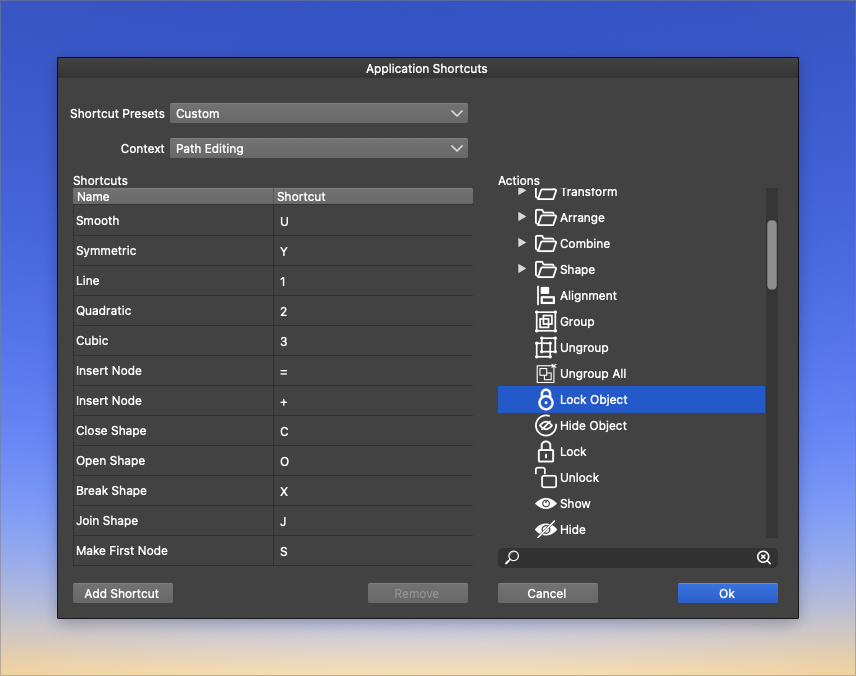
I would like to modify some system shortcuts. For example, the lock and unlock keyboard commands.
I have difficulty finding them right now in the "context" drop-down list of groupings.
I can go into the actions section on the right side and find them easily - but I'm not sure what to do with an item I select in that actions section. If I double-click it, or if I try to drag it into the shortcuts section, nothing happens.
What should I be doing if I want to edit the items in the actions section?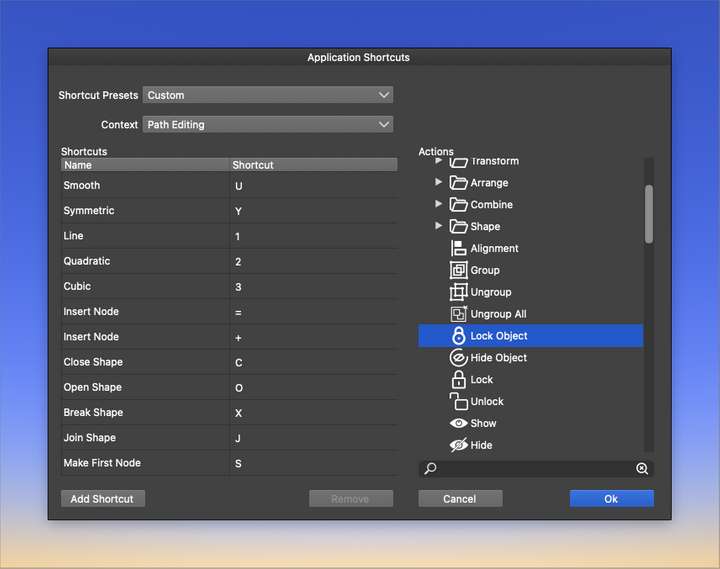
-
@Boldline Is is better to start with the "Application Shortcuts" in the Context drop down.
These are the common shortcuts, that are available in any tool, unless the tool overrides some.To add shortcuts:
- select the action(s) on the right side.
- press the "Add Shortcut" button.
- if the action already has a shortcut, it will be highlighted.
- otherwise it is added, with an empty shortcut.
- in this case click in the Shortcut column, and the row of the action, and press the shortcut.

