VectorStyler
    • Categories
    • Unread
    • Recent
    • Tags
    • Popular
    • Register
    • Login

    Reset Artboard Dimensions interactively
    Scheduled Pinned Locked Moved Features and Ideas
    6 Posts 3 Posters 7.2k Views 2 Watching
    Loading More Posts
    • Oldest to Newest
    • Newest to Oldest
    • Most Votes
    Reply
    • Reply as topic
    Log in to reply
    This topic has been deleted. Only users with topic management privileges can see it.
    • BoldlineB Offline
      Boldline
      last edited by

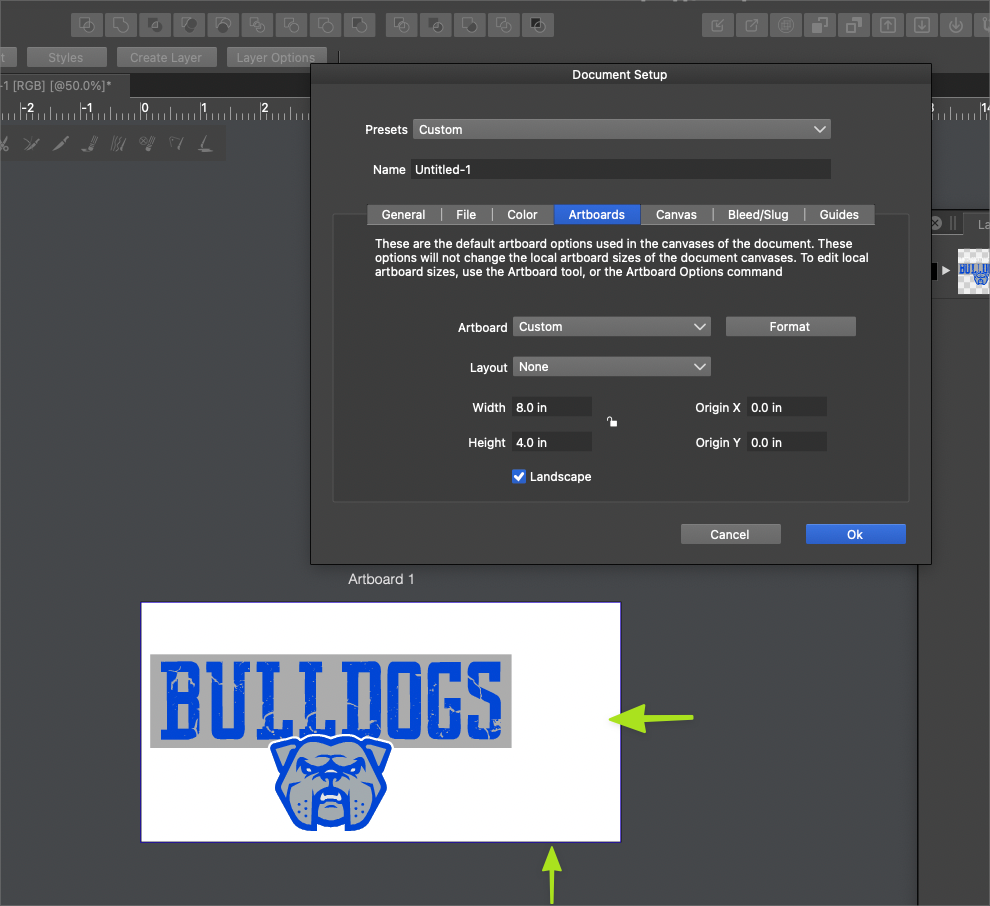
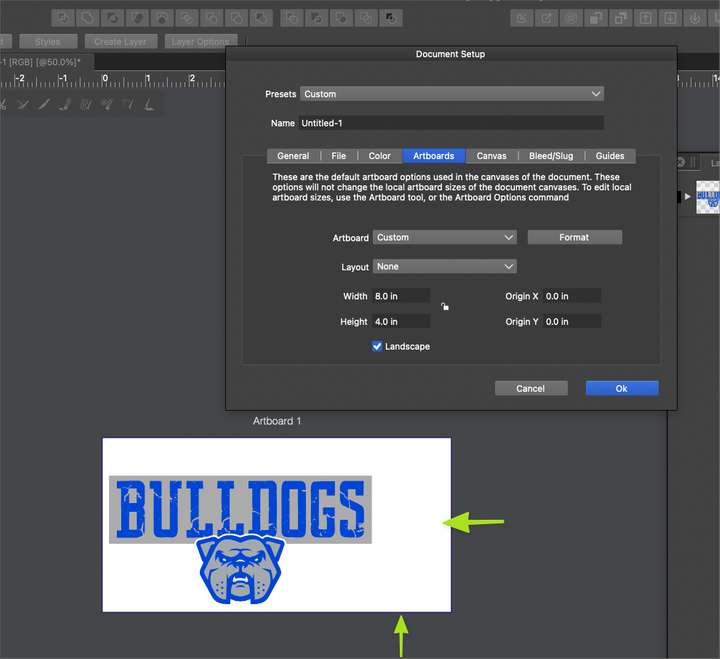
      Could we add an interactive edit to sizing the artboard? Like a crop tool one could use to reduce or enlarge the horizontal width or vertical height of the board? Sometimes I'm resizing art and it's just easier to be able to set it visually. This is an option in Illustrator I got pretty used to
      0_1641345969301_5ad93452-16ca-47ec-b175-bd7c46a59094-BLD 2022-01-04 at 20.21.03.png

      🍎 macOS Tahoe 26.2, Mac mini (M1, 2020), Chip Apple M1, Memory 16 GB
      Cintiq 27QHD Display and LG Ultra HD Display

      VectorStylerV 1 Reply Last reply Reply Quote 0
      • VectorStylerV Offline
        VectorStyler @Boldline
        last edited by

        @Boldline The artboard tool (second from the bottom) should do that.

        BoldlineB 1 Reply Last reply Reply Quote 1
        • F Offline
          fde101 Global Moderator
          last edited by

          The options show up in the context bar when that tool and an artboard are both selected.

          1 Reply Last reply Reply Quote 1
          • BoldlineB Offline
            Boldline @VectorStyler
            last edited by

            @vectoradmin said in Reset Artboard Dimensions interactively:

            @Boldline The artboard tool (second from the bottom) should do that.

            I'm not following where you telling me to look. I'm not seeing an way to adjust the artboard with a crop tool like method - or did you mean just changing the size where it says width and height?

            🍎 macOS Tahoe 26.2, Mac mini (M1, 2020), Chip Apple M1, Memory 16 GB
            Cintiq 27QHD Display and LG Ultra HD Display

            VectorStylerV 1 Reply Last reply Reply Quote 0
            • VectorStylerV Offline
              VectorStyler @Boldline
              last edited by

              @Boldline This is what I was referring to: https://recordit.co/Y1eqa8z543

              Once the tool is selected, click on an artboard to select it.
              Works the same as the transform tool (without skewing).

              If the mouse is pressed outside of an artboard, it starts drawing a new artboard.

              BoldlineB 1 Reply Last reply Reply Quote 1
              • BoldlineB Offline
                Boldline @VectorStyler
                last edited by

                @vectoradmin Thank you! that makes sense now. I appreciate you showing me

                🍎 macOS Tahoe 26.2, Mac mini (M1, 2020), Chip Apple M1, Memory 16 GB
                Cintiq 27QHD Display and LG Ultra HD Display

                1 Reply Last reply Reply Quote 1
                • First post
                  Last post
