VectorStyler
    • Categories
    • Unread
    • Recent
    • Tags
    • Popular
    • Register
    • Login

    Missing Contextual Menu
    Scheduled Pinned Locked Moved Questions and Support
    3 Posts 2 Posters 5.6k Views
    Loading More Posts
    • Oldest to Newest
    • Newest to Oldest
    • Most Votes
    Reply
    • Reply as topic
    Log in to reply
    This topic has been deleted. Only users with topic management privileges can see it.
    • BoldlineB Offline
      Boldline
      last edited by

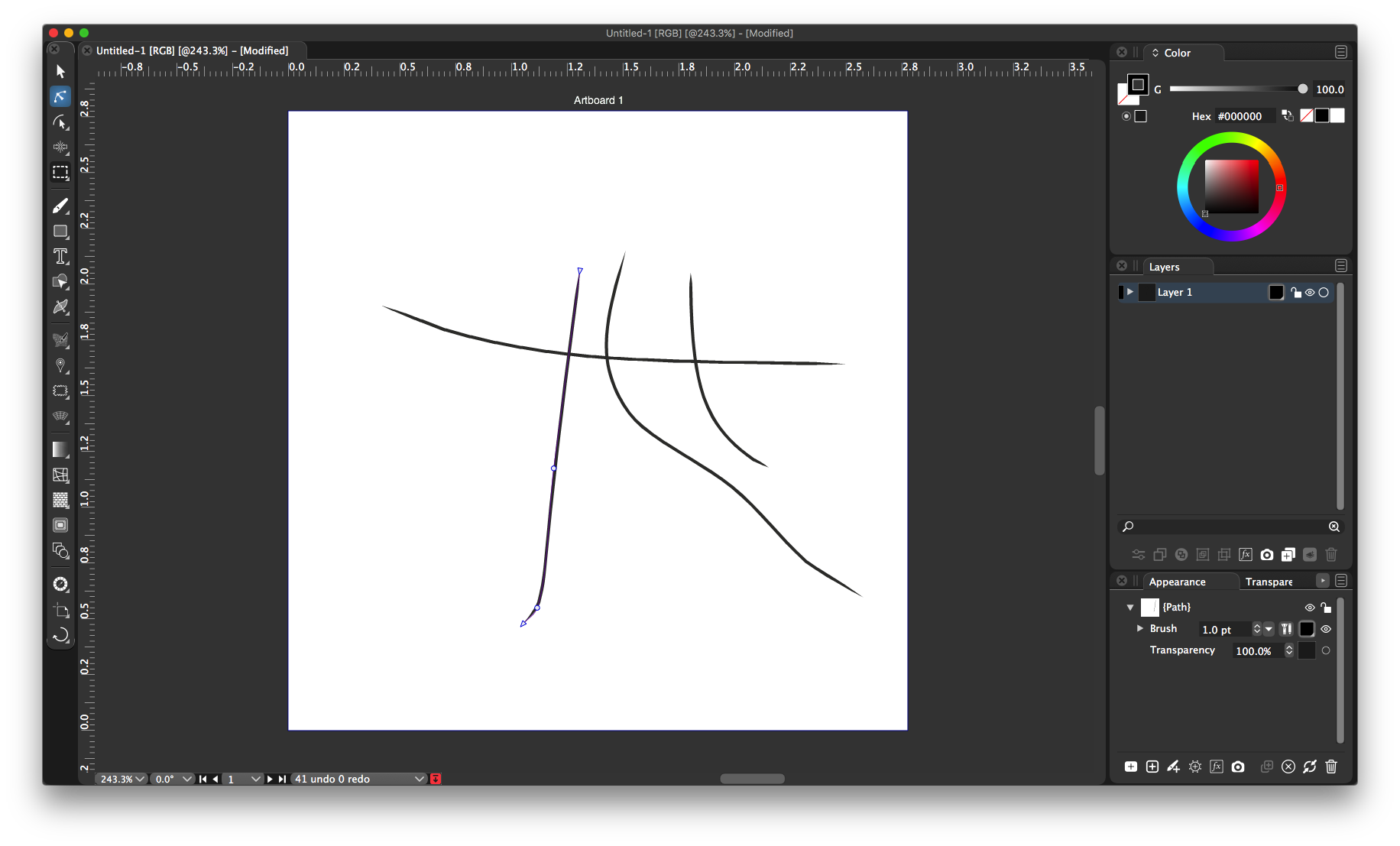
      Sorry for the basic question. I seem to have lost my contextual menu at the very top of my screen. I went to preferences and saw a contextual menu option there, but it was not immediately obvious what I needed to do to fix it.
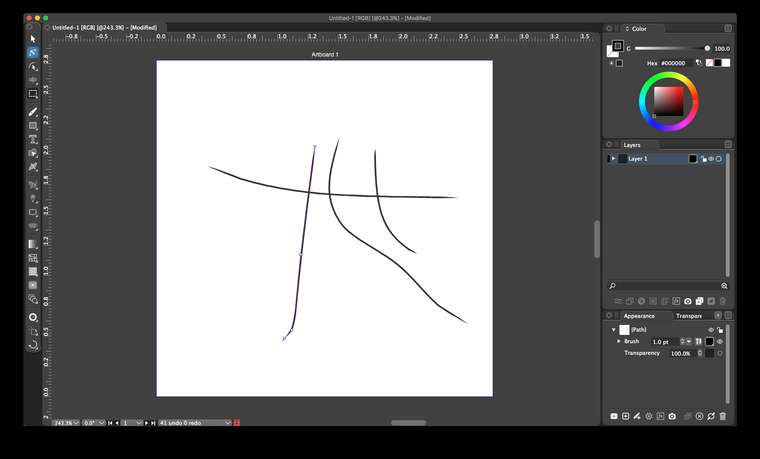
      0_1608762796257_Screen Shot 2020-12-23 at 5.29.28 PM.png image url)

      🍎 macOS Tahoe 26.2, Mac mini (M1, 2020), Chip Apple M1, Memory 16 GB
      Cintiq 27QHD Display and LG Ultra HD Display

      badcatB 1 Reply Last reply Reply Quote 0
      • badcatB Offline
        badcat @Boldline
        last edited by

        @Boldline If I understand this correctly, you need to go under Panels > Context Panel.

        1 Reply Last reply Reply Quote 1
        • BoldlineB Offline
          Boldline
          last edited by

          thanks @badcat - that solved it. I'm not sure how I turned it off but it wasn't intentional and then I was thinking it was a preference option I needed to use. thanks for the help!

          🍎 macOS Tahoe 26.2, Mac mini (M1, 2020), Chip Apple M1, Memory 16 GB
          Cintiq 27QHD Display and LG Ultra HD Display

          1 Reply Last reply Reply Quote 1
          • First post
            Last post