Printing lower opacity object as a halftone seems not to work
-
@Boldline said in Printing lower opacity object as a halftone seems not to work:
I was experimenting with printing settings with the goal that I could print to output (paper or film) or a "print to file" document where the color was separated and a lowered opacity would translate into halftone dots in relation to the degree of opacity.
I created a document with a sample green pantone fill shape with an opacity around 30% and then I made a stroke with a black pantone that sat overtop the green shape. I went to print and set it to "print to file" and under "color", I set it to "separate" and then turned off the cmyk and the extra black I added (at the moment I'm focused on the green print result)
I changed the halftone setting for the green to "cosinedot" and altered the lpi and the angle. When I said ok to "print" it, the pdf file it exported lacked any halftone dots.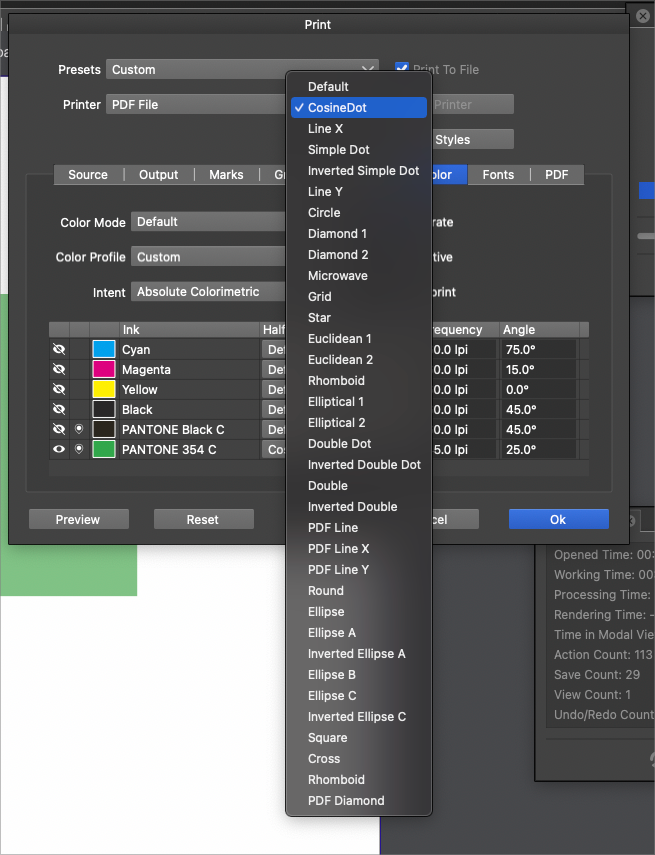
Here is an image of the result I got. Now, would this be different if I printed the file off on the printer? Should I be using something besides a cosine dot?
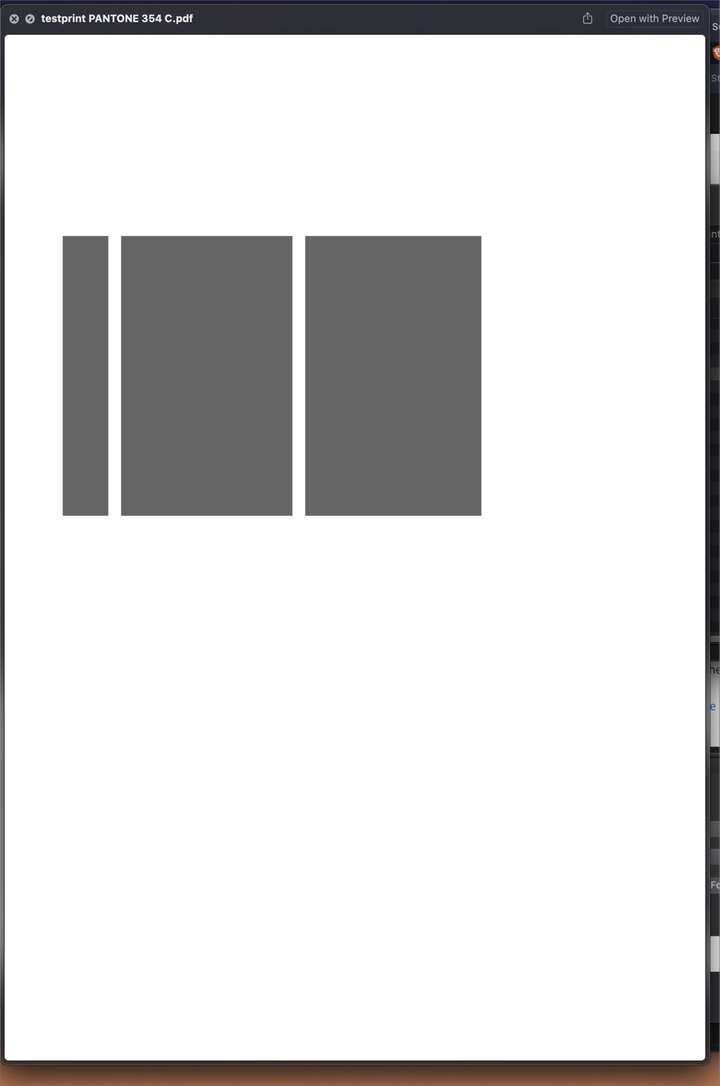
Am I approaching this wrong? I love the fact that I can choose a halftone I want to use for each color in the separations section... but I feel like I am missing something.
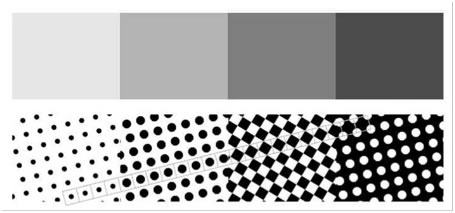
This is what I was expecting to see in the pdf file when I previewed it:
I attached the working file here
0_1641682314040_haltone print test.vstylerThis ability would be amazing + having a VectorRaster within VectorStyler would be game changing + having this ability available as a fully tweak-able vector effect would be mind blowing for anyone producing work destined for screen print.
Regarding the problem with just the grey boxes, I ran a load of tests a while ago and got the exact same results (black boxes) PDF, PS, print to ps laser printer https://www.vectorstyler.com/forum/topic/955/can-t-print-direct-from-vs- real shame it's not working at the moment, as the v.s print dialog is brilliant - I guess it must be working for most users?
-
@Dazmondo The printing issue is still open (with the Xerox driver). But the driverless "Postscript File" printing mode should work (since it does not use any driver from the OS).
About the vector halftone functionality: this is mostly present in the new version 1.1.006, and various vector halftones can be created using Repeaters (there are some default presets for creating halftones).
More presets/styles, and some simplified UI will be added later. -
@vectoradmin Brilliant - I'll have a play

-
In response to a post by @Boldline @vectoradmin posted a VS file a while a go, with one of the early uses of the repeater.
The impressive thing about this file starts when you realize that the Text, despite Repeater usage, is still editable.
Here the Post, the File is below the middle of this Post:
https://www.vectorstyler.com/forum/topic/1204/apply-a-pattern-to-a-shape-without-the-shape-cutting-off-the-edges-of-the-pattern/8 -
@Subpath said in Printing lower opacity object as a halftone seems not to work:
In response to a post by @Boldline @vectoradmin posted a VS file a while a go, with one of the early uses of the repeater.
I was all set to use the halftones in repeater to complete a screen print job yesterday but had a few problems with slowdown when repeating and when reducing dot size to the point VS froze on a couple of attempts - so had to complete in Affinity Publisher, although, this feature shows heaps of promise, especially if if you'll be able to do stuff like radial vignettes
-
@Dazmondo Do you have an example file that slows down VS with the repeater, or some steps to replicate? It would help a lot to improve it. Thanks!
-
Yes, I remember. Did my first steps with the pattern that I
mentioned in my last post and need to split it into 3 files. Then
converted each line of text to a bitmap and merged the lines
of text as bitmaps.Here the result:
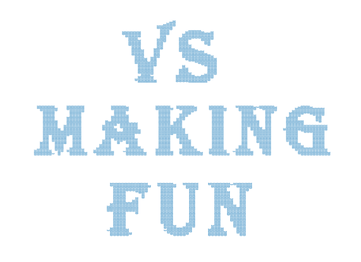
You could also take a look at this here. I mention a while ago in the VS Forum this online Tool here:
https://www.vectorstyler.com/forum/topic/1089/tip-halftone-generator-bitmap-to-vector-graphics-svgIts a free Halftone Generator you upload a Bitmap an it will
be converted into an SVG-File. You could also select different Patterns.
If you read the Post i linked i mention also some Tricks.Win 11
CPU: AMD Ryzen 5 9600X, 6-core.
GPU: Nvidia Geforce RTX 5070. -
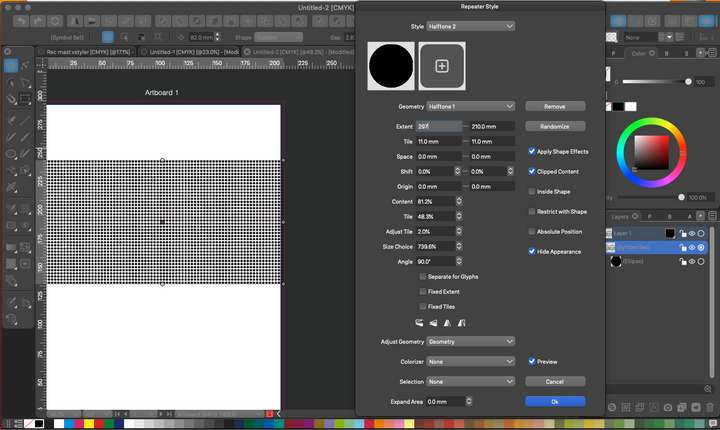
@vectoradmin Just had another try but can't get as far as saving the file before freezing
-
@Dazmondo 3200 circles might be a bit too much, depending on the machine.
Why not create a dotted pattern and use that as a fill for shapes?MacBook Pro (Intel) running Monterey 12.6.4
-
@Subpath If you get the chance, try out "Vectoraster" from a company called "Lost Minds" Here is the link.
It's a lot like what you are suggesting with the free halftone generator, but on steroids.
They have a free trial and also have a pattern maker app that seems complex but promising.🍎 macOS Tahoe 26.2, Mac mini (M1, 2020), Chip Apple M1, Memory 16 GB
Cintiq 27QHD Display and LG Ultra HD Display -
@b77 said in Printing lower opacity object as a halftone seems not to work:
@Dazmondo 3200 circles might be a bit too much, depending on the machine.
Why not create a dotted pattern and use that as a fill for shapes?Same problem with a large dense fill
-
@Boldline said in Printing lower opacity object as a halftone seems not to work:
@Subpath If you get the chance, try out "Vectoraster" from a company called "Lost Minds" Here is the link.
It's a lot like what you are suggesting with the free halftone generator, but on steroids.
They have a free trial and also have a pattern maker app that seems complex but promising.VectoRaster is great, also does a fine job of of creating etched / lithograph style vectors for vouchers/money bill
-
Thanks for the Tip. Looks powerful indeed.
But the Website said "This software will not run on Windows!"
and i am a PC guy
Btw, I don't really have jobs where I need something like this.
From time to time I see what is feasible with the repeater
and what ideas I come up with. -
@Dazmondo The repeater has been improved in 1.1.024 to work better with large number of objects.



